Authenticator ·

Authenticator ·

Download on App StoreDownload on Google Play
Spark by MWM logo
Logo of Authenticator ·

Authenticator · The All-in-One Security Suite for Your Digital Life

Secure your accounts with encrypted 2FA tokens, a powerful password manager, and a built-in VPN. Experience seamless synchronization and professional-grade privacy across all your Apple devices.

Publisher

SMM service, s.r.o.

Category

Utilities

Downloads

9M+

User Rating

4.7/5

Total Ratings

48K+

Locales

10

Security at Your Fingertips

Discover the interface used by 9M+ users.
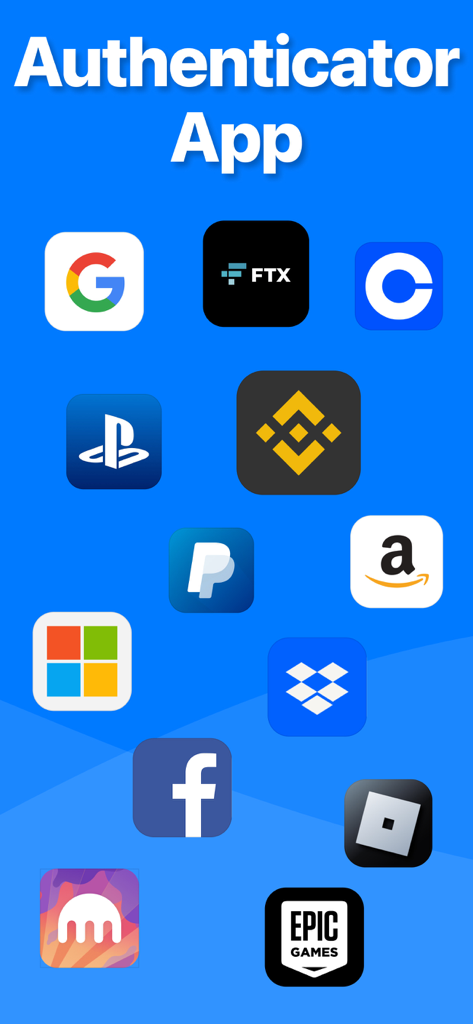
Authenticator app showing icons of supported services like Google Facebook and Amazon

Authenticator app showing icons of supported services like Google Facebook and Amazon

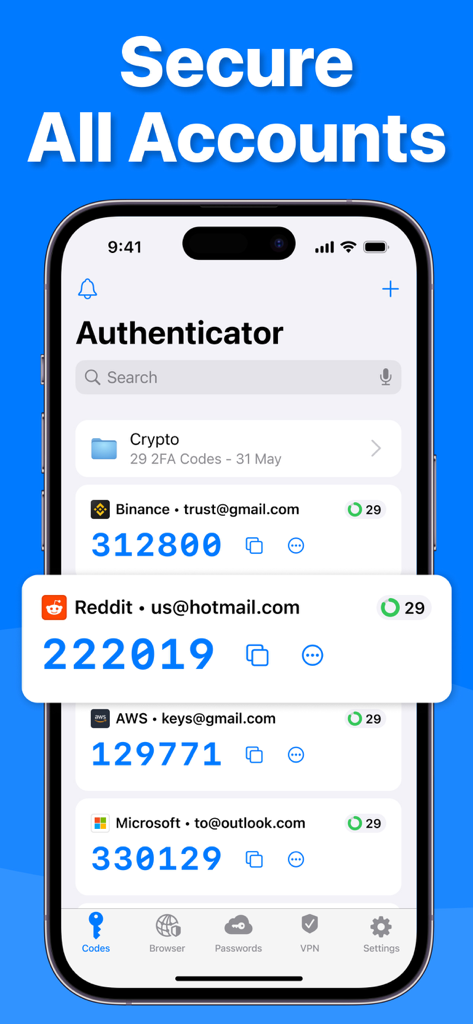
Authenticator app interface on an iPhone displaying two-factor authentication codes for multiple accounts

Authenticator app interface on an iPhone displaying two-factor authentication codes for multiple accounts

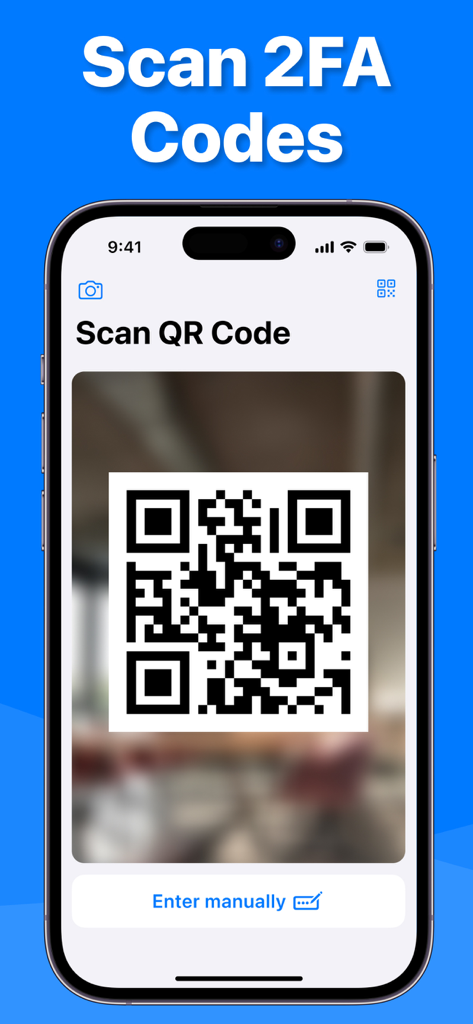
Authenticator app scanning a QR code for two-factor authentication

Authenticator app scanning a QR code for two-factor authentication

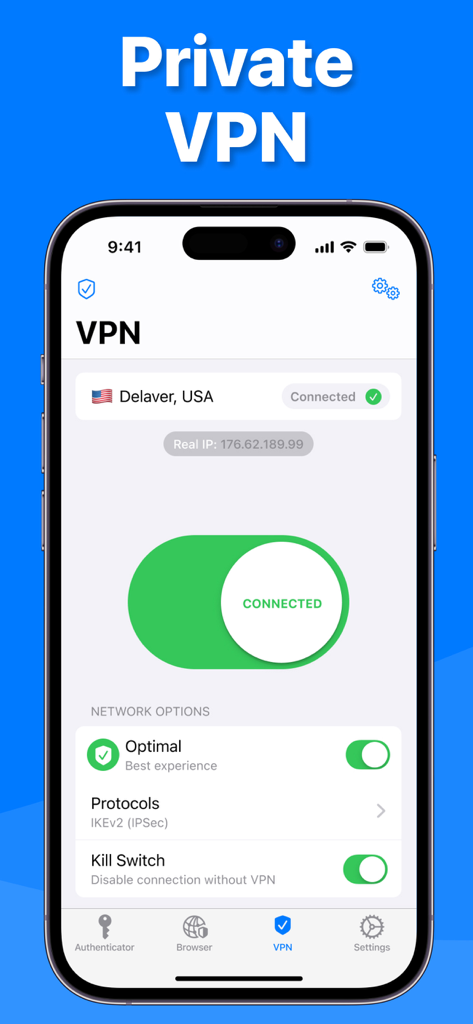
Private VPN interface in the Authenticator app showing a secure connection to a server in the USA.

Private VPN interface in the Authenticator app showing a secure connection to a server in the USA.

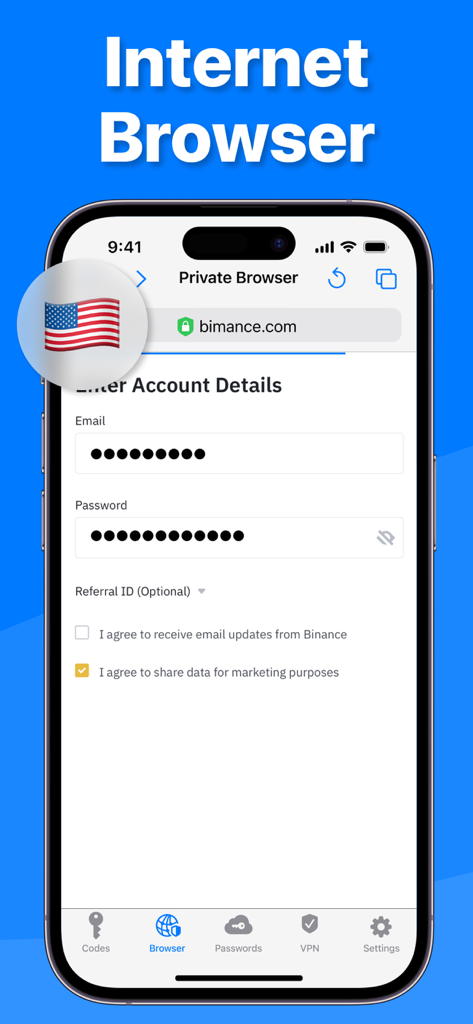
Interface of the private internet browser feature in the Authenticator app showing a secure login screen.

Interface of the private internet browser feature in the Authenticator app showing a secure login screen.

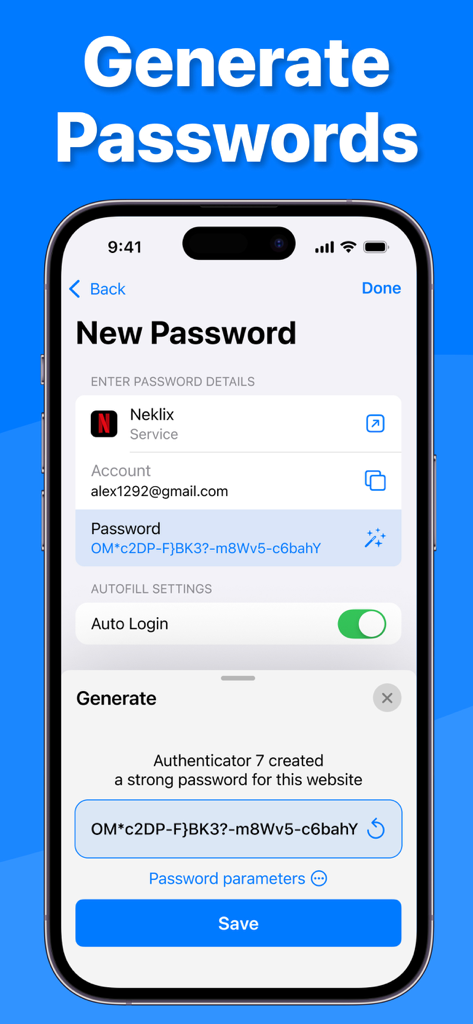
Screenshot of Authenticator 7 app demonstrating the generation of a secure password with auto login and account details

Screenshot of Authenticator 7 app demonstrating the generation of a secure password with auto login and account details

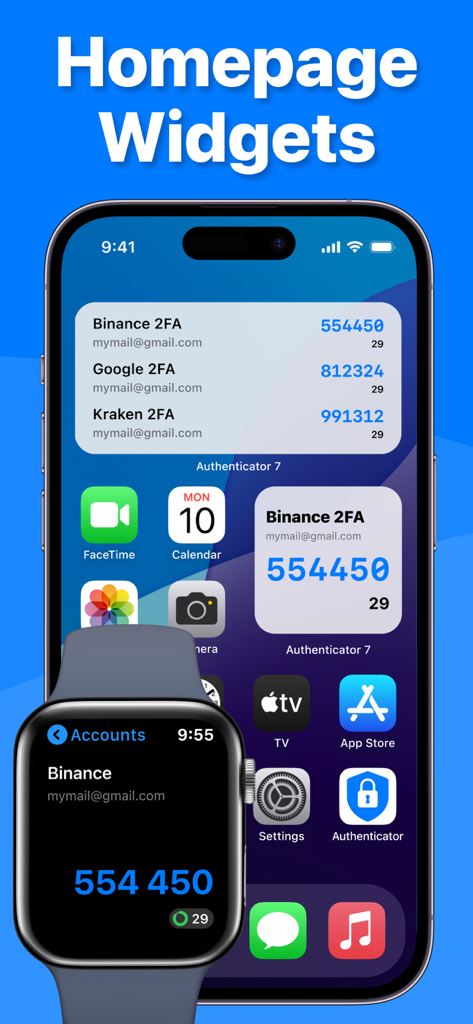
Authenticator app widgets on iPhone and Apple Watch showing two factor authentication codes

Authenticator app widgets on iPhone and Apple Watch showing two factor authentication codes

Uncompromising Security for Your Digital Identity

The tools that make this app stand out, trusted by 9M+ users.

🔄

Automatic Cloud Sync & Backup

Never lose access to your accounts. Your tokens and passwords are fully encrypted and synced across your entire Apple ecosystem via secure iCloud backups.

🛡️

Proactive Threat Protection

Stay ahead of hackers with integrated password leak reports, a high-entropy password generator, and a built-in VPN for safe browsing on public Wi-Fi.

Seamless Professional Workflow

Access your 2FA codes instantly via Apple Watch and keep your massive account portfolio organized with smart folders and custom service icons.

Loved by users worldwide

Trusted by 9M+ people who love this app.

"

"Finally, an authenticator that fits perfectly into the Apple ecosystem. The synchronization between my iPhone, Mac, and Apple Watch is flawless. Being able to grab a 2FA code right from my wrist while working on my laptop has completely changed my workflow. It is easily the most polished security app I have used."

James Reed
"

"As a business owner managing dozens of accounts, I was drowning in 2FA codes. The folders and custom icons in Authenticator 7 made everything so much easier to find. Plus, knowing my backups are encrypted in iCloud gives me total peace of mind. It is more than just an authenticator; it is a complete security suite."

Sarah Jenkins

About the app

Everything you need to know about Authenticator ·.

Description

Authenticator 7 - Store and generate secure 2FA (two-factor authentication) tokens for your online accounts on your device. The Authenticator 7 helps you protect your account from hackers by adding an additional layer of security. Secure & Private: All data stored in Authenticator is always encrypted, even when it's stored in iCloud, to ensure that you are the only one who can access your data. 2FA Secured Backup: Safe and secure encrypted iCloud backups for all your 2FA codes, passwords, and secret keys. You can easily restore access to your keys on a new device or use our app on multiple devices with automatic cross-device synchronization. Synchronization Across all Devices: With Authenticator, all your tokens will automatically synchronize across all Apple devices. Once configured with an online account, the application works efficiently on various mobile devices and allows you to log in from several devices at once. Import from other apps: You can export all your 2FA keys from any other external app and import them into our app in one tap. Just scan the QR code from the other 2FA app with our app or use CSV file import to import an unlimited amount of 2FA codes to our app. Export from our app: You can easily export all 2FA codes from our app in just a single tap. Export them as a CSV file or QR code. Watch Faces App: Get access to all your 2FA codes from your Apple Watch. Folders: Create multiple folders for your 2FA codes to categorize them in a convenient way. You can move codes with the drag-and-drop feature. Custom Icons: Add custom or system icons to any of your 2FA codes to better recognize them on the list with many codes. The application automatically recognizes the service icon (favicon). Password Manager: Store all your passwords in one secure storage. Get automatic password leaks protection and security reports for leaked passwords. Get a push if your password is leaked in some data leak. Password generator: Generate a strong password with multiple security settings and smart password creation tips. Set up the password length and use unique symbols and numbers. App PIN lock: Set up a 4-digit PIN to protect your app from other people and set up an auto-lock feature for the app to automatically lock the app with a PIN after exiting the app. Authorize with Face/Touch ID: Confirm your identity with the application using Face/Touch ID and generate one-time tokens required to log in to your online accounts. All Popular Services: Manually tested on 10,000+ most popular services. We support the most popular services including Google, Facebook, Twitter, Instagram, LinkedIn, Amazon, Microsoft, Dropbox, PayPal, eBay, Snapchat, Pinterest, Reddit, Yahoo, Shopify, Slack, Zoom, Airbnb, Uber and much more! Private browser: Fast and secure browser with no history, logs or cookies, allowing you to browse the web without leaving any traces. It also includes bookmarking and tabbed browsing for a convenient and personalized browsing experience. VPN: Secure and private internet connection by encrypting your online traffic and masking your IP address. With servers located in various countries, you can browse the internet anonymously and access restricted content from anywhere. Our VPN also blocks unwanted ads and malicious websites to protect you from cyber threats. Plus, our no-logs policy ensures that your online activity stays private. The VPN module is easy to use, with a simple one-tap connection and automatic server selection. Whether you're on public Wi-Fi or just want to keep your online activity private, our VPN module has got you covered. Privacy Policy: https://www.team2swift.com/privacy-authenticator/ Terms of Use: https://www.team2swift.com/terms-authenticator/ For any questions or requests, please use our customer support form at: https://www.team2swift.com/support/

Latest Version

1.7.32

Size

114.3 MB

First Released

Feb 17, 2022

Secure Your Digital World in One Tap

Join over 9 million professionals who protect their accounts with our all-in-one 2FA, encrypted password manager, and private VPN suite.

Download on App StoreDownload on Google Play
FAQ

Frequently Asked Questions

Everything you need to know about Authenticator ·

What is Authenticator ·?

Authenticator · is an app designed to store and generate secure two-factor authentication (2FA) tokens for online accounts. It also includes a password manager, private browser, and VPN.

Does Authenticator · support iCloud backups for 2FA codes?

Yes, Authenticator · provides secure encrypted iCloud backups for all 2FA codes, passwords, and secret keys. This allows easy restoration on new devices.

Can Authenticator · synchronize 2FA tokens across multiple devices?

Yes, Authenticator · automatically synchronizes all 2FA tokens across all Apple devices. Users can log in from several devices simultaneously.

How can I import 2FA keys into Authenticator ·?

Users can import 2FA keys by scanning a QR code from another 2FA app or by using a CSV file import option within the Authenticator · app.

Does Authenticator · offer a password manager feature?

Yes, Authenticator · includes a password manager. It stores passwords securely, provides automatic leak protection, security reports, and push notifications for leaked passwords.

Does Authenticator · include a private web browser?

Yes, Authenticator · features a fast and secure private browser. It operates without history, logs, or cookies, and supports bookmarking and tabbed browsing.

What VPN features does Authenticator · provide?

The Authenticator · VPN offers a secure internet connection, encrypts traffic, masks IP addresses, blocks ads and malicious websites, and follows a no-logs policy.

Can Authenticator · generate strong passwords?

Yes, Authenticator · has a password generator. It creates strong passwords with multiple security settings and smart tips, allowing customization of length and character types.

Does Authenticator · protect the app with a PIN or biometrics?

Yes, Authenticator · allows setting a 4-digit PIN lock and an auto-lock feature. It also supports Face/Touch ID for identity confirmation to generate one-time tokens.

Can I access Authenticator · 2FA codes on my Apple Watch?

Yes, Authenticator · provides a Watch Faces App. This allows users to access all their 2FA codes directly from their Apple Watch.