
Background Eraser 〜 Stickers



Leverage advanced AI technology to remove backgrounds with pixel-perfect precision. Join 12 million users creating professional product shots, custom iMessage stickers, and stunning social media content instantly.
Publisher
Category
Photo & VideoDownloads
12M+User Rating
Total Ratings
414K+Locales
2Discover the interface used by 12M+ users.
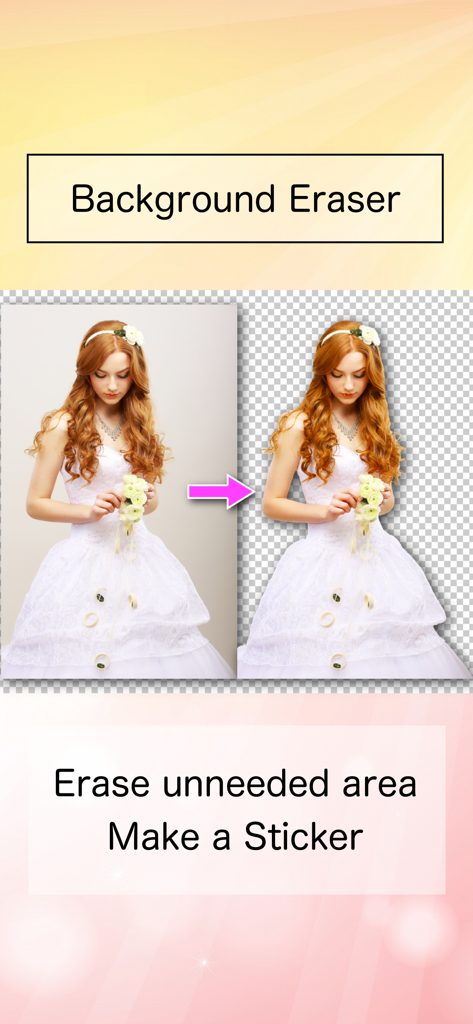
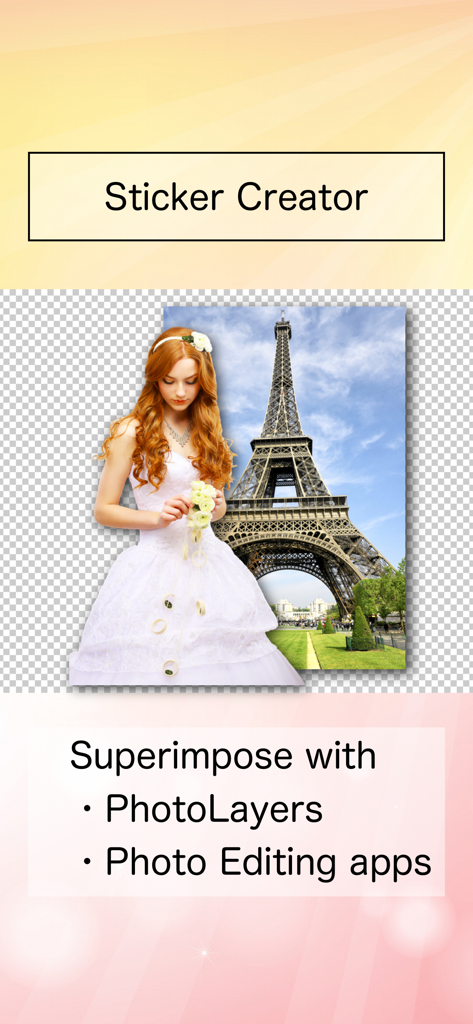
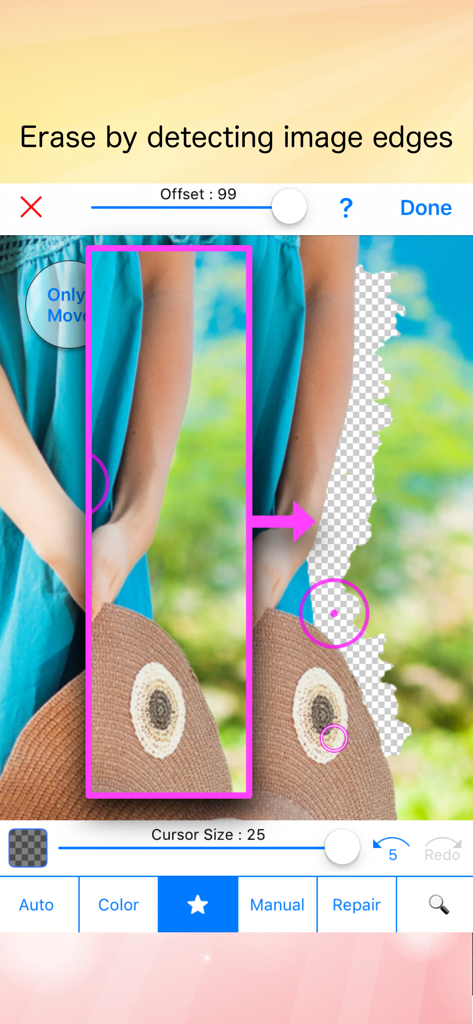
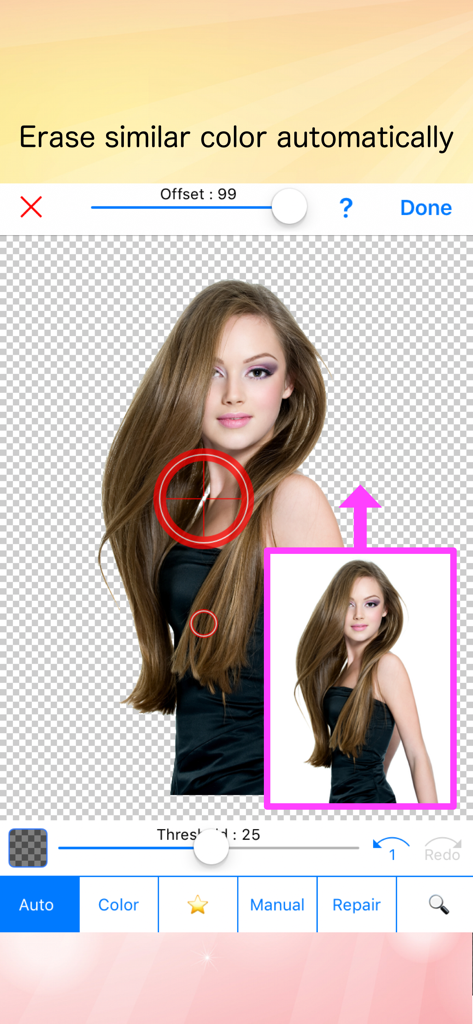
The tools that make this app stand out, trusted by 12M+ users.
Instantly detect and erase backgrounds with our powerful AI, giving you a clean transparent image without the manual work.
Use 'Star' and 'Auto' modes to capture tricky edges and fine details, ensuring high-quality results for professional photomontages.
Create custom PNG stickers of pets, friends, or products to use in your Instagram Stories, TikToks, or e-commerce listings.
Trusted by 12M+ people who love this app.
"This app is a lifesaver for my small business. I can take a photo of my products anywhere and the AI instantly creates a clean, transparent background. It makes my Etsy shop look so much more professional without needing any Photoshop skills!"
"Finally, an app that actually gets the edges right! I use it to turn my pets into stickers for iMessage and for making collage edits on TikTok. It is super fast, and the Star mode is perfect for those tricky details. My go-to tool for everything aesthetic."
Everything you need to know about Background Eraser 〜 Stickers.
Description
Latest Version
26.0.0
Size
7.9 MB
First Released
Oct 7, 2014
Join over 12 million creators using AI-powered precision to turn your photos into perfect stickers and professional product shots in seconds.
Everything you need to know about Background Eraser 〜 Stickers
The Background Eraser 〜 Stickers app cuts pictures to make their backgrounds transparent. Users can then utilize these transparent images as stickers in other photo editing and composite photo applications.
Yes, Background Eraser 〜 Stickers provides automatic AI cutout for transparent backgrounds. Its "Auto" mode also automatically erases pixels that are similar in color.
The "Star" mode in Background Eraser 〜 Stickers detects image edges. This feature enables users to erase backgrounds with increased ease and accuracy, following the subject's contours.
You can use transparent images from Background Eraser 〜 Stickers as stickers in other applications like PhotoLayers. This supports photomontage, collage, and creating composite photos.
Yes, Background Eraser 〜 Stickers assists in creating high-quality composite images. It provides clean and accurate transparent cutouts quickly and efficiently for superimposition.
Apps with similar features and user experience

SNOW Corporation

Wemagine.ai LLP

SilverAI Joint Stock Company

Google LLC

Creatix Technology Global Limited

Honk Honk Punch Pty Ltd

Shenzhen Qianhai Happy Tour Network Technology Co., Ltd.

SHANTANU PTE. LTD.
Olena Dorohan