Box: The Content Cloud

Box: The Content Cloud

Download on App Store
Spark by MWM logo
Logo of Box: The Content Cloud

Box: The Content Cloud: Secure Collaboration and File Management for Professionals

Capture, scan, and share your projects with enterprise-grade security. Join millions of high-performers who manage their entire digital workspace seamlessly on any device, starting with 10GB of free storage.

Publisher

Box, Inc.

Category

Productivity

Downloads

7M+

User Rating

4.6/5

Total Ratings

295K+

Locales

20

Inside the Content Cloud

Discover the interface used by 7M+ users.
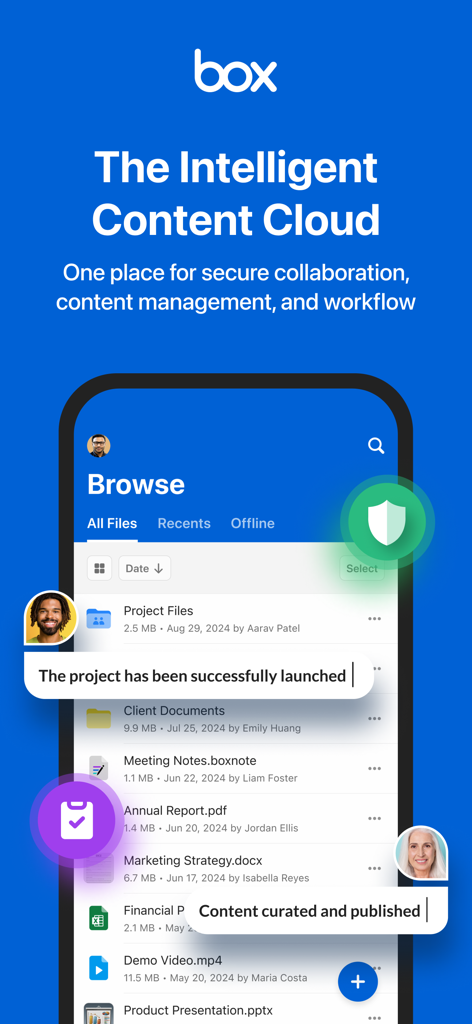
Box mobile app interface displaying secure file storage and team collaboration tools

Box mobile app interface displaying secure file storage and team collaboration tools

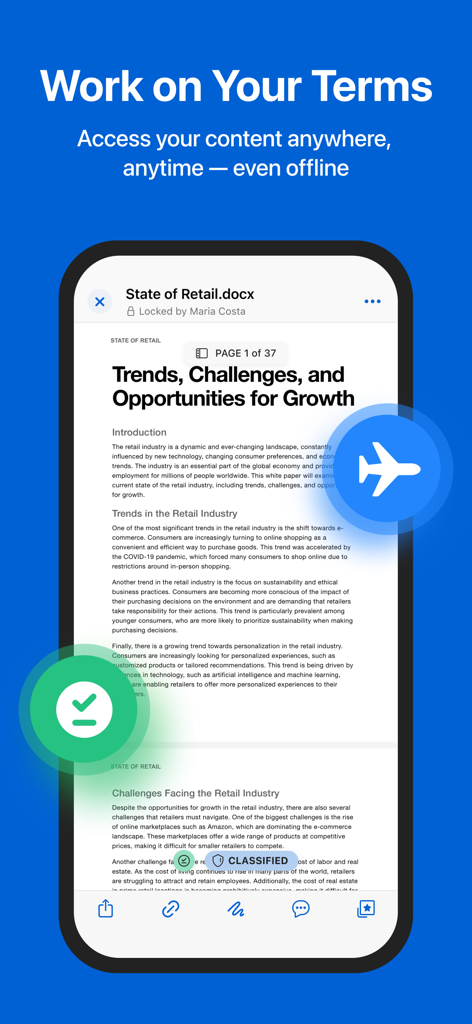
A business document opened in the Box app showing offline access and security features

A business document opened in the Box app showing offline access and security features

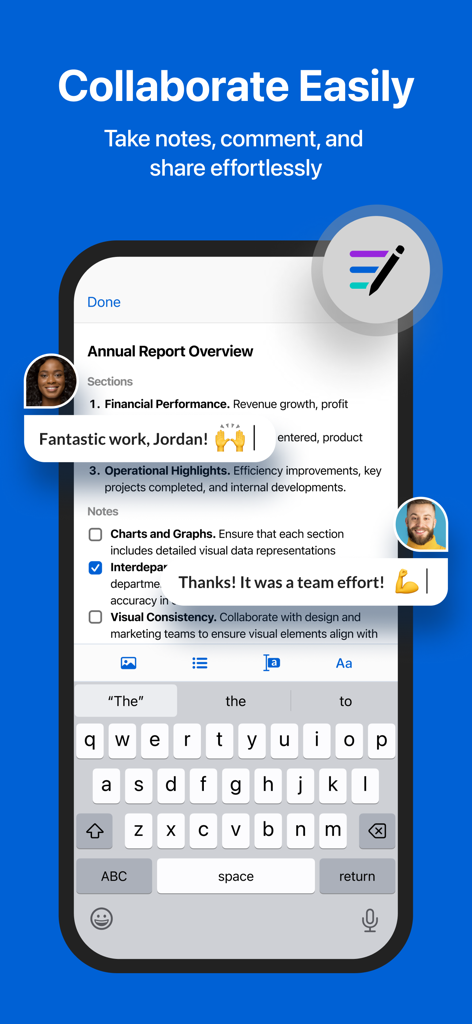
Box app interface showing mobile document collaboration with real-time comments and notes

Box app interface showing mobile document collaboration with real-time comments and notes

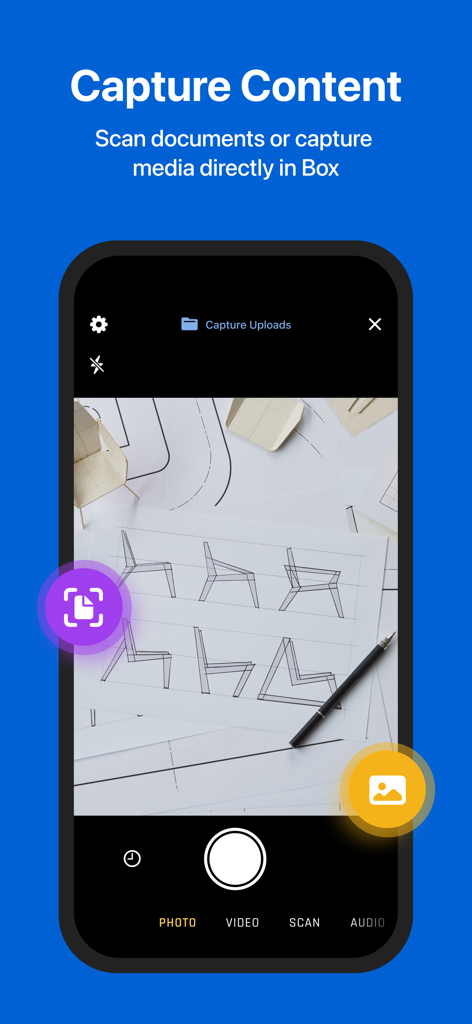
Box mobile app interface showing the document scanning and content capture feature

Box mobile app interface showing the document scanning and content capture feature

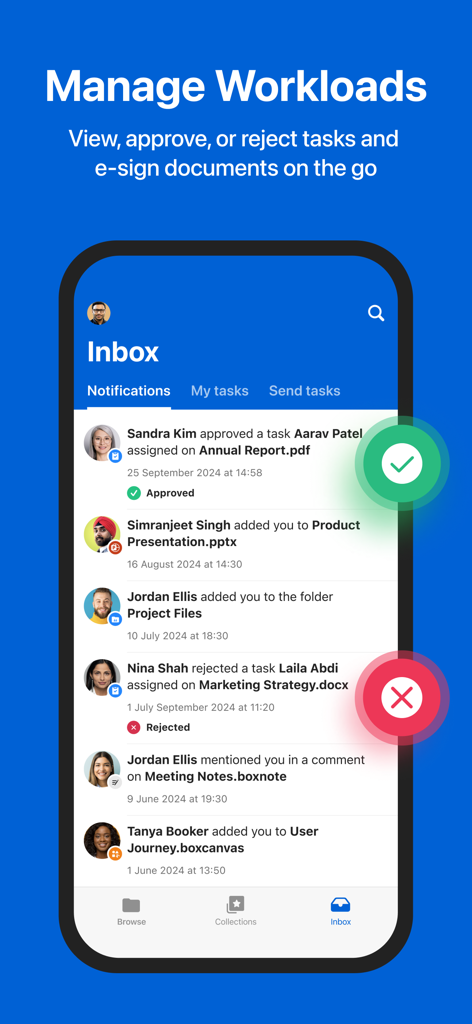
Box mobile app inbox screen displaying workload management and task notifications

Box mobile app inbox screen displaying workload management and task notifications

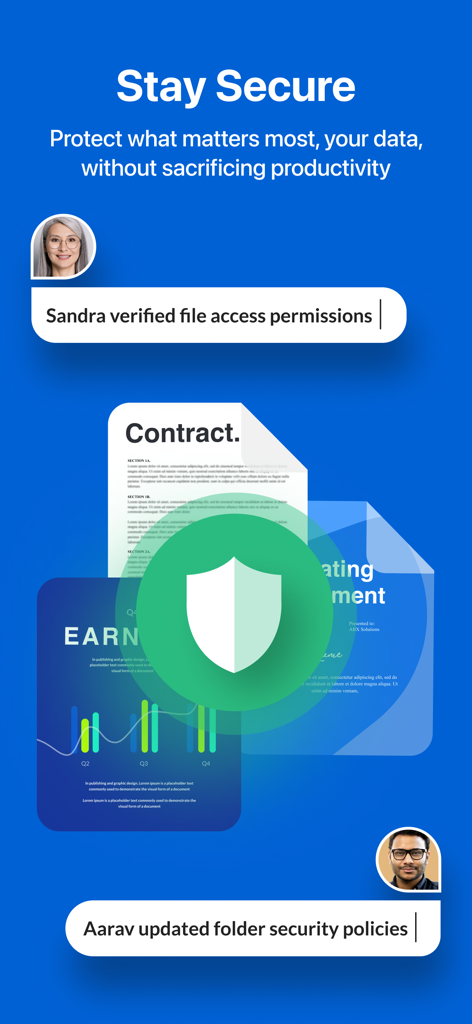
Box app interface displaying secure document management with a shield icon and user permission activity logs.

Box app interface displaying secure document management with a shield icon and user permission activity logs.

Elevate Your Professional Productivity

The tools that make this app stand out, trusted by 7M+ users.

🛡️

Enterprise-Grade Security

Protect your intellectual property with file-level encryption and industry-leading compliance standards like HIPAA and FINRA.

📄

Smart Mobile Scanning & OCR

Instantly convert physical receipts and contracts into searchable PDFs with high-quality OCR technology for a truly paperless office.

🤝

Seamless Team Collaboration

Review, annotate, and e-sign documents in real-time without switching apps, ensuring your projects stay on track wherever you are.

Loved by users worldwide

Trusted by 7M+ people who love this app.

"

"As a project lead constantly moving between my home office and client sites, Box is my command center. The ability to annotate project files on my iPad with the Apple Pencil and have them instantly sync with my team's desktop is a total game-changer for our hybrid workflow."

Marcus T., Senior Project Manager
"

"Security is non-negotiable in my consulting firm. Box provides the enterprise-level encryption I need for sensitive contracts. The OCR scanning feature is incredibly accurate, making my entire physical archive searchable and accessible from my phone in seconds."

Sarah L., Independent Legal Consultant

About the app

Everything you need to know about Box: The Content Cloud.

Description

Your content. Your terms. Take the Content Cloud with you to seamlessly and securely capture, scan, access, create, edit, annotate and share your projects, files and documents. Whether you’re collaborating with coworkers, or scanning and protecting personal documents, stay connected and manage all your content with 10GB of free cloud storage. With Box, you: • Securely connect to all your content anywhere, anytime • Find exactly what you’re looking for when you need it • Review and comment without switching to different apps • Scan, record, and upload content seamlessly • Tackle to-dos and capture ideas with note-taking and audio recording • Share photos, videos, presentations, and other files – ** Featured by Apple in Best New Apps and Best New Business Apps ** “Box is an excellent choice for viewing, editing and sharing your files securely in the cloud.” ‐ CNET Manage and quickly locate files: • Upload and view hundreds of files types, like PDFs, Microsoft Office files, Google Workspace docs, and many more • Create Box Notes to jot down ideas, manage to-do lists, and coordinate projects in real-time • Work offline with access to files and folders • Search for files by name and content type in real time • Search within PDFs, Microsoft Office files, Google Workspace docs, and more • Edit, e-sign, annotate, and more with hundreds of partner app integrations Scan, capture, and save to mobile: • Scan anything from receipts and invoices, to documents and contracts, and OCR (Optical Character Recognition) converts files to searchable PDFs • Capture, edit, crop, rotate and recolor photos • Record audio and video; review before upload with pause and resume controls Collaborate and share content: • Securely share content with coworkers, friends, and family with a single click • Work together in real time with Box Notes • Type or draw in feedback on multiple document types with Annotations • Transcribe handwriting to typed with Apple Pencil on iPad Secure your files and protect privacy: • Prevent leaks across both company and personal devices • Meet policy requirements and guard your data with enterprise-level security and compliance, file-level encryption, and security controls • Choose from flexible EMM options for device- or app-level control 10GB of free storage: • Get the flexibility you need while keeping life’s most important content accessible with a free Starter plan for secure content capture, storing, and sharing. Subscribe to the Personal Pro plan to receive 100GB of storage and a larger file upload size of 5GB. Your subscription will renew automatically each month and payment will be charged to your iTunes Account within 24 hours prior to the end of the current period. You can turn off auto-renewal by going to your Account Settings after purchase. Cancellation is not permitted during the active subscription period. Terms of Service: http://box.com/static/html/terms.html Privacy Policy: http://www.box.com/static/html/privacy.html

Latest Version

5.53.0

Size

285.6 MB

First Released

Feb 12, 2019

Ready to Master Your Content Cloud?

Join millions of high-performing professionals and get 10GB of free storage. Experience enterprise-grade security and seamless collaboration, all from your mobile device.

Download on App Store
FAQ

Frequently Asked Questions

Everything you need to know about Box: The Content Cloud

What is Box AI and what does it do?

Box AI allows users to ask questions, summarize documents, and automate workflows directly within the Box app. It facilitates insight extraction and workflow optimization.

Can I use Box AI on my mobile phone?

Yes, Box AI is accessible on mobile devices. This feature requires a Business, Business Plus, or any Enterprise plan to use.

Does Box provide offline access to my content?

Yes, Box offers offline access to files and folders. Users can work with their content anywhere, anytime, even without an internet connection.

How do I scan documents using the Box app?

Box allows users to scan documents directly within the app. It utilizes OCR to convert documents into searchable PDFs and also captures photos, videos, and audio.

Is Box secure for business content and sensitive data?

Yes, Box ensures enterprise-grade protection with enterprise-level security, compliance, and file encryption. It prevents data leaks across both company and personal devices.

Does Box support real-time collaboration on documents?

Yes, Box facilitates easy collaboration. Users can securely share files, co-edit Box Notes in real-time, annotate documents, and transcribe handwriting using Apple Pencil on iPad.

Does my Box subscription renew automatically?

Yes, your Box subscription automatically renews monthly. Payment processes through your iTunes Account within 24 hours prior to the current period's end.

How can I cancel my Box subscription?

You can turn off auto-renewal for your Box subscription in your Account Settings after purchase. However, cancellation is not permitted during the active subscription period.

What file types are supported by Box?

Box can upload, view, and search hundreds of file types. This includes common formats like PDFs, Microsoft Office documents, and Google Workspace files.

Can I approve or reject assigned tasks within Box?

Yes, Box enables users to view, approve, or reject tasks directly from their Inbox. This feature supports efficient management of workloads and e-signing documents on the go.