Bricks Camera

Bricks Camera

Download on App Store
Logo
Logo of Bricks Camera

Bricks Camera: Build Your Memories One Piece at a Time

Transform your photos and GIFs into iconic brick art. Customize your aesthetic with adjustable sizes and filters, then use our custom instruction booklets to bring your digital creations to life in the real world.

Download on App Store

Publisher

Horizon Video Technologies Inc.

Category

Photo & Video

Downloads

961K+

User Rating

4.7/5

Total Ratings

9K+

Locales

1

Snap. Brick. Build.

Join over 961K+ musicians using our pro interface.

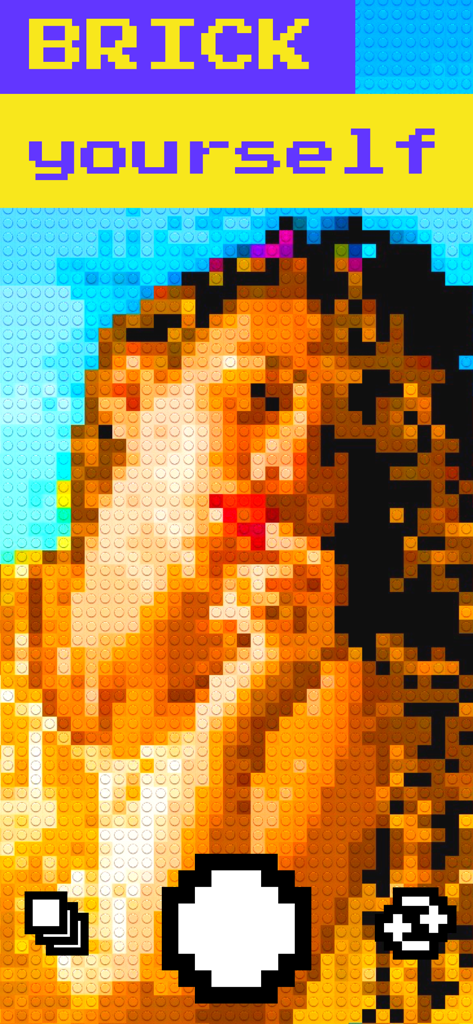
Bricks Camera app interface showing a selfie transformed into a colorful brick mosaic with the text brick yourself

Bricks Camera app interface showing a selfie transformed into a colorful brick mosaic with the text brick yourself

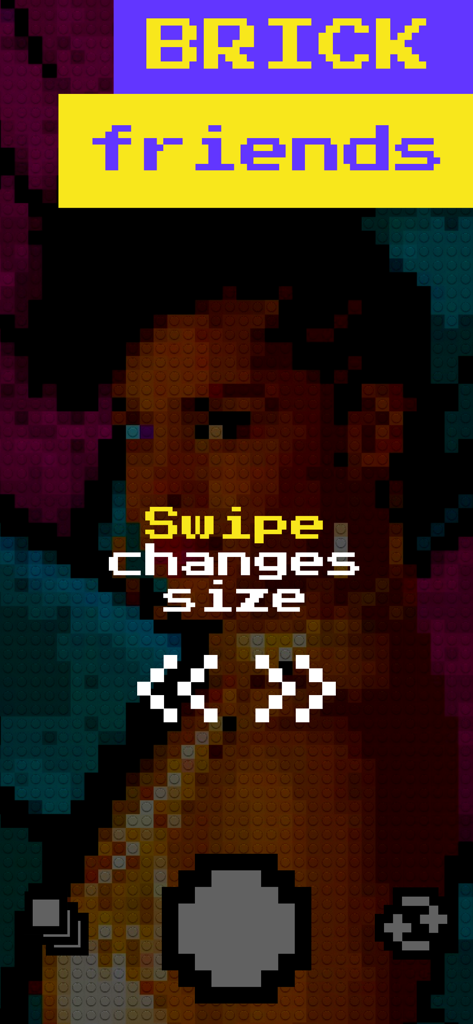
Bricks Camera app interface showing a brick-filtered photo with a tutorial message to swipe to change brick size

Bricks Camera app interface showing a brick-filtered photo with a tutorial message to swipe to change brick size

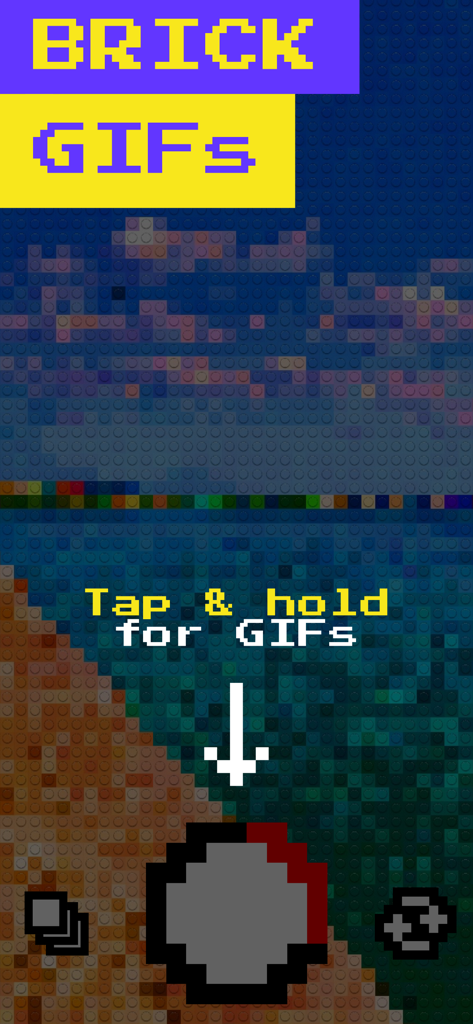
Mobile app interface of Bricks Camera showing a beach scene with a brick filter and instructions to record GIFs.

Mobile app interface of Bricks Camera showing a beach scene with a brick filter and instructions to record GIFs.

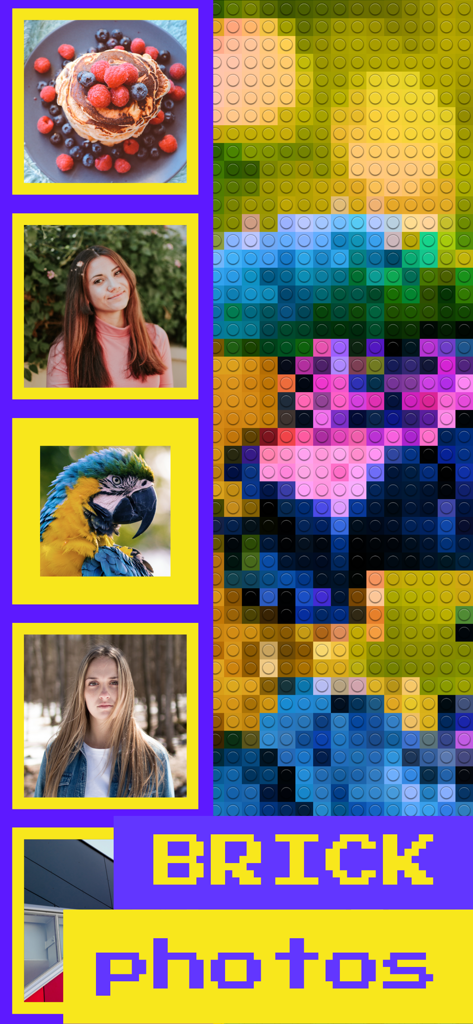
A display showing original photos of food and portraits next to a large brick-filtered version of a parrot

A display showing original photos of food and portraits next to a large brick-filtered version of a parrot

Bricks Camera app interface showing save and share options for brick-style photos.

Bricks Camera app interface showing save and share options for brick-style photos.

Build Your World, One Brick at a Time

Join 961K+ users who mastered their instrument with these tools.

🧱

Instant Brick Aesthetic

Capture photos and GIFs with a signature retro-cool look. Stand out on social feeds with a unique toy-like transformation that standard filters can't match.

🎨

Tactile Creative Control

Swipe to change brick sizes and tap to switch filters instantly. It’s snackable creativity at your fingertips, designed for creators who value pixel-perfect style.

🛠️

From Digital to DIY

Go beyond the screen with custom building instructions for your favorite photos. The ultimate feature for hobbyists looking to turn digital art into physical decor.

Loved by users worldwide

Trusted by 961K+ people who have transformed their experience with this app.

"

"Finally, a filter that doesn't just 'smooth' things over! Bricks Camera gives my IG stories that perfect lo-fi, pixel-art vibe. The GIF mode is a total game changer for my TikTok transitions."

Maya R.
"

"This app is a dream for any maker. Turning a photo into a brick masterpiece and getting the instruction booklet to build it in real life is pure genius. It’s the perfect blend of digital art and my physical building hobby."

David S.

About the app

Everything you need to know about Bricks Camera.

Description

Capture your favorite moments in brick mode! With Bricks you can take selfies and GIFs in brick mode, change the brick size, apply filters and share your creations with everyone! It's that easy! - Change the brick size by swiping to match your style. - Tap anywhere to change filter. - Tap the record button for photos or tap and hold it for videos and GIFs. - Switch cameras by double tapping even while recording. - Brick your Photo Library photos! - Get an instruction booklet on how to build your photo in real life! - Change the brick size or filter even after capturing a photo or GIF! - Shoot both vertical and horizontal photos and GIFs! - Share them with everyone with just one tap! - Save your creations to the Camera Roll! Feel free to contact us at bricks@horizon.camera ;)

Latest Version

2.4

Size

2.2 MB

First Released

Jul 19, 2017

Ready to Build Your World?

Join over 900,000 creators turning their favorite moments into brick masterpieces. Snap your selfie, pick your style, and get custom instructions to build your photos in real life today.

Download on App Store