
Calculator Lock - Secure Vault


Stop worrying when someone borrows your phone. Secure your private photos, videos, and sensitive data behind a fully functional calculator disguise with intruder alerts.
Publisher
Category
UtilitiesDownloads
1M+User Rating
Total Ratings
45K+Locales
1Discover the interface used by 1M+ users.
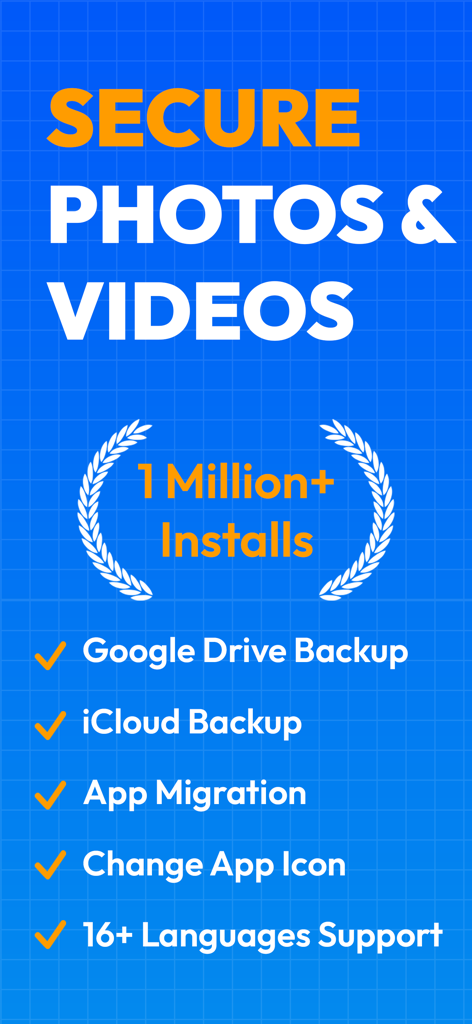
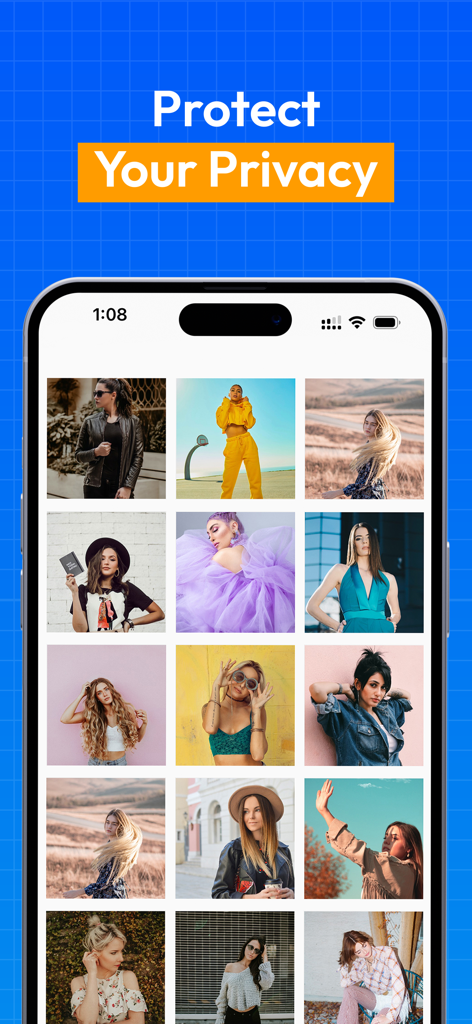
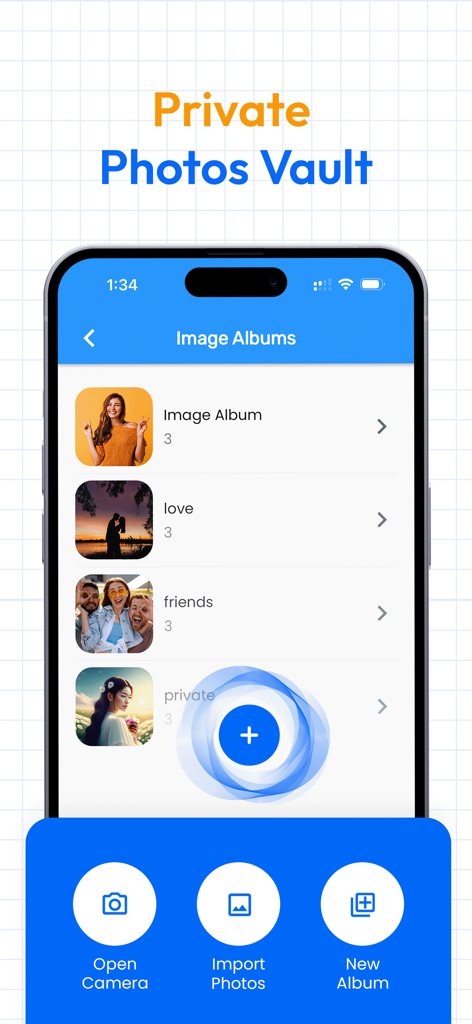
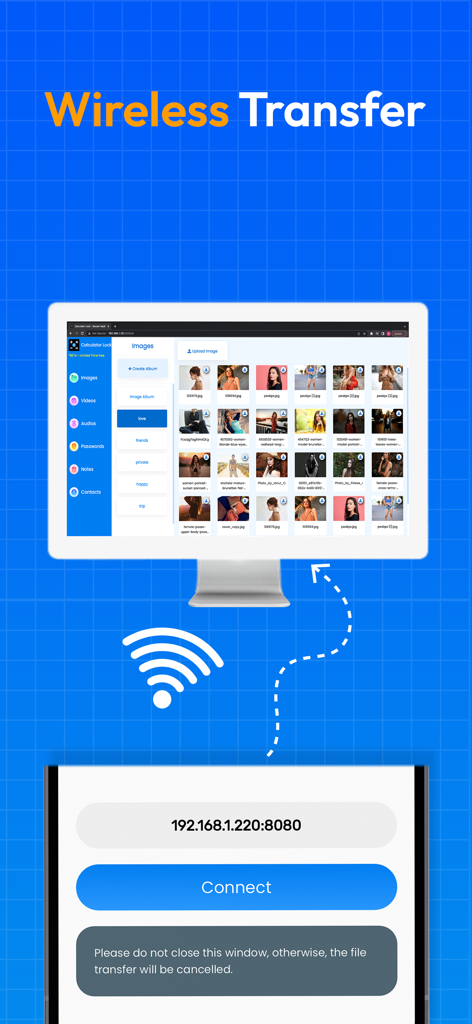
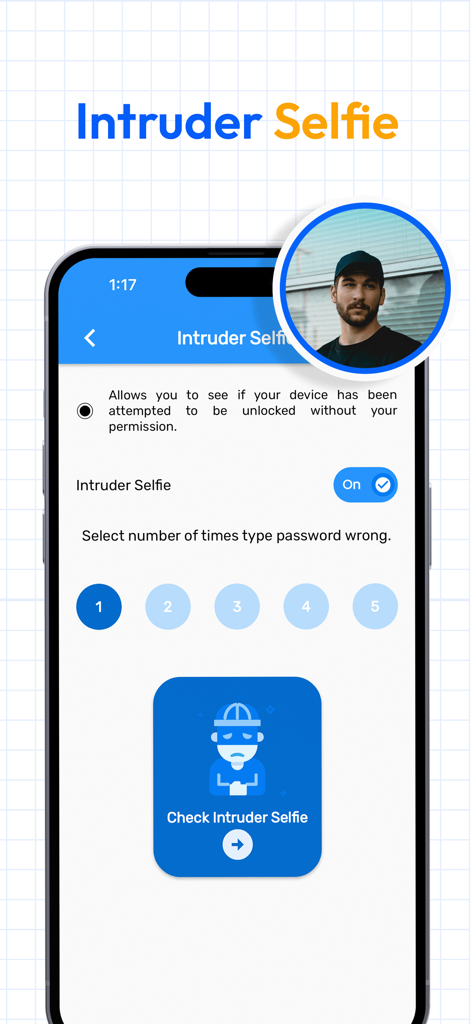
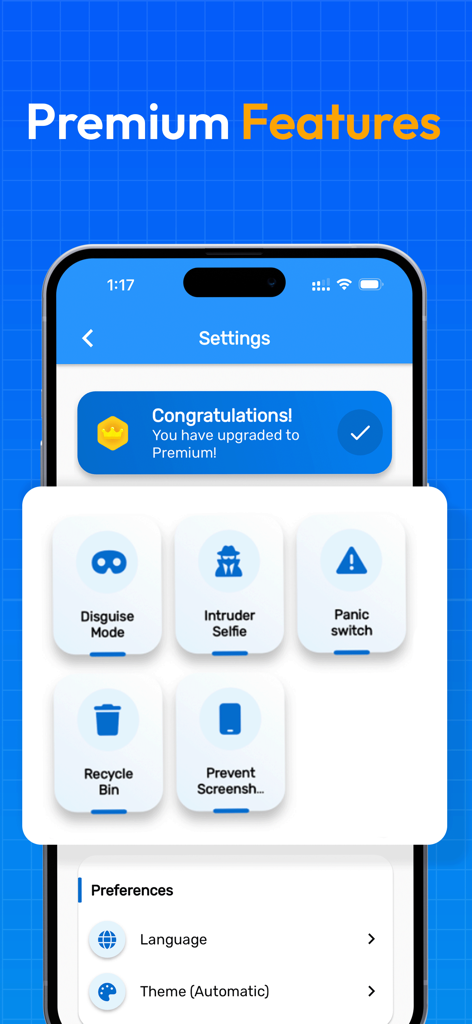
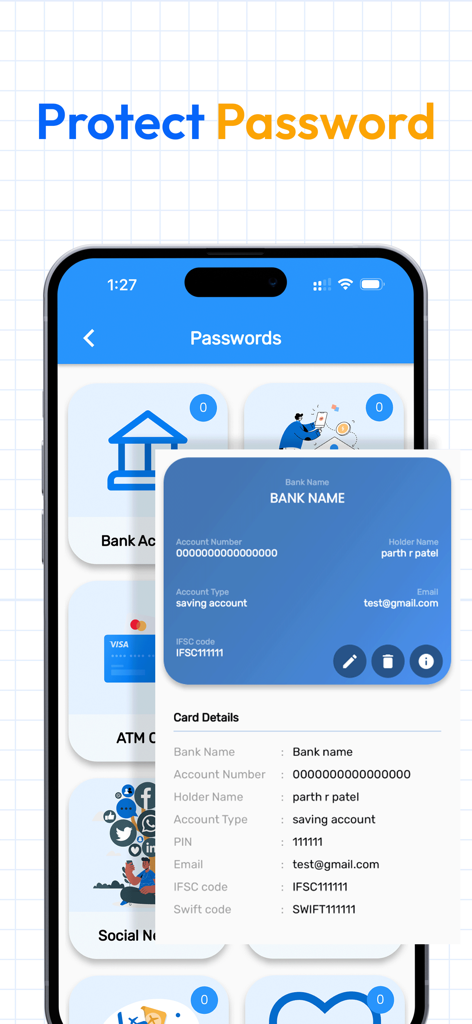
The tools that make this app stand out, trusted by 1M+ users.
Looks and works like a real calculator. Only your secret code unlocks the hidden vault, keeping your private life invisible to others.
Catch snoopers in the act. The app automatically snaps a selfie of anyone who attempts to break into your vault with the wrong password.
Protect more than just photos. Securely store videos, private contacts, notes, and passwords in a single encrypted, cloud-backed vault.
Trusted by 1M+ people who love this app.
"As a college student living in a dorm, privacy is hard to come by. This app is a lifesaver for keeping my personal photos and social media screenshots hidden. The calculator disguise is so convincing that nobody even suspects a thing. Plus, the intruder selfie feature is a total game changer!"
"I've tried several vault apps, but this one is by far the most reliable. I primarily use it for the password manager and to keep scans of my ID secure. The iCloud backup works perfectly, and the UI is incredibly intuitive. It’s the only app I trust with my sensitive information."
Everything you need to know about Calculator Lock - Secure Vault.
Description
Latest Version
3.8
Size
80.1 MB
First Released
May 2, 2023
Stop worrying when you hand over your phone. Join over 1 million users who keep their private photos and videos behind the world's most trusted stealth vault. Download for free today.
Everything you need to know about Calculator Lock - Secure Vault
To open the Calculator Lock app, enter your password on the hidden calculator photo vault interface. Then, press the '=' button to gain access to your secure files.
If you forget your Calculator Lock password, enter "11223344=" into the app. This allows you to master reset your password after verifying your security question.
No, Calculator Lock - Photo Lock & safe Calculator Vault app does not copy or store your Photos, Videos, Audio, Contacts, Notes, or Passwords on its servers. All data remains local.
Yes, if you uninstall the Calculator Vault - Secure Vault app, all your hidden files will be permanently lost. The app strongly advises against uninstallation to prevent data loss.
Calculator Lock - Secure Vault effectively hides photos and videos. It stores this data within a hidden vault, ensuring these files are not visible in other standard galleries or file managers.
Yes, Calculator Lock offers robust backup solutions for your hidden data. You can securely back up your files using both Google Drive and iCloud backup options to prevent data loss.
Yes, Calculator Lock features a dedicated "My Password Manager." This function allows you to securely hide and store all your passwords in an encrypted format within the secret gallery lock.
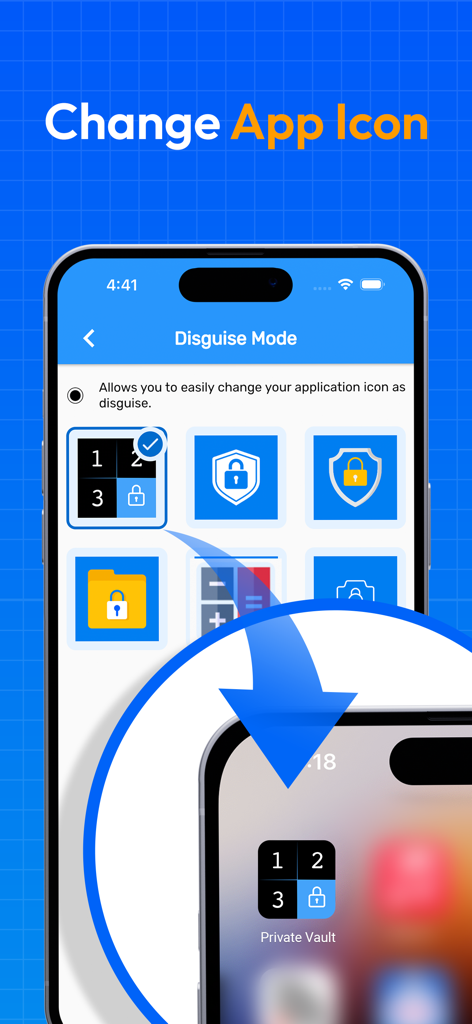
Yes, Calculator Lock provides a "Disguise Mode" feature. This allows users to change the app's icon or logo to a less conspicuous one, enhancing privacy and security.
Yes, Calculator Lock includes an "Intruder selfie" feature. It automatically snaps photos of intruders who attempt to access your Secret vault by entering incorrect passwords.
Yes, Calculator Lock supports "App Migration." This feature facilitates the seamless transfer of all your protected data from an old device to a new one, ensuring no data loss.
Apps with similar features and user experience

Legendary Software Labs LLC

宇 刘

Katerina Akhlebinina

Legendary Software Labs LLC

Haibin Jiao

Dmitry Petrov

KeepSafe Software, Inc

la poste

俊波 贾