
Private Photo Vault - Pic Safe



Join 15 million people using the #1 privacy app to hide photos and videos. With decoy passwords and break-in alerts, your private life stays yours—even when you share your phone.
Publisher
Category
Photo & VideoDownloads
15M+User Rating
Total Ratings
2M+Locales
11Discover the interface used by 15M+ users.
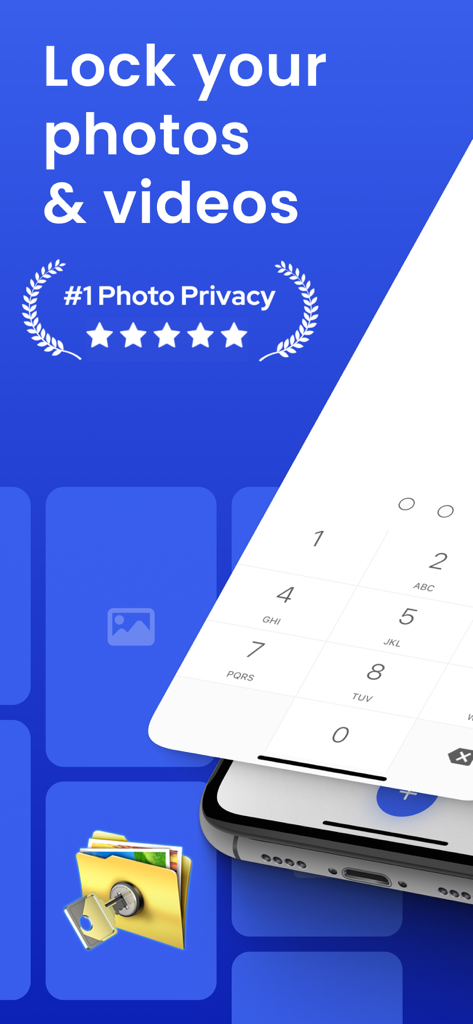
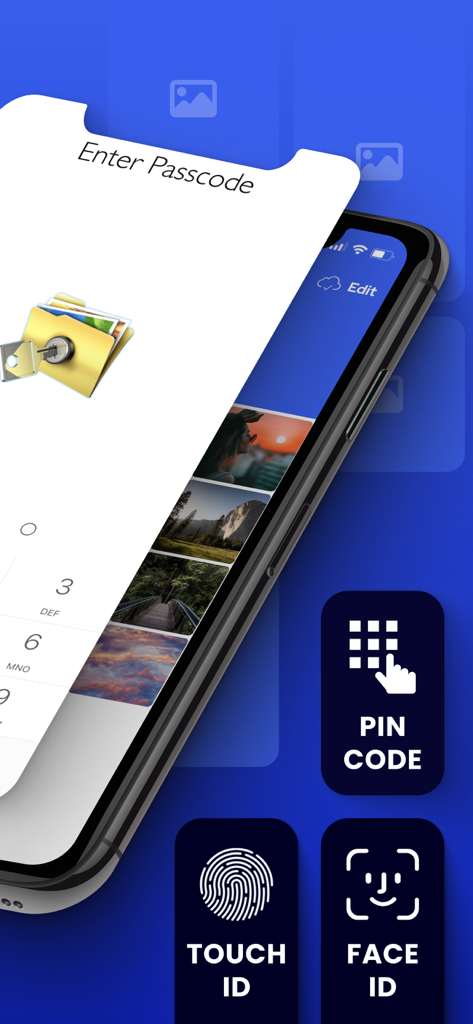
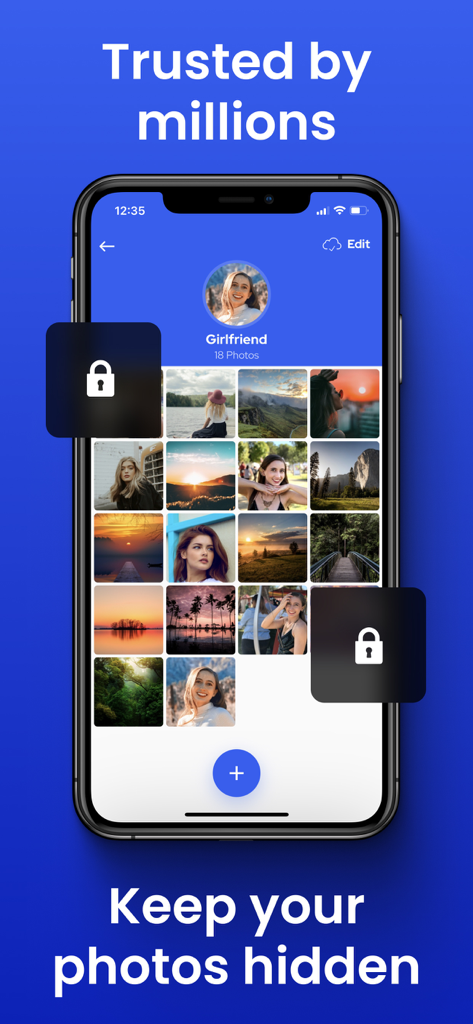
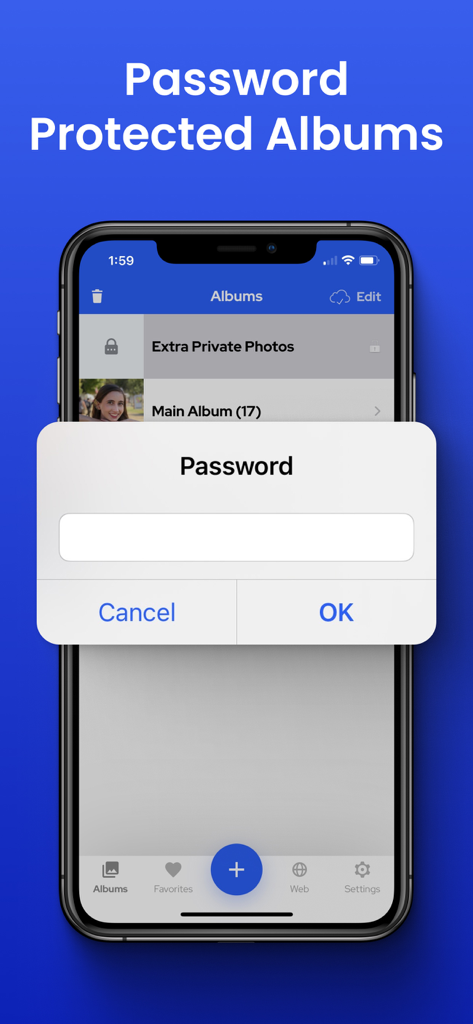
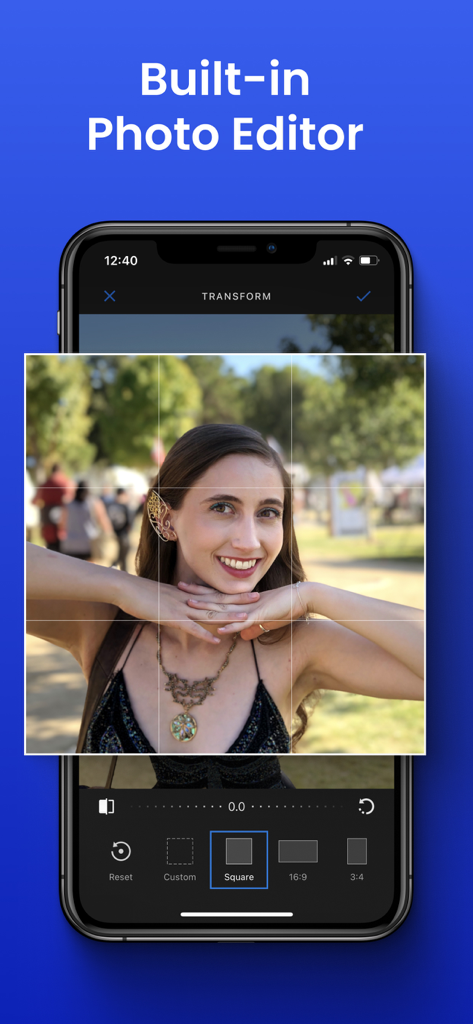
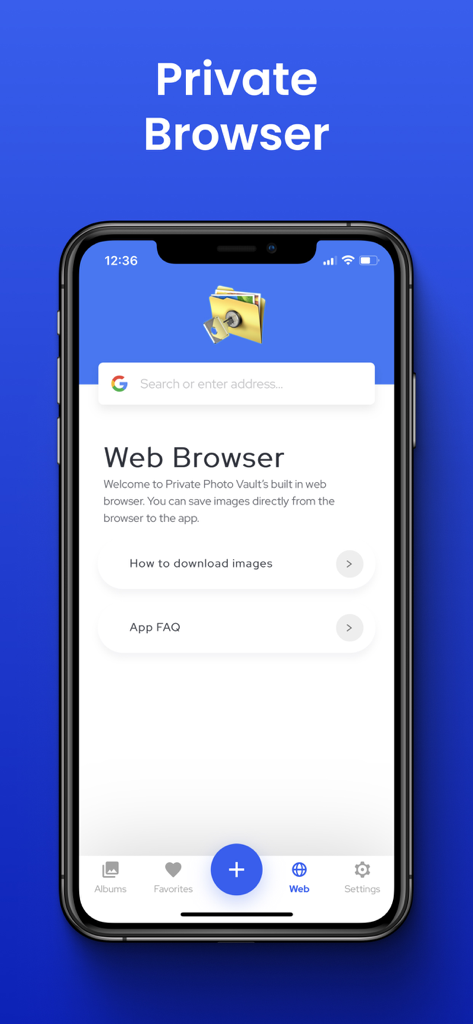
The tools that make this app stand out, trusted by 15M+ users.
Hand over your phone without fear. Set up a secondary password that opens a separate, 'clean' vault to keep your true secrets hidden even when watched.
Catch snooping friends or partners in the act. Our app snaps a photo of any intruder and logs their GPS location if they attempt an unauthorized login.
Save space on your device with encrypted backups. Your data is secured with a private key so only you can access it—not even our employees can see your files.
Trusted by 15M+ people who love this app.
"I am always handing my phone to friends to show them a video and I used to get so anxious they would swipe too far. This app is a total lifesaver! It keeps my private memories actually private and the decoy password feature is absolute genius for those nosy moments."
"As someone who values digital privacy above everything, this is the only utility I trust with my sensitive media. The break-in report actually caught a curious coworker trying to look through my device, and the encrypted cloud backup gives me total peace of mind."
Everything you need to know about Private Photo Vault - Pic Safe.
Description
Latest Version
23.8
Size
215.3 MB
First Released
Feb 8, 2011
Hand over your phone without the anxiety. Get the gold standard in privacy and keep your personal photos and videos for your eyes only.
Everything you need to know about Private Photo Vault - Pic Safe
Private Photo Vault protects media with password-protected app entry (PIN, pattern), password-protected albums, a break-in report with photo and GPS, a decoy password, and Face Down Lock.
Yes, Private Photo Vault allows users to password-protect individual photo albums, preventing unauthorized access to specific collections within the app.
Yes, Private Photo Vault offers an Encrypted Cloud Backup feature called Cloud Vault. This allows for secure storage and acts as a space saver for your media.
Yes, Private Photo Vault's Cloud Vault is 100% private. Employees cannot view photos or videos because a user-created Cloud Vault Password encrypts and decrypts files, which is not backed up to servers.
If you forget your Private Photo Vault Cloud Vault Password, you will not be able to view your Cloud Vault data, as the app has no ability to decrypt your files.
Yes, Private Photo Vault features a built-in private web browser. Users can browse the internet privately and directly download photos from the browser into the app.
Yes, Private Photo Vault allows importing and exporting of both photos and videos from the device's Photo App. It also supports iTunes syncing, wireless transfers, and email/text sharing.
Private Photo Vault offers a Premium Subscription with automatic renewal. Payment is charged to your iTunes Account at confirmation, and auto-renewal can be managed in Account Settings after purchase.
No, the free version of Private Photo Vault does not include backup functionality to the Cloud Vault. Users must perform their own backups to prevent data loss if the device is lost.
Private Photo Vault offers multiple app entry security options including Pin Lock, Pattern/Dot Lock, Touch ID, and Face ID. It also includes a Decoy Password for additional protection.
Yes, Private Photo Vault features a Break-in Report that captures a photo and the GPS location of anyone attempting unauthorized access to the app's protected content.
Apps with similar features and user experience

宇 刘

Katerina Akhlebinina

Legendary Software Labs LLC

Haibin Jiao

Dmitry Petrov

MacyMind

KeepSafe Software, Inc

la poste

俊波 贾

