CameraFi Live

CameraFi Live

Download on App Store
Spark by MWM logo
Logo of CameraFi Live

CameraFi Live: The Professional Live Streaming Studio in Your Pocket

Transform your iPhone into a pro broadcast station. Connect DSLRs, stream in 4K, and add real-time scoreboards or overlays to YouTube, Twitch, and Facebook.

Publisher

Vault Micro Inc.

Category

Photo & Video

Downloads

306K+

User Rating

3.9/5

Total Ratings

500

Locales

18

Your Mobile Broadcast Studio

Discover the interface used by 306K+ users.
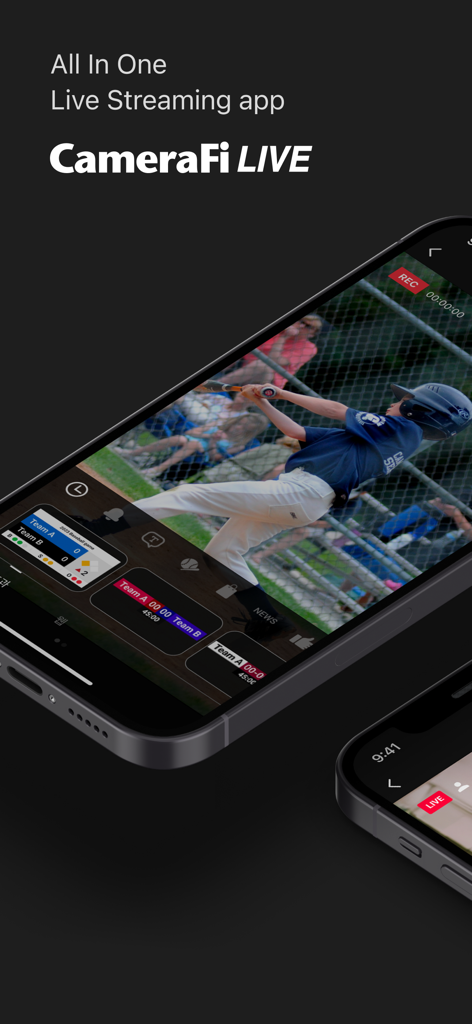
CameraFi Live app interface showing a live baseball game with professional scoreboard overlays on a smartphone

CameraFi Live app interface showing a live baseball game with professional scoreboard overlays on a smartphone

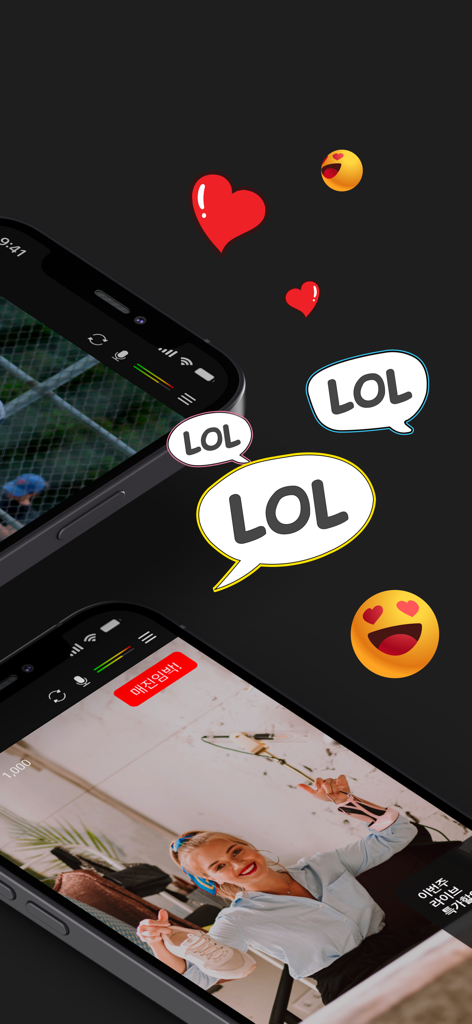
CameraFi Live app interface showing social engagement with hearts and LOL bubbles over sports and live commerce streams

CameraFi Live app interface showing social engagement with hearts and LOL bubbles over sports and live commerce streams

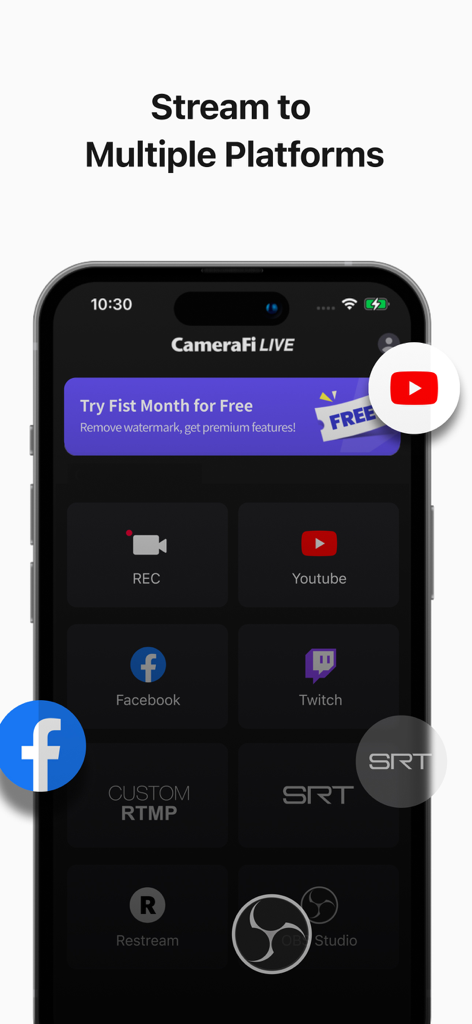
A smartphone screen displaying CameraFi Live app streaming options for multiple platforms like YouTube and Facebook

A smartphone screen displaying CameraFi Live app streaming options for multiple platforms like YouTube and Facebook

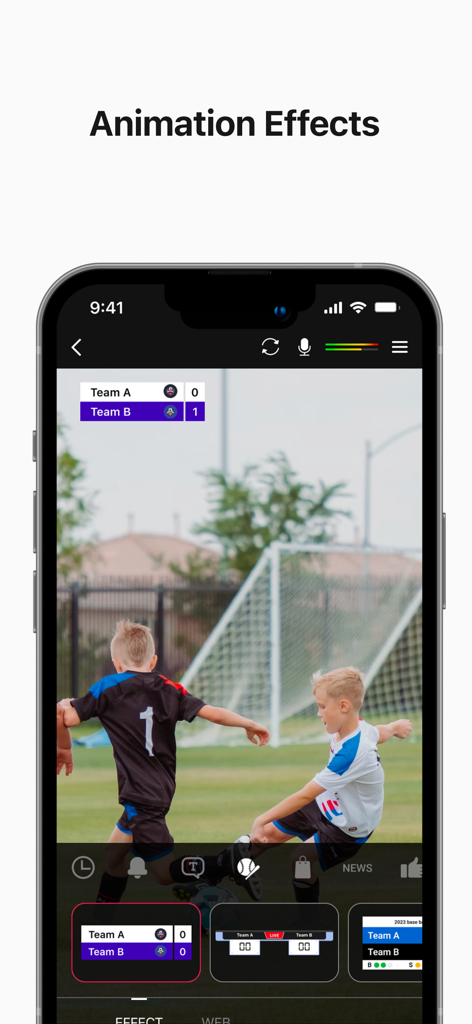
Live stream of a soccer match with a professional scoreboard overlay in the CameraFi Live app

Live stream of a soccer match with a professional scoreboard overlay in the CameraFi Live app

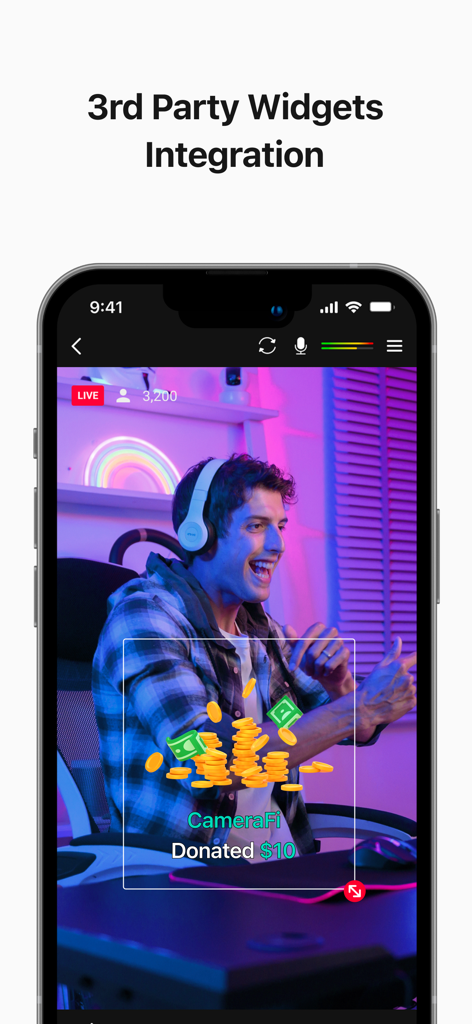
CameraFi Live app interface showing a third party donation widget overlay during a live stream

CameraFi Live app interface showing a third party donation widget overlay during a live stream

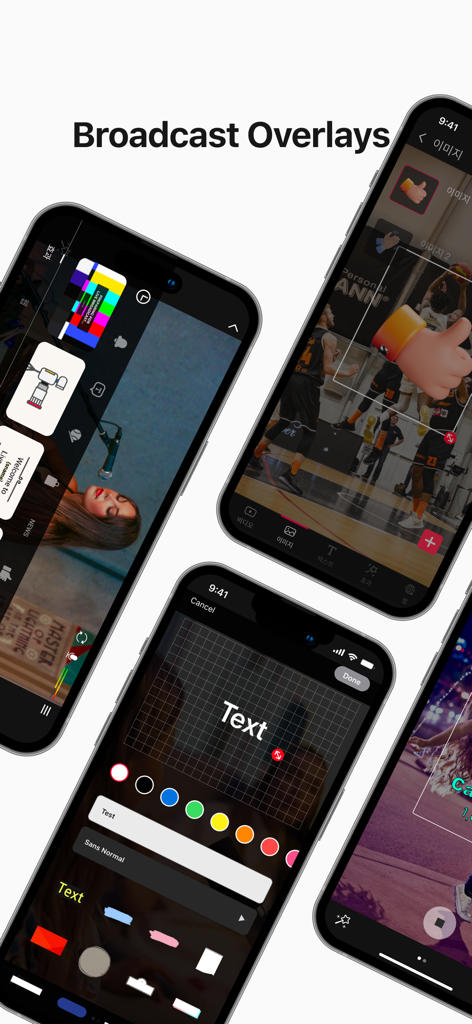
CameraFi Live app interface for adding image and text overlays to a live broadcast.

CameraFi Live app interface for adding image and text overlays to a live broadcast.

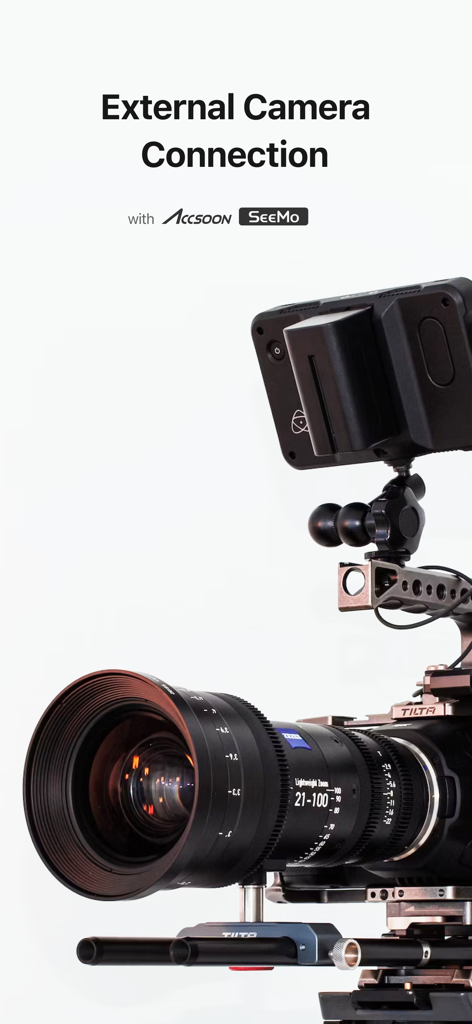
Professional camera setup showing external camera connection for CameraFi Live using Accsoon SeeMo

Professional camera setup showing external camera connection for CameraFi Live using Accsoon SeeMo

Pro-Level Broadcasting from Your Pocket

The tools that make this app stand out, trusted by 306K+ users.

🎥

Pro Camera & Gear Integration

Go beyond the selfie lens. Connect your DSLR, camcorder, or drone via USB or Accsoon SeeMo to broadcast with cinematic quality and professional optics.

📊

Live Graphics & Scoreboards

Level up your production value with real-time sports scoreboards, image overlays, and Streamlabs alerts—all managed directly from your screen during the stream.

4K Stability & Multi-Platform

Stream in stunning UHD 4K to YouTube, Twitch, or Facebook. Utilize SRT and RTMP protocols for a rock-solid connection even on the most demanding mobile networks.

Loved by users worldwide

Trusted by 306K+ people who love this app.

"

"Streaming my son's varsity soccer games has never looked this professional. The built-in scoreboard feature is a game-changer for our viewers, and being able to plug in my dedicated camcorder via USB means the fans get 4K quality instead of a grainy phone zoom. It's like having a broadcast truck in my pocket!"

Mike Reynolds
"

"As a professional IRL creator, I was tired of lugging a laptop and OBS setup to remote locations. CameraFi Live gives me all the power of a desktop—custom overlays, Streamlabs alerts, and SRT stability—right on my iPhone. The connection with my Sony camera through SeeMo is seamless. It’s the gold standard for mobile broadcasting."

Sarah Chen

Review Analysis

Insights from user reviews.

Sentiment Score

18%
Negative

Summary

While a few users praise the app as "fantastic" and appreciate its replay functionality, the overall sentiment is largely negative, primarily due to widespread issues on iOS devices. Many iPhone users report a critical lack of features such as screen sharing and replay, alongside performance problems like crashing at higher resolutions and slow loading times. Additionally, recurring complaints include unauthorized subscription charges, the requirement to pay for essential features, and difficulties with social media integration and external camera connectivity.

Common Themes

iOS Compatibility and Features(17)
Screen Sharing Feature(10)
Subscription and Pricing(7)
General Performance & Connectivity(7)
Social Media Integration(4)
Replay Feature(4)
User Interface (UI/UX)(2)

About the app

Everything you need to know about CameraFi Live.

Description

Use CameraFi Live for all your recording & live streaming needs! Stream on platforms like YouTube, Facebook and Twitch with high-quality content, effects, and real-time editing features. With features like sports scoreboards, and external camera connections, you can produce impressive videos and live streams effortlessly. [Main Features] • Camera Mode Start live streaming with the 'Camera Mode' that broadcasts your smartphone camera shooting! (Mobile screen capture mode to be released soon) • Image, Text Overlay You can easily add image and text sources while live-streaming. Use various effects to easily edit real-time video effects on your mobile device. • Chat You can interact with your viewers in real-time by watching and responding to their chat messages. Super Chat is also supported! • Web Browser Overlay You can connect live-streaming donation/subscription alert platforms such as Streamlabs by web source overlay. Monetize your live broadcast. • External Camera Connection You can connect external USB cameras, such as camcorders, DSLRs, webcams, and drones to your smartphone. By using Accsoon SeeMo, you can now easily use professional cameras for high-quality live streaming. • Motion Effect Apply diverse cool effects to attract viewers. With a few clicks, you can add sports scoreboards, subtitles, and animation effects. • Save a Live Video You can save your live-streaming video in your smartphone memory to create a highlight video afterwards. [Specifications] • Streaming Server YouTube, Facebook, OBS, vMix, RTMP and SRT(Secure Reliable Transport) • Interfaces - Video source: Built-in Camera - Audio source: Built-in Mic, Bluetooth microphone and Internal sound • Video Size SD(640×480), HD(1280×720), FHD(1920x1080) ~ up to UHD(4K, 3840x2160) (Varies from platforms and smartphone models) • Encoder H.264 and HEVC [Required Permissions] • Storage: Used for saving photos/vidoes or load stored photos/videos • Microphone: Used for recording souynd during video recording • Camera: Used for taking pictures and videos • Notification: Used for indicating information about live streaming in the notification area [Feedback] If you have any comments or questions about the app, please use the feedback button on CameraFi Live(CameraFi Live settings > Feedback > Suggest a feature/Report a bug). • Blog: https://blog.camerafi.com/ • Facebook: https://www.facebook.com/vaultmicrocamerafi • Email: apps.help@vaultmicro.com • Terms of use: https://blog.camerafi.com/2019/12/camerafi-live-terms-of-use.html • Privacy policy: https://blog.camerafi.com/2019/12/camerafi-live-privacy-policy.html

Latest Version

2.60

Size

85.2 MB

First Released

Jun 1, 2023

Take Your Mobile Broadcast to the Pro Level

Connect your DSLR, add live scoreboards, and stream in 4K. Join over 300,000 creators who trust CameraFi Live for high-end production on the go.

Download on App Store
FAQ

Frequently Asked Questions

Everything you need to know about CameraFi Live

What is CameraFi Live?

CameraFi Live is an all-in-one app for recording and live streaming content on platforms like YouTube, Facebook, and Twitch. It offers high-quality video, effects, and real-time editing features.

Which streaming platforms does CameraFi Live support?

CameraFi Live supports streaming to YouTube, Facebook, Twitch, OBS, vMix, RTMP, and SRT. It also integrates with Restream and OBS Studio for broader reach.

Can I connect external cameras to CameraFi Live?

Yes, CameraFi Live connects external USB cameras including camcorders, DSLRs, webcams, and drones to your smartphone. It supports Accsoon SeeMo for professional camera use.

Does CameraFi Live allow custom overlays during a live stream?

Yes, CameraFi Live allows users to add image and text overlays during live streams. It also supports web browser overlays for integrating donation/subscription alert platforms like Streamlabs.

What video resolutions does CameraFi Live support for streaming?

CameraFi Live supports video sizes from SD (640×480) up to UHD (4K, 3840x2160). The specific resolutions available depend on the streaming platform and smartphone model.

Can I interact with viewers using CameraFi Live?

Yes, CameraFi Live enables real-time interaction with viewers through its chat feature. Users can watch and respond to chat messages, and Super Chat is also supported.

Does CameraFi Live offer animation effects for streams?

Yes, CameraFi Live provides diverse motion effects. Users can add sports scoreboards, subtitles, and animation effects to their live streams to engage viewers effectively.

Can I save my live streams with CameraFi Live?

Yes, CameraFi Live allows saving live-streaming videos directly to your smartphone's memory. This feature facilitates creating highlight videos from your broadcasts afterward.

What encoders does CameraFi Live use for streaming?

CameraFi Live utilizes H.264 and HEVC encoders for video processing. These industry-standard encoders ensure efficient compression and high-quality output for live streams.

How do I provide feedback or report issues for CameraFi Live?

You provide feedback or report bugs via the in-app feedback button in CameraFi Live. Navigate to settings, then Feedback, to suggest a feature or report an issue.