
Canvas by Instructure


Track grades, submit assignments, and stay connected to your courses in real-time. Join 40 million students worldwide who use Canvas to organize their academic life and build career-ready skills from anywhere.
Publisher
Category
EducationDownloads
42M+User Rating
Total Ratings
3M+Locales
29Discover the interface used by 42M+ users.
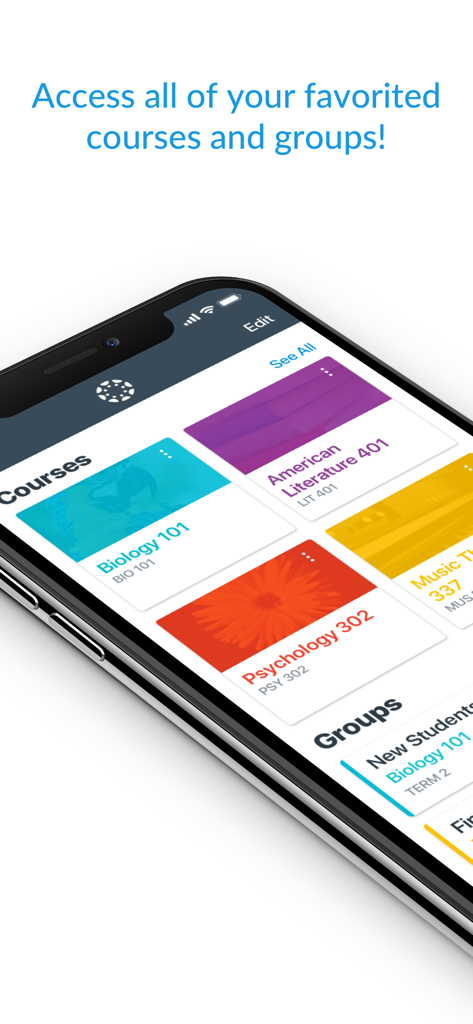
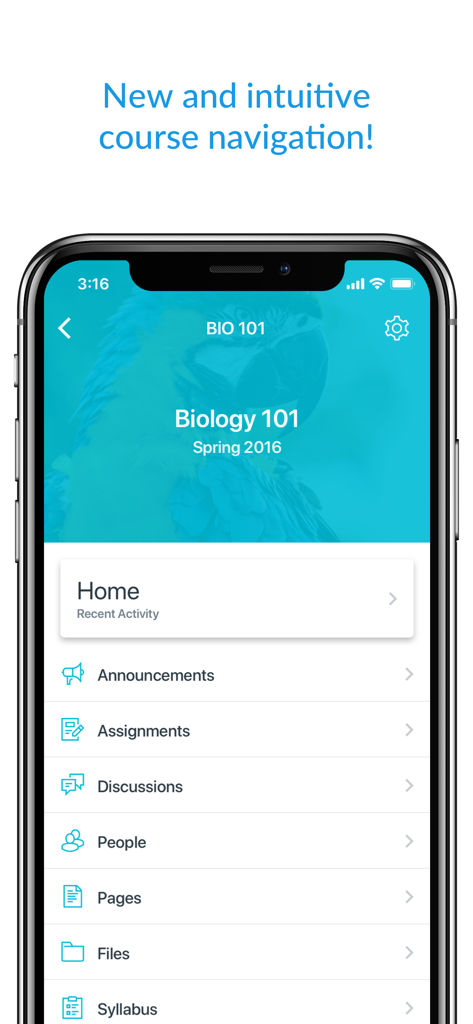
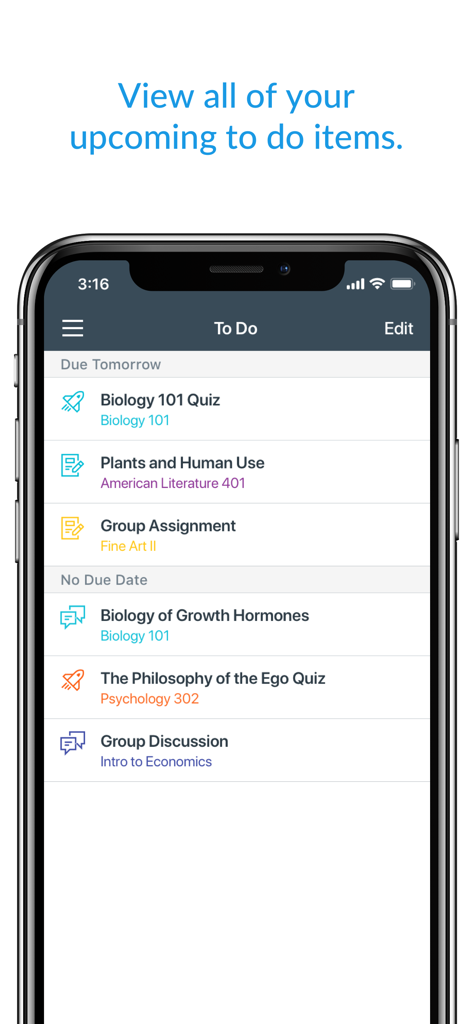
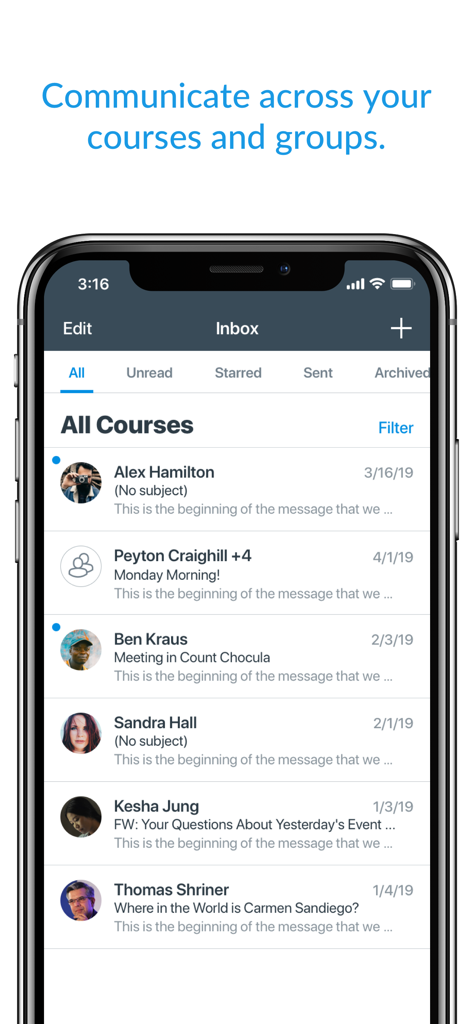
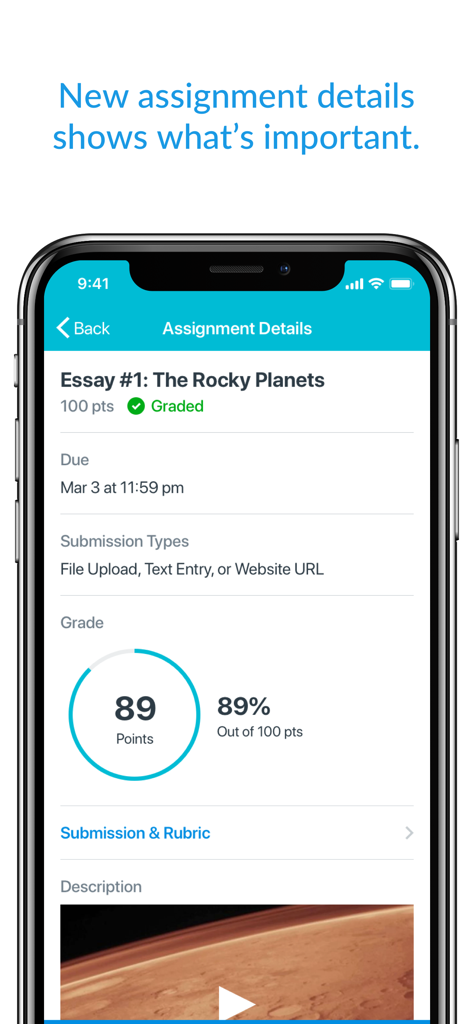
The tools that make this app stand out, trusted by 42M+ users.
Reduce academic anxiety with instant push notifications for grades and instructor feedback the moment they are posted.
Submit PDFs, media files, and homework directly from your phone or tablet to meet deadlines while on the move.
Download full courses and materials to keep learning during your commute or in low-connectivity zones without skipping a beat.
Trusted by 42M+ people who love this app.
"The push notifications for grades are a total game-changer. I can check my results the second they're posted, and the dark mode is perfect for late-night study sessions. It keeps me organized and on top of my assignments without having to lug my laptop to every coffee shop."
"As a working professional finishing my degree, the ability to download full courses for offline viewing is essential. I catch up on my readings during my commute where the signal is spotty. The interface is seamless, and the career-focused skill tools are actually helping me prepare for my next promotion."
Insights from user reviews.
Sentiment Score
Summary
Users express significant frustration with the mobile app, primarily due to persistent login and connectivity problems, including frequent auto-logouts and inability to access accounts, especially after recent updates. Many reviews highlight a confusing and less functional user interface, particularly concerning the 'To-Do List' and assignment visibility, with several users explicitly calling for a return to the old UI. The app also suffers from major stability issues, with widespread reports of crashes, lagging, and prolonged outages that prevent access to crucial coursework and submissions. Specific critical bugs, such as an unreadable DOCX viewer, non-functional QR code scanner, and device-specific display issues further contribute to a highly unreliable and unsatisfactory user experience.
Common Themes
Everything you need to know about Canvas by Instructure.
Description
Latest Version
8.5.0
Size
128.1 MB
First Released
Dec 8, 2011
Join over 40 million learners streamlining their studies. Track your grades in real-time, submit assignments from any device, and keep your academic goals on track, wherever you are.
Everything you need to know about Canvas by Instructure
The Canvas by Instructure app connects learners to their courses, allowing them to organize tasks, engage with classmates, and access learning materials from anywhere. It supports studying even without an internet connection.
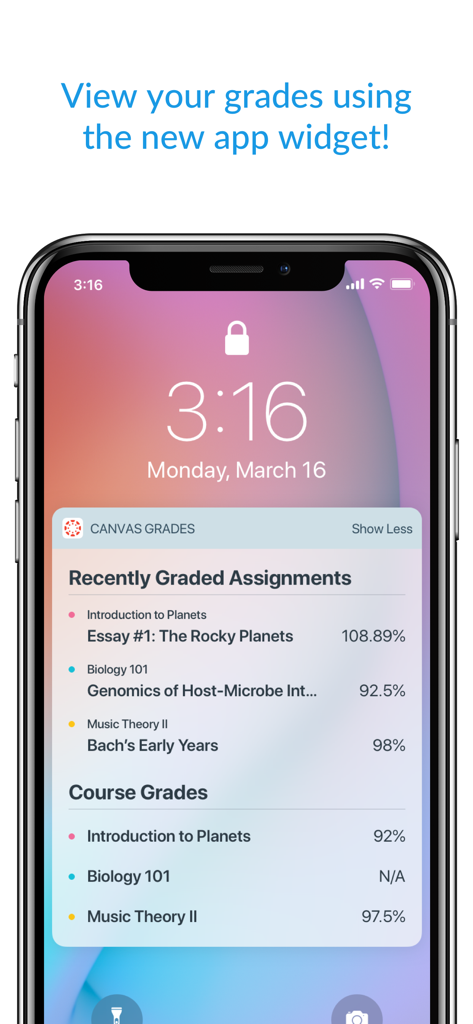
Yes, learners can view their grades through the Canvas by Instructure app. It also offers a customizable widget for quick access to grade information, showing recently graded assignments and overall course grades.
Yes, the Canvas by Instructure app supports offline learning. Users can download full courses and continue studying their content even when they do not have an active internet connection.
Yes, the Canvas by Instructure app allows students to submit assignments, including PDFs, documents, and various media files. Teachers can then annotate these submissions using SpeedGrader.
The Canvas by Instructure app enables users to send messages, join class discussions, and collaborate with classmates in real-time. This facilitates communication across all courses and groups.
Yes, the Canvas by Instructure app includes built-in accessibility features for everyone, being VPAT 2.2 compliant. It also offers a dark mode option for enhanced user comfort and preference.
No, the Canvas by Instructure app is specifically designed for learners. Instructors must use the separate Canvas Teacher app to access teaching and grading functionalities.
The Canvas by Instructure app helps organize schoolwork by allowing users to track assignments, homework, and view upcoming 'to do' items. It also provides reminders and push notifications.
Apps with similar features and user experience

ClassDojo, Inc.

MINKOMSVYAZ ROSSII, FKU

PARENTSQUARE LLC

Agenda Kids Ltda ME

TalkingPoints Corp

PARENTSQUARE LLC

D2L Corporation

PowerSchool Group LLC

Compass Operations Pty Ltd