Chromecaster: Get Streaming TV

Chromecaster: Get Streaming TV

Download on App Store
Spark by MWM logo
Logo of Chromecaster: Get Streaming TV
Chromecaster: Get Streaming TV – Your iPhone Content on the Big Screen in 4K

The ultimate bridge for your iPhone and Chromecast. Effortlessly stream web videos, high-resolution family photos, and cloud-stored movies from Google Drive or Dropbox directly to your TV.

Publisher

TV Cast Pte. Ltd.

Category

Utilities

Downloads

7M+

User Rating

4.3/5

Total Ratings

1K+

Locales

1

Experience the Big Screen

Discover the interface used by 7M+ users.
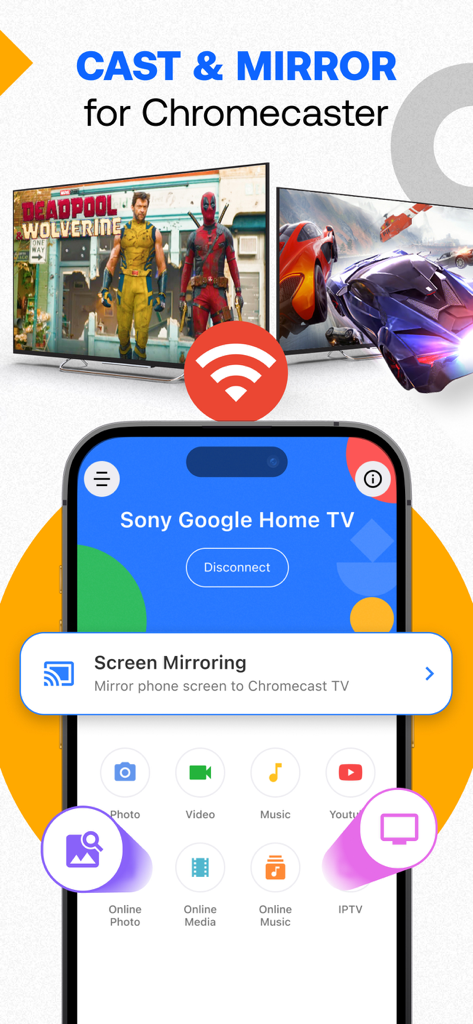
iPhone app interface showing options to cast and mirror screen to a Google Home TV

iPhone app interface showing options to cast and mirror screen to a Google Home TV

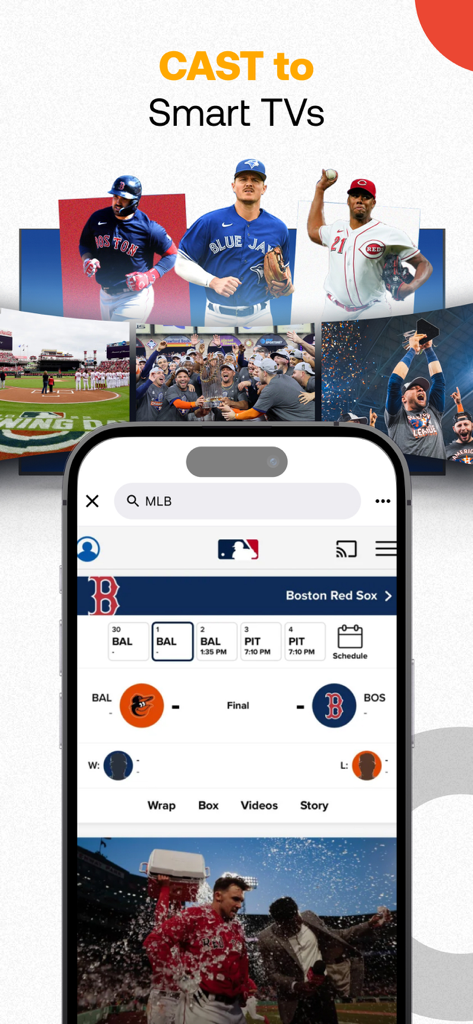
An iPhone screen displaying MLB baseball scores and videos being cast to a smart TV

An iPhone screen displaying MLB baseball scores and videos being cast to a smart TV

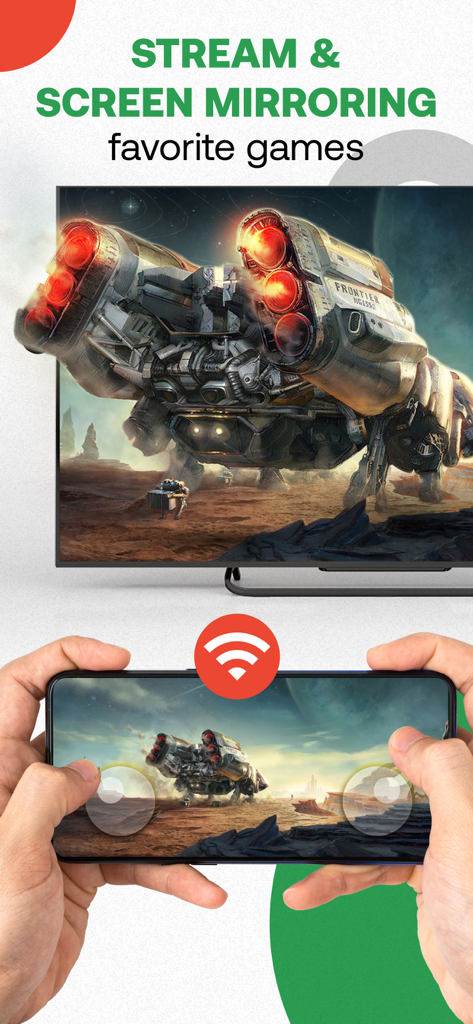
A person using a smartphone to mirror a video game onto a television screen

A person using a smartphone to mirror a video game onto a television screen

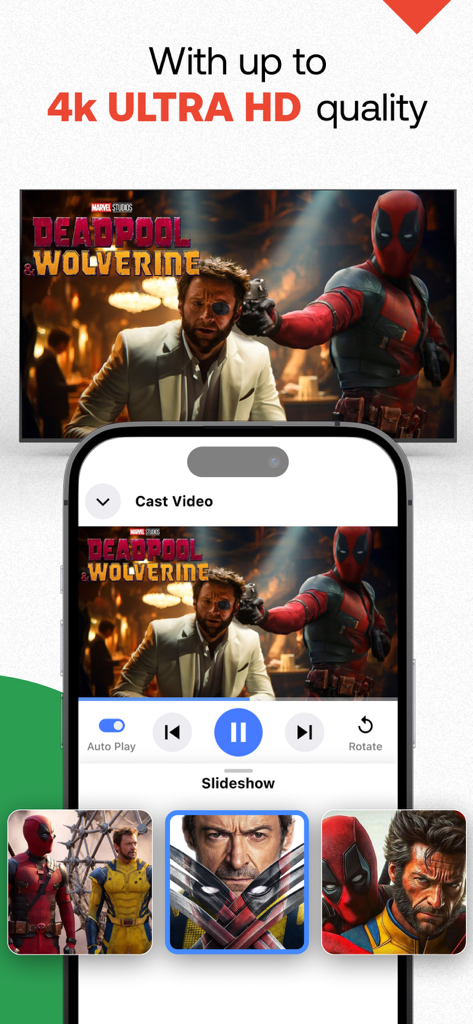
An iPhone screen casting high quality 4K Ultra HD video content to a television

An iPhone screen casting high quality 4K Ultra HD video content to a television

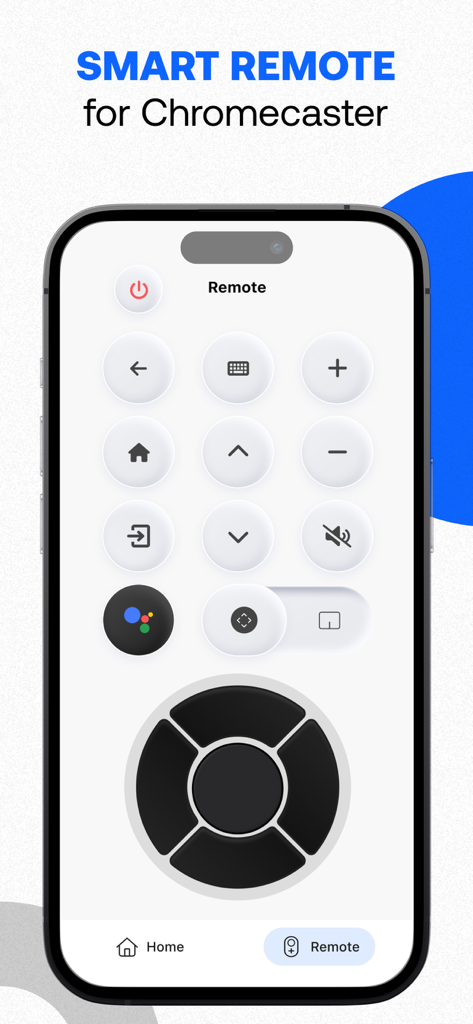
A smartphone showing the smart remote control interface for the Chromecaster app.

A smartphone showing the smart remote control interface for the Chromecaster app.

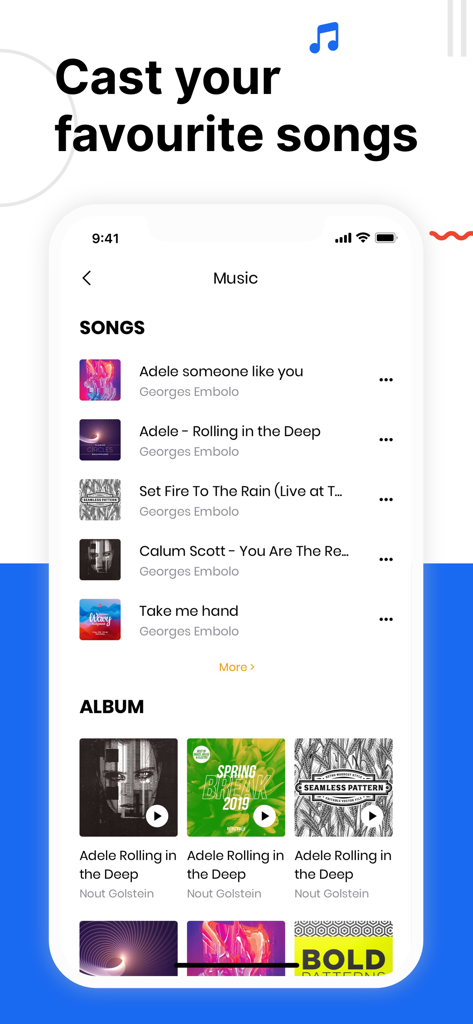
Interface of the Chromecaster app showing options to cast music and songs to a TV

Interface of the Chromecaster app showing options to cast music and songs to a TV

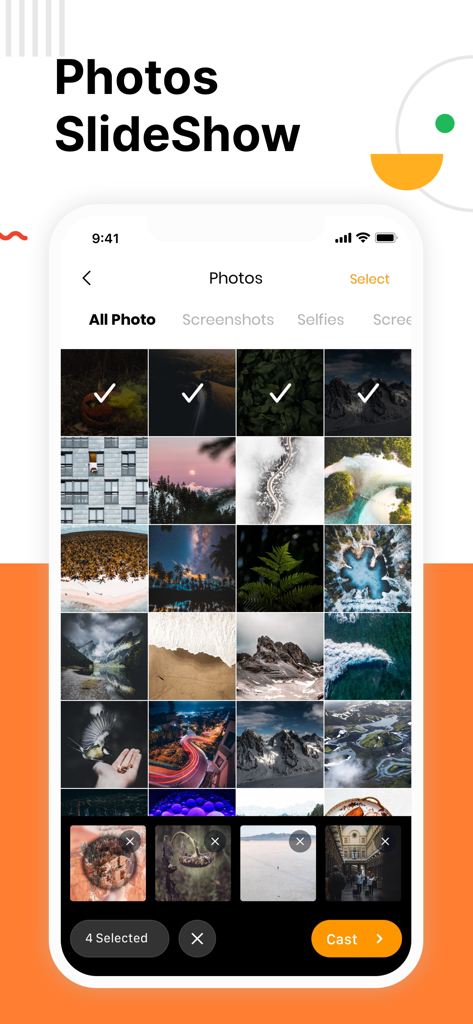
iPhone screen showing a photo gallery with selected images and a cast button for a TV slideshow.

iPhone screen showing a photo gallery with selected images and a cast button for a TV slideshow.

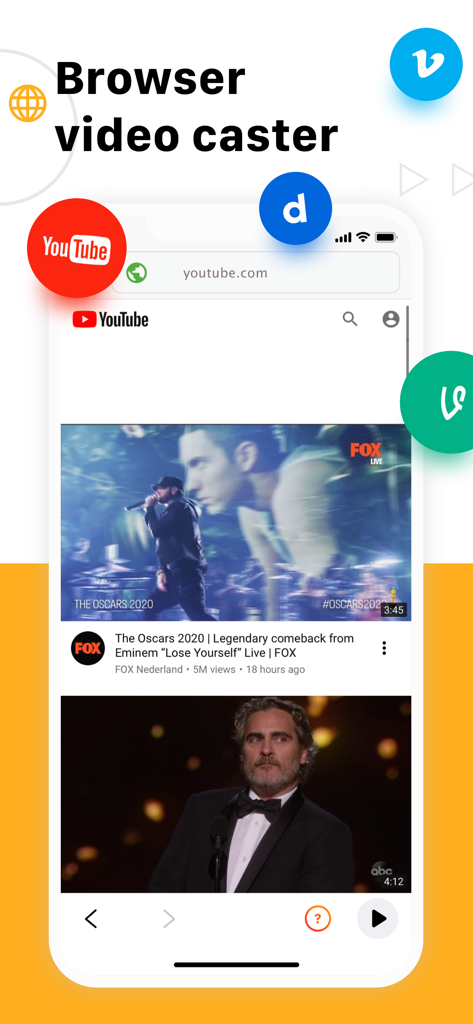
Chromecaster app interface showing the browser video caster feature with YouTube and other video icons

Chromecaster app interface showing the browser video caster feature with YouTube and other video icons

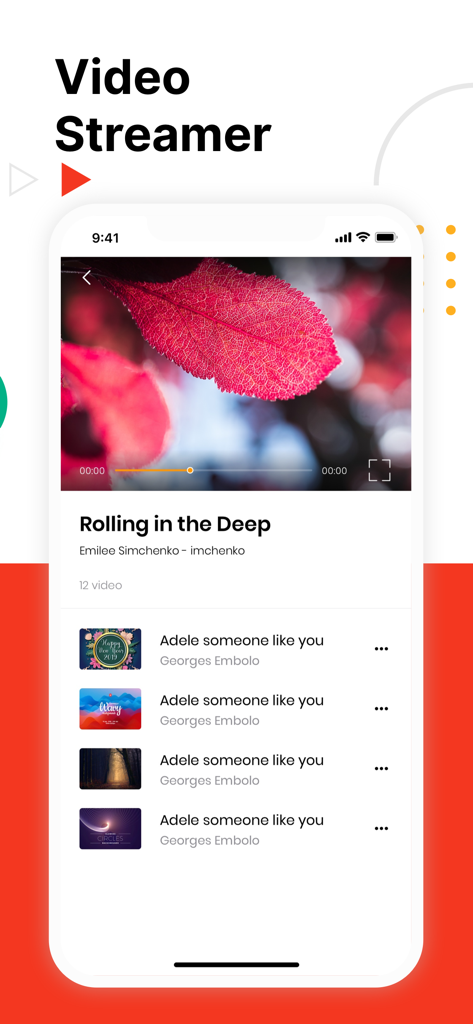
Mobile app interface of Chromecaster showing a video player and a playlist of music videos on an iPhone

Mobile app interface of Chromecaster showing a video player and a playlist of music videos on an iPhone

Your iPhone's Best Companion for Chromecast

The tools that make this app stand out, trusted by 7M+ users.

📺

Stunning 4K & HD Quality

Bring your high-resolution iPhone videos to life. Experience your family memories and personal media in crystal-clear quality on the big screen.

🌐

Universal Web Streamer

Don't let limited apps stop you. Cast any video directly from the web browser to your TV, perfect for niche sports or hobbyist content.

☁️

Direct Cloud Integration

Save your phone's storage. Stream movies and home videos directly from Google Drive or Dropbox without needing to download them first.

Loved by users worldwide

Trusted by 7M+ people who love this app.

"

"Finally, a way to show our 4K vacation videos on the big screen without any hassle! I love how I can cast photos directly from my iPhone's camera roll to our Chromecast. It has made family movie nights so much more personal and the setup was incredibly simple."

Sarah Jenkins
"

"I use an iPhone but prefer Chromecast for my home setup, and this app is the perfect bridge. The web streaming feature works perfectly for watching niche sports that don't have their own TV apps, and being able to access my Dropbox files directly is a huge time-saver."

Marcus Thompson

Review Analysis

Insights from user reviews.

Sentiment Score

6%
Negative

Summary

This mobile app receives overwhelmingly negative feedback, primarily due to numerous reports of intrusive ads and forced payments, often even after users have paid for subscriptions. Many users experience significant functionality issues, including unstable connections, lag, freezing, and audio problems, rendering the app largely ineffective. Furthermore, there are widespread complaints about the inability to cancel subscriptions, difficulty obtaining refunds, and unresponsive customer support. Overall, users view the app as a scam and a waste of money, with poor performance failing to justify its cost.

Common Themes

Forced Payments/Subscriptions(20)
App Functionality(18)
Overall Value(13)
Intrusive Advertising(7)
Connection Stability(6)
Refund & Support Issues(6)
Image Quality(1)
Viewer Performance(1)

About the app

Everything you need to know about Chromecaster: Get Streaming TV.

Description

The best TV Cast for streaming to TV! Stream any web video and your photos, videos & music from your device to TV. TV Cast enhances your TV Experience and lets you enjoy the show on your big screen. Features - Stream & Cast to TV with HD, 4k quality - Easy connect and control media playing - Full playback controls, add and remove videos from playback queue. - Cast video, photo, music from Camera Roll to TV. - Cast any media files from Dropbox & Google Drive Cloud. - Web video streamer How TV-Cast works: To use TV Cast, simply connect your iPhone,iPad and Chromecast device to the same network Notice * Remember connecting to your Chromecast Device before start playing video. * iTunes movies, Flash video, and DRM protected videos like Amazon Prime, Netflix, Hulu, Vudu, DirecTV, Xfinity, HBO now are not supported! * The app streams only the video part of a website and not the whole website content. Sometimes it is necessary to play the video on your iPad or iPhone first before it gets discovered by the app for streaming.

 Premium Subscription: TV Cast includes an optional auto-renewable subscription to access current and future premium categories (price may vary depending on location): - Subscription starts from USD 2.99. - a 1-year subscription with 7 days free trial • Check in app for exact pricing in your region • Payment will be charged to your iTunes account at confirmation of purchase and will automatically renew (at the duration/price selected) unless auto-renew is turned off at least 24 hours before the end of the current period. • Account will be charged for renewal within 24-hours prior to the end of the current period, and identify the cost of the renewal. • You can manage your subscription and/or turn off auto-renewal by going to your iTunes Account Settings, but refunds will not be given for any unused portion of the term. Terms of Service: https://www.tvcast.in/policies/#terms Privacy: https://www.tvcast.in/policies/#terms
 Please leave a review on the App Store if you love using the app. We cannot wait to hear from you and we always appreciate your support. Your 5-star rating for each version will keep the updates coming. Thanks in advance. Disclaimer: This app is not affiliated with Google or any other trademark mentioned here.

Latest Version

5.8

Size

307.0 MB

First Released

Sep 30, 2019

Ready to Experience Your Content on the Big Screen?

Join over 7 million users who bridge the gap between iOS and Chromecast. Download now to start streaming your 4K memories, cloud files, and web videos instantly.

Download on App Store