TV Cast Pro for LG webOS

TV Cast Pro for LG webOS

Download on App StoreDownload on Google Play
Spark by MWM logo
Logo of TV Cast Pro for LG webOS

TV Cast Pro for LG webOS: Stream Any Web Video to Your Big Screen

Experience the ultimate freedom of cord-cutting. Cast online movies, live sports, and personal videos to your LG Smart TV with a powerful ad-blocker and no time limits.

Publisher

Kraus und Karnath GbR 2Kit Consulting

Category

Photo & Video

Downloads

568K+

User Rating

3.3/5

Total Ratings

4K+

Locales

1

Your TV, Unleashed

Discover the interface used by 568K+ users.
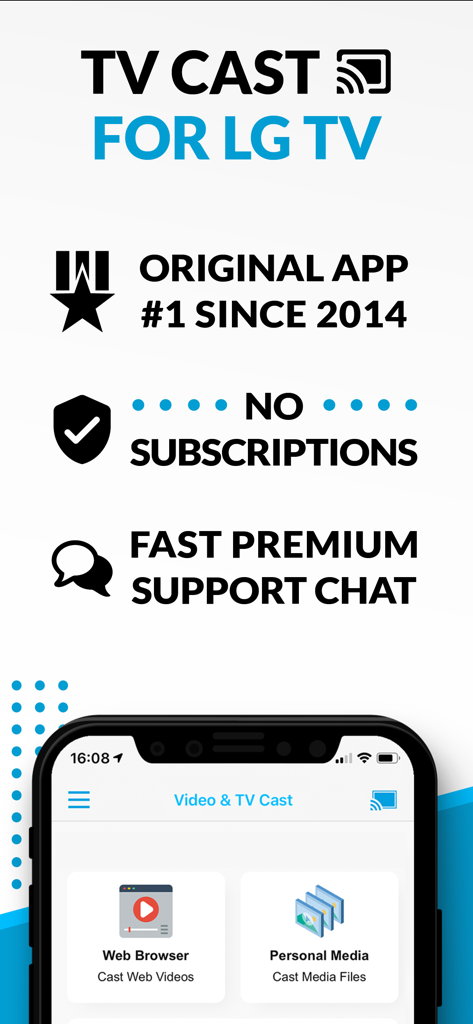
Overview of TV Cast for LG TV app highlighting web browser casting and no subscription model.

Overview of TV Cast for LG TV app highlighting web browser casting and no subscription model.

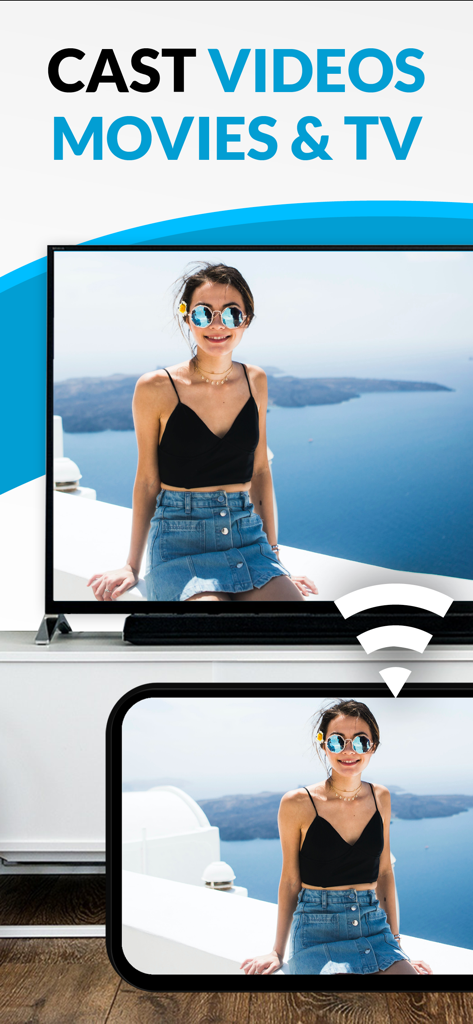
Casting a video from a smartphone to an LG Smart TV screen

Casting a video from a smartphone to an LG Smart TV screen

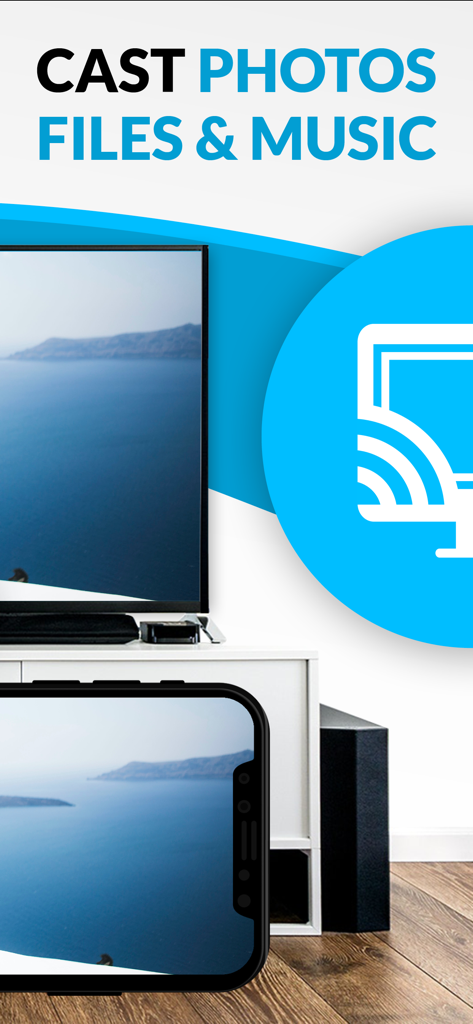
Smartphone casting a photo of a sea landscape to an LG Smart TV.

Smartphone casting a photo of a sea landscape to an LG Smart TV.

Transform Your LG Smart TV Experience

The tools that make this app stand out, trusted by 568K+ users.

🌐

Stream Without Boundaries

Watch niche sports, web-only movies, and live streams that aren't available on standard apps. If it's on the web, it's on your TV.

🚫

Clean, Ad-Free Viewing

Eliminate intrusive pop-ups and redirects. Our Pro Ad-Blocker ensures a smooth, cinematic experience even on the most cluttered websites.

📲

Advanced Mobile Control

Use your iPhone as a precision remote. Effortlessly scrub, pause, and play web videos using an intuitive playbar designed for your palm.

Loved by users worldwide

Trusted by 568K+ people who love this app.

"

"I've been trying to find a reliable way to stream niche sports from the web to my LG TV for months. This app is a game-changer! The ad-blocker in the Pro version actually works on those messy streaming sites, and the setup was a breeze even for my older webOS model. No more squinting at my phone screen!"

David Miller
"

"As someone who loves sharing home videos from my iPhone, this app is exactly what I needed. The local video casting is seamless, and I love that I can use my phone as a remote to play, pause, and scrub through the video. It's the perfect companion for our living room TV."

Sarah Jenkins

Review Analysis

Insights from user reviews.

Sentiment Score

10%
Negative

Summary

The "TV Cast Pro for LG webOS" app receives overwhelmingly negative feedback, primarily due to persistent connectivity issues and a general failure to function as advertised, leading many users to describe it as a "scam" and demand refunds. While some specific features like ease of use, intuitive interface, and impressive image quality for web videos are praised by a few, these positive aspects are largely overshadowed. Users are particularly frustrated by the app's inability to support popular streaming services, various file types, and its misleading claims regarding full screen mirroring, with many experiencing buffering, low resolution, or only sound output.

Common Themes

Overall Positive Experience(2)
Ease of Use(1)
Image Quality(1)
Reliability (web content)(1)
Multi-tasking Capabilities(1)

About the app

Everything you need to know about TV Cast Pro for LG webOS.

Description

Watch any web-video, online movie, livestream or live tv show on your LG Smart TV with webOS and NetCast. Enjoy the show on your big screen with the no#1 web video streamer. With Video & TV Cast for LG Smart TV you can browse the web and stream any web video, online movie, livestream or live tv show you want on your LG Smart TV. Mp4, m3u8, hls livestreams and also video-over-https are supported. There is no time limit at all! You can watch videos of 2 minutes or 2 hours or even more. Just open Video & TV Cast, navigate to a website, wait for link detection and send the video with a single tap to your LG Smart TV. The discovered link will be shown below the browser. A tap on the link will start the show. You don't need to install a big media server like Plex or any other third party software. >>> Important Notes * To enable video casting please open the LG App Store (LG Smart World / LG Content Store) on your TV, search for 'TV Cast' and install the companion app. * Please enter the ip-address of your iPhone/iPad by using the number pad and up/down/left/right keys on your TV Remote or scroll wheel on your Magic Remote. Just enter the numbers, no need to press the enter key. * iTunes movies, Flash video and DRM protected videos like Amazon Prime, Netflix, Hulu, Vudu, DirecTV, Xfinity, HBO now are not supported! * Please test your favorite videos with the free edition before upgrading! * Please use the hardware remote of your LG for controlling the TV app and video playback. * The app streams only the video part of a website and not the whole website content (No screen or tab mirroring!). * Sometimes it is necessary to play the video on your iPad or iPhone first before it gets discovered by the app for streaming. It may also be neccessary to start casting multiple times until it works with specific videos. * If a specific video is not working, please check the FAQ on the app startpage. If that does not help you, please drop us an email before leaving a negative comment on the App Store. We will try to add support for that website as soon as possible. >>> PRO FEATURES * Remote Playbar: Use the Playbar for advanced video control while browsing, including video scrubbing, forward, rewind, play, pause, stop. The playbar works on all LG Smart TVs. * Local Videos: Cast your camera roll videos from an iPhone or iPad. Supports mp4, m4v and mov videos that were saved to the camera roll via Apples SD-Card/USB Adapter, iTunes Desktop Software or third party apps. * Ad-Blocker + No Sponsoring Ads: The Pro app version has no ads and the Ad-Blocker blocks ads & popups on most websites that you visit. You can update, enable/disable ad-blocking at any time in the settings. * Bookmarks: Save unlimited website bookmarks. Synchronize and transfer them between different TV Cast apps and iOS devices by using backup and restore via iCloud. * Desktop Mode: Change the browser user-agent and cloak your iPhone/iPad as a desktop PC to load the desktop website instead of a mobile website. Please note that this will NOT enable video casting on websites that serve Flash videos in desktop mode. * Change Homepage: Set your personal homepage in the settings Disclaimer: This app is not affiliated with LG Electronics or any other trademark mentioned here.

Latest Version

3.7

Size

30.8 MB

First Released

Jun 23, 2016

Ready to Experience the Web on Your Big Screen?

Join 500,000+ users who have upgraded their LG Smart TV. Download the #1 video caster to stream any online movie or livestream ad-free and take total control right from your iPhone.

Download on App StoreDownload on Google Play