Clocks - A fun standby mode

Clocks - A fun standby mode

Download on App Store
Spark by MWM logo
Logo of Clocks - A fun standby mode
Clocks: Elevate Your Aesthetic Standby Mode

Transform your iPhone into a stunning desk accessory with 20+ animated backgrounds and minimalist designs. Ad-free, private, and perfectly crafted for your home office or studio setup.

Publisher

Daniel Destefanis

Category

Utilities

Downloads

43K+

User Rating

4.4/5

Total Ratings

100

Locales

16

Aesthetic At A Glance

Discover the interface used by 43K+ users.
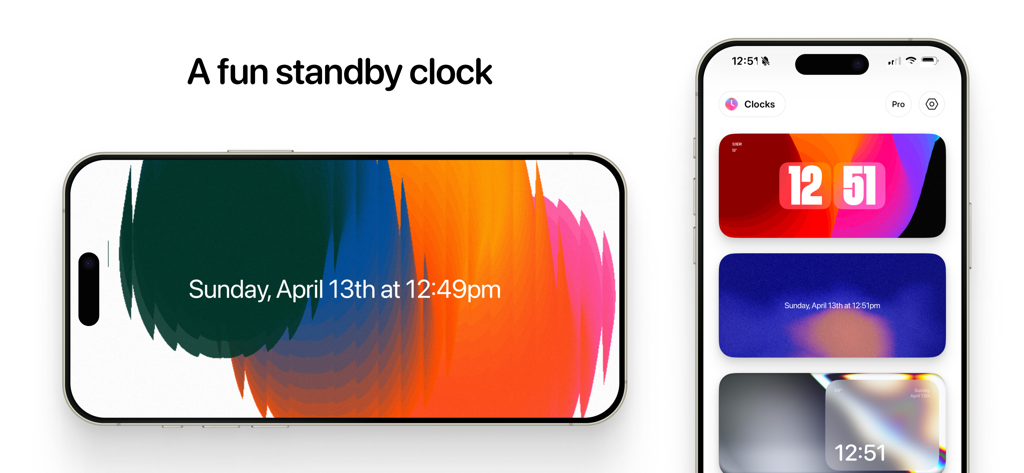
iPhone displaying the Clocks app with various aesthetic standby mode backgrounds and clock styles

iPhone displaying the Clocks app with various aesthetic standby mode backgrounds and clock styles

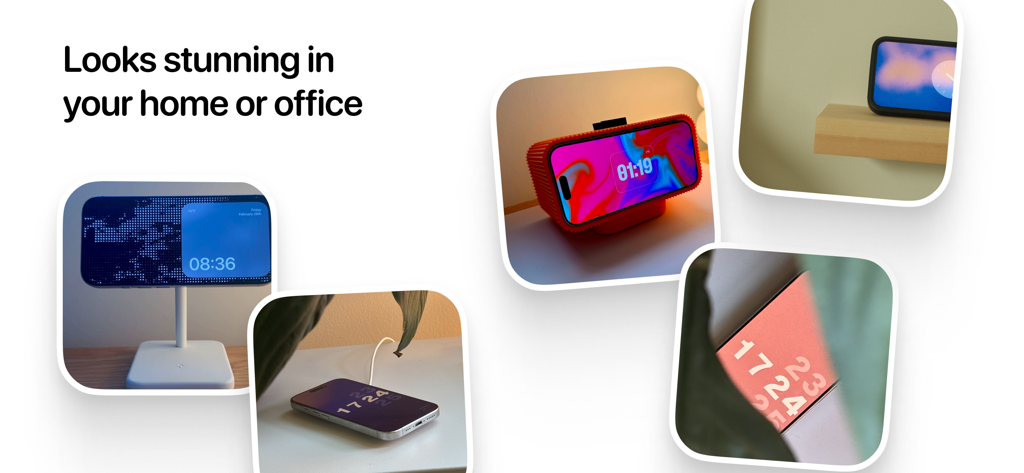
A collage of iPhones in various home and office settings displaying different aesthetic clock faces from the Clocks app.

A collage of iPhones in various home and office settings displaying different aesthetic clock faces from the Clocks app.

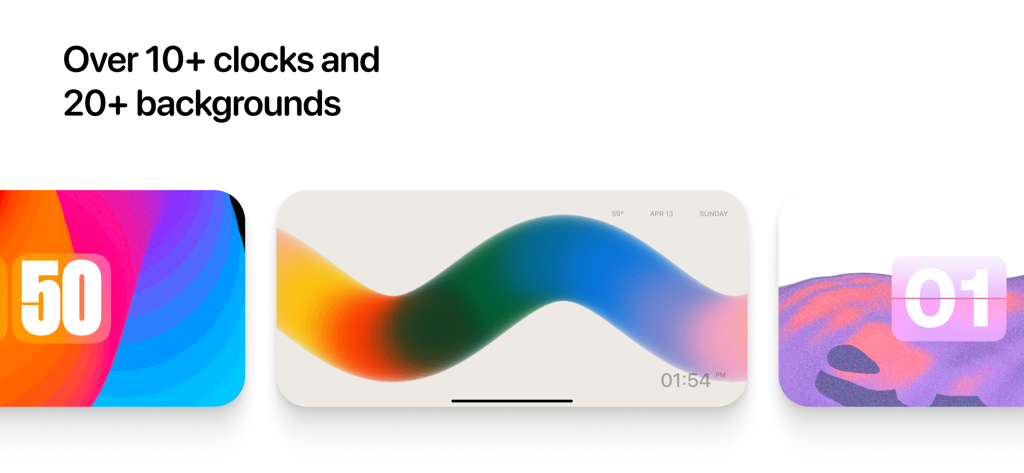
Three different aesthetic clock face and background designs from the Clocks app showing vibrant colors and minimalist layouts

Three different aesthetic clock face and background designs from the Clocks app showing vibrant colors and minimalist layouts

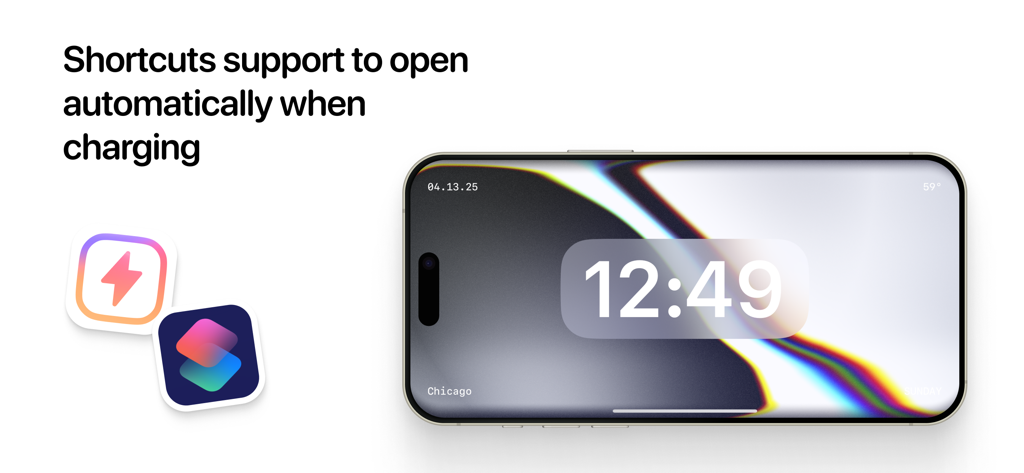
iPhone displaying the Clocks app in landscape mode with iOS Shortcuts integration for automatic opening when charging

iPhone displaying the Clocks app in landscape mode with iOS Shortcuts integration for automatic opening when charging

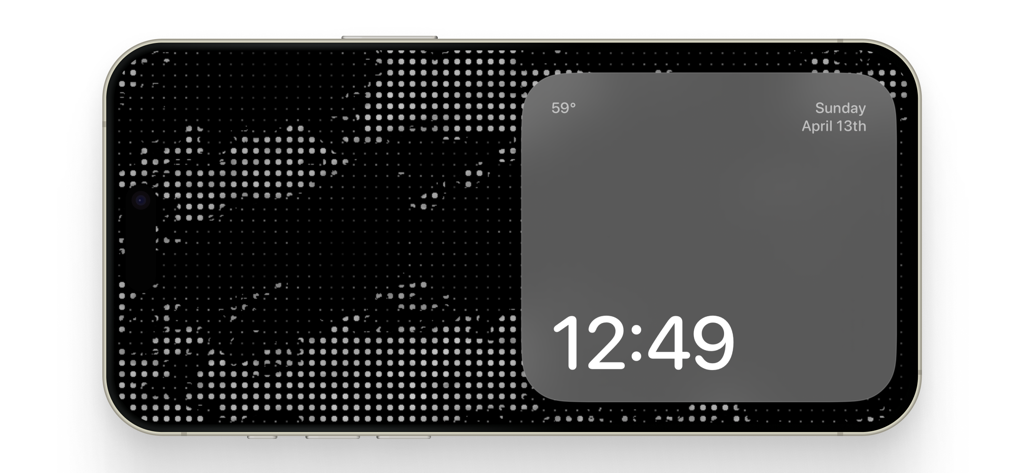
A minimalist digital clock and weather display in standby mode on an iPhone

A minimalist digital clock and weather display in standby mode on an iPhone

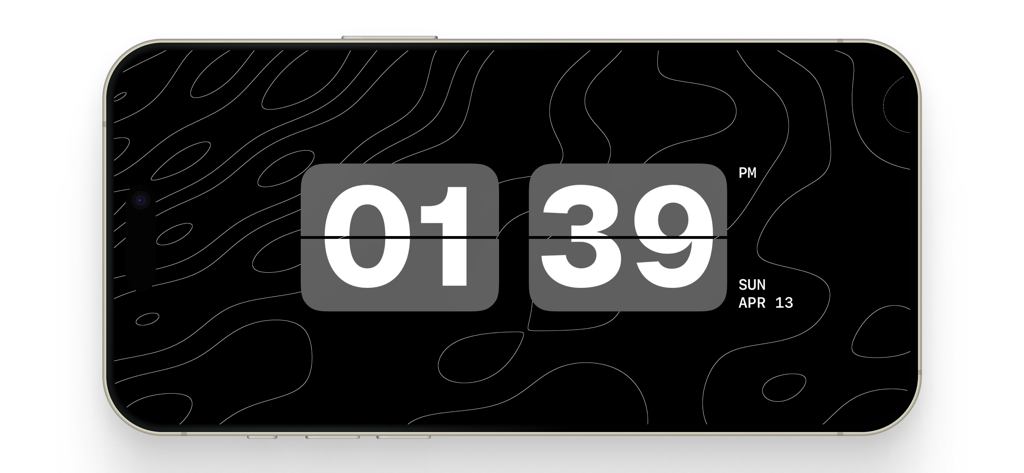
Digital flip clock on an iPhone screen with a minimalist topographic design.

Digital flip clock on an iPhone screen with a minimalist topographic design.

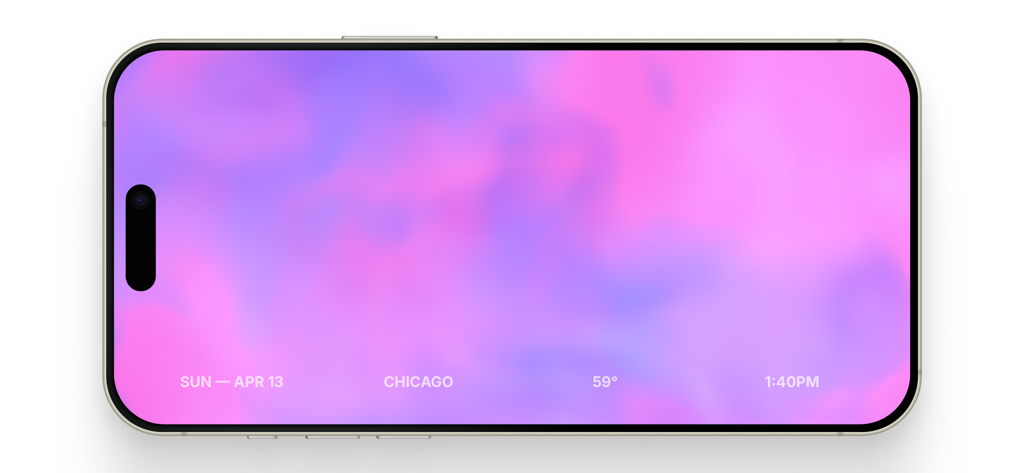
iPhone displaying a pink and purple gradient clock in standby mode.

iPhone displaying a pink and purple gradient clock in standby mode.

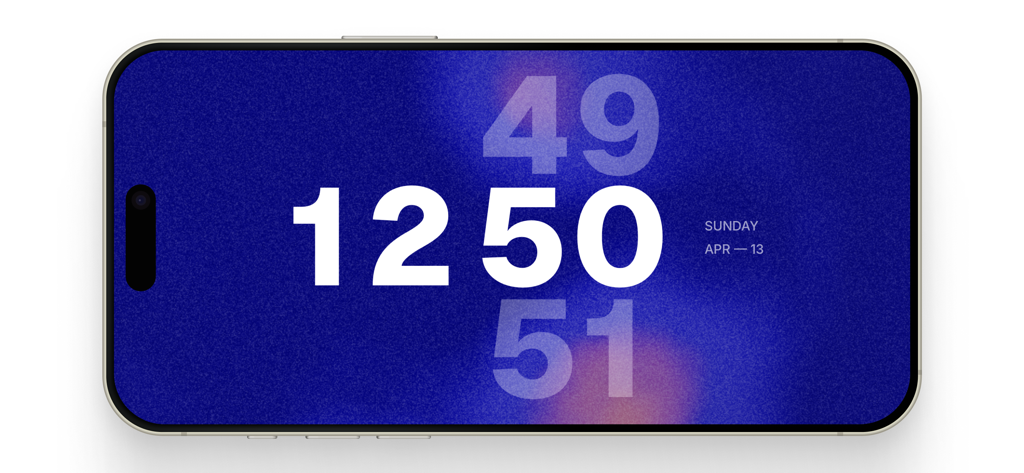
A minimalist digital clock on an iPhone in landscape mode featuring a grainy blue background and bold white numbers

A minimalist digital clock on an iPhone in landscape mode featuring a grainy blue background and bold white numbers

Elevate Your Aesthetic Workspace

The tools that make this app stand out, trusted by 43K+ users.

Curated Digital Decor

Personalize your space with 20+ intentionally designed animated backgrounds and clock faces that turn your device into a piece of art.

🖥️

Total Workspace Harmony

Achieve a cohesive look across your entire setup with the Pro Pack, featuring matching macOS screensavers for your desktop and laptop.

Seamless MagSafe Automation

Set it and forget it—use iOS Shortcuts to automatically launch your favorite clock display the moment you snap onto your charger.

Loved by users worldwide

Trusted by 43K+ people who love this app.

"

"Finally, a way to make my desk setup look truly cohesive. The animated backgrounds are stunning and way more customizable than the native iOS standby mode. I love that I can match my iPhone display with my Mac screensaver—it's the aesthetic productivity tool I've been waiting for."

Sophie R., Freelance Designer
"

"Clean, private, and incredibly easy to automate with Shortcuts. I have it set to launch the moment I snap my phone onto my MagSafe charger at my desk. It’s rare to find a utility app this well-designed that doesn't clutter the experience with ads. Absolute perfection for minimalist tech lovers."

Marcus T., Software Engineer

About the app

Everything you need to know about Clocks - A fun standby mode.

Description

The Clocks app transforms your phone, tablet, or mac into a beautiful clock display, perfect for any home office, bedroom, or studio. It's perfect as an alternative to Standby Mode with even more options: ◎ 20+ gorgeous and intentionally designed animated backgrounds ◎ 10 variations of clocks you can pair in any combination ◎ Some font and font color options for more personalization ◎ Private, no ads. Designed to be simple and stunning. ◎ Pro Park includes a download for matching screen savers on MacOS so your display can match across your entire work setup. ◎ Best used on a MagSafe charger, but also works on phones without it. ◎ Shortcuts support to allow Clocks to open automatically when connected to a charger Does Clocks open automatically? Not by default, but within Settings there's a tutorial on how to set it up using Shortcuts. Does Clocks replace Standby mode? We think Clocks is better fitted for daytime use and the official Standby for night time. Will you release more packs in the future? Yes! I plan on designing more backgrounds and clocks in future updates, some which will be free some which will be paid (but affordable). Roadmap - Coming soon: - More widgets - Timers - More font options and settings

Latest Version

1.24

Size

64.5 MB

First Released

Apr 29, 2025

Elevate Your Aesthetic Today

Join 43,000+ creators and professionals who have turned their devices into stunning, ad-free digital decor. Get Clocks now and redefine your desk setup.

Download on App Store