Colorify: Coloring Book Maker

Colorify: Coloring Book Maker

Download on App Store
Spark by MWM logo
Logo of Colorify: Coloring Book Maker
Colorify: Turn Your Favorite Photos into Custom AI Coloring Books

Transform personal memories into printable sketches, pixel art, and color-by-number pages. The ultimate ad-free creative tool for parents, hobbyists, and artists to bring photos to life.

Publisher

YOYA MOBILE TEKNOLOJI ANONIM SIRKETI

Category

Entertainment

Downloads

333K+

User Rating

4.6/5

Total Ratings

7K+

Locales

1

Your Memories, Outlined

Discover the interface used by 333K+ users.
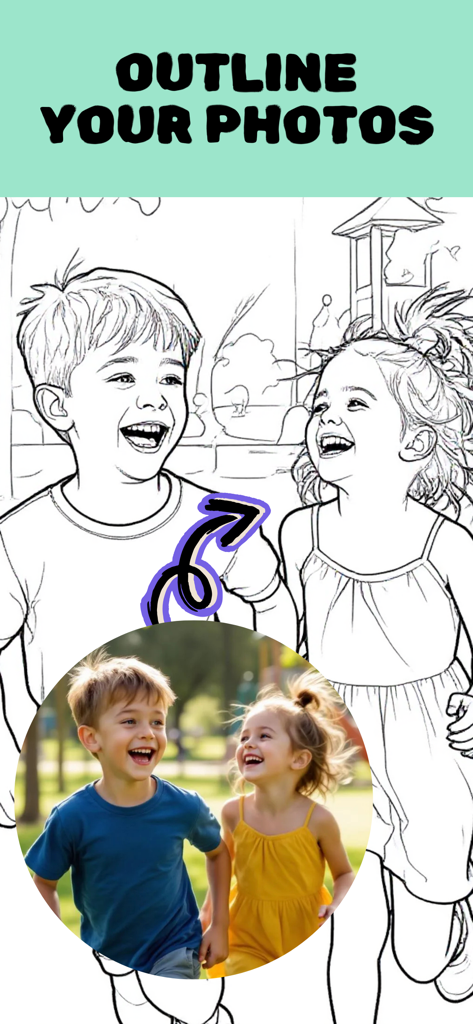
A photograph of two children laughing next to a black and white line drawing version of the same image

A photograph of two children laughing next to a black and white line drawing version of the same image

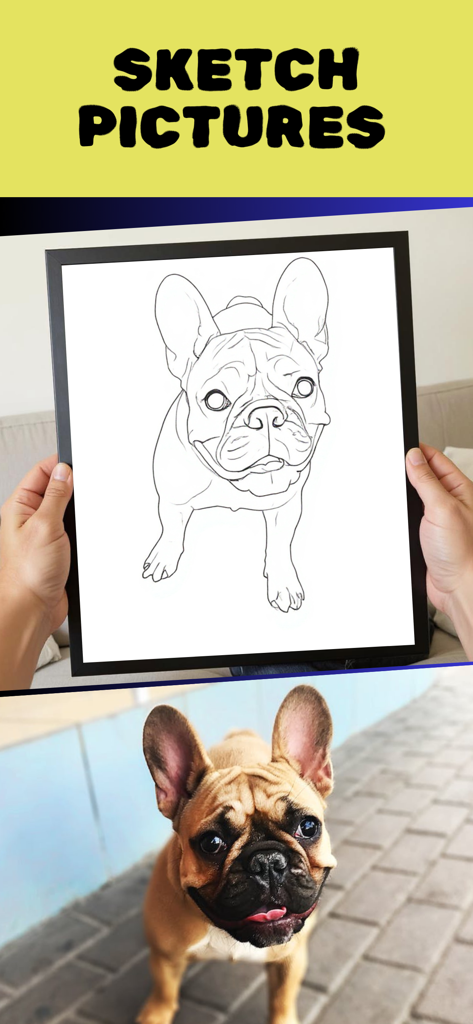
A dog photo transformed into a black and white line drawing sketch

A dog photo transformed into a black and white line drawing sketch

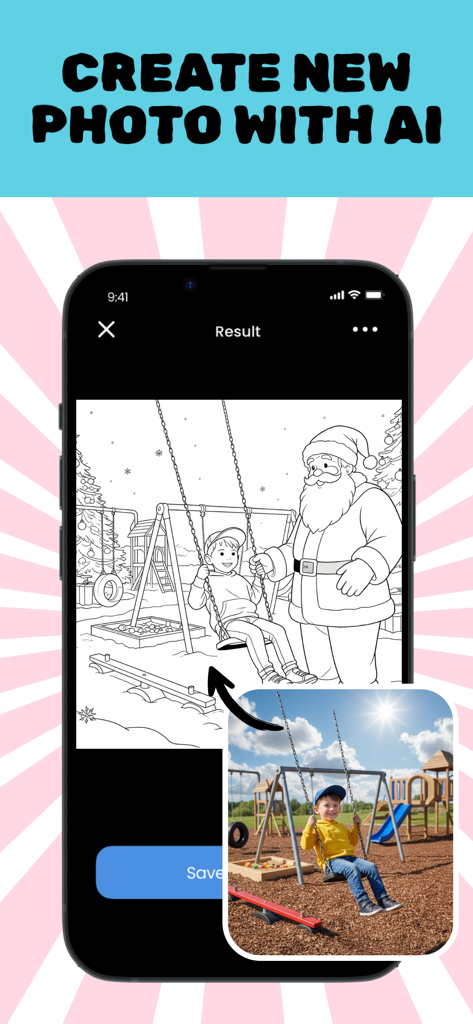
Mobile app interface showing a photo of a child on a swing being converted by AI into a printable line art coloring page featuring Santa Claus

Mobile app interface showing a photo of a child on a swing being converted by AI into a printable line art coloring page featuring Santa Claus

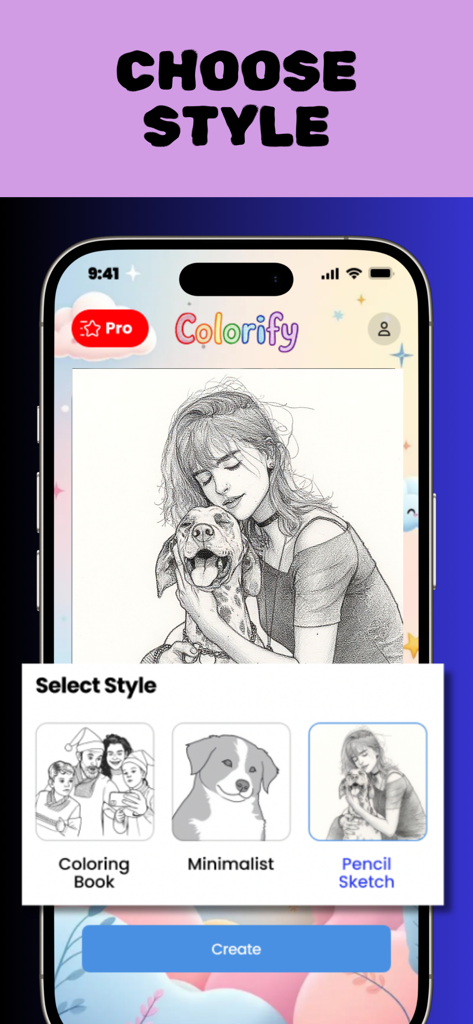
Colorify app screen showing options to convert photos into coloring book, minimalist, or pencil sketch styles.

Colorify app screen showing options to convert photos into coloring book, minimalist, or pencil sketch styles.

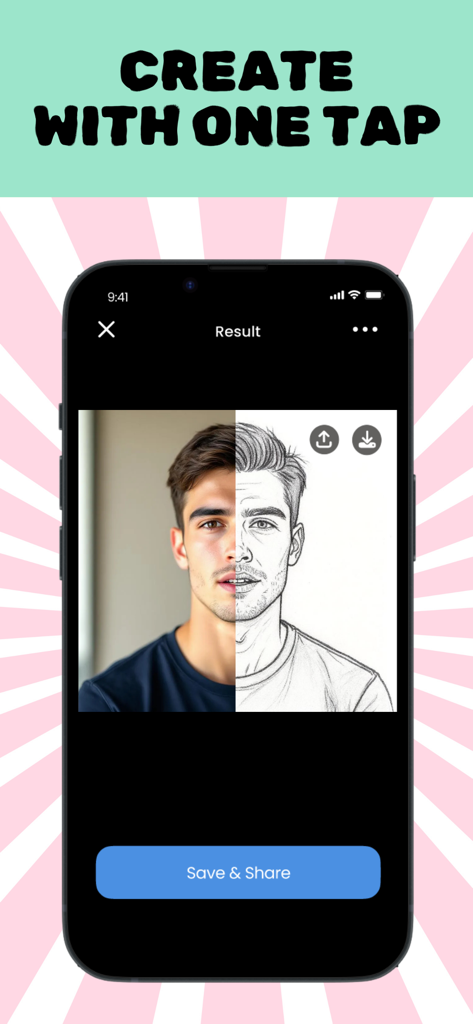
A side-by-side comparison showing a real portrait of a man and its AI-generated pencil sketch version within the Colorify app.

A side-by-side comparison showing a real portrait of a man and its AI-generated pencil sketch version within the Colorify app.

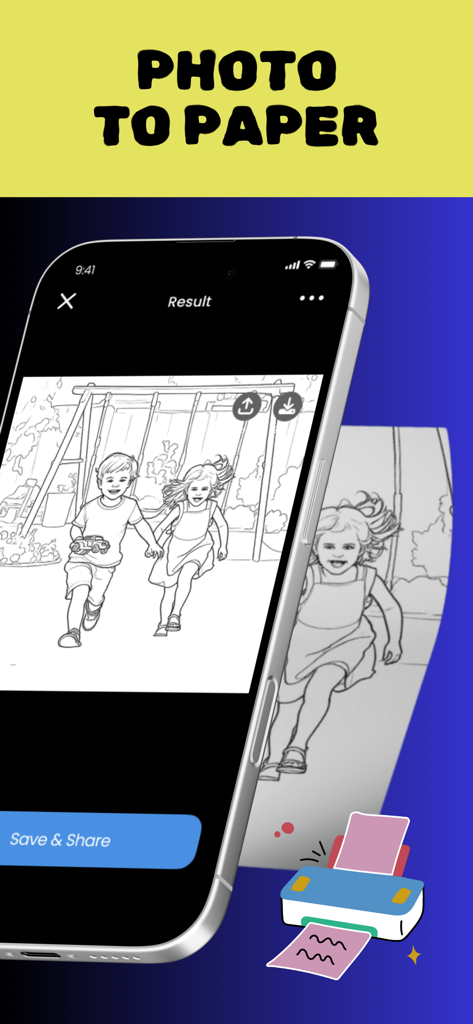
Smartphone screen showing a photo of children converted into a line drawing sketch ready for printing

Smartphone screen showing a photo of children converted into a line drawing sketch ready for printing

Turn Your World Into a Canvas

The tools that make this app stand out, trusted by 333K+ users.

AI-Powered Personalization

Convert your favorite memories—from family portraits to pet snapshots—into beautiful, custom line art in seconds.

🖨️

Print & Play Offline

Bridge the gap between digital and physical. Print your custom creations for a creative, screen-free activity at home or in the classroom.

🎨

Stress-Free Creativity

Whether you're a hobbyist seeking relaxation or a parent looking for fun, our pixel art and sketch modes make art accessible to everyone.

Loved by users worldwide

Trusted by 333K+ people who love this app.

"

"This app is a total game-changer for rainy days! My daughter loves taking photos of her favorite stuffed animals and turning them into custom coloring pages. It is so much more meaningful than a generic coloring book, and the fact that I can print them out to reduce her screen time is a huge win for our family."

Sarah Jenkins
"

"As a DIY enthusiast with zero drawing skills, Colorify has become my favorite creative tool. I use the AI sketch feature to turn my travel photos into line art for my scrapbooking and personalized gifts. The conversion is incredibly clean and professional, making it worth every penny of the subscription."

Marcus Thompson

About the app

Everything you need to know about Colorify: Coloring Book Maker.

Description

Colorify - AI Photo to Sketch Drawing Art & Coloring Book Maker Transform any picture into a printable coloring page using the power of AI! Colorify is a fun, creative photo editor that turns your favorite images into beautiful line drawings, pixel art, or sketches — perfect for kids and adults. From family portraits to pet photos, turn memories into artistic masterpieces in seconds! With Colorify, you can easily convert a photo to pencil sketch, create cartoon-style art, or generate unique colour by number pages. Ideal for printing or digital coloring fun, it’s your all-in-one coloring book maker and drawing editor — made for everyone. Key Features: • AI-powered photo to sketch conversion • Create your own Color by Number pages • Choose Simple, Detailed, or Pixel Art styles • Add doodles or edit photos with artistic effects • Draw, paint, or print anytime • Safe and ad-free — fun for kids and adults • Premium unlocks HD, advanced styles, and more Perfect for: • Parents & children who love to draw • Teachers, artists & hobbyists • Unique gifts & party activities • Anyone who enjoys sketching, painting, or editing photos To use the Colorify app you must subscribe weekly, monthly, or yearly packages. Subscription prices may vary by location and all subscriptions are automatically renewed. Questions? Visit our Help Center: support@yoyamobile.co Privacy Policy: https://www.yoyamobile.co/privacy-policy Terms and Conditions: https://www.yoyamobile.co/terms-conditions Ready to turn your pictures into printable, personal art? Download Colorify – AI Sketch & Coloring Book Editor today and bring your world to life!

Latest Version

1.10.14

Size

50.8 MB

First Released

Jul 29, 2025

Start Turning Your Favorite Memories into Art

Join 333,000+ users transforming their photos into personalized, printable coloring pages. Download Colorify today and create your first masterpiece in seconds.

Download on App Store
FAQ

Frequently Asked Questions

Everything you need to know about Colorify: Coloring Book Maker

What is Colorify?

Colorify is an AI-powered photo editor that transforms any picture into a printable coloring page, line drawing, pixel art, or sketch. It serves as a coloring book maker and drawing editor.

How does Colorify convert photos into sketches?

Colorify uses AI-powered technology for photo to sketch conversion, enabling users to transform images into line drawings, pixel art, or sketches quickly.

Can Colorify create custom Color by Number pages?

Yes, Colorify allows users to create their own custom Color by Number pages from any photo. This feature is listed as a key capability of the app.

What artistic styles are available in Colorify?

Colorify offers various artistic styles including Simple, Detailed, Pixel Art, Coloring Book, Minimalist, and Pencil Sketch to transform photos.

Is the Colorify app suitable and safe for children?

Yes, Colorify is designed to be fun for kids and adults. It is explicitly stated as "Safe and ad-free," making it suitable for children.

What are the subscription options for Colorify?

To use the Colorify app, users must subscribe to weekly, monthly, or yearly packages. Subscription prices vary by location, and all subscriptions automatically renew.

Can I print the art created with Colorify?

Yes, Colorify allows users to print their transformed photos and creations. The app converts pictures into printable coloring pages and offers digital coloring options.

Does Colorify offer premium features?

Yes, Colorify offers premium features that unlock HD output, advanced styles, and more. Access to these enhancements is typically provided through a subscription.

Where can I find Colorify's privacy policy?

The Colorify app's privacy policy is available at https://www.yoyamobile.co/privacy-policy. This direct link is provided within the app's official description.

What does Colorify use AI for?

Colorify uses AI to power its photo-to-sketch conversion feature, transforming users' existing pictures into various artistic forms like line drawings, pixel art, or coloring pages.