
Detail: AI Video Editor



Join 645K+ creators using the App Store Award winner to record, auto-edit, and share viral shorts, podcasts, and vlogs in seconds.
Publisher
Category
Photo & VideoDownloads
645K+User Rating
Total Ratings
3K+Locales
40Discover the interface used by 645K+ users.
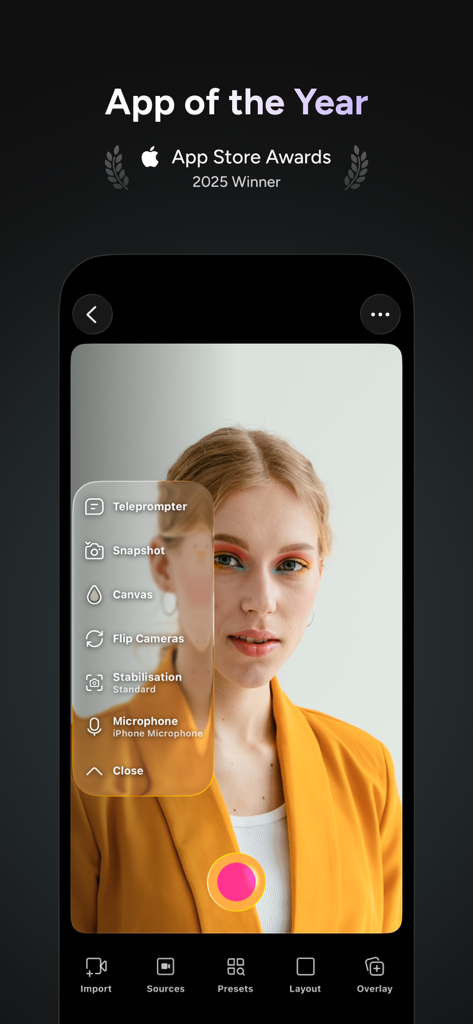
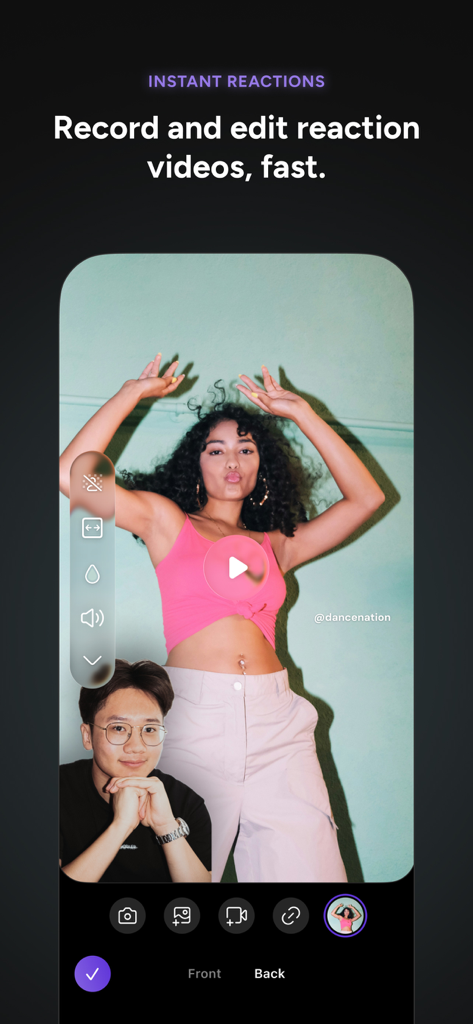
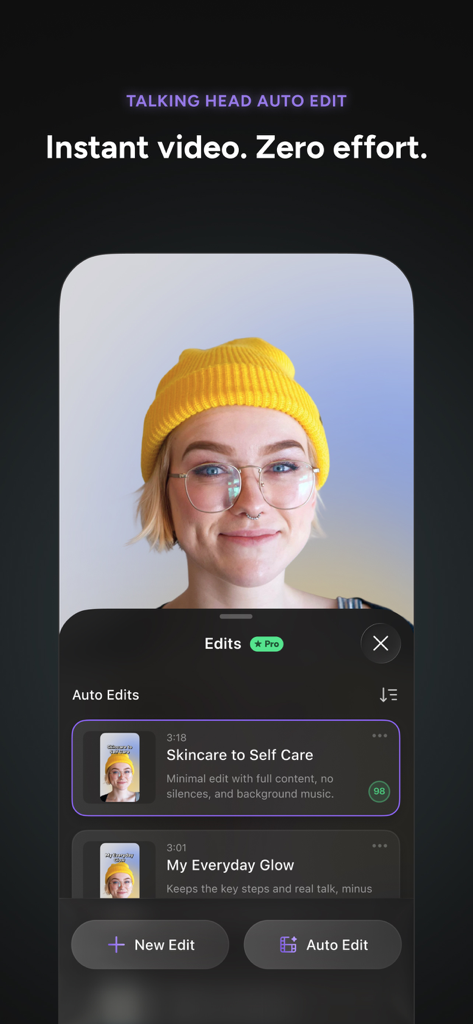
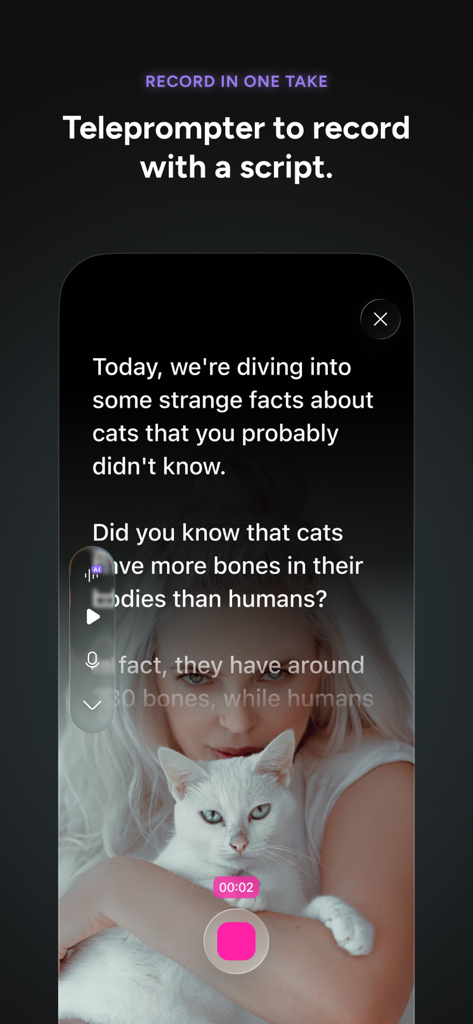
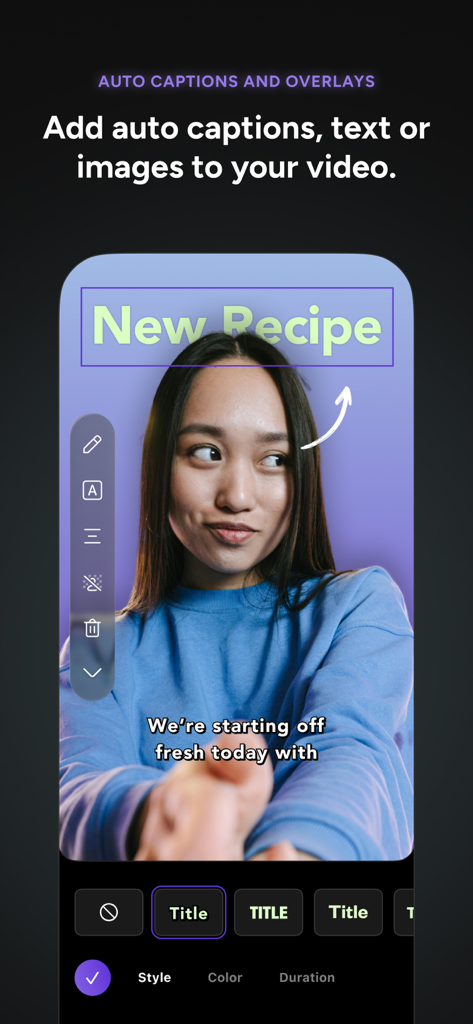
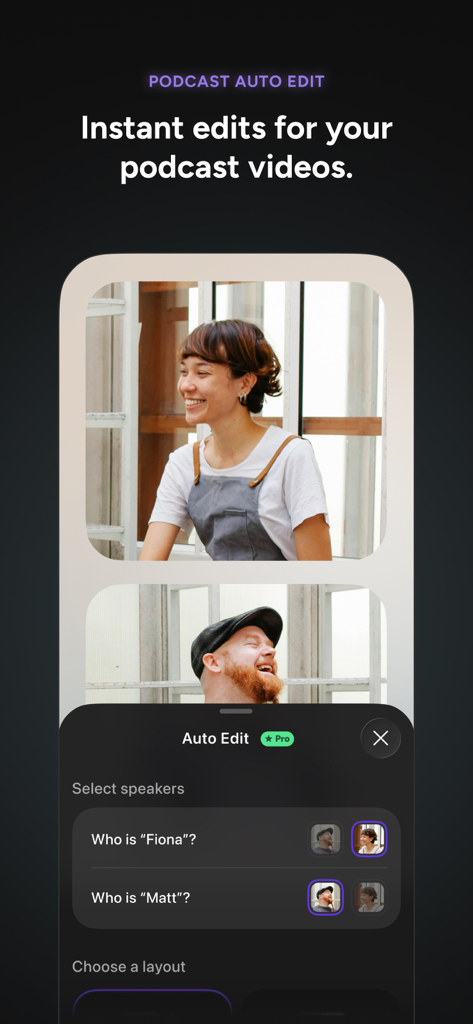
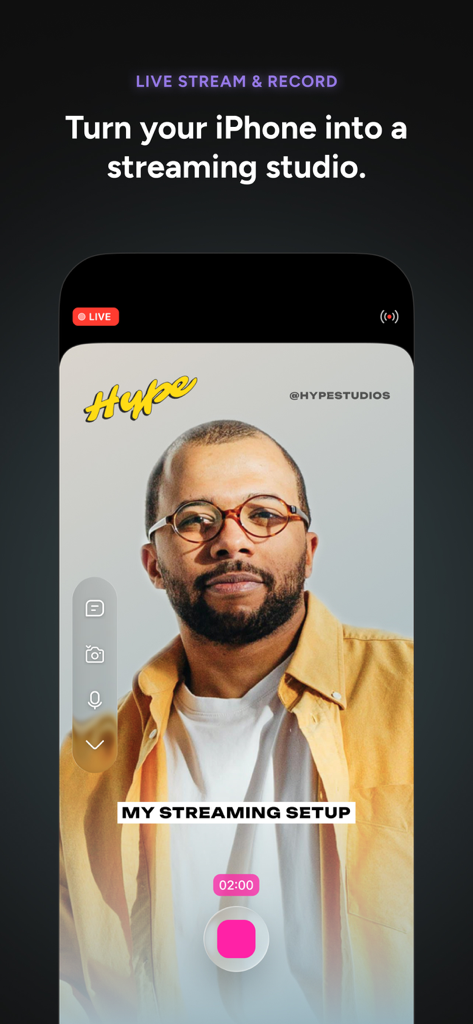
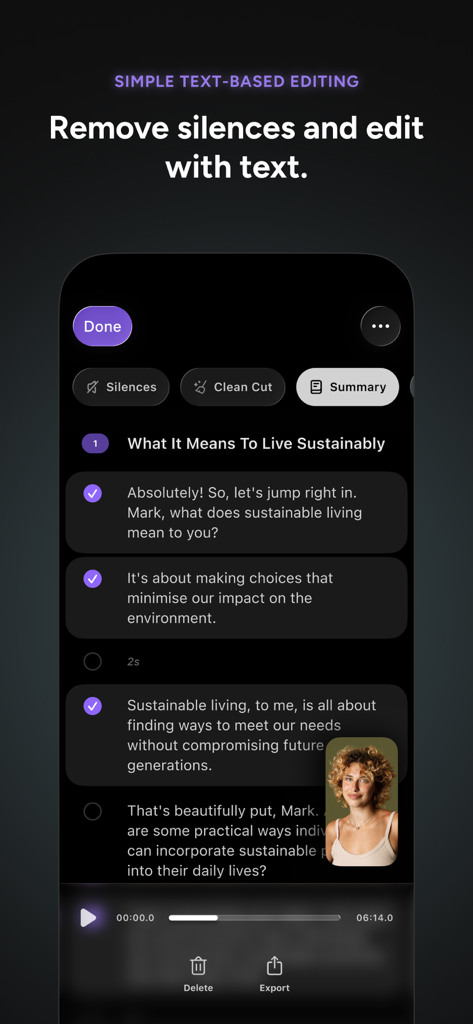
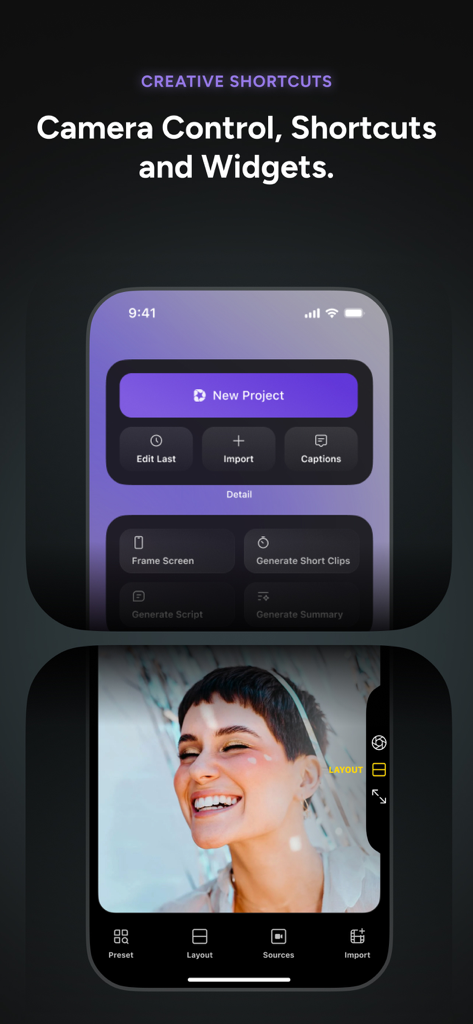
The tools that make this app stand out, trusted by 645K+ users.
Skip hours of manual cutting. Our AI identifies your best highlights and creates polished, captioned shorts for TikTok and Reels in a single tap.
Deliver your message with confidence. Use the AI Director to guide your storytelling and the built-in teleprompter to ensure a perfect take every time.
Record multi-cam interviews, reaction videos, or professional presentations with AI audio enhancement and instant green screen effects.
Trusted by 645K+ people who love this app.
"As a solo real estate agent, I don't have time for complex editing. Detail's AI Auto-Edit and teleprompter allow me to film professional, captioned property tours in minutes. It has completely streamlined my workflow and my engagement on Instagram has skyrocketed since I started using it."
"The multi-cam feature is a absolute game-changer for my podcast. Being able to sync two iPhones and use the AI Director to guide my recording has saved me thousands in gear and hours in post-production. It's the most powerful video tool I've ever used on a mobile device."
Insights from user reviews.
Sentiment Score
Summary
The Detail app receives highly mixed, but predominantly negative, feedback from users. While some praise its AI editing capabilities for speeding up content creation, its accurate transcription feature, and its dual-cam recording, the app is plagued by significant performance and stability issues. Users frequently report slow export times, app crashes, freezing, and persistent audio/video synchronization problems, making it unreliable for many. The user interface is often described as confusing and not user-friendly, and there are widespread complaints regarding the subscription model, including high costs, deceptive free trials, and difficulties obtaining refunds. There were no specific version-related bugs consistently reported across multiple reviews.
Common Themes
Everything you need to know about Detail: AI Video Editor.
Description
Latest Version
5.5.3
Size
325.1 MB
First Released
Mar 10, 2023
Stop spending hours on the timeline. Join over 645,000 creators using AI to record, auto-edit, and scale professional content for TikTok, YouTube, and beyond.
Everything you need to know about Detail: AI Video Editor
Yes, Detail: AI Video Editor uses AI Auto-Edit to automatically find the best moments in your footage and create ready-to-share videos and shorts, from long-form content to short clips.
Yes, Detail includes an integrated teleprompter with an AI Director. This conversational guide helps users record their story without prior preparation, displaying scripts for a seamless recording experience.
Yes, Detail enables users to live stream directly to platforms like YouTube, Twitch, Instagram, LinkedIn, Kick, or Facebook via RTMP, turning an iPhone into a professional streaming studio.
Yes, Detail offers unlimited recording, remote recording, captions, and basic editing for free. Upgrading to the Pro version unlocks advanced AI features such as Auto-Edit and podcast-specific AI tools.
Yes, Detail supports easy multi-camera recording using two iPhones or iPads. This feature allows users to switch between front and back cameras and record from multiple angles simultaneously.
Yes, Detail provides text-based editing, allowing users to remove silences and edit videos by manipulating the transcribed text. This streamlines the editing process for content creators.
Yes, Detail: AI Video Editor is an App Store Awards Winner for 2025. It is recognized for combining simple camera functionality with powerful video editing capabilities.
Apps with similar features and user experience

SHANTANU PTE. LTD.

Beijing Kwai Technology Co., Ltd.

Leto.Fonts FZCO

Templify Media, Inc.

KineMaster Corporation

PIXERY BILGI TEKNOLOJILERI ANONIM SIRKETI

Movavi Emea LLC

Dmitriy Biserov

Wenzhou XunChi Digital Technology Co., Ltd.