
DJI Fly



The all-in-one companion for drone pilots. Master the skies with intuitive flight controls, professional editing tools, and instant wireless transfers to share your story in seconds.
Publisher
Category
Photo & VideoDownloads
21M+User Rating
Total Ratings
20K+Locales
17Discover the interface used by 21M+ users.
The tools that make this app stand out, trusted by 21M+ users.
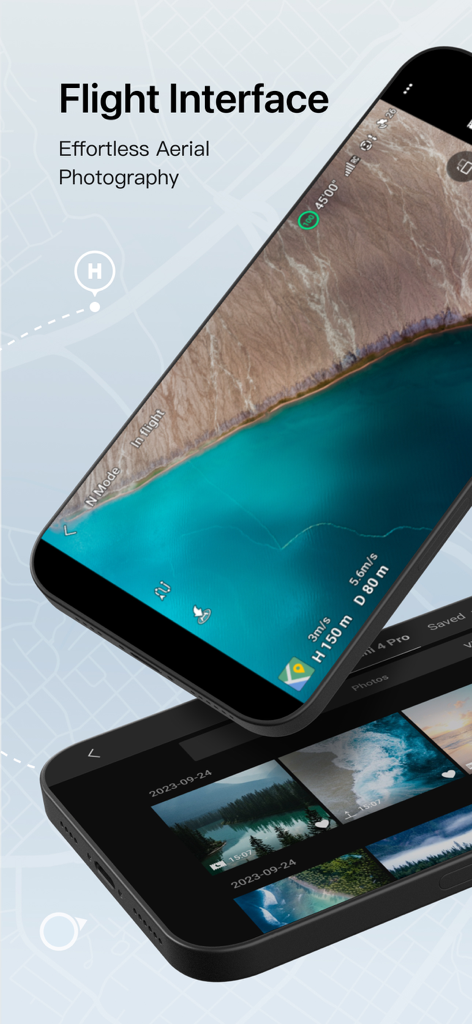
Navigate the skies with a simplified interface that lets you focus on capturing the perfect cinematic shot, not the controls.
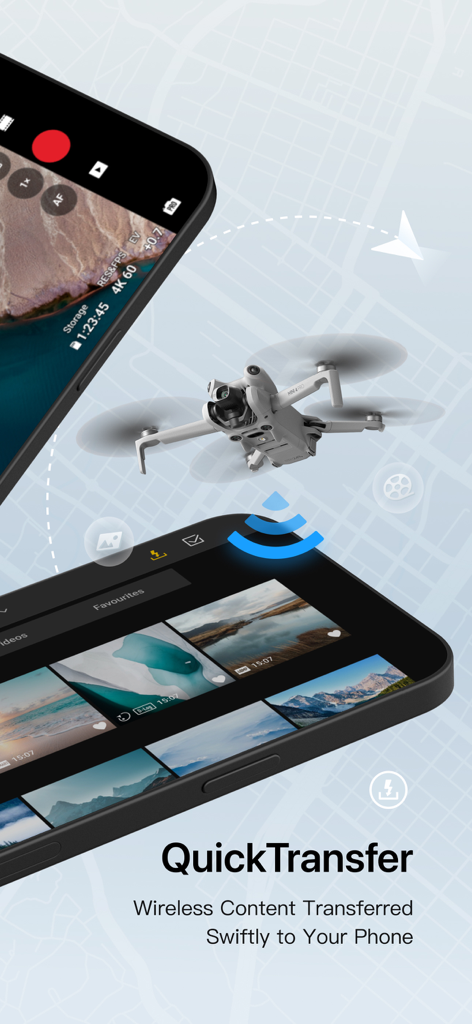
Sync 4K footage directly to your mobile device instantly so you can edit and share your adventure on social media in seconds.
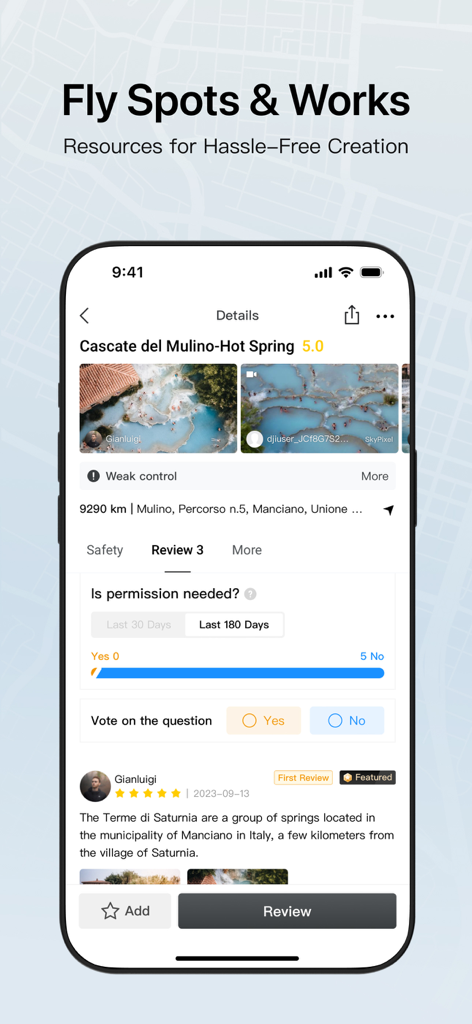
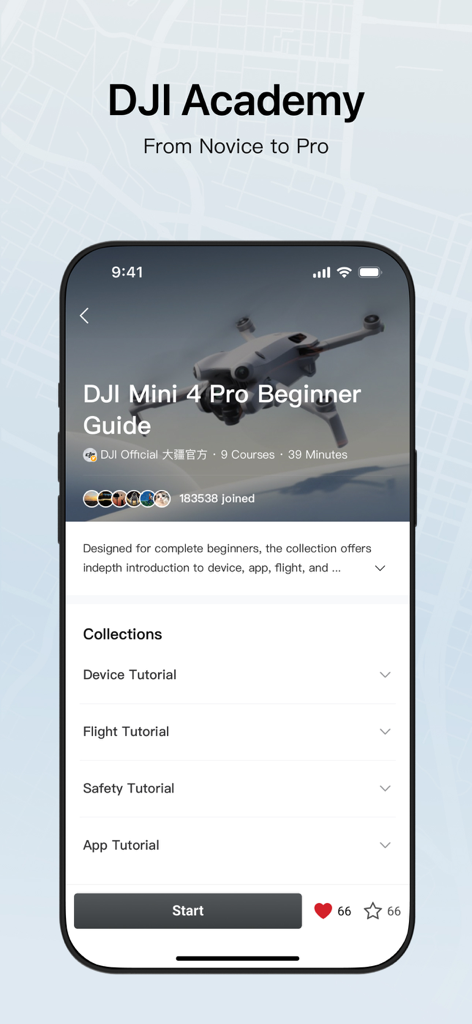
Stay compliant with real-time Fly Spot maps and level up your skills through integrated DJI Academy tutorials.
Trusted by 21M+ people who love this app.
"The QuickTransfer feature is a total game-changer for my workflow. I can capture stunning 4K footage and have it edited on my phone for social media in minutes. It makes professional aerial photography feel effortless."
"As a beginner, I was intimidated by drone flight, but the DJI Academy tutorials were incredibly helpful. The Fly Spots feature also gives me peace of mind knowing exactly where it's safe and legal to capture my hiking adventures."
Everything you need to know about DJI Fly.
Description
Latest Version
1.19.4
Size
1.2 GB
First Released
Nov 10, 2019
Join over 21 million creators and transform every flight into a cinematic masterpiece. Download DJI Fly to experience intuitive control, professional-grade editing, and instant social sharing today.
Everything you need to know about DJI Fly
The DJI Fly app is designed to help pilots fly drones with ease. It simplifies drone operation, making aerial photography effortless and accessible.
The DJI Fly app is compatible with numerous DJI drone models, including DJI Mini 5 Pro, DJI Mavic 4 Pro, DJI Air 3S, DJI Mini 4 Pro, DJI Air 3, and DJI Mavic 3 Pro. The app description provides a comprehensive list of all supported drones.
The Flight Interface in DJI Fly provides an effortless experience for aerial photography. It displays essential flight information and the camera's real-time view for users.
QuickTransfer in DJI Fly wirelessly transfers content swiftly to your phone. This feature allows for rapid access and sharing of media captured by your drone directly from the app.
DJI Fly offers "Fly Spots & Works" as resources for hassle-free creation. This feature provides locations and community-shared content, simplifying the creative process for pilots.
Yes, DJI Fly includes "DJI Academy," which offers learning resources from novice to pro. It provides tutorials and guides for device, flight, safety, and app usage.
Users can provide feedback for the DJI Fly app by emailing support.fly@dji.com. All suggestions are welcome and contribute directly to app improvement and development.
Apps with similar features and user experience

Dronelink LLC
VC TECHNOLOGY LTD
SMART WIDGET LABS COMPANY LIMITED

Robert Ronash
Robert Ronash

Parrot
文 张

SHENZHEN TZH ELECTRONICS TECHNOLOGY CO., LTD

SZ DJI TECHNOLOGY CO., LTD