
WiFi UAV


Take flight and capture epic aerial content with real-time FPV, gesture-controlled photos, and immersive 3D VR modes.
Publisher
Category
EntertainmentDownloads
2M+User Rating
Total Ratings
1K+Locales
9Discover the interface used by 2M+ users.
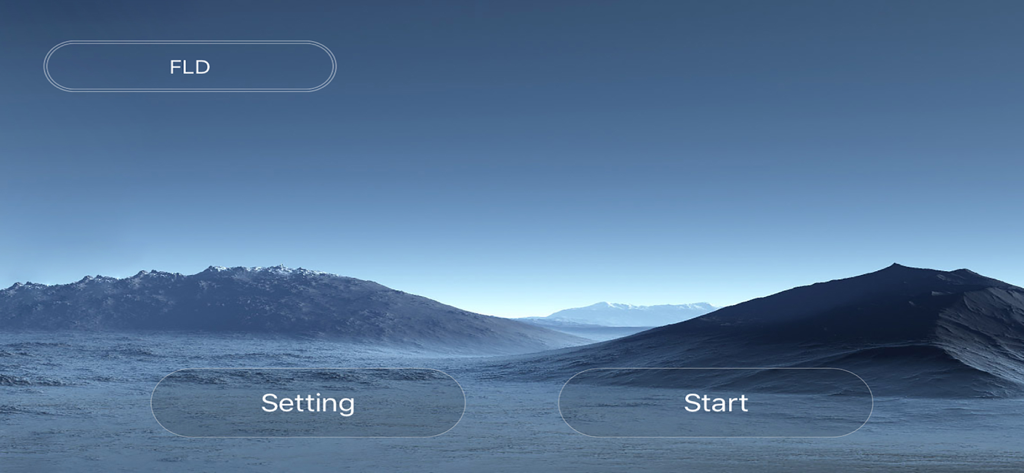
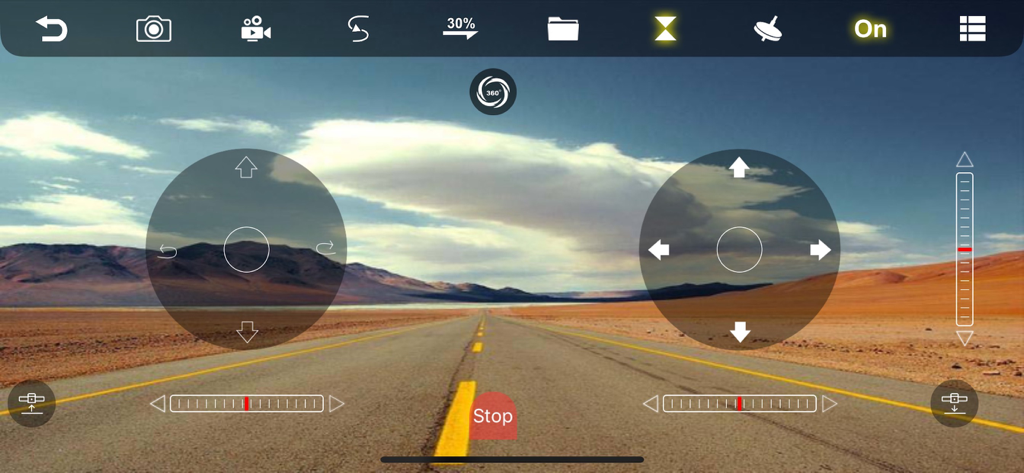
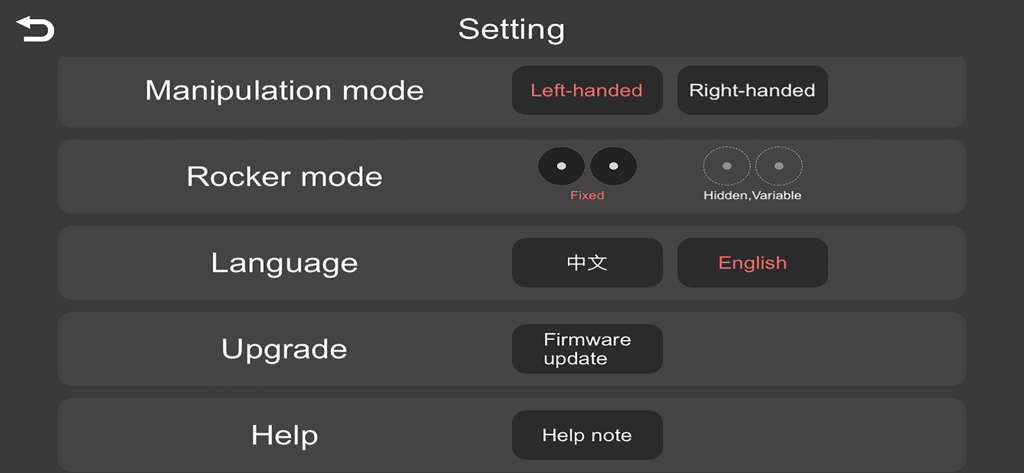
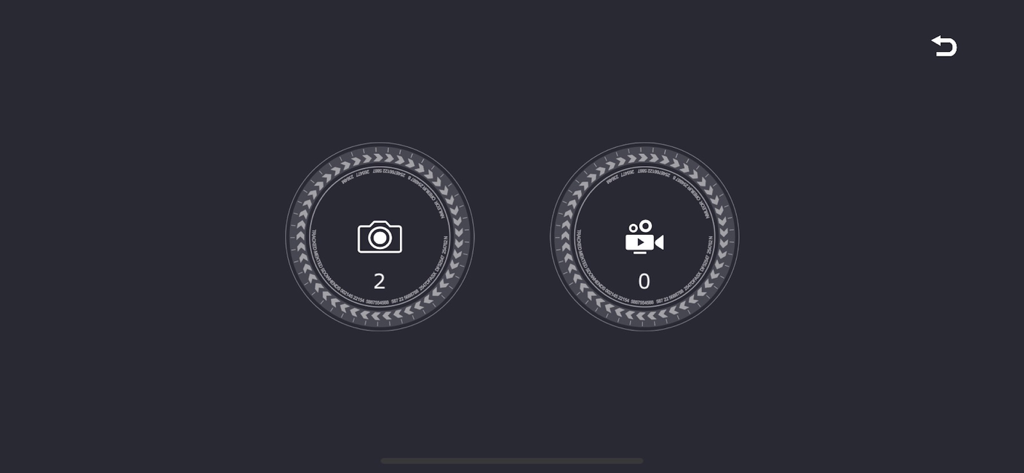
The tools that make this app stand out, trusted by 2M+ users.
Ditch the bulky remote. Use the built-in gravity sensor and rocker controls to fly your drone with the same precision and ease as your favorite mobile games.
Take the perfect aerial selfie or start recording videos with just a hand sign. It is the ultimate hands-free way to create viral content for TikTok and Instagram.
Simply trace a trajectory on your screen and watch your drone follow the line automatically. Perfect for capturing smooth, cinematic shots without manual piloting.
Trusted by 2M+ people who love this app.
"The gesture capture is a total game-changer for my outdoor vlogs! I love how I can just tilt my phone to steer using the gravity sensor. It makes getting cinematic aerial shots for my Instagram so much easier and more fun than using a clunky remote."
"I bought a budget drone for my son, and this app made it so easy to fly. We spent the whole afternoon using the 3D VR mode—it feels like you're actually in the cockpit! Drawing flight paths with the trajectory control is incredibly intuitive for beginners."
Everything you need to know about WiFi UAV.
Description
Latest Version
2025.08.30
Size
156.3 MB
First Released
Jul 10, 2019
Join over 2 million pilots and turn your iPhone into a high-tech flight deck. Download WiFi UAV today and experience the thrill of immersive FPV flight and effortless aerial creation.
Everything you need to know about WiFi UAV
The WiFi UAV app connects to and controls UAVs via WiFi. It enables functions such as capturing photographs and videos, alongside real-time image transmission from the drone.
Yes, the WiFi UAV app captures photos and records videos. Users utilize the app to remotely trigger image and video capture directly from the connected UAV.
Yes, the WiFi UAV app provides real-time image transmission. This function sends live video feeds from the UAV directly to the connected mobile device during operation.
The WiFi UAV app controls the drone through rocker manipulation, trajectory control, and gravity sensor input. It also allows users to select between left-handed and right-handed manipulation modes.
Yes, users change the language within the WiFi UAV app's settings. The app offers multiple language options, including English and Chinese, accessible through the main settings menu.
Yes, the WiFi UAV app supports gesture capture and video recording. This feature enables users to start or stop video recording on the UAV using specific hand gestures.
Yes, the WiFi UAV app facilitates firmware updates for the UAV. Users access the "Upgrade" section in the app's settings to ensure the drone's software is current.
The WiFi UAV app includes advanced visual features. These capabilities comprise a "3D Scattering Screen" and "Mirror Reversal" for enhanced viewing and control options.
Apps with similar features and user experience

Dronelink LLC

VC TECHNOLOGY LTD
SMART WIDGET LABS COMPANY LIMITED

Robert Ronash

SZ DJI TECHNOLOGY CO., LTD

Robert Ronash

Parrot

SHENZHEN TZH ELECTRONICS TECHNOLOGY CO., LTD

SZ DJI TECHNOLOGY CO., LTD