Do! - Simple To Do List

Do! - Simple To Do List

Download on App Store
Spark by MWM logo
Logo of Do! - Simple To Do List

Do! - Simple To Do List: Effortless Productivity for a Simpler Life

Ditch the complexity and get things done. Enjoy a minimalist design with satisfying sound effects, cute themes, and aesthetic widgets that keep your tasks just a glance away.

Publisher

SIMPLERION Co., Ltd

Category

Productivity

Downloads

5M+

User Rating

4.7/5

Total Ratings

64K+

Locales

4

Simplicity in Action

Discover the interface used by 5M+ users.
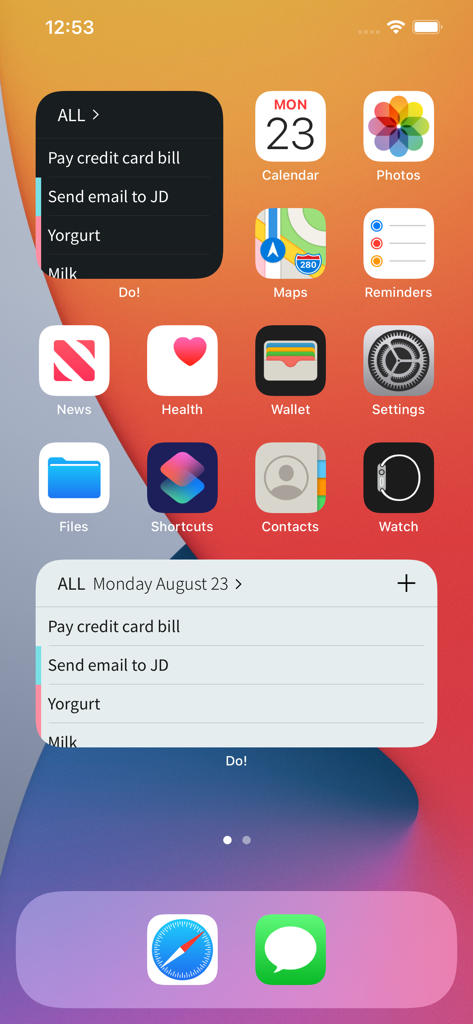
Two minimalist to-do list widgets on an iPhone home screen displaying daily tasks.

Two minimalist to-do list widgets on an iPhone home screen displaying daily tasks.

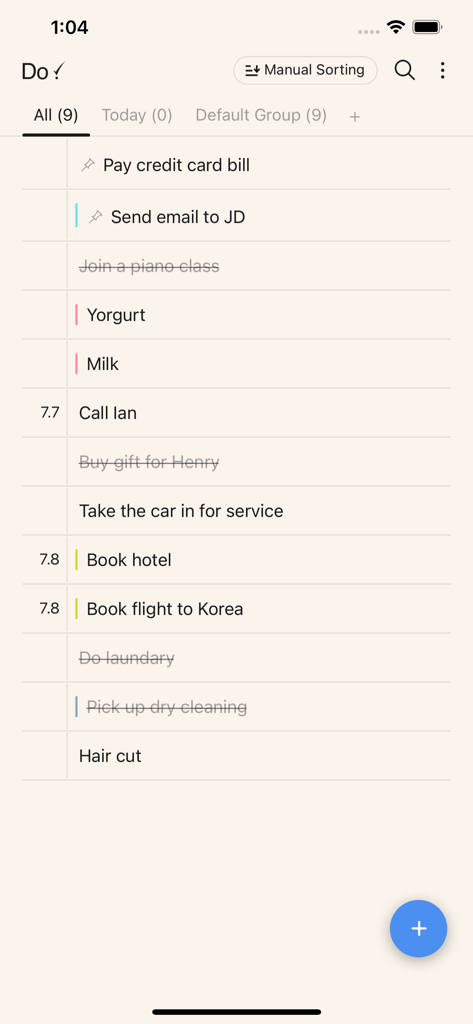
A minimalist to do list interface showing a daily task list with completed and pending items

A minimalist to do list interface showing a daily task list with completed and pending items

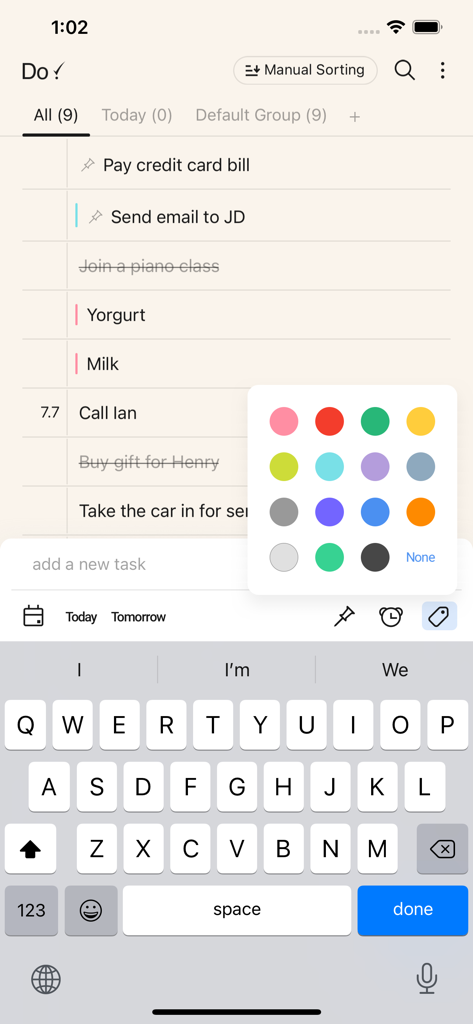
Mobile app interface showing a task list with a color picker overlay for task organization

Mobile app interface showing a task list with a color picker overlay for task organization

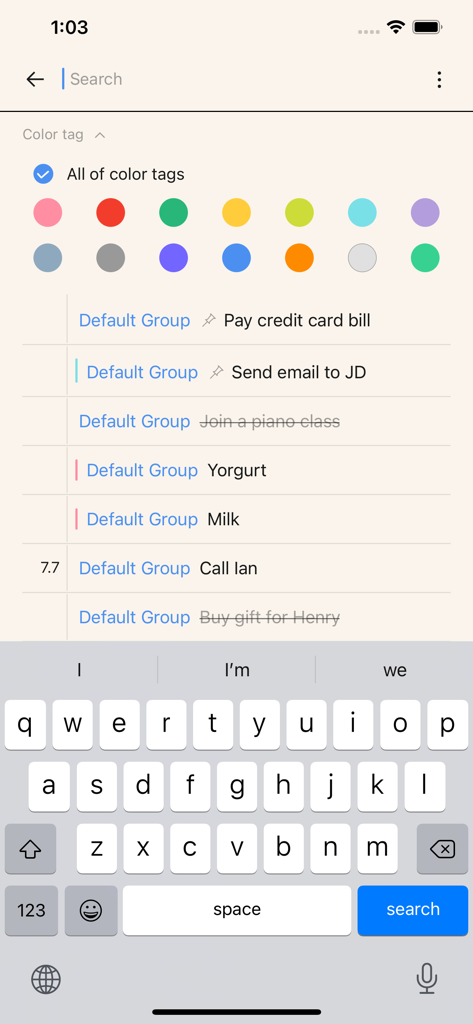
Do app search screen showing a list of tasks with color tag filters and a keyboard

Do app search screen showing a list of tasks with color tag filters and a keyboard

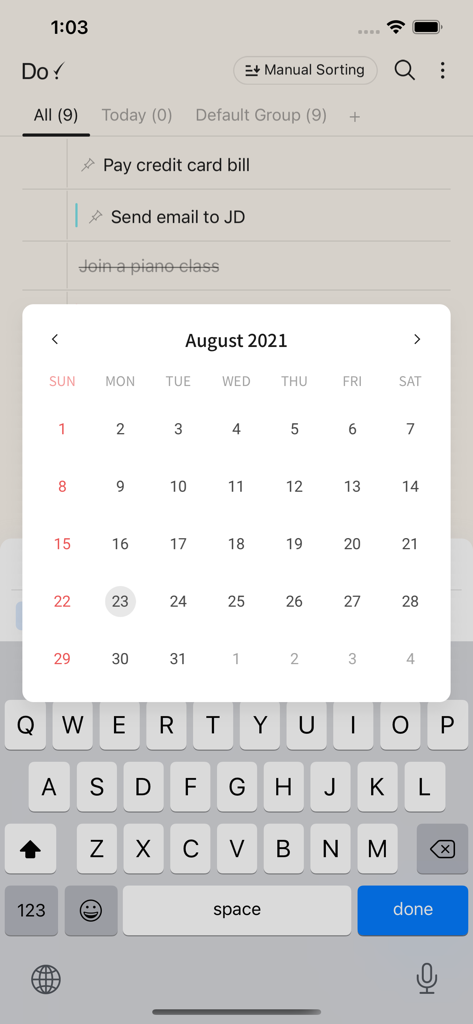
Interface of the Do! simple to do list app with a task list and a calendar picker pop up.

Interface of the Do! simple to do list app with a task list and a calendar picker pop up.

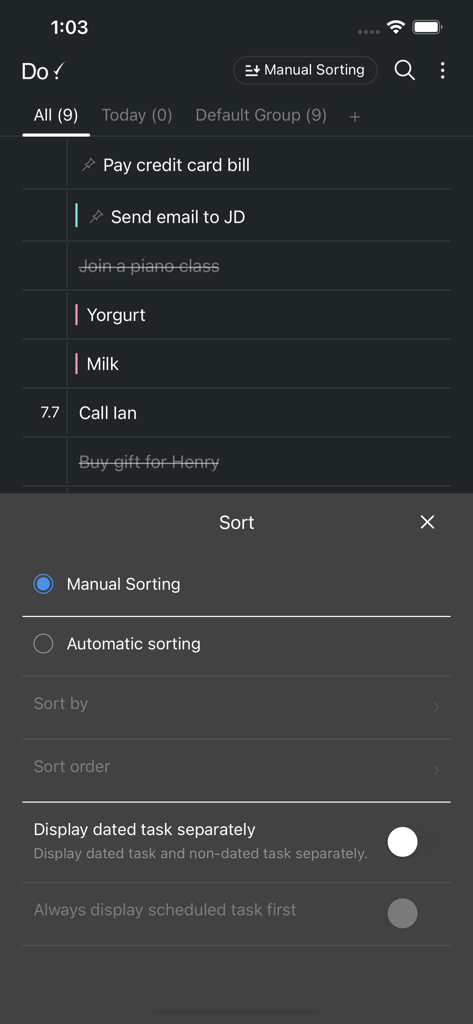
A screenshot of the Do app showing task list and sorting options in dark mode

A screenshot of the Do app showing task list and sorting options in dark mode

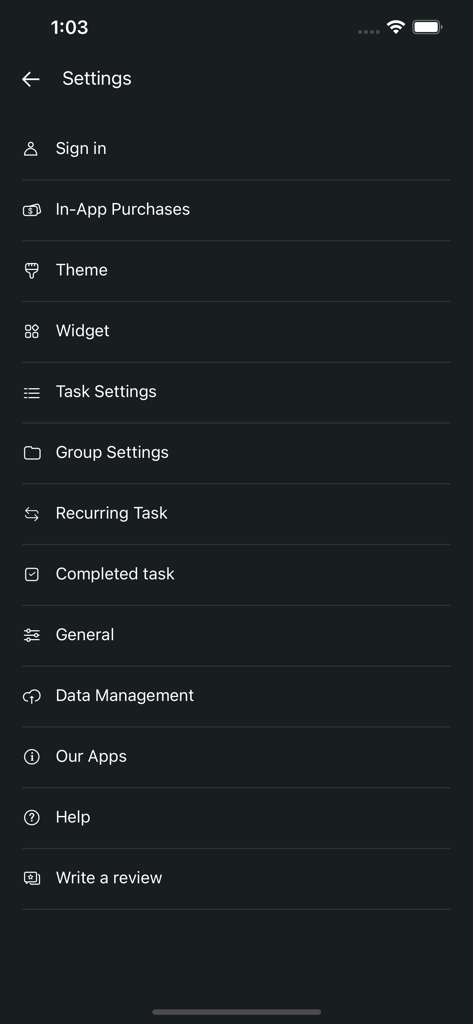
Settings menu of the Do! Simple To Do List app with options for theme, widget, and task management.

Settings menu of the Do! Simple To Do List app with options for theme, widget, and task management.

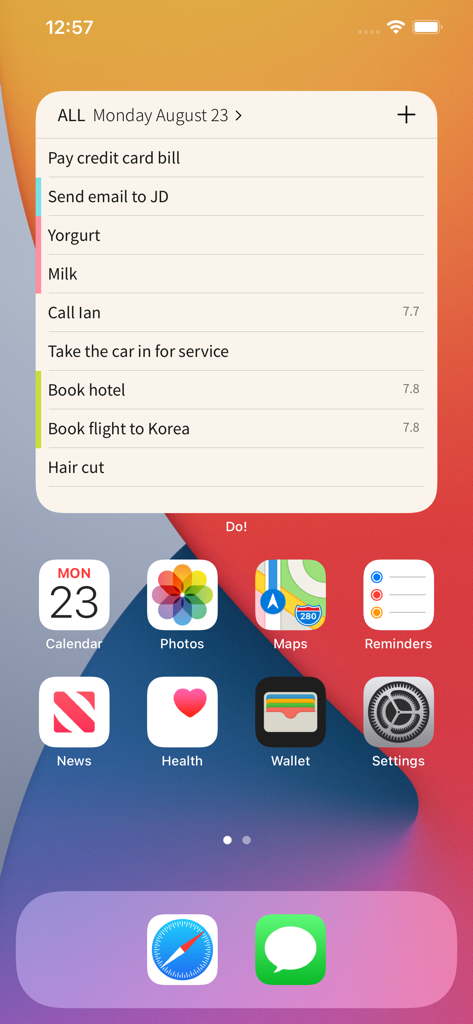
A simple to-do list widget on an iPhone home screen

A simple to-do list widget on an iPhone home screen

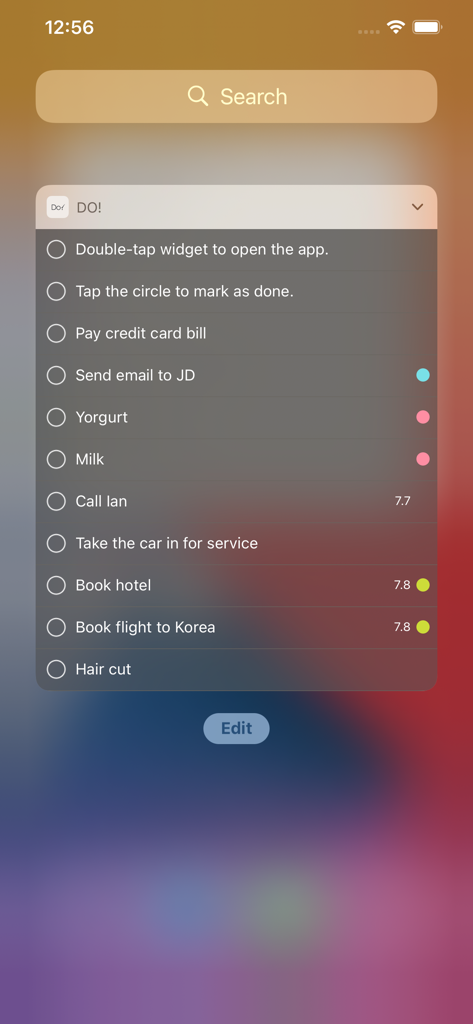
Do! app iOS widget displaying a simple list of daily tasks and reminders on a smartphone screen.

Do! app iOS widget displaying a simple list of daily tasks and reminders on a smartphone screen.

Master Your Day with Zero Effort

The tools that make this app stand out, trusted by 5M+ users.

Lightning-Fast Task Entry

Add tasks in seconds and finish them with a simple double-tap. No complicated folders, just pure productivity that keeps up with your pace.

Aesthetic & Cozy Design

Personalize your list with cute themes and analog paper-and-pen sounds for a satisfying feel that makes organization a joy.

📱

Glance-and-Go Widgets

Stay on track without even opening the app. Keep your most important tasks front and center on your home screen for instant access.

Loved by users worldwide

Trusted by 5M+ people who love this app.

"

"I’ve tried every productivity app out there, but they all felt like work. Do! is different. I love the cute themes and the scratchy pen sound when I check something off—it’s so satisfying! The widget looks amazing on my home screen and keeps me on track without the clutter."

Chloe M.
"

"Finally, a to-do list that doesn't require a manual to set up. I just want to write things down and cross them off. The double-tap to complete is a game changer when I'm on the move. Simple, fast, and stays out of my way."

Mark R.

About the app

Everything you need to know about Do! - Simple To Do List.

Description

The simplest To Do app Do! is a To Do app designed to help you focus on adding tasks and getting them done, without complex settings. We removed unnecessary features and kept only what makes it easy to use every day. ■ Add fast, finish instantly Add and complete tasks in the simplest way. Quick completion with a double tap. Set reminders so you don’t forget what matters. ■ Automate recurring tasks Save time by freely setting recurring tasks. Supports weekly, monthly, and yearly repeats. ■ See everything at a glance with widgets Check your tasks easily with modern, clean widgets. View today’s tasks or organize them in different ways. ■ Your data stays secure Protect your tasks with passcode or Face ID. All data is securely stored in your personal account. (Sign-up and login required) Backup and restore via Dropbox or Email. ■ Make it yours Cute themes to match your style. Multiple font options. Paper and pen–style sound effects. ■ External keyboard support. New Task (Command key + 'N') New Line (Option(Alt) key + 'Enter') Have questions or suggestions? Contact us: do@simplerion.com

Latest Version

7.4.4

Size

144.8 MB

First Released

Mar 9, 2011

Ready for the most satisfying “Done” of your day?

Join over 5 million people who swapped complex planners for a simpler, cozier way to stay organized. Download Do! today and clear your mind in seconds.

Download on App Store
FAQ

Frequently Asked Questions

Everything you need to know about Do! - Simple To Do List

How do I mark a task as complete in the Do! app?

The Do! app enables quick task completion with a double tap. Users can also tap the circle next to a task within a widget to mark it as done.

Does the Do! app support recurring tasks?

Yes, the Do! app supports recurring tasks. It offers flexible options for automation, including weekly, monthly, and yearly repeats to manage repetitive tasks efficiently.

Can I use widgets with the Do! - Simple To Do List app?

Yes, Do! - Simple To Do List includes modern widgets. These widgets allow users to check their tasks easily and organize them in different ways directly from their home screen.

How does the Do! app ensure my data is secure?

The Do! app secures user data by protecting tasks with a passcode or Face ID. All data is securely stored in the user's personal account, which requires sign-up and login.

Can I backup and restore my tasks in the Do! app?

Yes, the Do! app provides options for data backup and restoration. Users can conveniently backup and restore their tasks via Dropbox or Email to ensure data safety.

Does the Do! app offer customization options for its appearance?

Yes, the Do! app offers customization options. Users can personalize their experience with cute themes, multiple font options, and paper and pen–style sound effects.

Does the Do! app support external keyboards?

Yes, the Do! app supports external keyboards. It includes specific shortcuts such as Command key + 'N' for creating a new task and Option (Alt) key + 'Enter' for a new line.

Can I sort my tasks in the Do! app?

Users can sort tasks in the Do! app. It provides both manual and automatic sorting options, allowing for flexible organization of task lists according to preference.

How do I contact support for the Do! - Simple To Do List app?

To contact support for the Do! - Simple To Do List app, users can send an email to do@simplerion.com for any questions or suggestions.