Dual WordPad

Dual WordPad

Download on App Store
Spark by MWM logo
Logo of Dual WordPad

Dual WordPad: Double Your Focus with Private Side-by-Side Notes

Edit, compare, and translate effortlessly with dual-panel productivity. Experience a distraction-free, ad-free workspace where your privacy is guaranteed and your data is never collected.

Download on App Store

Publisher

Han Chang Lin

Category

Utilities

Downloads

200

User Rating

1.0/5

Total Ratings

0

Locales

1

Your Workflow, Doubled

Discover the interface used by 200 users.
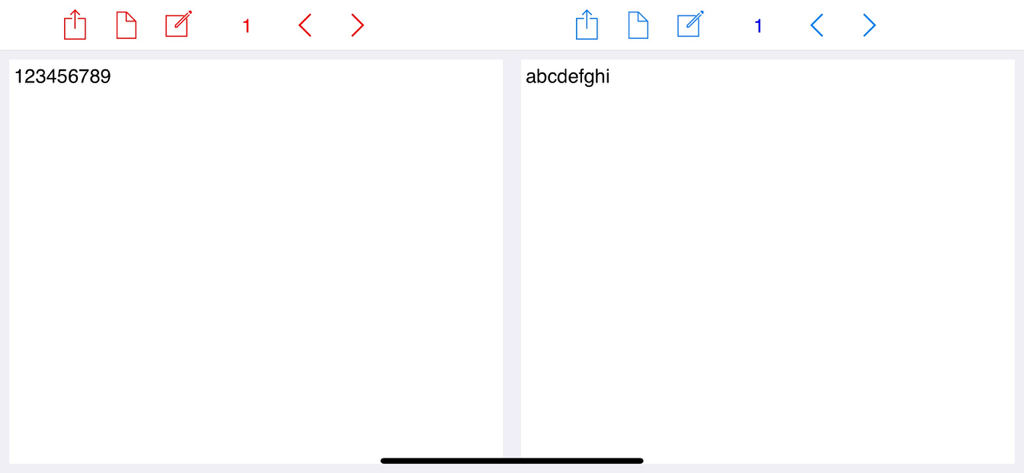
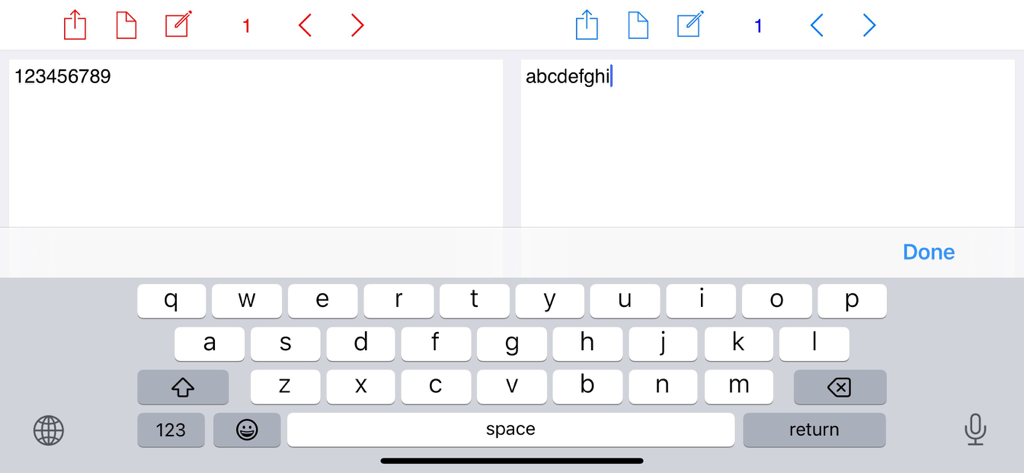
Dual WordPad interface featuring two side-by-side note-taking panels for simultaneous editing.

Dual WordPad interface featuring two side-by-side note-taking panels for simultaneous editing.

Side by side text editing in Dual WordPad app

Side by side text editing in Dual WordPad app

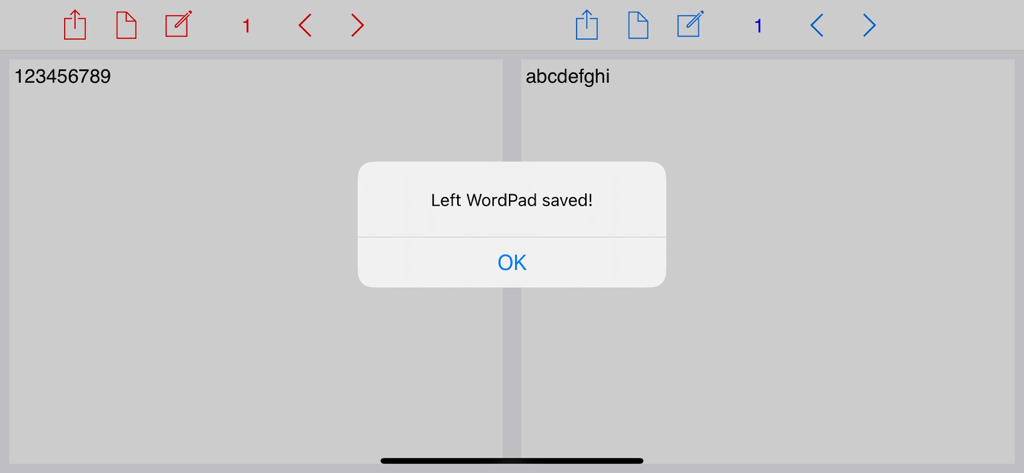
A split-screen view of the Dual WordPad app showing two side-by-side note panels and a confirmation message that says Left WordPad saved.

A split-screen view of the Dual WordPad app showing two side-by-side note panels and a confirmation message that says Left WordPad saved.

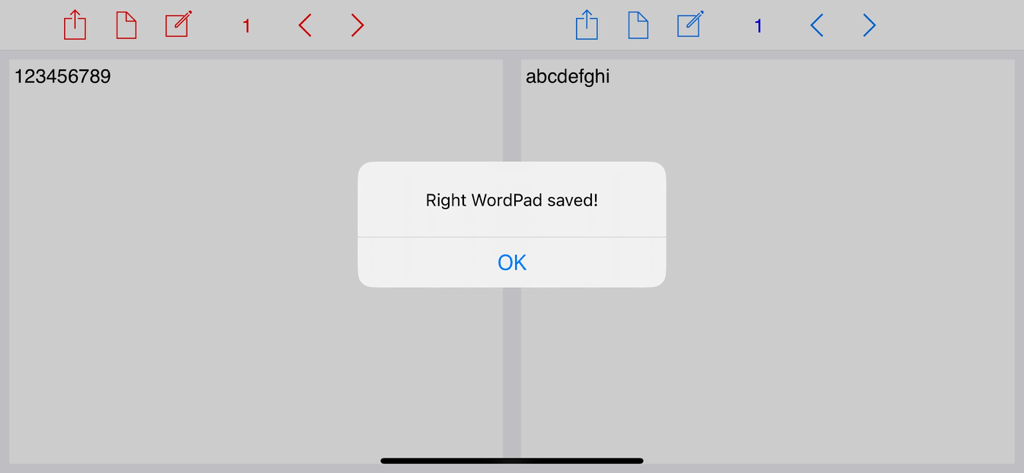
Dual WordPad app interface with side by side note panels and a save confirmation alert

Dual WordPad app interface with side by side note panels and a save confirmation alert

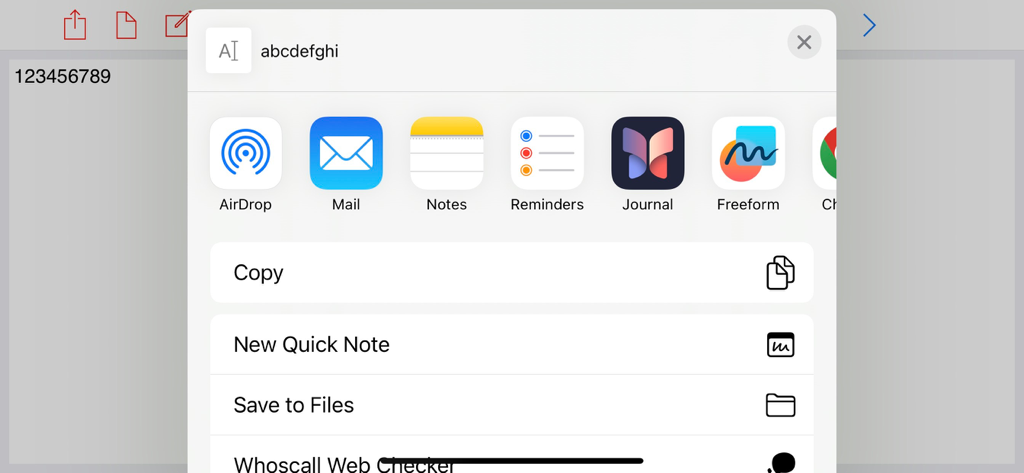
iOS share menu within the Dual WordPad app showing options for AirDrop, Mail, and saving notes.

iOS share menu within the Dual WordPad app showing options for AirDrop, Mail, and saving notes.

Maximized Productivity. Zero Distractions.

The tools that make this app stand out, trusted by 200 users.

👯

Dual-Panel Efficiency

View your research on the left while you draft on the right. Perfect for students and writers who want to eliminate tedious app-switching.

🛡️

Privacy-First Architecture

We collect zero data and show zero ads. Your notes are private, secure, and stored only where they belong: on your own device.

💰

Subscription-Free Lifetime Access

Stop paying monthly rent for your tools. One simple purchase covers your entire family with full features and no hidden fees.

Loved by users worldwide

Trusted by 200 people who love this app.

"

"As a language student, this app is perfect for my translation exercises. I can keep the original text on the left and my draft on the right. No ads, no subscriptions, and total privacy—it's the most straightforward and reliable tool on my iPad."

Sarah Jenkins
"

"I am tired of every app wanting a monthly subscription. Dual WordPad is a breath of fresh air. It's fast, clean, and the dual-panel layout is essential for my research notes. It's become my go-to for focused writing without any distractions."

David Thompson

About the app

Everything you need to know about Dual WordPad.

Description

Data Not Collected. Your Privacy Is Fully Protected. Supports up to six family members via Family Sharing. No ads, subscriptions, or in-app purchases. Dual WordPad is a powerful, easy-to-use note-taking app designed for productivity. With two memo panels side by side, you can edit and preview notes simultaneously. Key Features: Dual Panels: Compare or edit notes in the left and right panels at the same time. Save & Clear: Quickly save or clear your notes with a single tap. Share Notes: Easily share your notes via email, messages, or other apps. Swipe Navigation: Move through pages with next and previous buttons. Stay organized and productive, whether for school, work, or personal notes. Start taking notes more efficiently with Dual WordPad today!

Latest Version

3.0.0

Size

46.1 MB

First Released

Mar 2, 2016

Upgrade Your Workspace with Zero Subscriptions

Experience the freedom of dual-panel note-taking with total privacy. No ads, no tracking, and no monthly fees—just pure productivity for you and your family.

Download on App Store