eBoox - fb2 ePub book reader

eBoox - fb2 ePub book reader

Download on App Store
Spark by MWM logo
Logo of eBoox - fb2 ePub book reader

eBoox – The Most Pleasant, Ad-Free Reader for Every Book You Own

Escape the walled gardens with a beautiful, simple e-reader that supports all formats. From fanfiction to textbooks, enjoy seamless sync, dark mode, and zero distractions across all your devices.

Publisher

REDIT, OOO

Category

Books

Downloads

3M+

User Rating

4.9/5

Total Ratings

76K+

Locales

12

Pure Reading Bliss

Discover the interface used by 3M+ users.
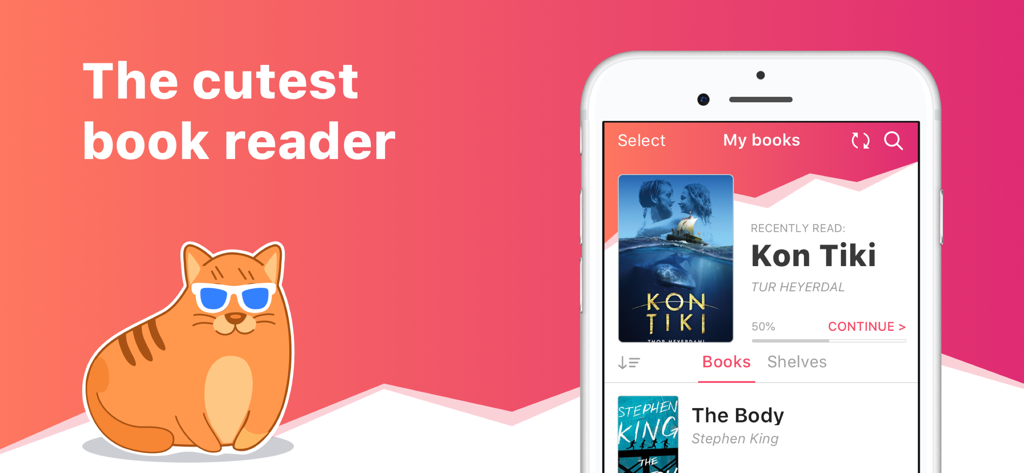
A marketing banner for the eBoox app featuring a cartoon cat with sunglasses and a smartphone displaying the digital library interface.

A marketing banner for the eBoox app featuring a cartoon cat with sunglasses and a smartphone displaying the digital library interface.

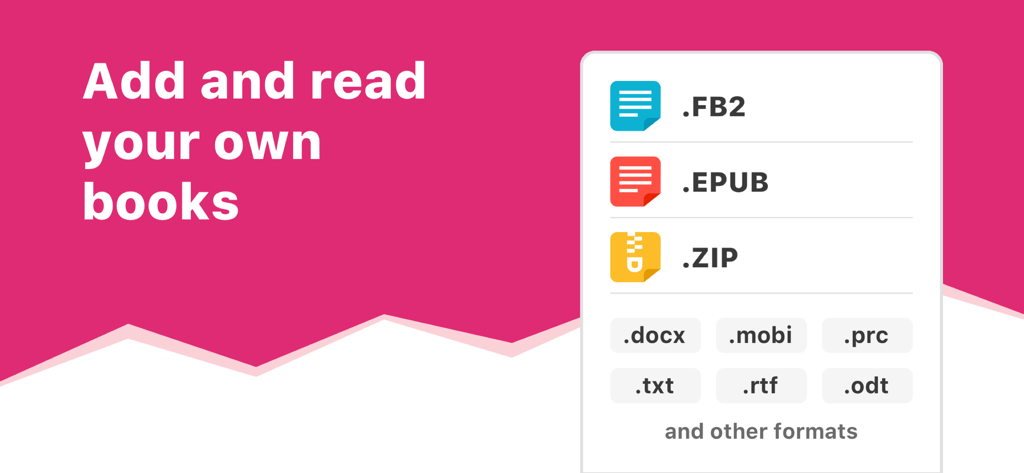
Promotion for eBoox reader app showing compatibility with EPUB FB2 ZIP and other book file formats

Promotion for eBoox reader app showing compatibility with EPUB FB2 ZIP and other book file formats

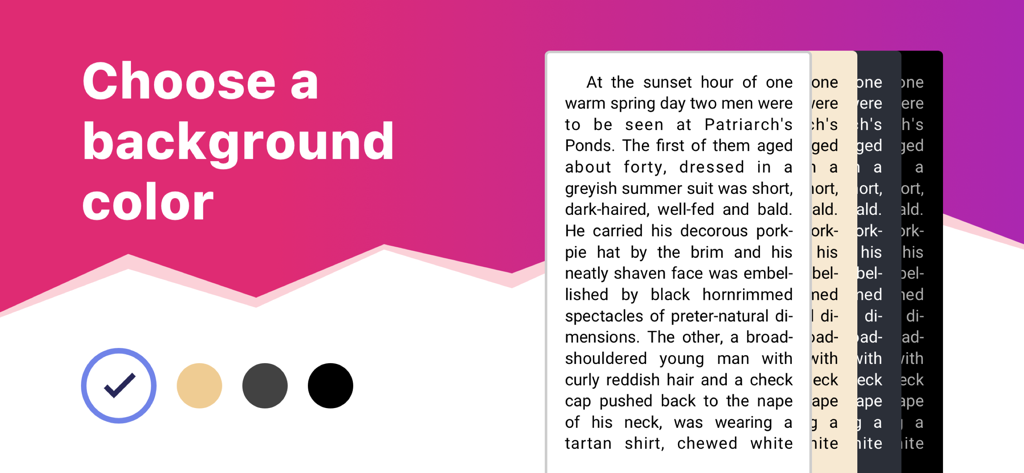
eBoox app interface showing background color options for reading including white sepia and dark mode

eBoox app interface showing background color options for reading including white sepia and dark mode

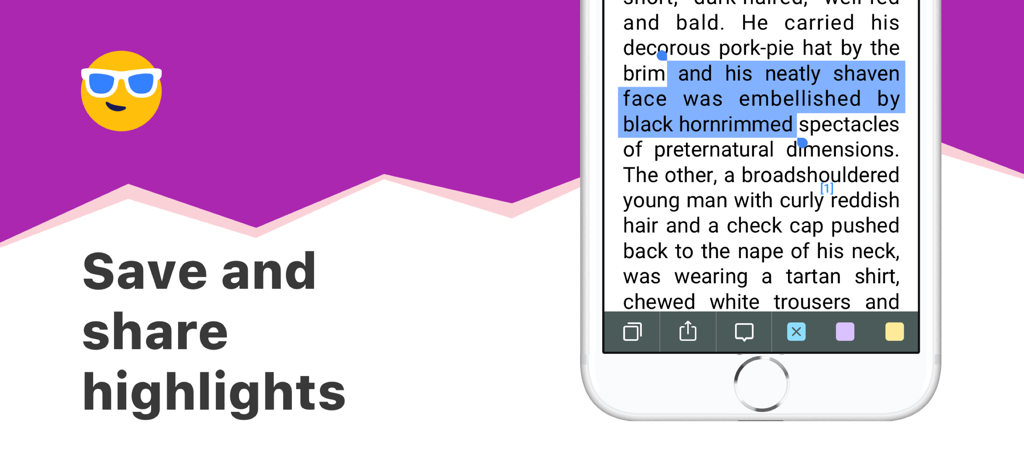
Screenshot of the eBoox app showing the text highlighting and sharing feature on a mobile device

Screenshot of the eBoox app showing the text highlighting and sharing feature on a mobile device

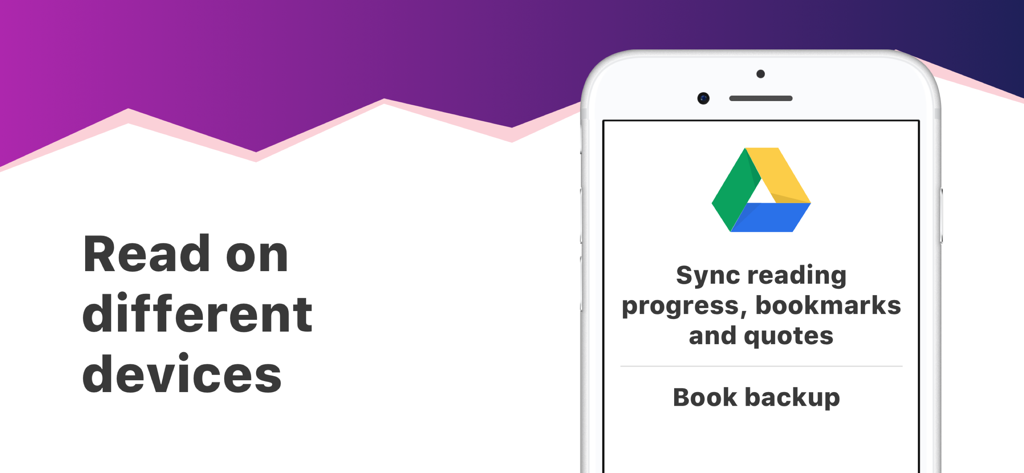
eBoox app displaying cross-device synchronization and book backup via Google Drive.

eBoox app displaying cross-device synchronization and book backup via Google Drive.

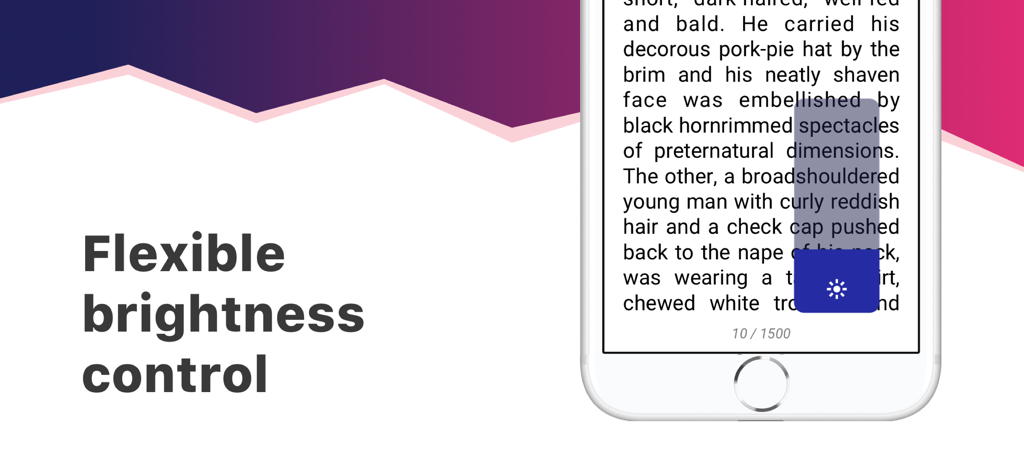
Flexible brightness control feature in the eBoox ebook reader app

Flexible brightness control feature in the eBoox ebook reader app

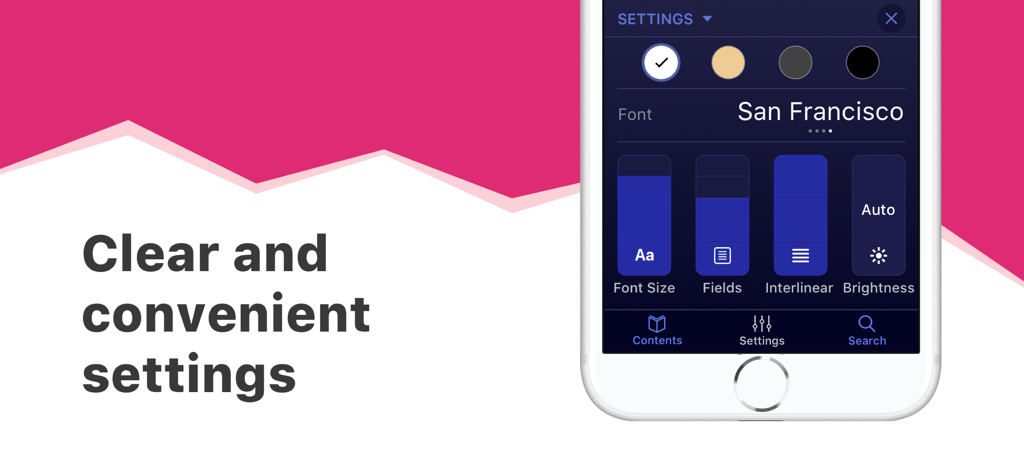
Interface of eBoox app displaying font size and background color settings

Interface of eBoox app displaying font size and background color settings

Cute orange cat mascot holding a heart with the slogan Sweety caring yours

Cute orange cat mascot holding a heart with the slogan Sweety caring yours

The Reading Sanctuary You Have Been Waiting For

The tools that make this app stand out, trusted by 3M+ users.

🚫

100% Ad-Free Experience

Focus entirely on your story with zero interruptions—no banners, no videos, and no pop-ups. Just pure reading.

📚

Universal Format Support

Bring your own files. Whether it is EPUB, FB2, PDF, or MOBI, we make every document look beautiful and professional.

🔄

Sync Across All Devices

Your library follows you. Switch between your phone, tablet, and web reader without ever losing your page or highlights.

Loved by users worldwide

Trusted by 3M+ people who love this app.

"

"As someone who spends hours reading fanfiction and indie books, eBoox is a dream come true. There are absolutely no intrusive ads, the UI is gorgeous, and it syncs my progress perfectly between my iPhone and my laptop. It is the first app I download on every new device."

Elena Rodriguez
"

"I was tired of being locked into the Kindle ecosystem. eBoox lets me import all my research PDFs and DOCX files instantly from Google Drive. The dark mode is the best I have used, and the highlighting tools make studying during my commute so much easier."

Jordan Chen

About the app

Everything you need to know about eBoox - fb2 ePub book reader.

Description

eBoox – the most pleasant book reader ever! * *according to my mom :) • Cute, simple and useful UI, • Effective reading tools: bookmarks, 3-colors highlights, interactive links and notes, • Dark mode and offline reading, • Customized settings - Fonts, Fields, Text size, screen Brightness, Page scrolling, ets. • Suppots all your e-books, even in ZIP: EPUB, MOBI, DOC, DOCX, TXT, FB2, PRC, RTF, ODT, HTML, AZW, AZW3 and others text documents, • PDF supported (beta), • !Completely AD-FREE, • !Online auto SYNC of ebooks and reading progress, • !FREE WEB e-reader available! Start reading your e-books right now! Upload books via iTunes, import your files from the email, web browser, cloud storages (iCloud, Google Drive, Dropbox, Yandex.Disk etc) or share via AirDrop. In the app you will find detailed guide How to add ebooks in different ways. And we've already added three classic welcome books so you can appreciate the e-reader right away! This is a upgraded version of eBoox. The old one is no longer supported. In order not to lose your books, progress, quotes and bookmarks, install this app version. Run it on device and wait for the data transfer to finish. When you make sure that all your books appeared in eBoox 2020, you can safely delete eBoox.old. You can turn on the synchronization for backup.

Latest Version

2.21

Size

177.4 MB

First Released

Dec 23, 2019

Start Your Ad-Free Reading Journey Today

Join over 3 million readers who choose a simpler, cozier, and more flexible way to enjoy their books. No ads, no interruptions—just you and your stories.

Download on App Store
FAQ

Frequently Asked Questions

Everything you need to know about eBoox - fb2 ePub book reader

What e-book formats does eBoox support?

eBoox supports EPUB, MOBI, DOC, DOCX, TXT, FB2, PRC, RTF, ODT, HTML, AZW, AZW3, and ZIP files. It also offers beta support for PDF documents, ensuring wide compatibility for your entire e-book library.

Is the eBoox e-reader application ad-free?

Yes, eBoox is completely ad-free. The application description clearly states this, ensuring users have an uninterrupted and pleasant reading experience without any advertisements.

Does eBoox sync reading progress across multiple devices?

Yes, eBoox offers online auto SYNC for ebooks and reading progress. This feature allows users to continue reading seamlessly on different devices, maintaining their place, bookmarks, and quotes via cloud services.

What reading customization options are available in eBoox?

eBoox offers extensive reading customization, including adjustable fonts, fields, text size, screen brightness, and page scrolling. It also features a dark mode and allows users to choose from multiple background colors for a personalized reading experience.

How can I add my own books to eBoox?

Users can add books to eBoox by uploading them via iTunes, importing from email or web browsers, or connecting to cloud storages like iCloud, Google Drive, Dropbox, and Yandex.Disk. AirDrop sharing is also supported.

Does eBoox provide a free web e-reader for online access?

Yes, eBoox offers a free web e-reader. This allows users to access and read their books directly through a web browser, extending the reading experience beyond the mobile application.

Can users highlight text and add notes in eBoox?

Yes, eBoox includes features for highlighting text with three colors, adding interactive links, and creating notes. Users can also save and share their highlights directly within the application.

Is there a way to transfer data from the old eBoox app to the new version?

Yes, users can transfer books, progress, quotes, and bookmarks from the old eBoox app to the upgraded version. Install the new app, run it, and wait for data transfer. Sync can also back up data.