
Yomu EBook Reader


Experience distraction-free reading with a carefully crafted interface designed for your personal library. Seamlessly sync your EPUB, Kindle, and PDF files across iPhone, iPad, and Mac with complete privacy.
Publisher
Category
BooksDownloads
832K+User Rating
Total Ratings
5K+Locales
5Discover the interface used by 832K+ users.
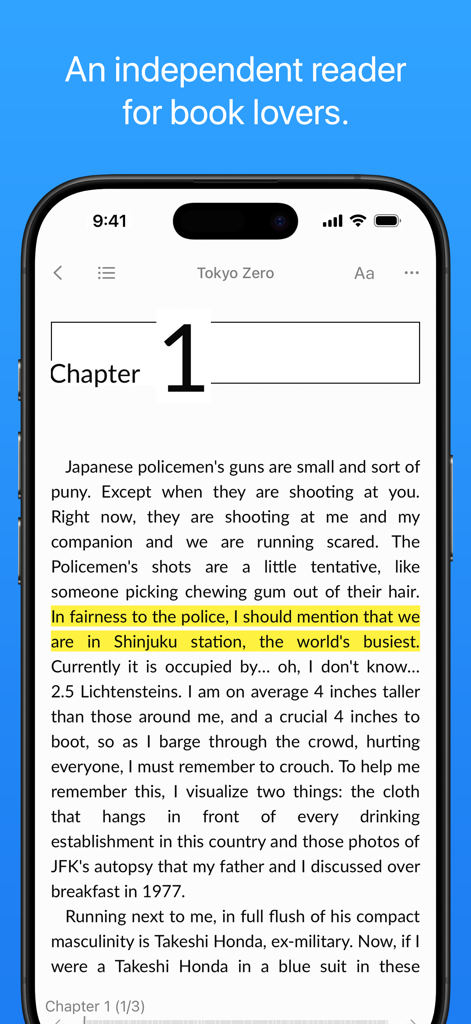
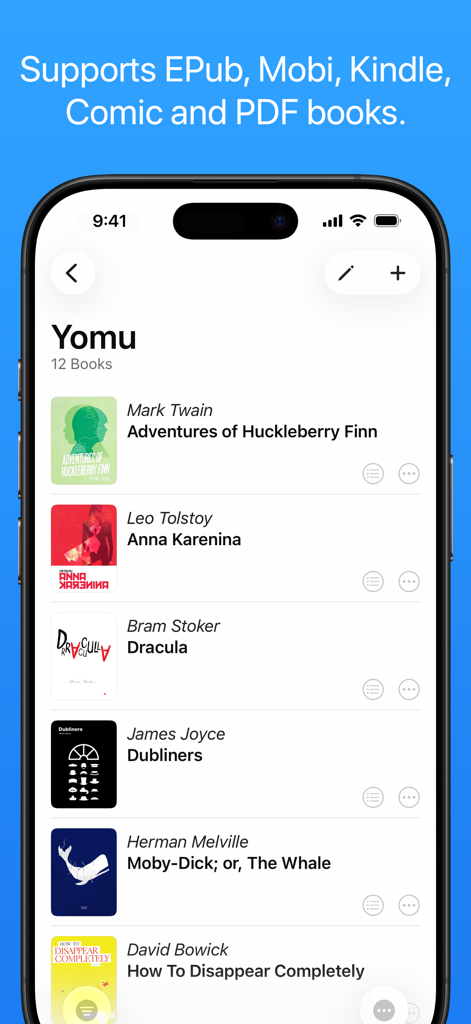
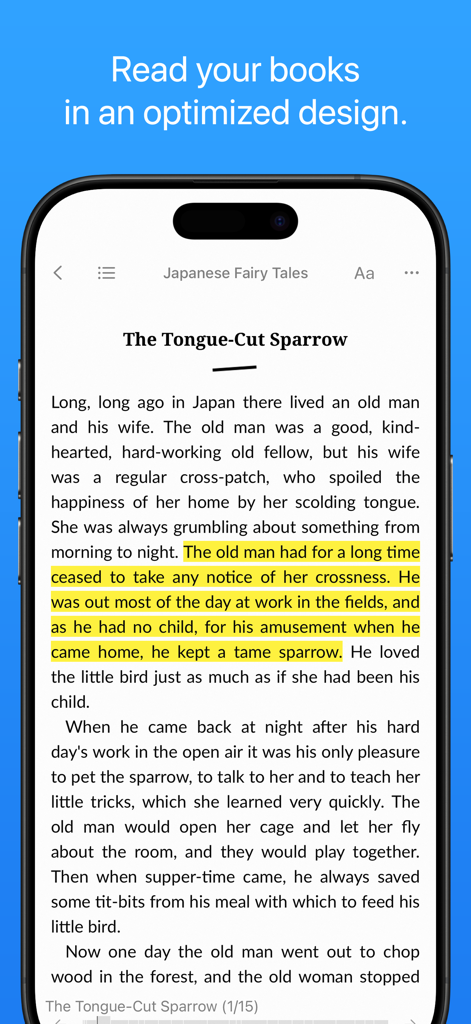
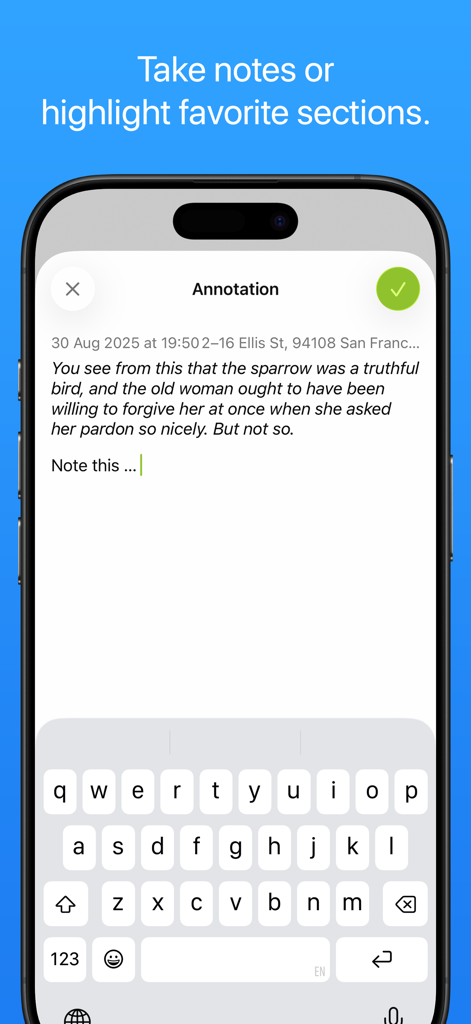
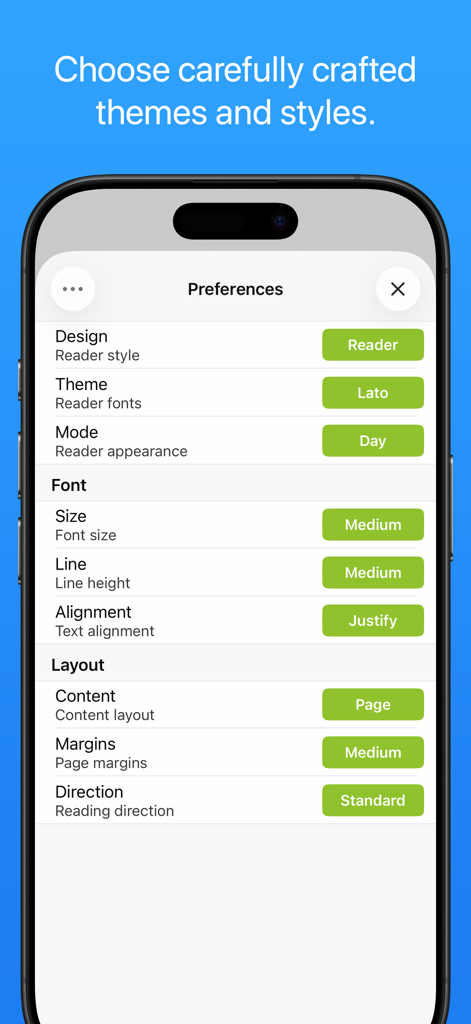
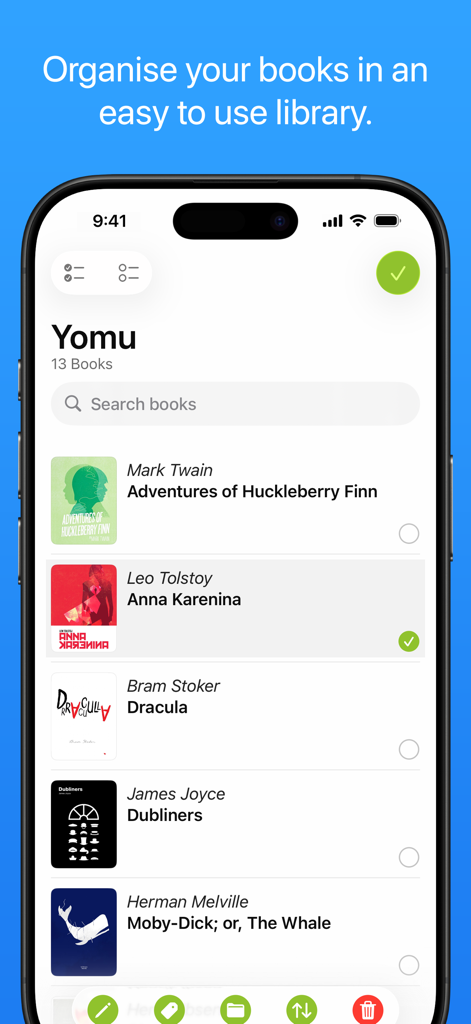
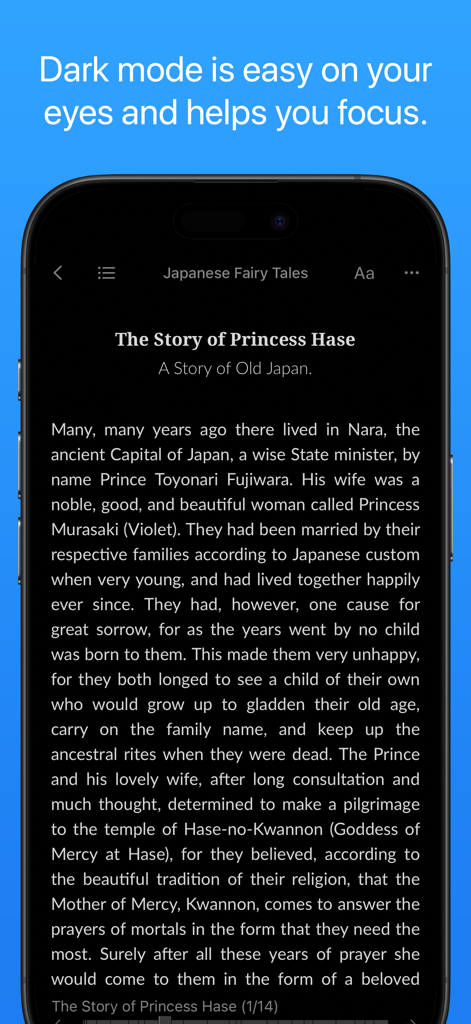
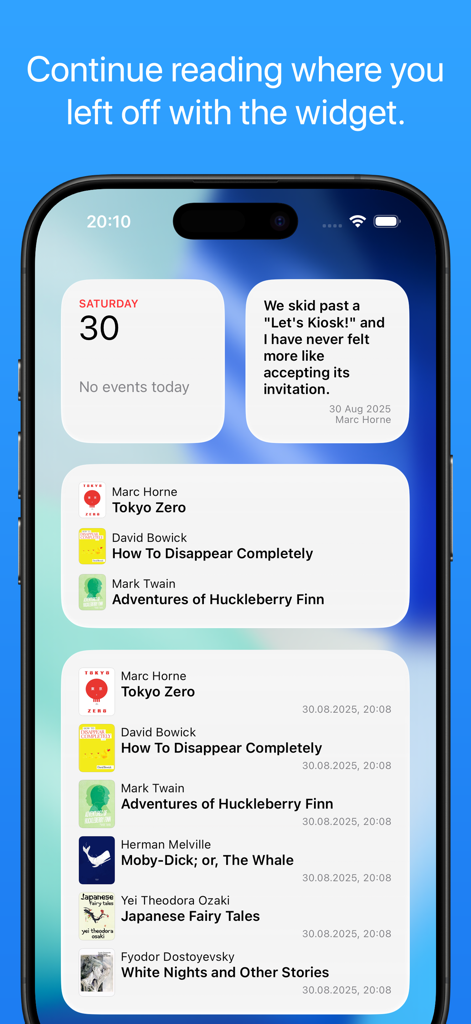
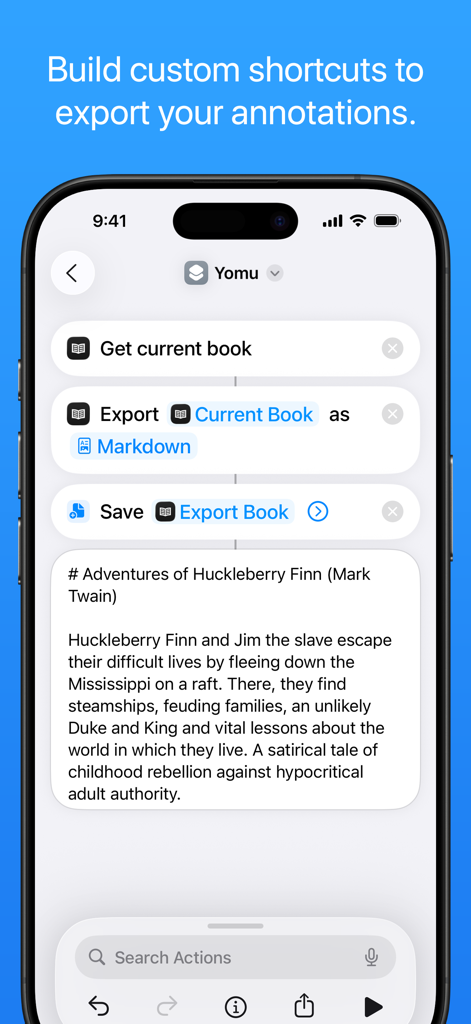
The tools that make this app stand out, trusted by 832K+ users.
Break free from store monopolies. Import EPUB, Kindle, PDF, and Comics from any source and manage your own DRM-free collection.
Eliminate clutter with a fluid layout and custom themes. Tailor your margins and typography for a perfectly personalized aesthetic.
Your library and highlights stay in sync via iCloud. Export your research and notes directly to Markdown or JSON for your workflow.
Trusted by 832K+ people who love this app.
"As a researcher, I’ve tried every ebook reader out there, and Yomu is simply the best for my workflow. The ability to highlight technical papers on my iPad and have them instantly synced to my Mac in Markdown format is a game-changer for my notes. It handles heavy PDFs and EPubs with the same fluid elegance."
"I wanted a reading experience that wasn't trying to sell me something every time I opened it. Yomu is the perfect escape from the Kindle ecosystem. The typography is stunning, the interface is incredibly clean, and I love that it respects my privacy while managing my entire DRM-free library."
Everything you need to know about Yomu EBook Reader.
Description
Latest Version
3.15.0
Size
56.6 MB
First Released
Jan 5, 2013
Join over 800,000 readers who enjoy a distraction-free, privacy-first experience. Start reading your favorite books across iPhone, iPad, and Mac with Yomu.
Everything you need to know about Yomu EBook Reader
Yomu EBook Reader is an independent reader designed for book lovers, offering custom styles and distraction-free reading for ebooks.
Yomu EBook Reader supports EPub, Mobi, Kindle, Comics (cbz, cbr), and PDF formats. It handles standard ebooks without digital rights management.
Yes, Yomu EBook Reader offers extensive customization. Users can choose themes, reader modes (day, sepia, grey, dusk, night, black), font sizes, and content layouts (page, scroll).
Yes, Yomu EBook Reader allows users to select text in EPub, Mobi, and Kindle books to take notes or highlight favorite sections. Users can also create bookmarks.
Yomu EBook Reader allows users to organize their books by creating folders or tags. Collections can be sorted by title, author, series, recently read, or custom drag-and-drop order.
Yomu Pro includes the Cloud Library for iCloud sync, unlimited documents, and an ad-free experience. The free version has limitations and may display ads.
Yes, Yomu EBook Reader offers Cloud Library functionality with Yomu Pro. This feature stores and syncs books and annotations securely using Apple's iCloud across all devices.
No, Yomu EBook Reader does not collect or sell any personal information. The app prioritizes user data privacy.
Yomu EBook Reader is available on Apple platforms, including iPhone, iPad, and Mac devices.
Users can import books into Yomu by downloading from a browser, copying from other apps, AirDrop, iCloud Drive, iTunes File Sharing, Dropbox, Google Drive, OPDS, or Calibre.
Yes, Yomu EBook Reader includes widgets. These widgets allow users to quickly view and open recently read books or highlighted quotes, resuming where they left off.
Apps with similar features and user experience

REDIT, OOO

添欢 谢

三英 郑

哲魁 左

Luis Ángel San Martín

Kingjet Network Co., Ltd.

俊杰 阮

Konstantin Bukreev

Konstantin Bukreev