
EU Login


Streamline your daily authentication with biometric security. Access EU-protected portals instantly using FaceID, fingerprint, or offline QR codes—anytime, anywhere.
Publisher
Category
BusinessDownloads
1M+User Rating
Total Ratings
2K+Locales
22Discover the interface used by 1M+ users.
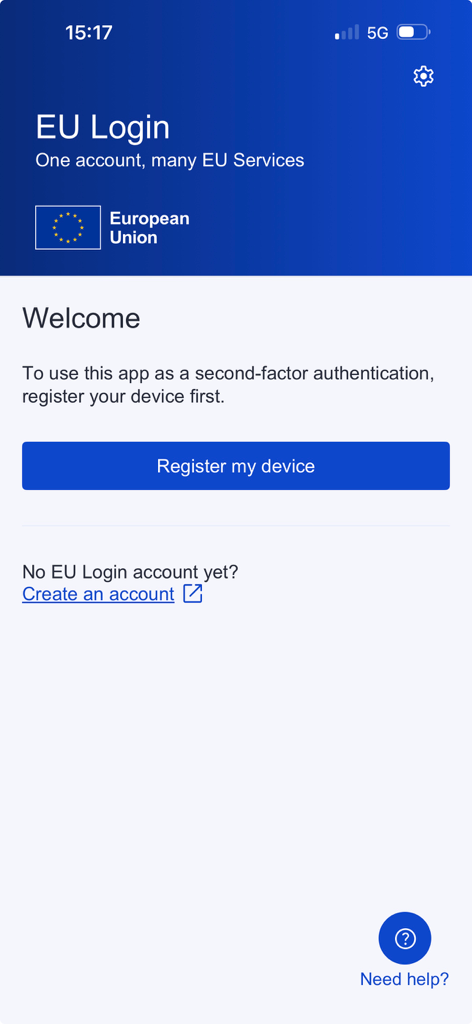
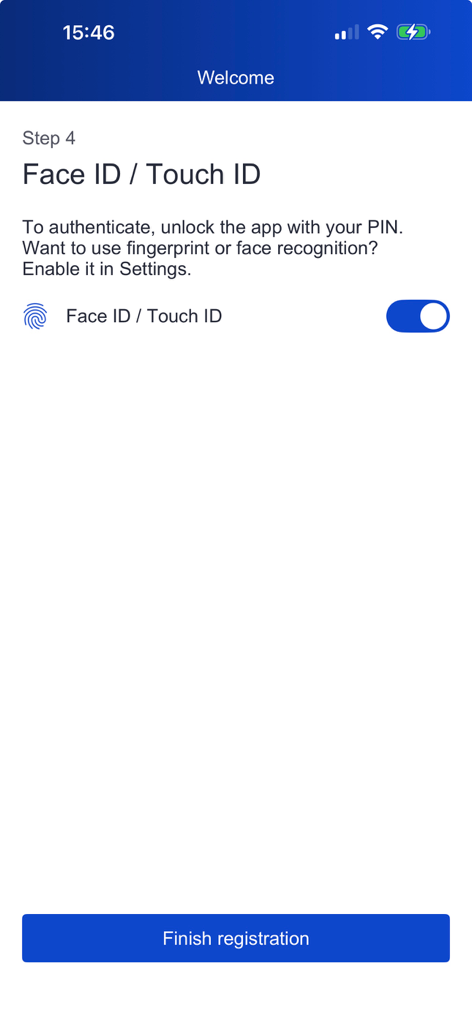
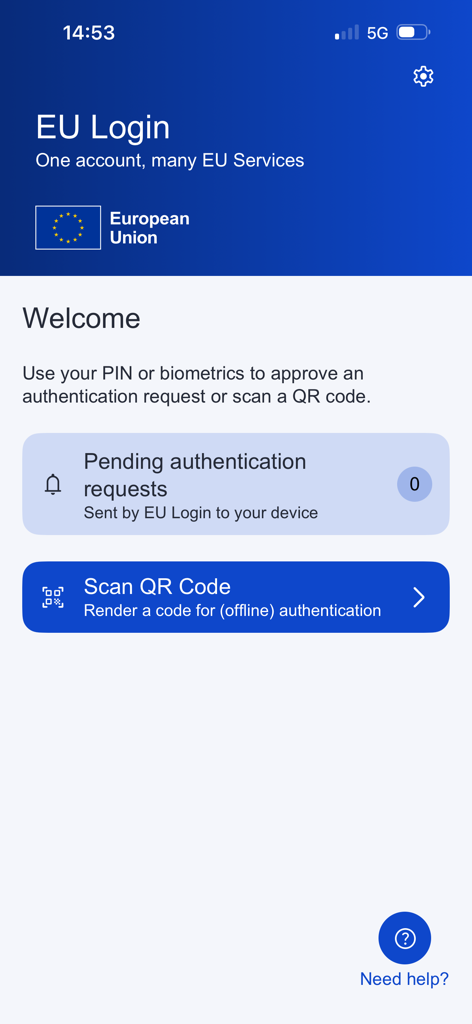
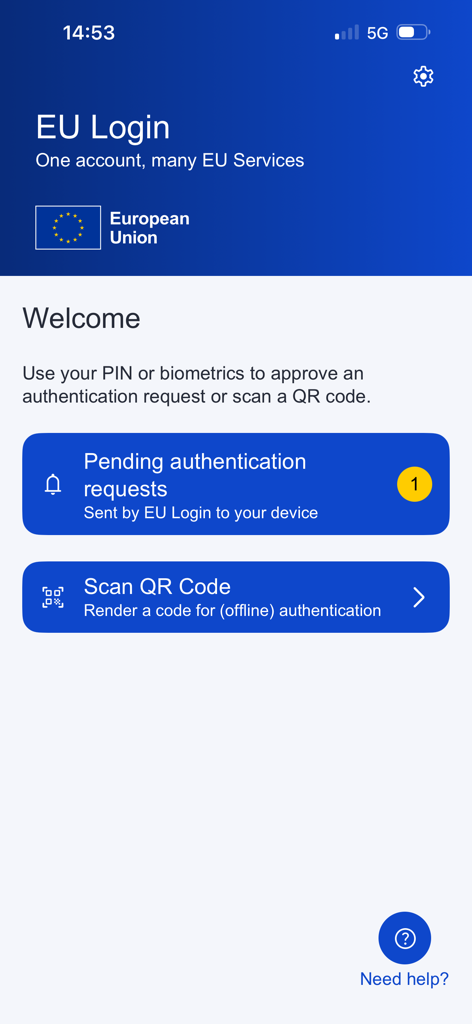
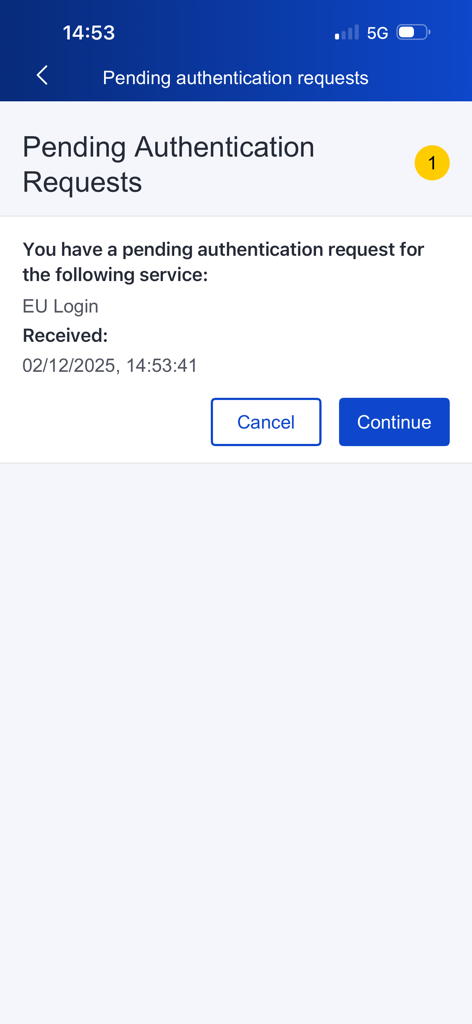
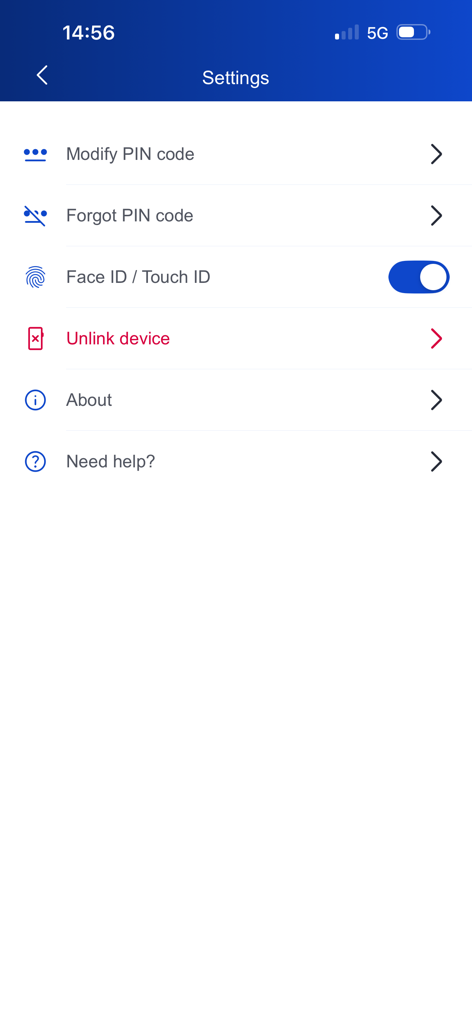
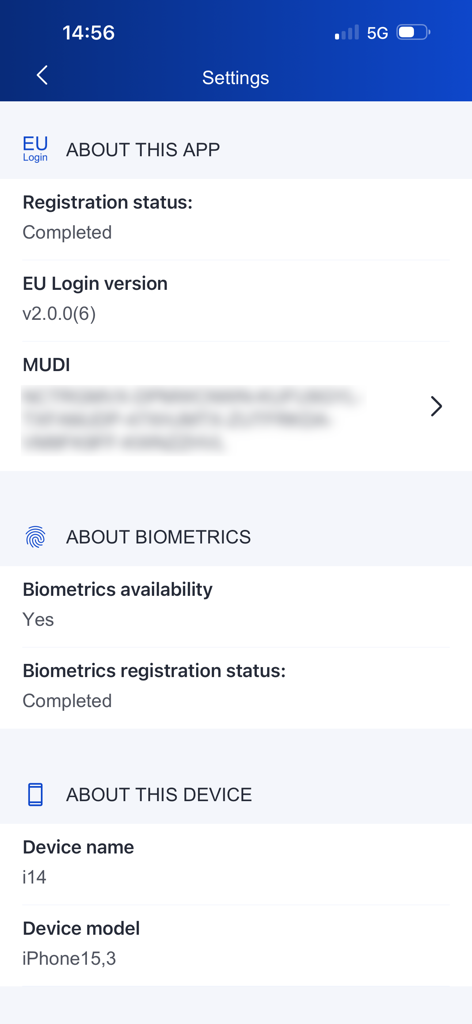
The tools that make this app stand out, trusted by 1M+ users.
Save time and enhance security by using FaceID, TouchID, or a personal PIN to authorize your access without complex passwords.
Never get locked out. Generate secure codes via the built-in QR scanner even when traveling or working without Wi-Fi or cellular data.
A single trusted gateway for all EU-protected applications, from grant management portals to international legal filing systems.
Trusted by 1M+ people who love this app.
"Managing EU research grants from the US requires constant secure access to multiple portals. EU Login has simplified my workflow immensely; I no longer have to worry about complex passwords since I can just use FaceID. It is reliable, secure, and essential for my daily operations."
"As a consultant frequently traveling between DC and Brussels, the offline QR code feature is a lifesaver. Even without a roaming plan or stable Wi-Fi in secure buildings, I can authenticate and access critical applications instantly. It is a must-have tool for any professional working with EU institutions."
Insights from user reviews.
Sentiment Score
Summary
User feedback for this app is overwhelmingly negative, primarily criticizing widespread login and two-factor authentication failures. Many users report being stuck in endless loops during login or device changes, with QR code scanning frequently failing or being unreadable due to display issues on smaller screens. While a small number of users found the app to work reliably for their authentication needs, the majority experienced significant usability problems, deeming it an unreliable and frustrating addition to EU services. No version-specific bugs were consistently reported across multiple reviews.
Common Themes
Everything you need to know about EU Login.
Description
Latest Version
2.0.0
Size
19.7 MB
First Released
Nov 24, 2015
Download the official EU Login app for secure, biometric-ready authentication. Gain seamless access to your professional EU portals from your iPhone or iPad, even when offline.
Everything you need to know about EU Login
The EU Login app facilitates day-to-day multi-factor authentication for numerous EU applications. It allows users to authenticate using a PIN code, face recognition, or fingerprint once their device is registered.
The EU Login app authenticates users via PIN code, face recognition, or fingerprint. It also enables access to EU Login protected applications through a mobile browser and offers offline authentication via a QR Code scanner.
Yes, the EU Login app supports offline authentication. Users can generate a unique code by scanning a QR Code, which functions without needing Wi-Fi or internet access.
The EU Login app supports face recognition and fingerprint authentication. These biometric options, referred to as Face ID / Touch ID, are configurable within the app's settings after device registration.
To register your device with the EU Login app, open the app and tap "Register my device" on the welcome screen. Follow the prompts, including optional biometric setup, and then tap "Finish registration" to complete the process.
Yes, users can unlink a device from their EU Login account directly within the app. The option "Unlink device" is available in the app's Settings menu.
The EU Login app displays pending authentication requests on its main screen, showing the number of requests sent to the device. Users can review these requests and choose to continue or cancel them.
Yes, the EU Login app provides an option to modify your PIN code. This feature is accessible through the "Settings" menu within the app, listed as "Modify PIN code."
Apps with similar features and user experience

Belgian Mobile ID SA

SafeTech Ltd
Data Processing Center of the Ministry of Communications and High Technologies

Government Technology Agency

Servicios de Identidad Digital SAS

valid certificadora digital ltda

A3BC GROUP

Vault Id Solucoes em Criptografia e Identificacao Ltda ME
Polska Wytwornia Papierow Wartosciowych S.A.