FileBrowser for Education

FileBrowser for Education

Download on App Store
Logo
Logo of FileBrowser for Education

FileBrowser for Education: Secure, Managed File Access for Every Student and Teacher

Empower your 1:1 iPad program with seamless network server integration, centralized MDM control, and professional-grade security for your school's data.

Download on App Store

Publisher

Stratospherix

Category

Education

Downloads

1K+

User Rating

1.0/5

Total Ratings

0

Locales

9

Control in Action

Join over 1K+ musicians using our pro interface.

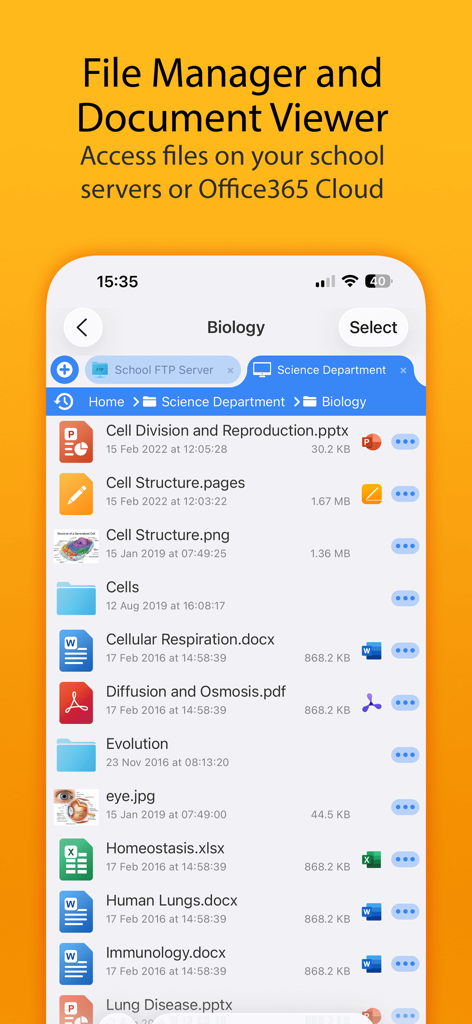
FileBrowser for Education mobile interface showing biology lesson files from a school server

FileBrowser for Education mobile interface showing biology lesson files from a school server

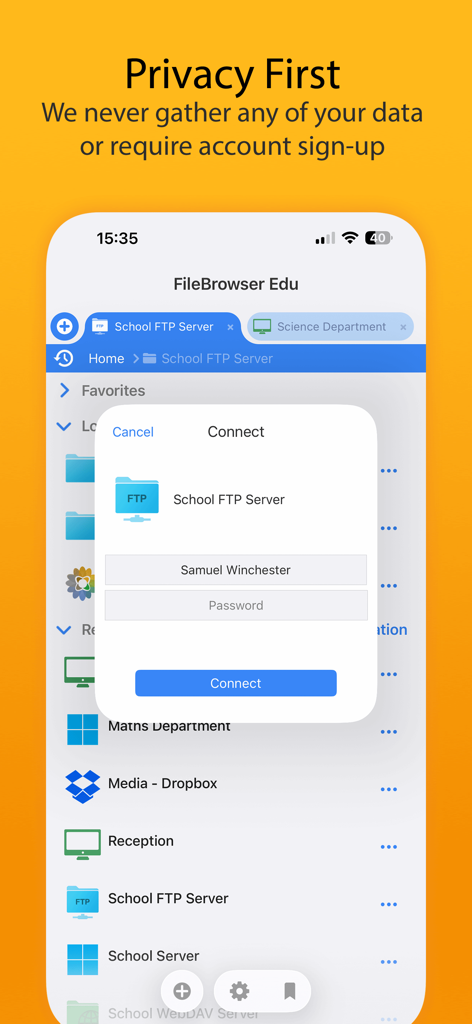
FileBrowser for Education app interface showing a secure server login prompt with a privacy first commitment message

FileBrowser for Education app interface showing a secure server login prompt with a privacy first commitment message

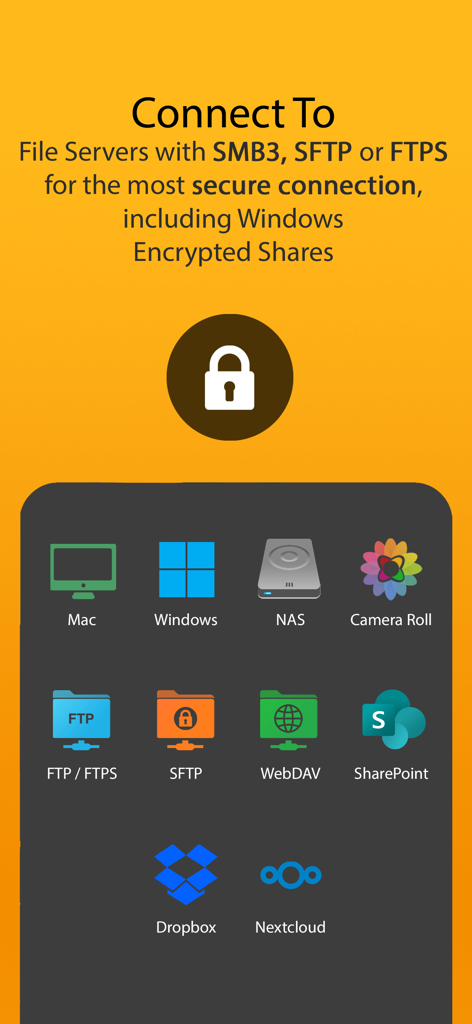
FileBrowser for Education interface displaying secure connection options to file servers and cloud storage providers

FileBrowser for Education interface displaying secure connection options to file servers and cloud storage providers

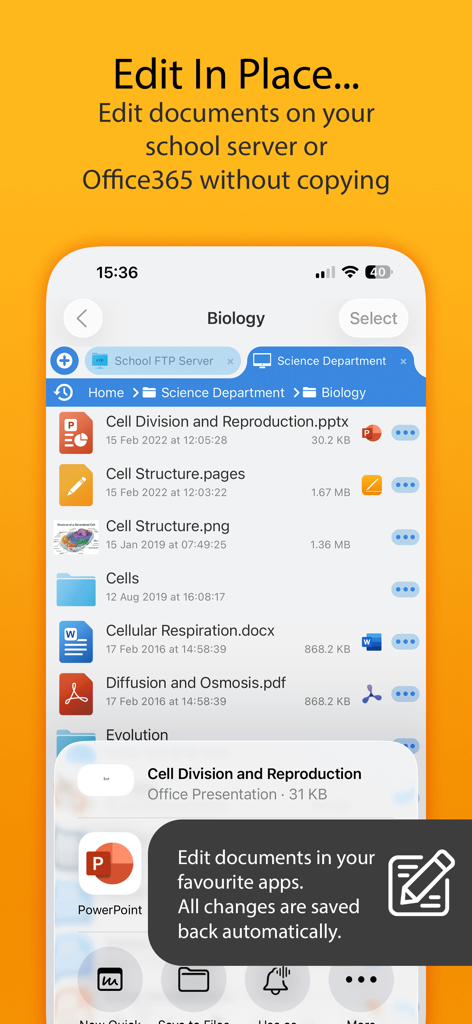
FileBrowser for Education app interface showing the edit in place feature for documents on a school server

FileBrowser for Education app interface showing the edit in place feature for documents on a school server

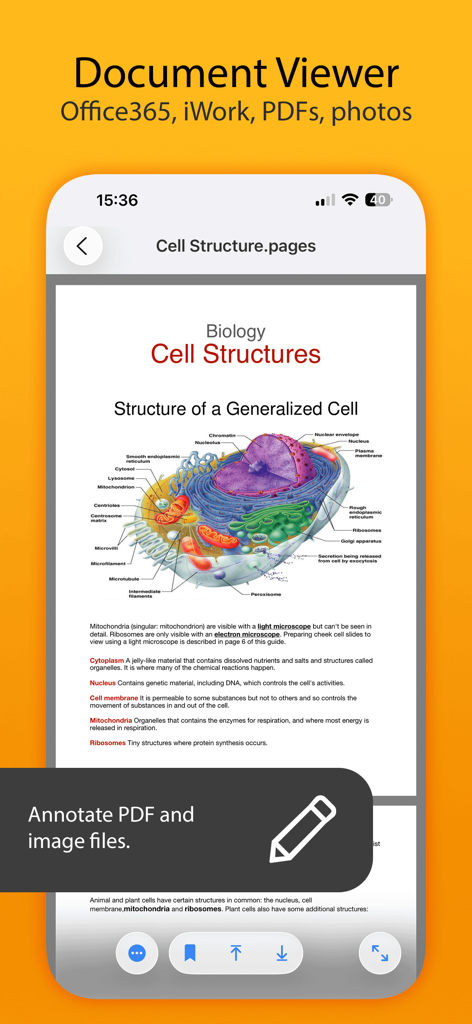
Mobile app screen showing a biology document on cell structure with annotation tools.

Mobile app screen showing a biology document on cell structure with annotation tools.

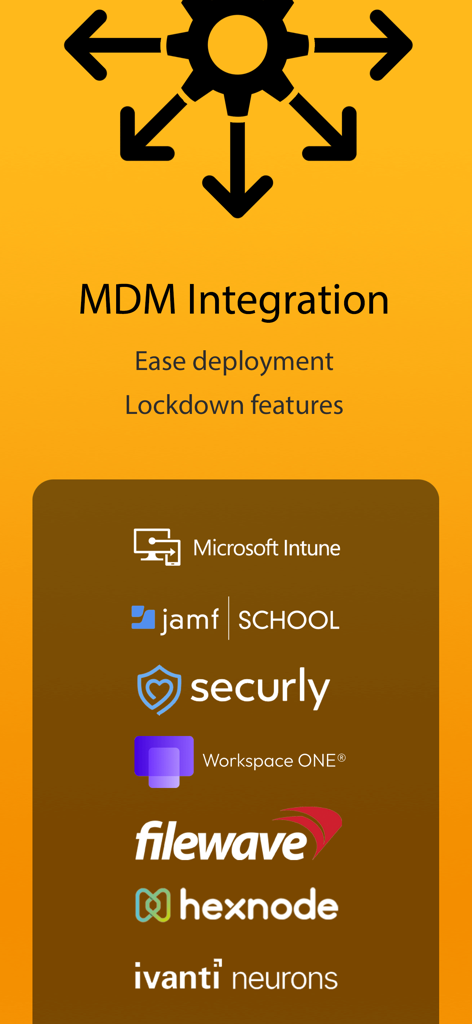
Infographic showing MDM integration features for FileBrowser for Education including support for Microsoft Intune Jamf School and Securly

Infographic showing MDM integration features for FileBrowser for Education including support for Microsoft Intune Jamf School and Securly

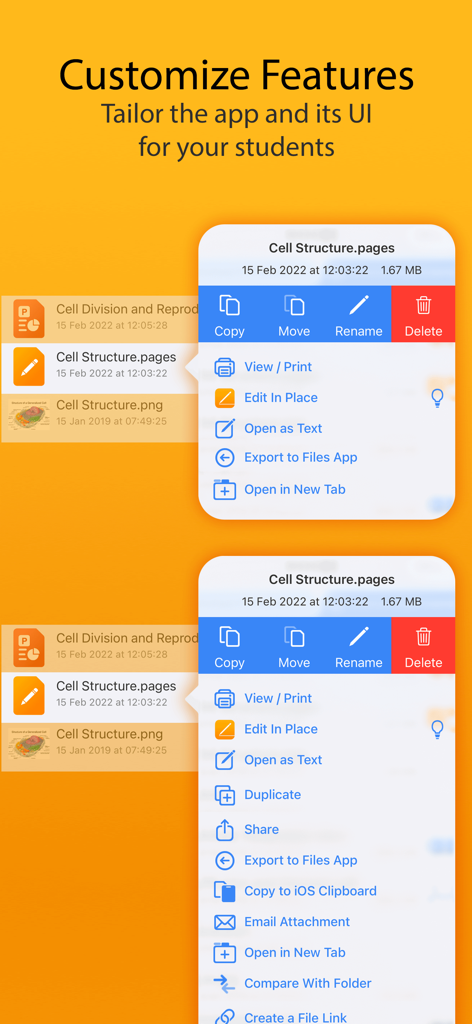
Interface showing how to customize and tailor app features for students in FileBrowser for Education

Interface showing how to customize and tailor app features for students in FileBrowser for Education

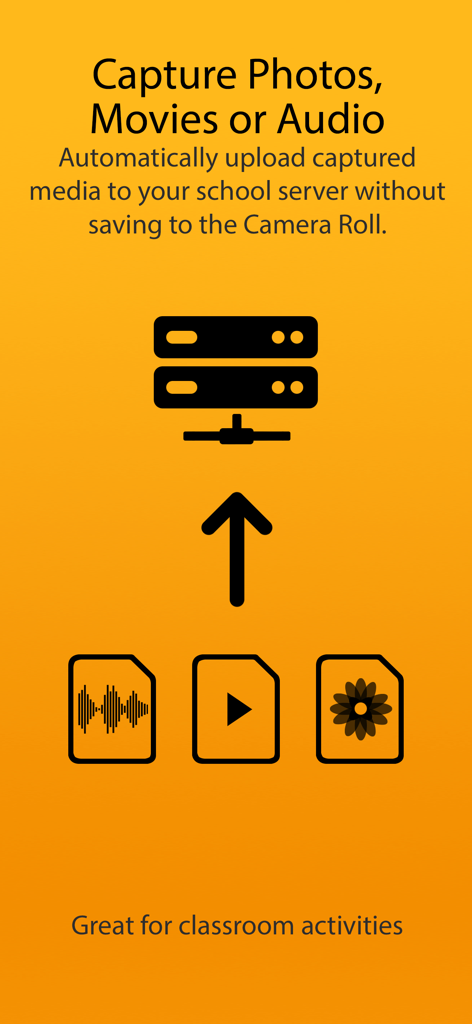
Graphic explaining automatic upload of captured media to a school server without using the camera roll

Graphic explaining automatic upload of captured media to a school server without using the camera roll

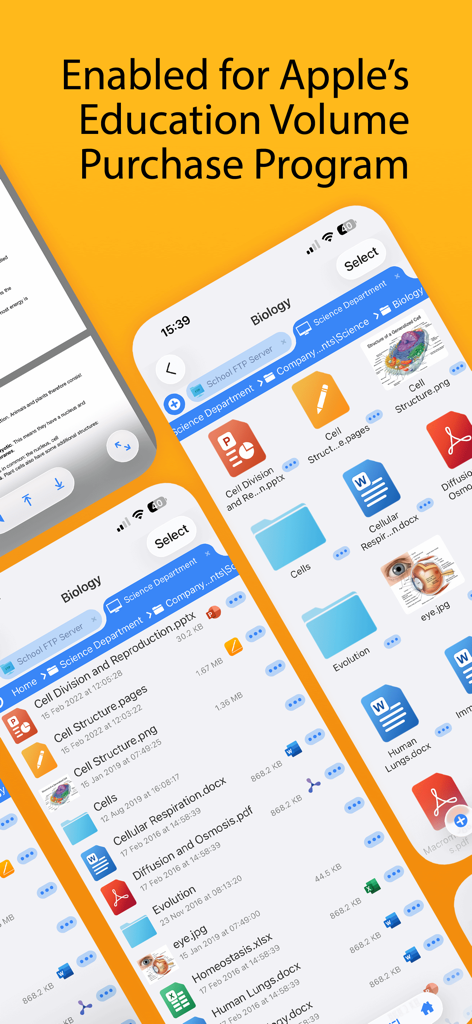
FileBrowser for Education app interface showing file management features and Apple Education Volume Purchase Program compatibility

FileBrowser for Education app interface showing file management features and Apple Education Volume Purchase Program compatibility

Secure File Management Built for Schools

Join 1K+ users who mastered their instrument with these tools.

📲

Zero-Touch MDM Deployment

Push server configurations and security policies instantly to thousands of devices using your existing MDM infrastructure like Jamf or Mosyle.

🔒

Granular Lockdown Controls

Enforce strict security policies, disable local settings, and use 'Kiosk' mode to ensure students stay focused and data remains FERPA/COPPA compliant.

📂

Native Office 365 Workflow

Enable students to edit server-hosted documents directly within MS Word or PowerPoint with seamless auto-save and no local file duplication.

Loved by users worldwide

Trusted by 1K+ people who have transformed their experience with this app.

"

"Deploying FileBrowser for Education via our MDM across the district's 5,000 iPads was incredibly seamless. It solved our biggest hurdle: giving students secure, direct access to our Windows file servers while keeping us fully in control of security settings. It is the missing link for any 1:1 iPad program."

Marcus Thompson, IT Director
"

"This app has transformed how my students handle their assignments. They can now open project files directly from our school network, edit them in Office 365, and save them back without any complex workarounds. It makes the iPad feel like a professional workstation for the first time."

Dr. Elena Rodriguez, University Professor

About the app

Everything you need to know about FileBrowser for Education.

Description

FileBrowser for Education is an extended version of FileBrowser with enhanced security and control features for schools, colleges and universities. == Bulk purchase discount available via an Apple School Manager account == With FileBrowser for Education, users can benefit from direct and secure file access to servers, workstations and other storage devices on the network. No additional configuration of IT systems is necessary. Office Apps Integration - Use the document picker in MS Office apps to open files from network file servers, edit them and automatically save back. Core Features - Access file servers and iCloud storage - View documents and optionally store them for offline viewing - Show a video, PowerPoint or Keynote direct from the server - Copy and move between any type of storage, from single files to whole directories - Integrates with other apps allowing you to edit, save and share files - Integrates with your existing infrastructure, including Active Directory - Integrates with iOS data protection, utilising hardware-based encryption to secure content - VPN on-demand support for third-party VPN clients - Supports Microsoft Distributed File System (DFS) - Requires no additional software on file servers MDM Integration - Centralised distribution of FileBrowser configuration settings - Enforced security lockdown - Confirm to your Mobile Security Policies - Prevent users from changing local settings - Selectively override any local configuration setting - Distribute file server connection details - Control whether offline viewing/storage is permitted - Control whether content can be emailed as attachments - ‘Kiosk’ mode for highly directed read-only file access FileBrowser uses the SMB1, SMB2 & SMB3 network access protocols (also known as CIFS or Windows File Sharing). This enables access to Macs, PCs, NAS drives, & Windows File Servers. It can also connect to the following types of server: - Microsoft SharePoint - Microsoft OneDrive for Business (as part of Office365) - WebDAV servers - FTP servers - SFTP servers - Dropbox cloud storage For fast friendly support please email support@stratospherix.com. Please note that we are only able to provide support in English.

Latest Version

26.0

Size

65.0 MB

First Released

Jan 6, 2016

Ready to Streamline Your District's iPad File Access?

Securely connect students and staff to your network servers with full MDM control. Get FileBrowser for Education today and take advantage of bulk discounts via Apple School Manager.

Download on App Store