Files Transfer - Quick share

Files Transfer - Quick share

Download on App Store
Spark by MWM logo
Logo of Files Transfer - Quick share

Files Transfer: High-Speed Sharing with Zero Quality Loss

Transfer 4K videos and large files 100x faster than Bluetooth. Share original quality content instantly via local connection or encrypted remote links with total privacy.

Publisher

梦洋 崔

Category

Utilities

Downloads

147K+

User Rating

4.6/5

Total Ratings

200

Locales

1

Sharing Without Limits

Discover the interface used by 147K+ users.
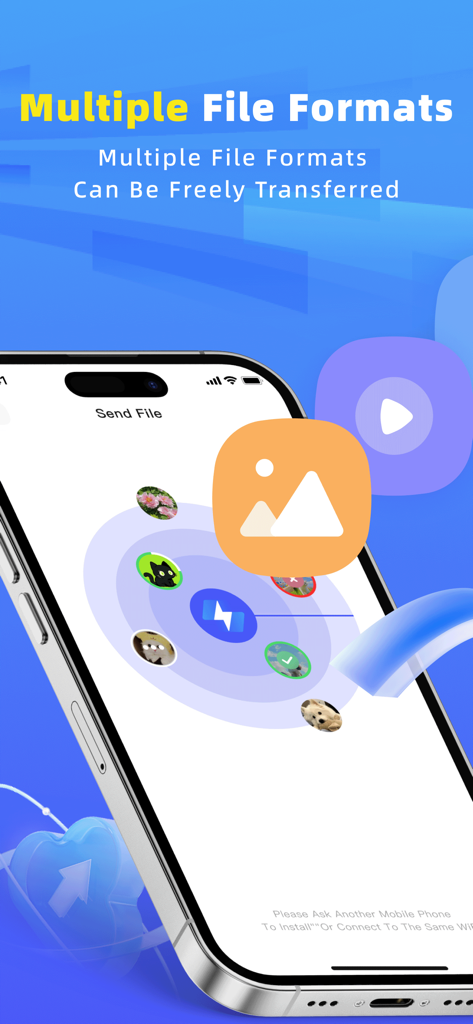
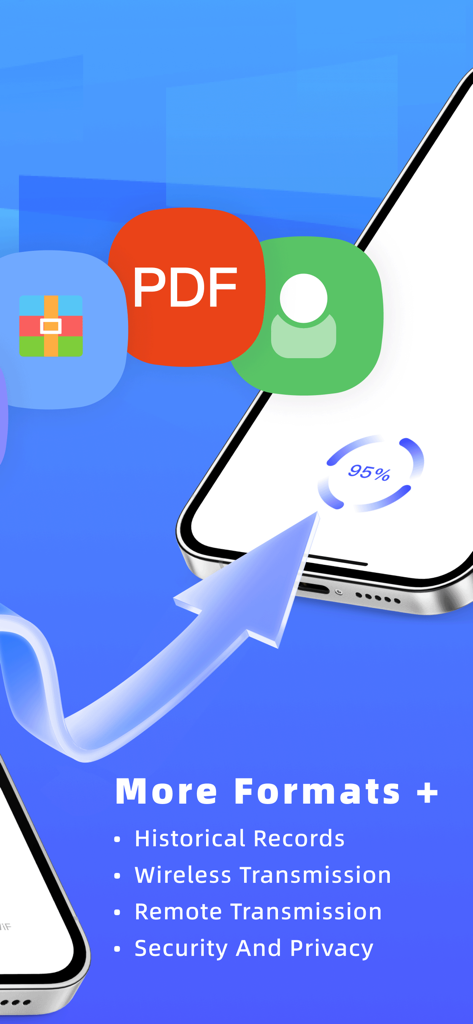
Files Transfer app interface showing high speed sharing of different file formats on an iPhone.

Files Transfer app interface showing high speed sharing of different file formats on an iPhone.

Files Transfer app interface showing wireless and remote transmission progress with multiple file format support

Files Transfer app interface showing wireless and remote transmission progress with multiple file format support

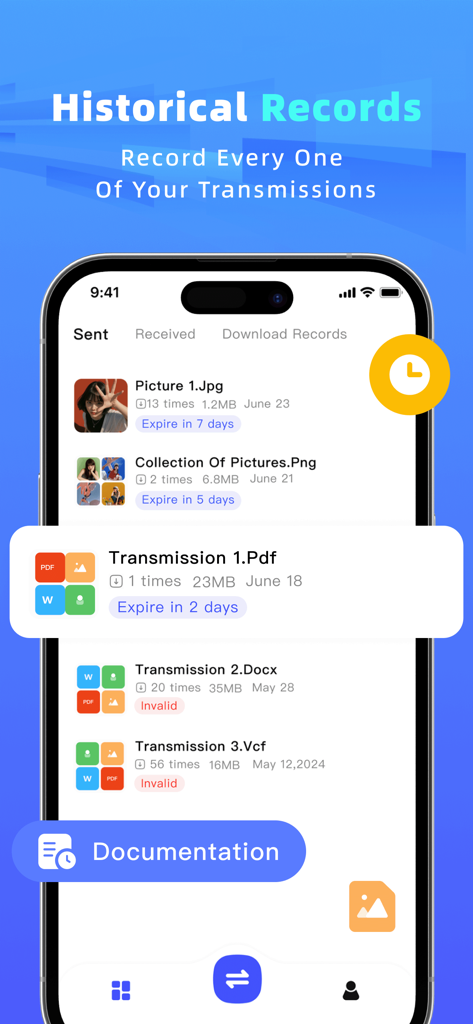
Historical records screen of the file sharing app showing a list of sent and received files with their expiration status

Historical records screen of the file sharing app showing a list of sent and received files with their expiration status

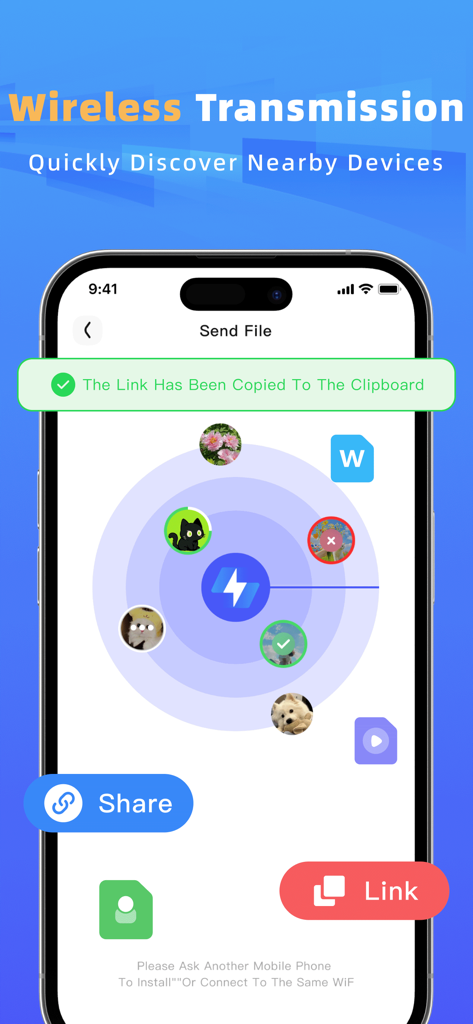
Interface showing a radar view for discovering nearby devices for wireless file transfer

Interface showing a radar view for discovering nearby devices for wireless file transfer

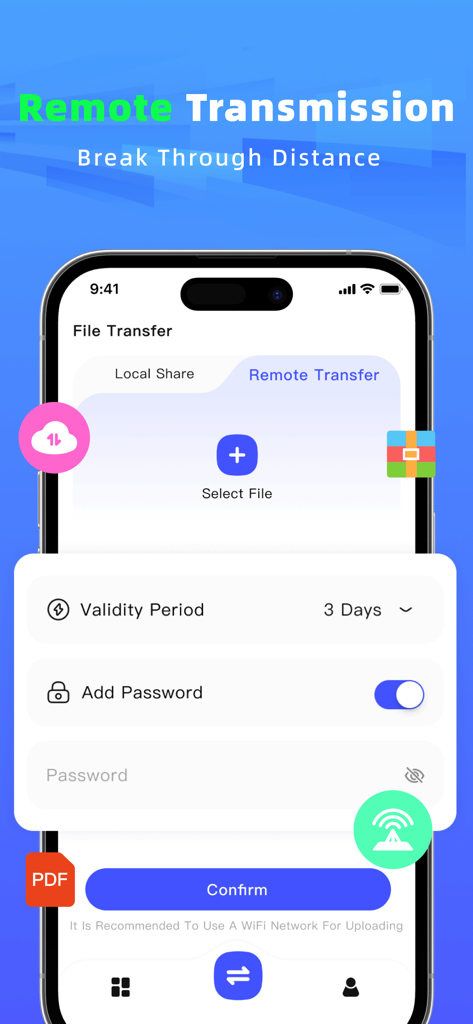
Mobile app interface for remote file sharing featuring password protection and custom link validity settings

Mobile app interface for remote file sharing featuring password protection and custom link validity settings

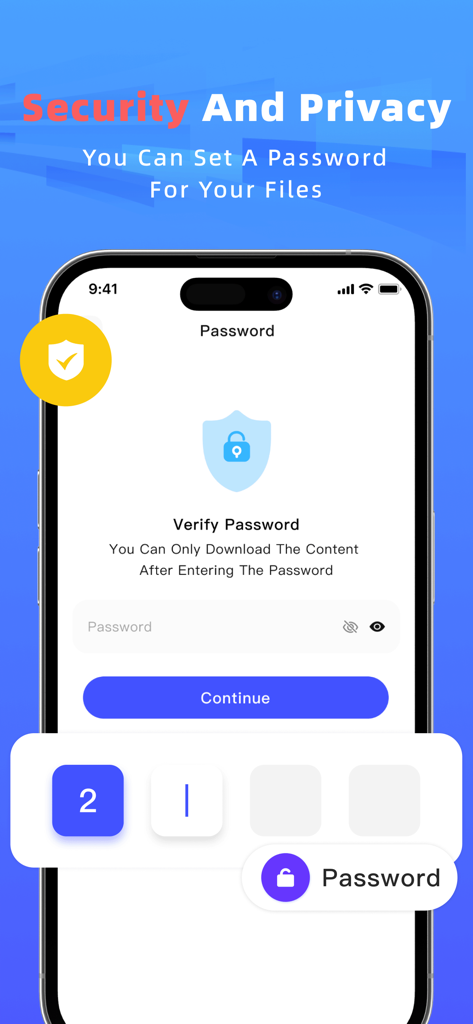
A smartphone screen showing the password protection feature for secure file sharing in the Files Transfer app

A smartphone screen showing the password protection feature for secure file sharing in the Files Transfer app

Share Everything, Sacrifice Nothing

The tools that make this app stand out, trusted by 147K+ users.

Lightning-Fast Local Sharing

Transfer 4K videos and large docs 100x faster than Bluetooth without using any cellular data or Wi-Fi connectivity.

💎

Zero-Compression Quality

Keep every pixel of your high-res content. Send original quality photos and lossless audio without the compression of messaging apps.

🔒

Secure Encrypted Links

Collaborate remotely by generating password-protected download links, ensuring your private work stays under your control.

Loved by users worldwide

Trusted by 147K+ people who love this app.

"

"As a freelance videographer, maintaining the original quality of my 4K footage is non-negotiable. This app is a game-changer because it offers zero-compression transfers that are significantly faster than anything else I've tried. Being able to send huge files face-to-face without using any data has completely optimized my on-set workflow."

Marcus Thorne
"

"I use this constantly on campus to share lecture recordings and project folders with my classmates. It works perfectly even when the library Wi-Fi is spotty because it doesn't need a network to transfer. The encrypted link feature is also a huge plus for sending private documents securely to my team."

Elena Rodriguez

About the app

Everything you need to know about Files Transfer - Quick share.

Description

【Files Transfer】is an efficient file transfer tool dedicated to making sharing simpler and more efficient than ever before. Whether your friends are nearby or far away, you can easily achieve instant file sharing, completely saying goodbye to the troubles of data cables, email attachments, and complicated settings. 【Core Feature Highlights】 1.Ultra-Fast Face-to-Face Transfer * No data usage, no network required! Achieve ultra-high-speed file transfer by establishing a direct connection with nearby devices. * The transfer speed is a hundred times faster than Bluetooth. Sharing photos, videos, and large documents can be completed in the blink of an eye. * Complete privacy protection: All data is transmitted only between devices and will not be uploaded to the cloud, ensuring security and peace of mind. 2.Remote Link Generation for Sharing * Is the recipient not around? Generate an encrypted download link with one click, and share it with friends or colleagues far away through any means. * Customizable link validity period and password to ensure the security and controllability of your private files, preventing malicious downloads by others. * Supports files in any format—work PPTs, design drafts, video collections, etc. One link handles it all. 3.All-Round and Convenient * Zero-compression transfer: Original quality videos, lossless audio files, and original documents are transmitted as they are, guaranteeing quality. * Simple interface: An intuitive operation interface that requires no learning; you can use the app easily as soon as you open it. Say goodbye to transfer limitations and embrace efficient sharing.【Files Transfer】redefines the way of file transfer and is an indispensable efficiency tool in your daily life. Download now and experience the smoothness of seamless sharing! -Payment will be charged to iTunes Account at confirmation of purchase. -Subscriptions automatically renew unless auto-renew is turned off at least 24-hours before the end of the current period. -Account will be charged for renewal within 24-hours prior to the end of the current period, and identify the cost of the renewal. Privacy Policy: https://apdeus.com/file/privacy.html Terms of User: https://apdeus.com/file/terms.html

Latest Version

2.3

Size

68.1 MB

First Released

Aug 26, 2025

Ready to Share Your Best Work at Light Speed?

Join 147K+ creators and professionals who transfer 4K videos and large files without compression. No cables, no cloud, no limits—just instant, secure sharing.

Download on App Store
FAQ

Frequently Asked Questions

Everything you need to know about Files Transfer - Quick share

What is Files Transfer - Quick share?

Files Transfer - Quick share is an efficient file transfer tool designed for simple and effective sharing. It eliminates the need for data cables, email attachments, and complex settings, redefining file transfer methods.

Does Files Transfer - Quick share require an internet connection for face-to-face transfers?

No, Files Transfer - Quick share does not require data usage or a network for face-to-face transfers. It establishes a direct connection with nearby devices for ultra-high-speed sharing.

How fast are face-to-face transfers with Files Transfer - Quick share?

Face-to-face transfers with Files Transfer - Quick share are a hundred times faster than Bluetooth. This allows for quick sharing of photos, videos, and large documents.

Is data secure when using Files Transfer - Quick share for face-to-face transfers?

Yes, Files Transfer - Quick share provides complete privacy protection for face-to-face transfers. All data transmits only between devices and is not uploaded to the cloud, ensuring security.

Can I share files remotely using Files Transfer - Quick share?

Yes, Files Transfer - Quick share allows remote file sharing by generating an encrypted download link. This link can be shared with friends or colleagues far away.

Can I set a password and expiry for remote sharing links in Files Transfer - Quick share?

Yes, Files Transfer - Quick share allows users to customize remote sharing links with a password and set a validity period. This ensures the security and controllability of private files.

What file formats does Files Transfer - Quick share support?

Files Transfer - Quick share supports files in any format, including work PPTs, design drafts, video collections, photos, and PDF documents. It handles all types without limitation.

Does Files Transfer - Quick share compress files during transfer?

No, Files Transfer - Quick share performs zero-compression transfers. Original quality videos, lossless audio files, and original documents are transmitted as they are, guaranteeing quality.

Does Files Transfer - Quick share keep a record of past transmissions?

Yes, Files Transfer - Quick share records every transmission. The app features a "Historical Records" section that displays sent, received, and downloaded files, along with expiry details.

How does Files Transfer - Quick share handle subscription renewals?

Subscriptions for Files Transfer - Quick share automatically renew unless auto-renew is turned off at least 24-hours before the current period ends. Payment is charged to the iTunes Account.