Fitbit Sync to Apple Health


Effortlessly automate the transfer of 24 key health metrics from your Fitbit to Apple Health. Stop manual logging, preserve your historical data, and centralize your fitness journey on your iPhone with one simple setup.
Publisher
Category
Health & FitnessDownloads
130K+User Rating
Total Ratings
10K+Locales
1Discover the interface used by 130K+ users.
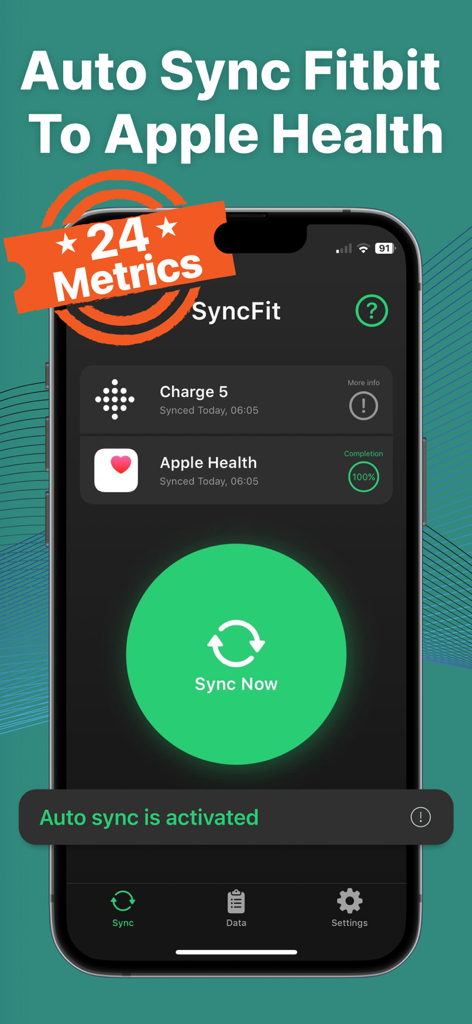
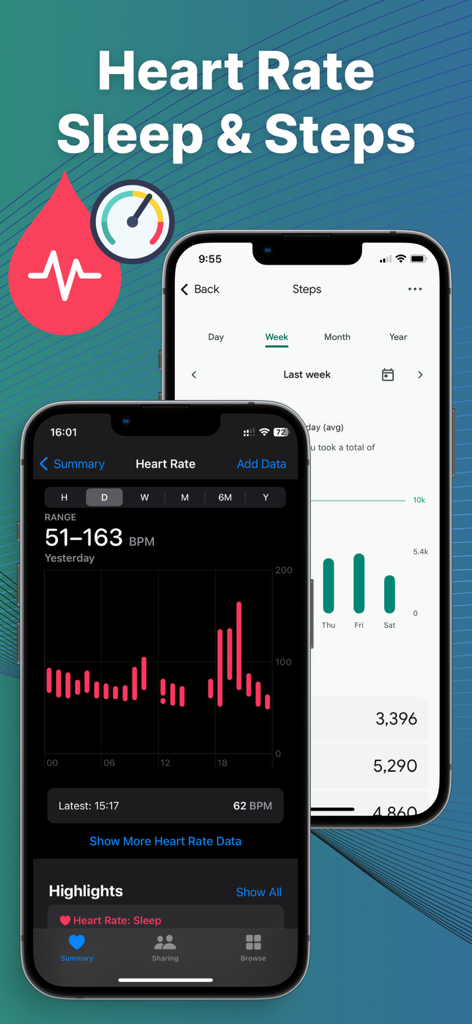
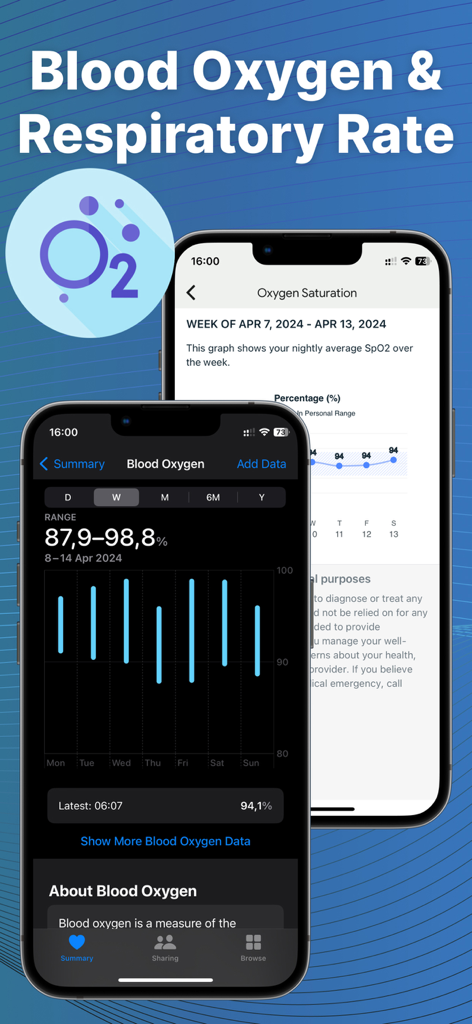
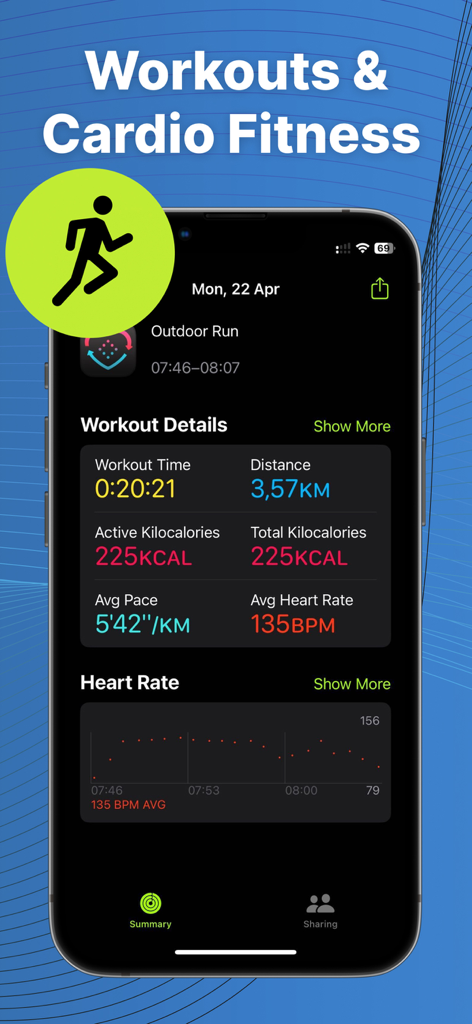
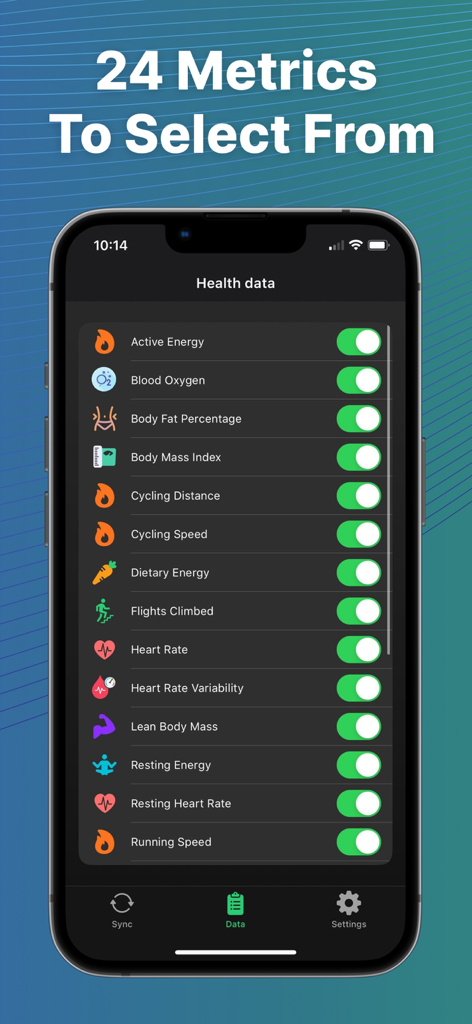
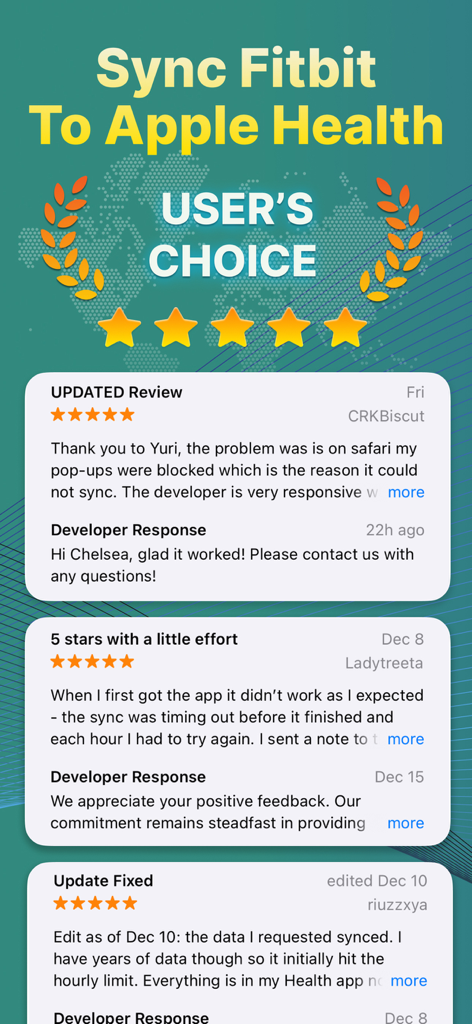
The tools that make this app stand out, trusted by 130K+ users.
Enable premium auto-sync to transfer your data in the background. Stop manual entry and let your stats update effortlessly while you focus on your goals.
Preserve your progress by importing years of historical Fitbit data. Keep your long-term trends intact and see how far you've come over the years.
Go beyond steps with granular tracking for sleep, heart rate, body fat, and more. We sync every detail to ensure your Apple Health dashboard is fully optimized.
Trusted by 130K+ people who love this app.
"I’ve been using Fitbit for years and couldn't bear the thought of losing all my historical data when I switched to an iPhone. Syncfit made the transition seamless! The auto-sync works perfectly in the background, and now all my sleep and step data shows up in Apple Health without me even thinking about it. Truly a lifesaver for anyone who loves their Fitbit but wants to stay in the Apple ecosystem."
"As someone who tracks everything from blood oxygen to lean body mass, manual data entry was my biggest headache. This app is incredibly efficient and doesn't drain my battery. It pulls all 24 data points accurately every single time. It’s the perfect bridge between my Fitbit hardware and my health insurance rewards program which requires Apple Health data. Worth every penny for the premium version!"
Everything you need to know about Fitbit Sync to Apple Health.
Description
Latest Version
1.0.58
Size
56.4 MB
First Released
May 30, 2023
Stop app-hopping and bridge the gap between Fitbit and Apple Health. Join 130,000+ users who sync their history and daily stats on autopilot.
Everything you need to know about Fitbit Sync to Apple Health
Syncfit is an app designed to seamlessly transfer health and fitness data from your Fitbit account directly to the Apple Health app. It supports syncing 24 different data points.
Syncfit transfers 24 data points, including Active Energy, Blood Oxygen, Heart Rate, Sleep, Steps, Weight, and Workouts. Users can select specific metrics to sync to Apple Health.
Yes, syncing Fitbit data with Syncfit is straightforward. Download the app, connect your Fitbit account, link to Apple Health, and authorize the data transfer. The app can then sync automatically in the background.
Yes, Syncfit supports automatic data synchronization. The auto-sync feature is activated with a premium subscription, ensuring your Fitbit data remains current in Apple Health without manual intervention.
Yes, Syncfit allows users to pull in all historical Fitbit data. This feature ensures a complete record of past fitness and health metrics within the Apple Health app.
Yes, Syncfit ensures user data safety. The app prioritizes privacy during the transfer of health and fitness information from Fitbit to Apple Health. Refer to the Privacy Policy for details.
Syncfit offers a free version, and a paid premium subscription unlocks all activities and the auto-sync feature. A 3-day free trial is available for the premium plan.
Yes, Syncfit offers a 3-day free trial for its premium subscription. This allows users to experience all unlocked activities and the auto-sync feature before committing to a purchase.
No, Syncfit is efficient and does not significantly drain the device battery. The app's background synchronization process has minimal impact on battery life.
Yes, users can manage their Syncfit subscriptions directly. Auto-renewal can be turned off by accessing the user's Account Settings after purchase in iTunes.
Yes, Syncfit allows users to choose which data points to sync. Out of 24 available metrics, users can selectively sync specific ones like steps, sleep, or workouts.
No, Syncfit only adds new data to the Apple Health app. It does not alter or mess up any existing health data already present in Apple Health.
Apps with similar features and user experience