
FlashGet Kidsafe



Empower your parenting with professional-grade tools to manage screen time, block unauthorized apps, and ensure your child’s safety with live location history.
Publisher
Category
UtilitiesDownloads
55K+User Rating
Total Ratings
0Locales
23Discover the interface used by 55K+ users.
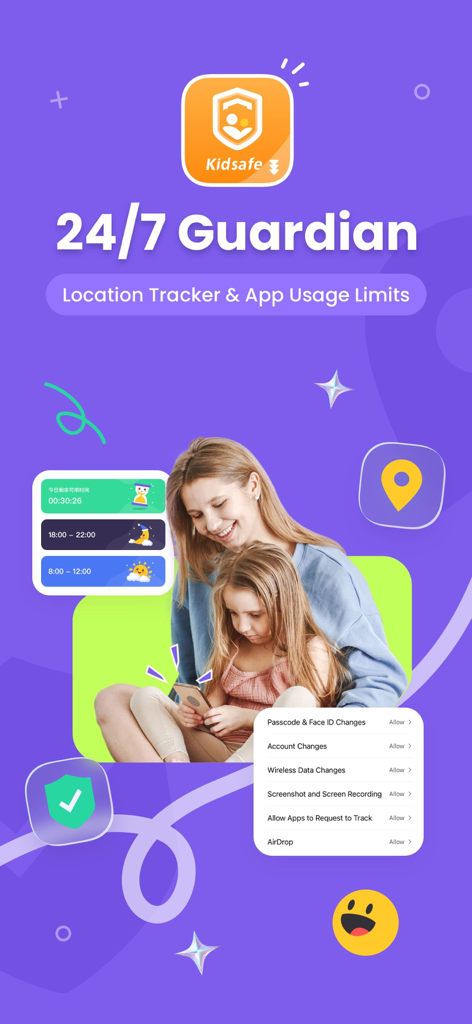
The tools that make this app stand out, trusted by 55K+ users.
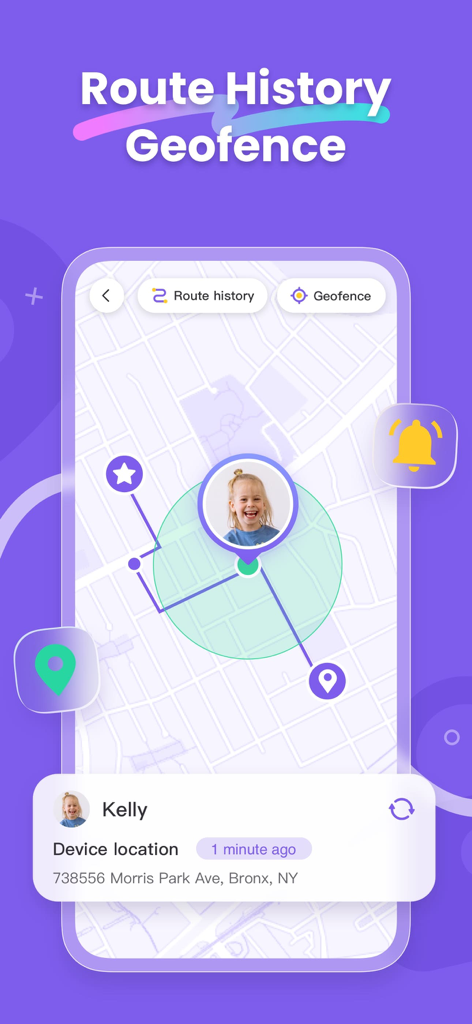
Track your child’s live location and view their route history. Set up smart Geofences to receive instant notifications when they arrive at school or get home safely.
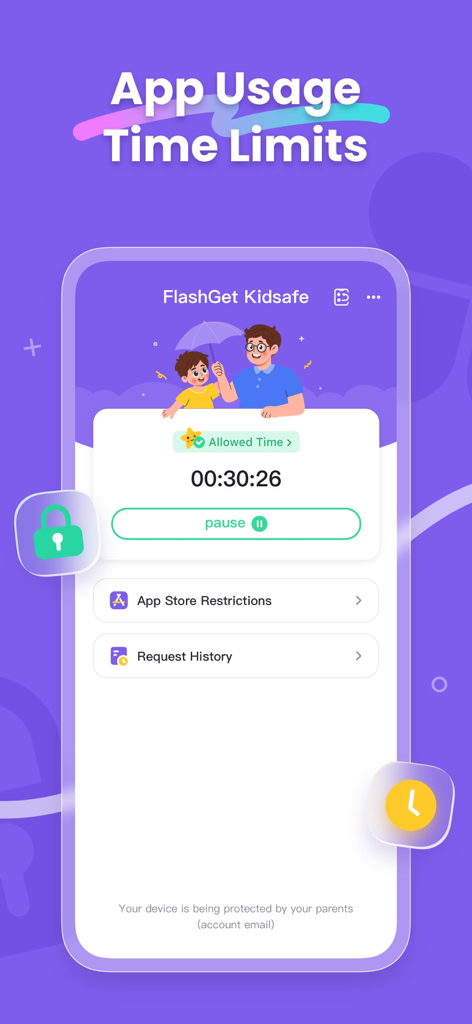
End the screen time struggle by setting daily limits and custom schedules. Balance entertainment with homework and sleep using remote device locking.
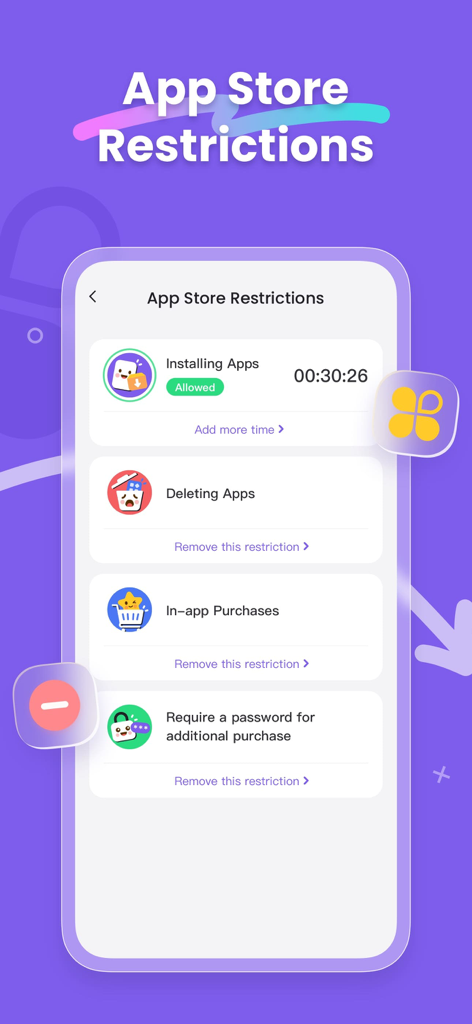
Prevent unauthorized downloads and block accidental in-app purchases. Curate a age-appropriate digital library by restricting specific content types effortlessly.
Trusted by 55K+ people who love this app.
"FlashGet Kidsafe has been a total game-changer for our family. The geofencing alerts give me such peace of mind knowing exactly when my daughter arrives at soccer practice or gets home from school. It's reliable and the location history is incredibly accurate compared to other apps we've tried."
"I was looking for a more robust solution than the standard screen time settings which my son kept finding ways around. The MDM profile in FlashGet Kidsafe provides the level of control I actually need. Managing app installs and setting hard limits on screen time is finally seamless and foolproof."
Everything you need to know about FlashGet Kidsafe.
Description
Latest Version
1.0.1
Size
45.8 MB
First Released
Jul 17, 2025
Join over 55,000 proactive parents who trust FlashGet Kidsafe for reliable location tracking and foolproof digital boundaries. Secure your child's digital world today.
Everything you need to know about FlashGet Kidsafe
FlashGet Kidsafe is a companion app for FlashGet Kids, designed for installation on a child's or teenager's device. It enables parents to track location, set screen time limits, and manage app usage.
FlashGet Kidsafe connects to the parent's FlashGet Kids app by entering a unique code. This code is received from the parent's FlashGet Kids app during the initial setup process, linking both devices.
FlashGet Kidsafe offers location tracking, route history, geofence setup, screen time limits, and App Store restrictions. These restrictions include preventing unauthorized app installations and managing in-app purchases.
Yes, FlashGet Kidsafe tracks a child's iPhone location. It also provides features to view route history and set geofences, offering comprehensive location monitoring capabilities.
Yes, FlashGet Kidsafe includes Screen Time Limits. Parents can establish multiple rules to manage their children's daily iPhone usage effectively. This helps in controlling device access times.
FlashGet Kidsafe manages App Store restrictions by preventing unauthorized application installations and limiting app types or in-app purchases. It also includes controlling app deletion and requiring purchase passwords.
Yes, installing a special MDM profile is required for FlashGet Kidsafe. This profile enables parents to control the child's iPhone functionalities, including store purchases and content, from their own device.
Yes, you can remove or disable the MDM profile installed by FlashGet Kidsafe at any time. Instructions for removal and configuration are detailed on the app's help page.
FlashGet Kidsafe is designed for installation on a child's or teenager's iPhone device. The parent's device needs the FlashGet Kids app to manage the child's device.
You can find support for FlashGet Kidsafe installation, uninstallation, and configuration on the app's help page. For further questions, contact the support team via email at help@flashget.com.
Apps with similar features and user experience

Pollux Bilisim Teknolojileri Sanayi ve Ticaret Limited Sirketi

Smith Micro Software, Inc.

Google LLC

LETEM LTD

Nintendo Co., Ltd.

ANKO SOLUTIONS LLC

Ningbo Jus Internet Technology Co., Ltd.

HONGKONG FLASHGET NETWORK TECHNOLOGY CO., LIMITED

SAND STUDIO CORPORATION LIMITED
