Float Tube:PiP for Video&Music

Float Tube:PiP for Video&Music

Download on App Store
Spark by MWM logo
Logo of Float Tube:PiP for Video&Music

Float Tube:PiP for Video&Music: The Ultimate Multitasking Web Browser

Unlock Picture-in-Picture and Desktop Mode on any site. Watch videos, listen to music, and browse simultaneously—no premium subscriptions needed.

Publisher

海瑞 彭

Category

Utilities

Downloads

2K+

User Rating

4.5/5

Total Ratings

200

Locales

8

Multitasking in Action

Discover the interface used by 2K+ users.
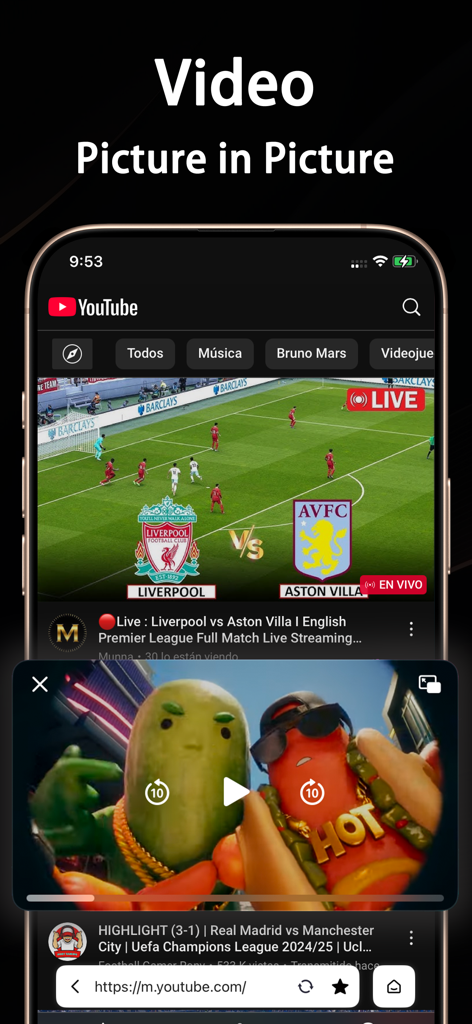
Float Tube app showing a floating video window over a mobile browser for multitasking

Float Tube app showing a floating video window over a mobile browser for multitasking

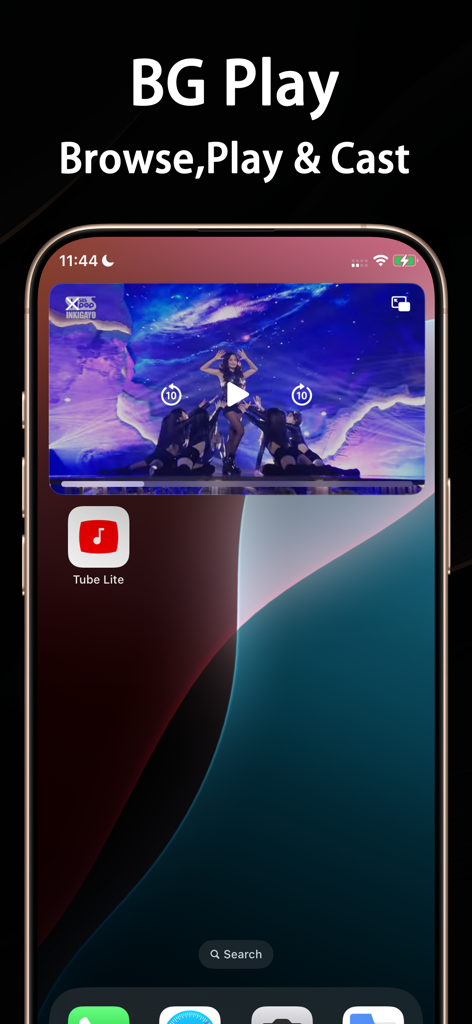
iPhone screen showing the Float Tube app with a floating video window and background play feature

iPhone screen showing the Float Tube app with a floating video window and background play feature

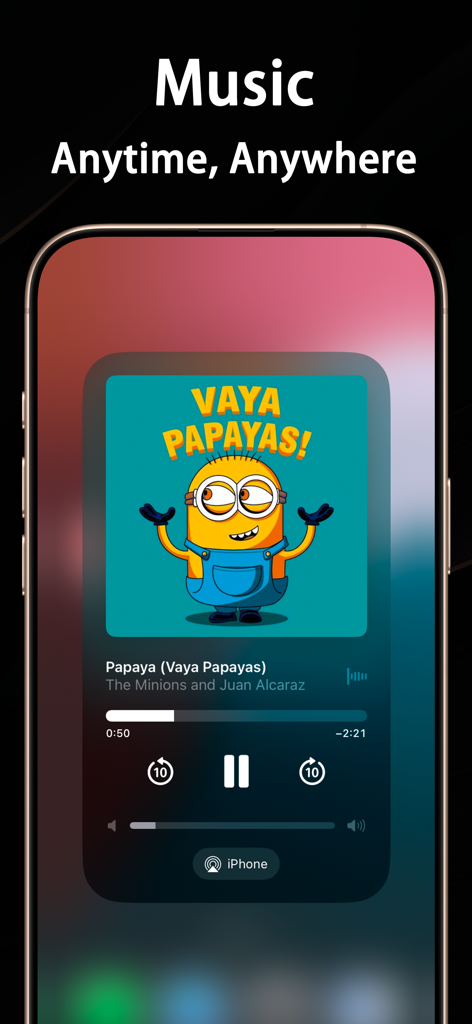
Music player interface of Float Tube app on an iPhone showing background playback and PiP features

Music player interface of Float Tube app on an iPhone showing background playback and PiP features

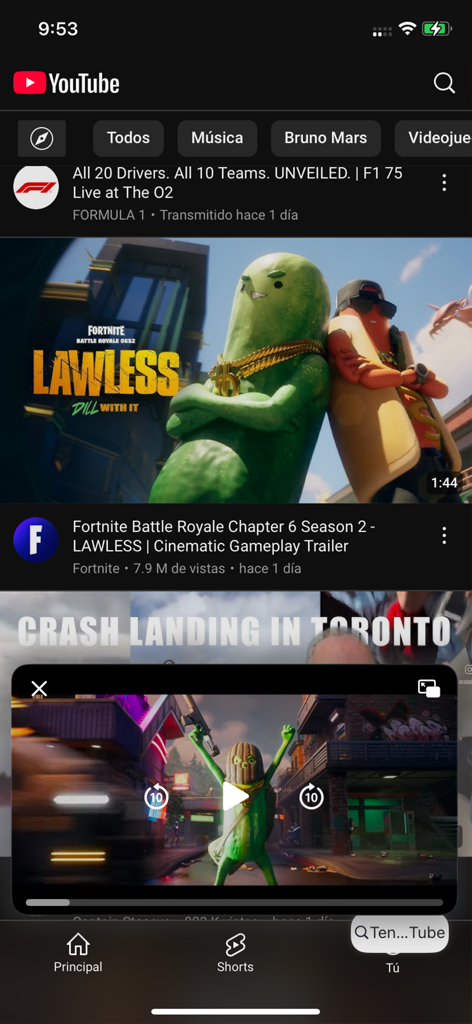
A mobile screen showing the Float Tube app with a floating video window playing a trailer over the YouTube homepage.

A mobile screen showing the Float Tube app with a floating video window playing a trailer over the YouTube homepage.

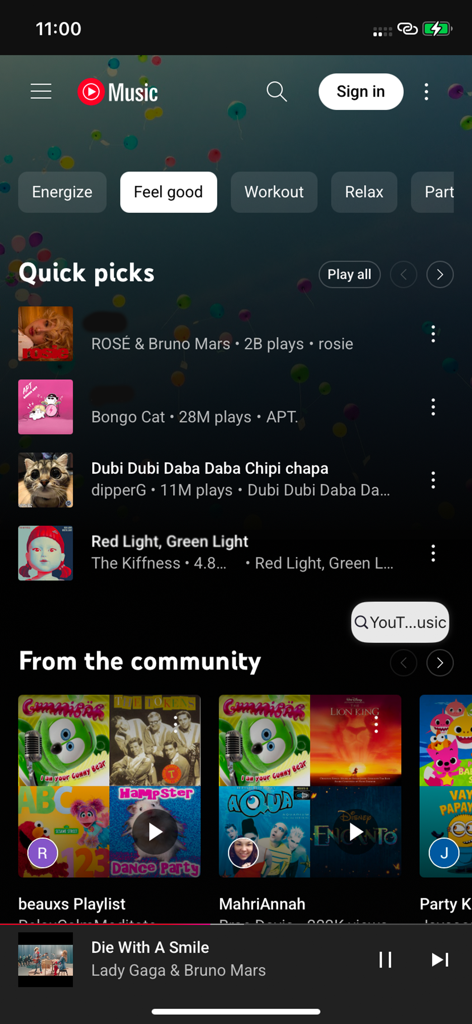
Interface of the Float Tube app displaying music categories, song selections, and a music player at the bottom.

Interface of the Float Tube app displaying music categories, song selections, and a music player at the bottom.

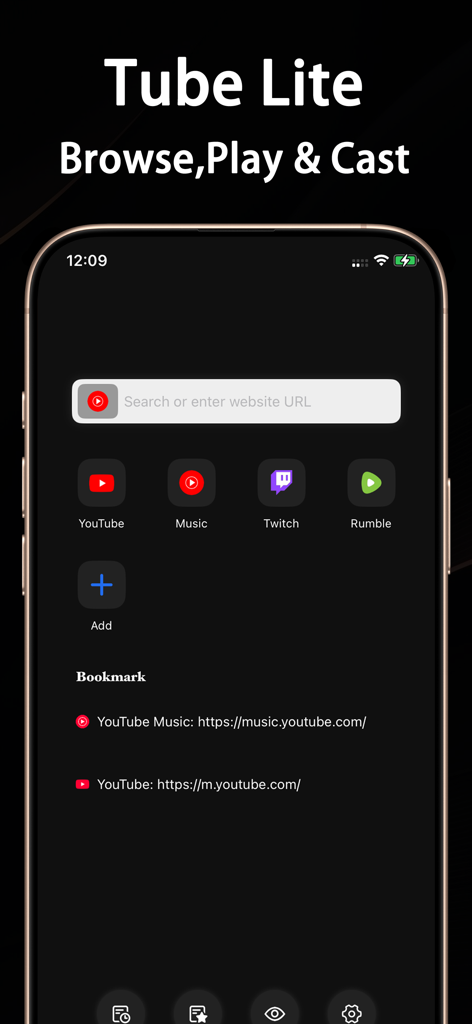
Float Tube app interface showing a video player with a cat thumbnail and music playback controls

Float Tube app interface showing a video player with a cat thumbnail and music playback controls

Float Tube app interface with shortcuts for YouTube Twitch and Rumble

Float Tube app interface with shortcuts for YouTube Twitch and Rumble

Supercharge Your Mobile Productivity

The tools that make this app stand out, trusted by 2K+ users.

📱

Floating Picture-in-Picture

Watch videos or listen to music in a resizable window while you chat, work, or scroll social media without skipping a beat.

🖥️

Full Desktop Experience

Bypass mobile site restrictions by accessing full PC versions of websites, giving you professional tools right on your phone.

Distraction-Free UI

Enjoy a cleaner web with a focus on speed that automatically hides intrusive pop-ups and overlays for a seamless flow.

Loved by users worldwide

Trusted by 2K+ people who love this app.

"

"As a college student, this app is a total lifesaver. I can finally watch coding tutorials in a floating window while actually practicing in my editor. It's the perfect way to get PiP and desktop mode without the hefty price tag of premium subscriptions."

Liam S.
"

"Float Tube has completely transformed how I use my iPad for work. The desktop mode is flawless for accessing full sites, and the multitasking experience is seamless. I love being able to keep a video running while I handle emails or browse. Highly recommended for power users!"

Sarah J.

About the app

Everything you need to know about Float Tube:PiP for Video&Music.

Description

FloatTube Web Browser is a lightweight and efficient mobile browser that supports floating video playback and desktop web mode, bringing true multitasking to your fingertips. • Floating Video Support — Watch videos while browsing • Desktop Mode — View full PC websites on your phone • Clean UI — Auto-hide overlays and intrusive popups • Seamless Multitasking — Browse and watch without switching apps Perfect for video lovers, professionals, and anyone who needs full-featured browsing on mobile. 1. **Payment**: The payment will be charged to the user's iTunes account once the purchase is confirmed. 2. **Renewal**: The subscription will automatically renew, and the iTunes account will be charged within 24 hours before the current period ends. 3. **Cancel Subscription**: To cancel the subscription, please manually disable auto-renewal in your iTunes/Apple ID settings at least 24 hours before the current subscription period ends. 4. **Terms of Use (EULA)**: https://mapmarkerpro.github.io/EULA.html 5. **PrivacyPolicy**: https://mapmarkerpro.github.io/PrivacyPolicy.htm

Latest Version

1.6.0

Size

23.6 MB

First Released

Feb 17, 2025

Stop Switching Apps. Start Multitasking Like a Pro.

Get the floating video player and desktop browsing experience you've always wanted. Unlock true Picture-in-Picture on your iPhone and iPad today—no premium subscription required.

Download on App Store