
Freepik AI: Video Generator




Turn text into cinematic videos and stunning images in seconds. Access world-class AI models like Flux and Kling alongside millions of premium assets to create, edit, and publish professional content right from your pocket.
Publisher
Category
Graphics & DesignDownloads
847K+User Rating
Total Ratings
4K+Locales
2Discover the interface used by 847K+ users.
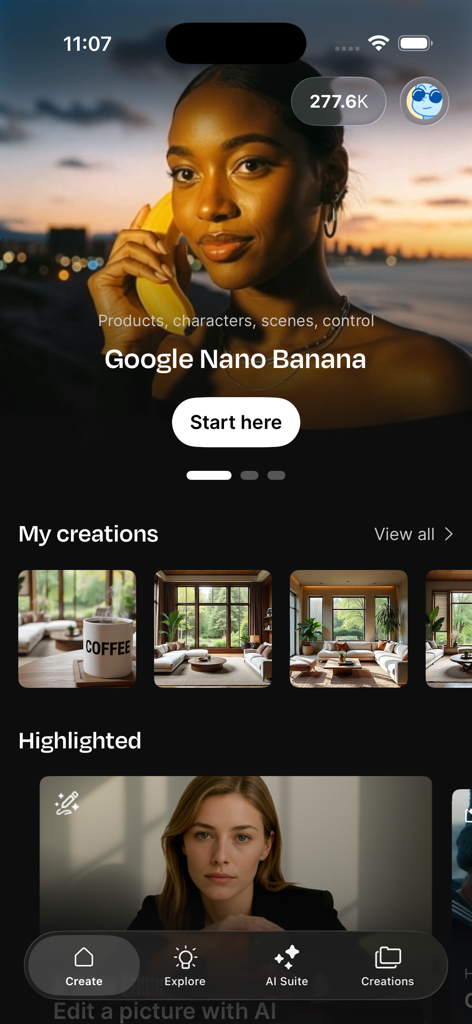
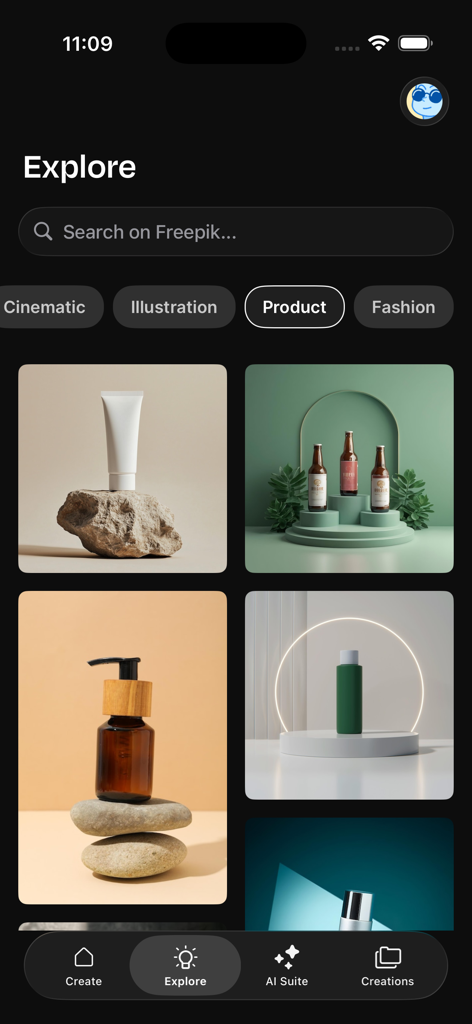
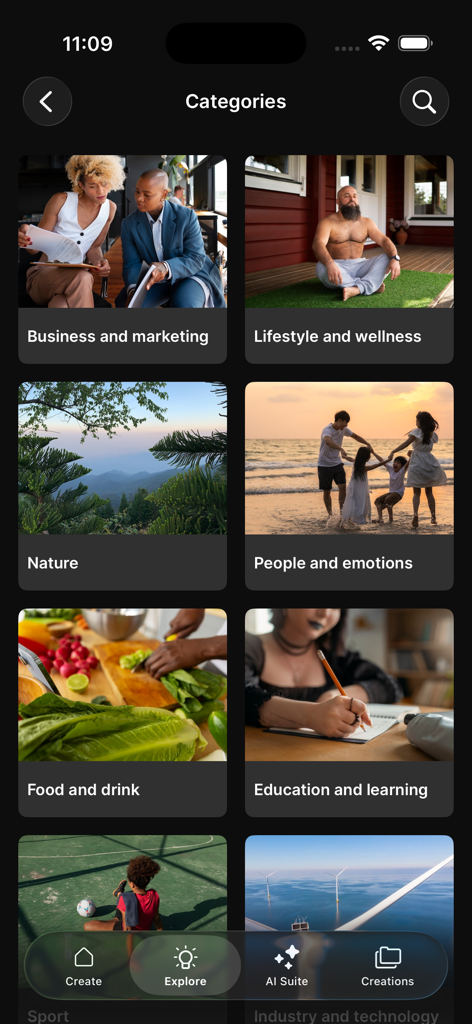
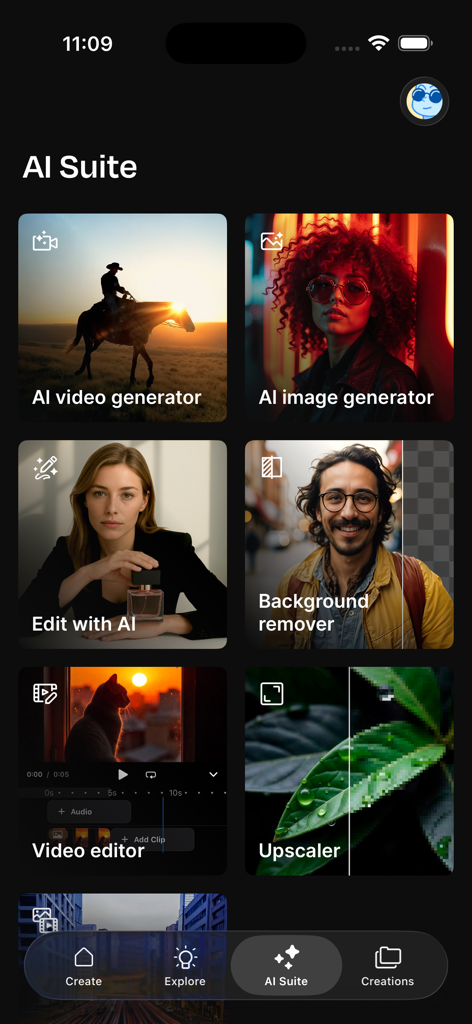
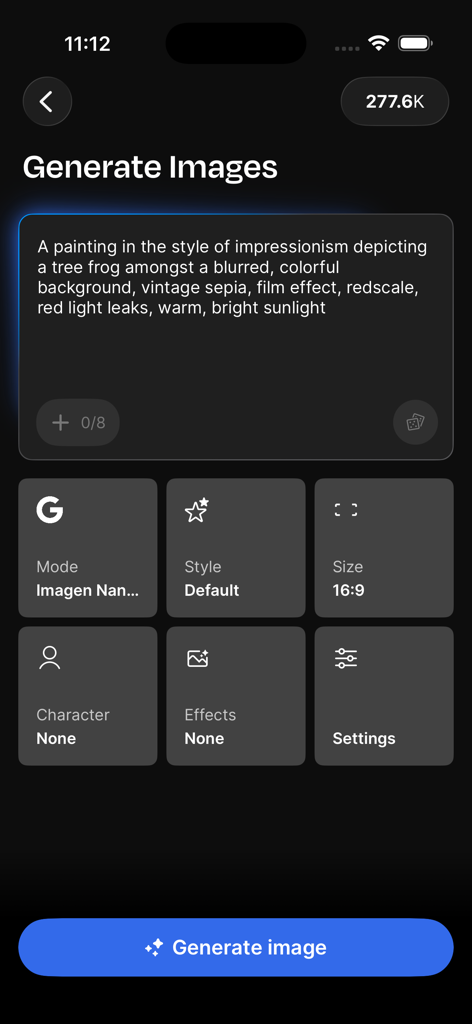
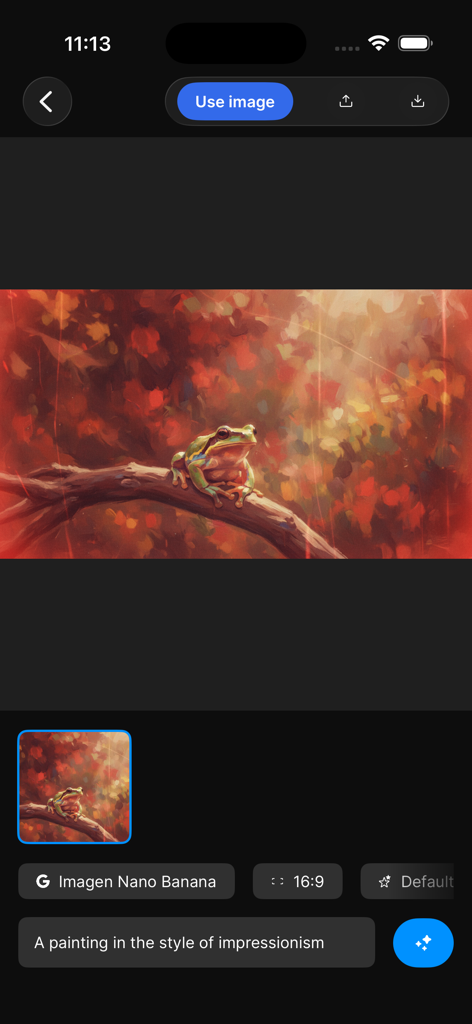
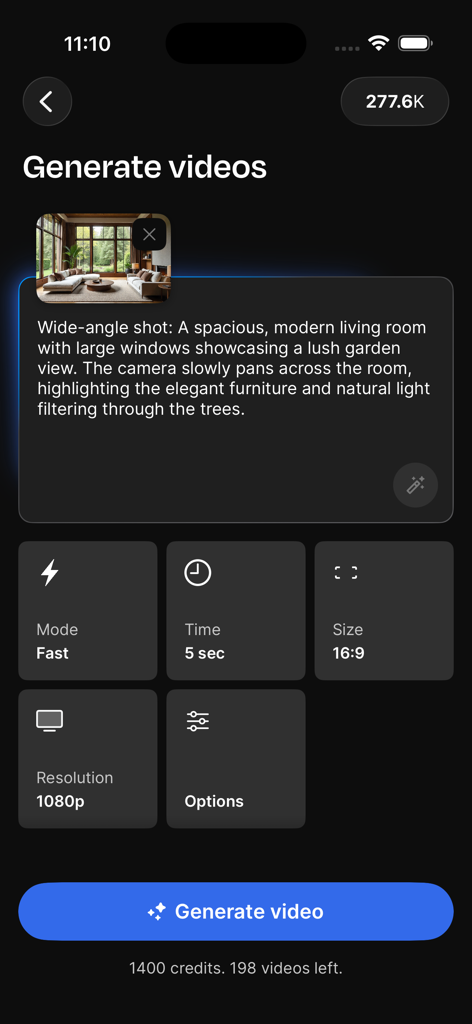
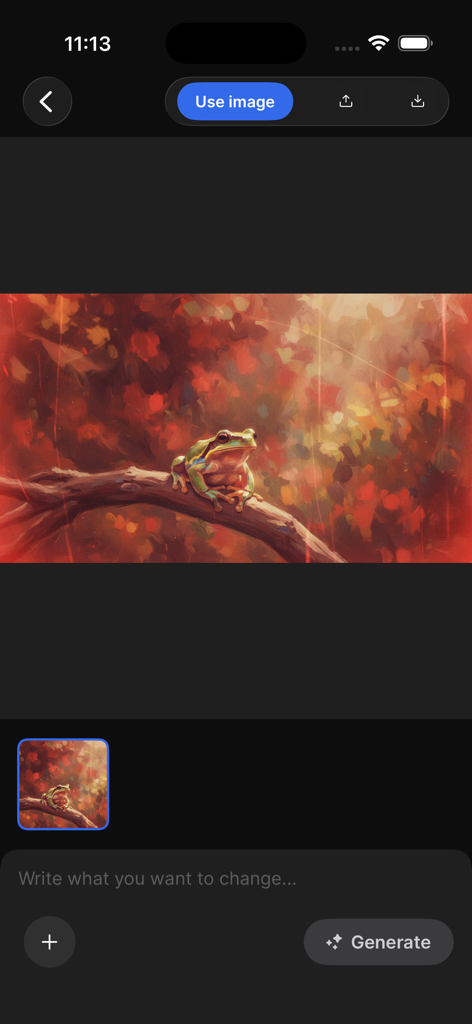
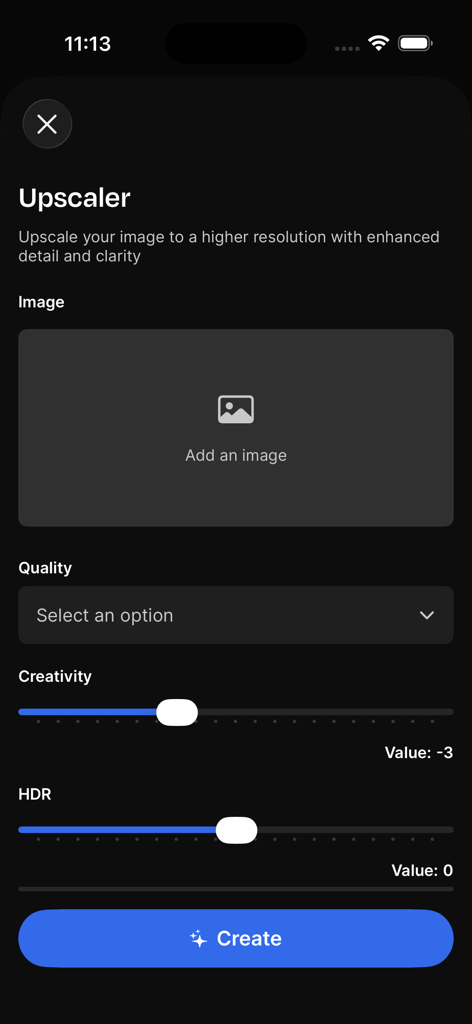
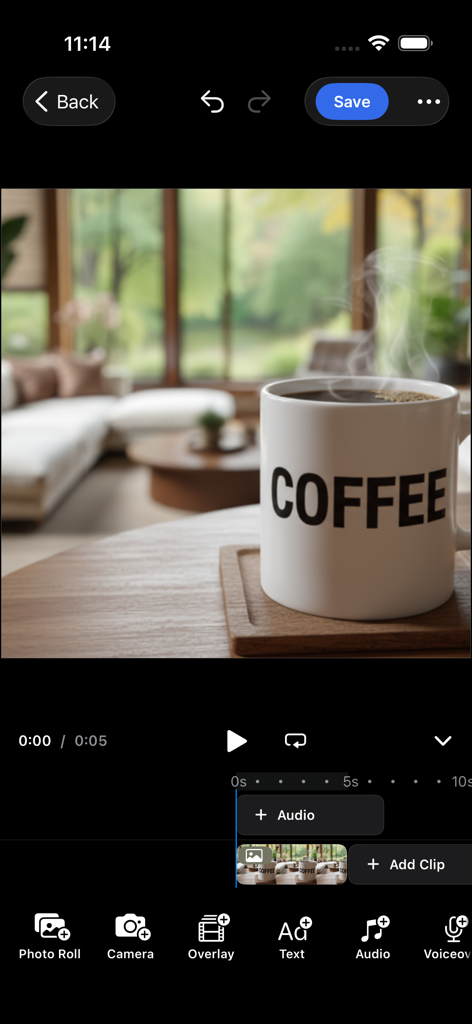
The tools that make this app stand out, trusted by 847K+ users.
Generate photorealistic visuals or whimsical illustrations in seconds using industry-leading AI models like Flux and Ideogram.
Animate your photos or create video from text to produce viral-ready content for Instagram, TikTok, and YouTube.
Polish your work with pro tools. Remove backgrounds, upscale quality, and edit details with intuitive mobile-friendly workflows.
Trusted by 847K+ people who love this app.
"Freepik AI has been a lifesaver for my small business. I used to pay a fortune for stock footage and editors, but now I can generate high-quality product videos and remove backgrounds in seconds. It is the ultimate tool for anyone who needs professional results without the learning curve."
"The fact that I can access top-tier AI models like Flux and Kling 2.1 directly from my iPhone is mind-blowing. I use it for all my social media content, from generating cinematic clips to upscaling my photos for a pro finish. It has completely streamlined my mobile workflow."
Everything you need to know about Freepik AI: Video Generator.
Description
Latest Version
5.26
Size
144.2 MB
First Released
Dec 15, 2023
Join over 800,000 creators who use Freepik AI to generate cinematic videos and professional visuals in seconds. Download the app and start creating smarter today.
Everything you need to know about Freepik AI: Video Generator
Freepik AI: Video Generator is an all-in-one AI creative suite for iPhone, iPad, and Mac. It helps users generate, edit, and publish visuals and videos directly from their devices.
Yes, Freepik AI can quickly turn any idea into images using its AI Image Generator. It supports various models like Imagen 3 and 4, Flux, and Ideogram.
Yes, Freepik AI includes an AI video generator. It transforms text prompts or photos into cinematic, animated, or realistic videos using models like Veo 3 and Runway Gen 4.
Yes, Freepik AI includes a Background Remover tool. This feature allows users to replace the background of their visuals and place products or characters anywhere instantly.
Freepik AI's Image Generator uses models such as Imagen 3, Imagen 4, Flux, Classic, Ideogram, Mystic, and Seedream to create visuals from ideas.
Yes, Freepik AI offers an Upscaler feature to enhance images. It makes visuals campaign-ready with a crisp, professional finish by increasing resolution and clarity.
Yes, the Freepik AI app provides an AI photo Editor. Users can enter a prompt to quickly adjust any detail within their visuals, optimizing them for campaigns.
Freepik AI provides access to millions of ready-to-use content assets. This includes photos, vectors, icons, PSDs, templates, mockups, and videos for starting projects quickly.
The Freepik AI app is designed for small businesses, entrepreneurs, content creators, creative professionals, design beginners, and mobile-first users. It offers easy-to-follow workflows.
Yes, Freepik AI includes a Video Editor. This tool allows users to create complete video projects by trimming and adjusting clips with mobile-friendly tools.
Yes, Freepik AI allows users to maintain image consistency with various styles. It offers a wide variety of options, from photorealistic visuals to whimsical illustrations, for creations.
The terms of use for Freepik AI are available through the Apple Terms of Use at apple.com/legal/internet-services/itunes/dev/stdeula and Freepik Company's Terms of Use at freepikcompany.com/legal.
Yes, Freepik AI offers total control over creations. Users can adjust color, framing, and lighting effects, and also control and create new characters for their visuals.
Apps with similar features and user experience

OpenAI OpCo, LLC

New Port LLC
li lin
Noam Barzik

Wombo Studios, Inc.

Engcraft, LLC

HUYNH DUONG VAN
琴慧 冯

KRNL SRL
