
Good Slide



Design professional decks effortlessly with hundreds of premium templates. Sync across your iPhone, iPad, and Mac to create, edit, and pitch anywhere.
Publisher
Category
ProductivityDownloads
328K+User Rating
Total Ratings
6K+Locales
27Discover the interface used by 328K+ users.
The tools that make this app stand out, trusted by 328K+ users.
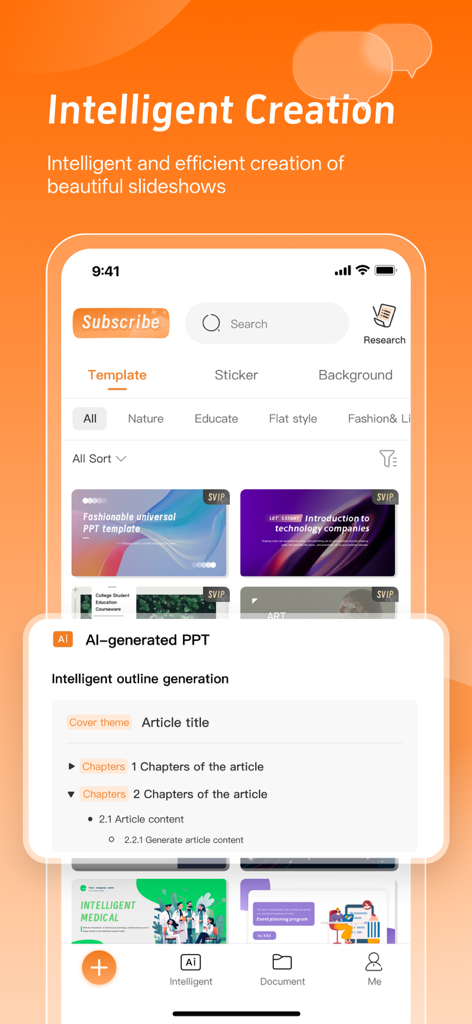
Skip the blank canvas syndrome. Choose from hundreds of modern templates designed to make your business pitches and academic projects stand out.
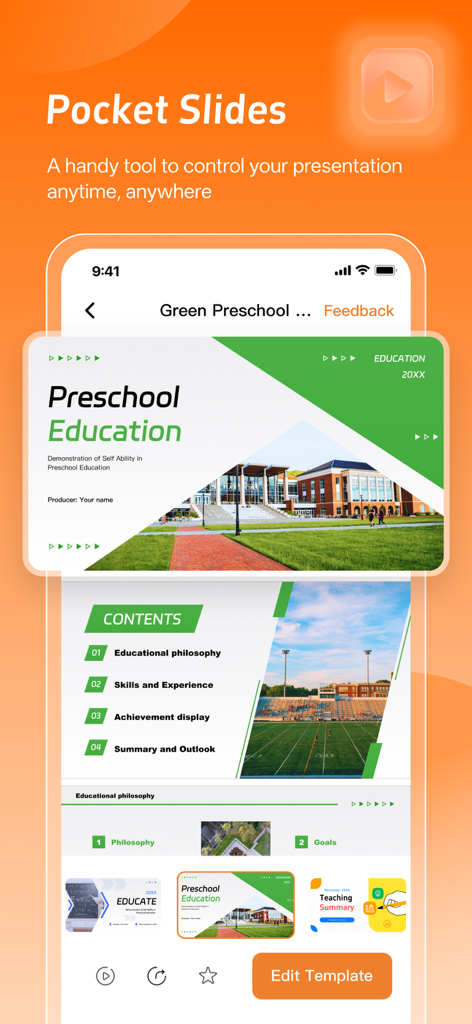
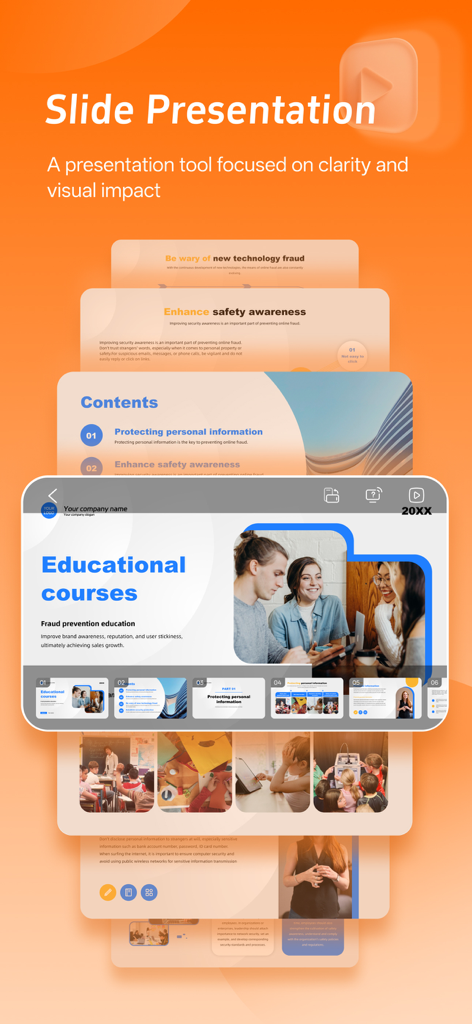
Start on your Mac, tweak on your iPhone, and present from your iPad. Your presentations are always synced and ready for last-minute changes anywhere.
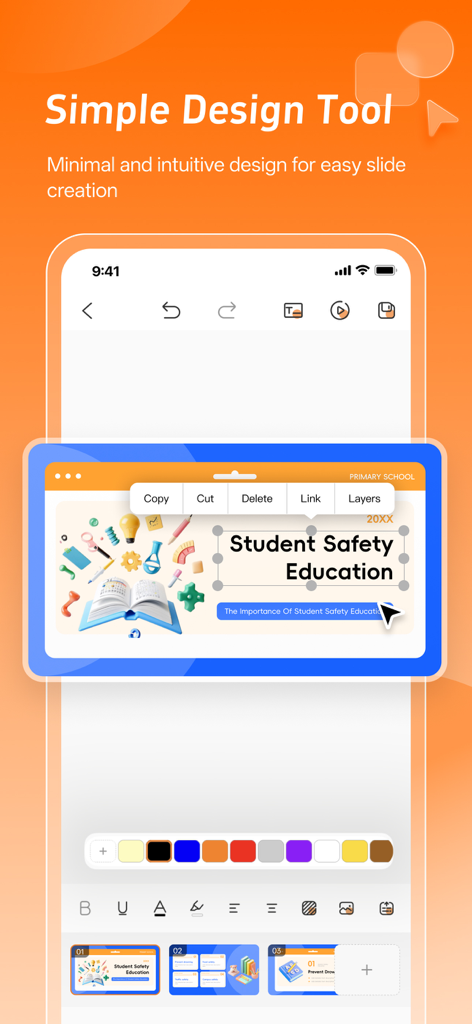
No more pixel-pushing. Use intuitive mobile formatting tools to align, style, and polish your deck with just a few taps during your commute.
Trusted by 328K+ people who love this app.
"As a grad student always on the move, Good Slide has been a total lifesaver. I can start a deck on my Mac and finish it on the subway using my iPhone. The templates are way more modern than what you find in traditional software, making my presentations stand out without spending hours on design."
"I use Good Slide for all my client pitches. The mobile-native interface is so much smoother than legacy apps for last-minute tweaks. I can literally build a professional-looking deck in minutes while waiting for a meeting. It is the ultimate tool for any founder who needs to stay productive on the go."
Insights from user reviews.
Sentiment Score
Summary
The app receives sharply divided feedback from users. Many appreciate its convenience, speed, and overall utility for tasks like schoolwork and presentations, with some even comparing its user experience favorably to Microsoft's mobile offerings. However, a significant number of users report severe issues, primarily concerning unauthorized recurring charges, deceptive subscription practices, and high costs, which frequently lead to unexpected deductions. Additionally, common complaints include problems with file importing, exporting, and saving, along with general performance lags and a perceived lack of key features like animation or annotation tools.
Common Themes
Everything you need to know about Good Slide.
Description
Latest Version
3.5
Size
60.8 MB
First Released
Aug 16, 2023
Join 328,000+ professionals and students who save hours by building beautiful presentations on the go. Download Good Slide today and turn your ideas into premium slides in minutes.
Everything you need to know about Good Slide
Good Slide provides hundreds of templates, quick editing, and formatting tools. It also offers AI features for intelligent outline generation, making presentation creation easy and efficient for various purposes.
Yes, Good Slide allows users to sync presentations across devices. This feature enables editing anytime, anywhere, ensuring flexibility for all your presentation needs.
Yes, Good Slide incorporates AI for intelligent outline generation and AI-generated PPTs. This enhances the efficiency and quality of slideshow creation.
The Good Slide premium subscription charges payment to your iTunes account upon purchase. It automatically renews unless auto-renew is turned off at least 24 hours before the current period ends.
Yes, users can manage their Good Slide subscriptions and turn off auto-renewal. This is done by navigating to the user's account settings after purchase.
The Privacy Policy for Good Slide is available via a direct link in the app description. This ensures users can review how their data is handled.
Good Slide provides a simple design tool with options like copy, cut, delete, link, and layers. It also includes text editing and a color palette for intuitive slide creation.
Yes, Good Slide is perfect for business pitches. It offers features like stunning templates and easy editing to create impactful presentations for work.
Apps with similar features and user experience

Google LLC

Mge Information Technology Co.,Ltd

Andrii Fomichov

Chengdu iSlide Network Technology Co., Ltd.

Microsoft Corporation

Google LLC

Manjinder Kaur

Easy WebContent, Inc.
卓臻 李