
Google Docs



Experience the modern standard for document editing. Draft faster with Gemini AI, collaborate in real-time with your team, and stay productive on any device—even offline.
Publisher
Category
ProductivityDownloads
235M+User Rating
Total Ratings
6M+Locales
67Discover the interface used by 235M+ users.
The tools that make this app stand out, trusted by 235M+ users.
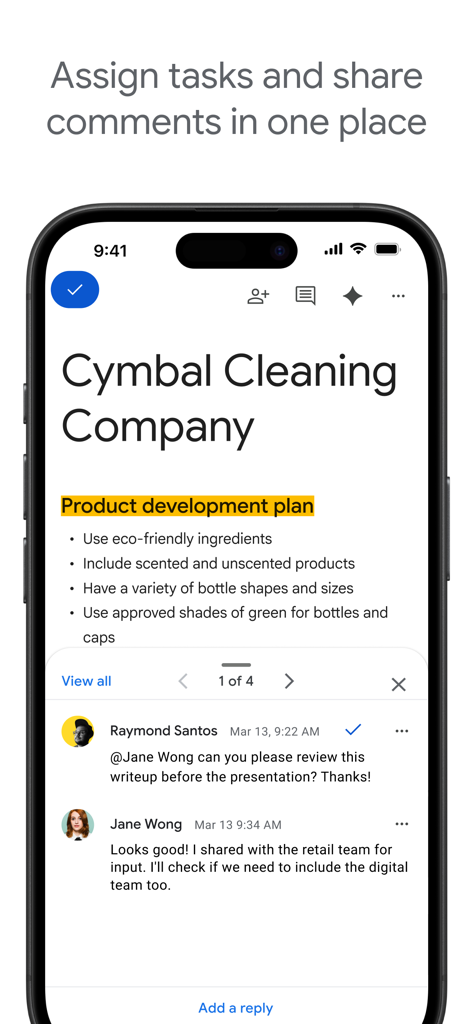
Co-author documents with your team simultaneously. Tag colleagues in comments and assign action items to keep projects moving forward without email chains.
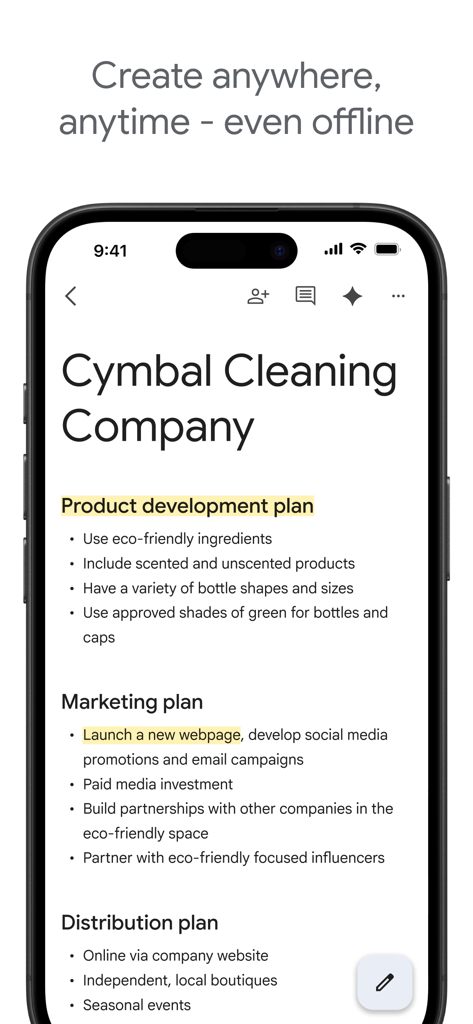
Start a draft on your iPhone and finish it on your laptop. With automatic cloud syncing and offline editing, your work is always ready, even without Wi-Fi.
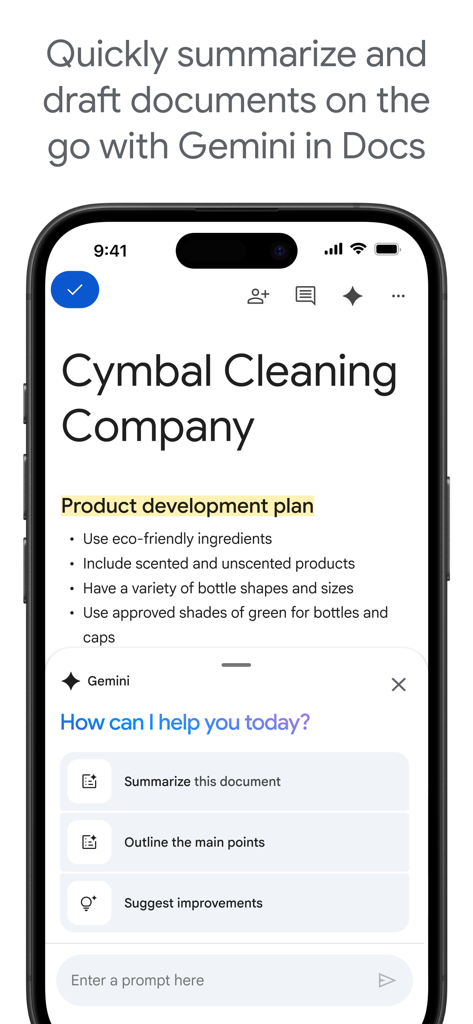
Beat writer's block instantly. Use Gemini to draft outlines, summarize notes, and polish your tone, turning rough ideas into professional documents in seconds.
Trusted by 235M+ people who love this app.
"Google Docs has been a lifesaver for my group projects! Being able to see my classmates editing in real-time makes collaborating so much faster, and I love that I can finish an essay on my phone while riding the bus. The offline mode is a total game changer for study sessions at the park."
"As a freelance copywriter, the Gemini AI integration helps me knock out drafts in half the time. The transition from my desktop to my iPad is seamless, and the fact that I can edit Microsoft Word files without any formatting issues makes working with different clients completely stress-free."
Everything you need to know about Google Docs.
Description
Latest Version
1.2026.02101
Size
322.9 MB
First Released
Apr 30, 2014
Join over 235 million users collaborating in real time. Download Google Docs today to write, edit, and share with the power of Gemini AI—anywhere, anytime.
Everything you need to know about Google Docs
Yes, Google Docs enables real-time collaboration. Users share documents, edit, add comments, and assign action items together in the app.
Yes, Google Docs provides an offline mode. Users can create and get things done, capturing ideas on the go, even without an internet connection.
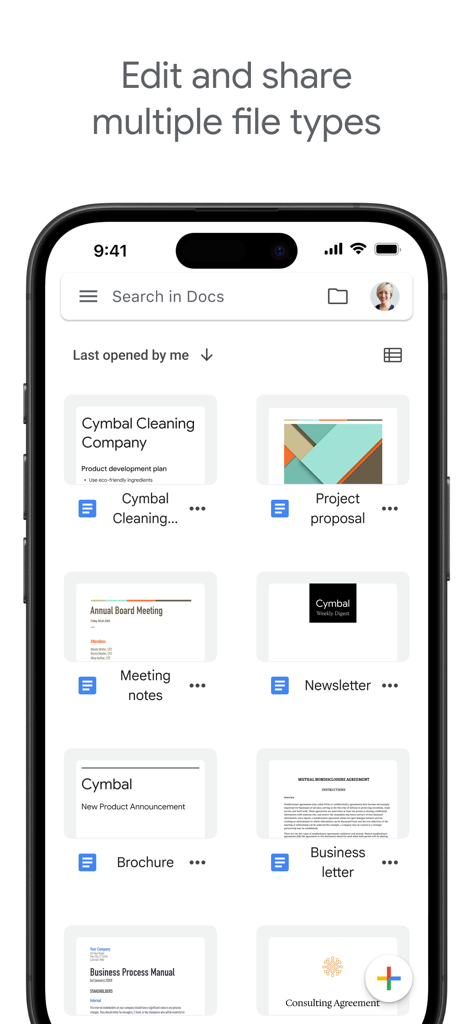
Yes, Google Docs opens and edits various file types, including Microsoft Word files. This allows for frictionless collaboration regardless of the application teammates use.
Gemini in Google Docs allows users to quickly draft and edit content, create outlines, blog posts, or briefs, and improve writing with AI-powered suggestions. This feature is available for paid Google Workspace subscribers.
Yes, Google Docs is an integral part of Google Workspace. This platform allows teams of any size to chat, create, and collaborate efficiently.
Yes, Google Docs provides easy-to-use templates. These templates help users save time and add polish to their documents, streamlining the creation process.
Apps with similar features and user experience

Mge Information Technology Co.,Ltd

Andrii Fomichov

Chengdu iSlide Network Technology Co., Ltd.

Microsoft Corporation
Google LLC

ShenZhen Meiyinet Technology Co.,Ltd

Manjinder Kaur

Easy WebContent, Inc.
卓臻 李
