
Google Smart Lock


Secure your most sensitive data with hardware-backed authentication. Stop phishing and unauthorized access by using your phone as a physical security key.
Publisher
Category
UtilitiesDownloads
1M+User Rating
Total Ratings
1K+Locales
33Discover the interface used by 1M+ users.
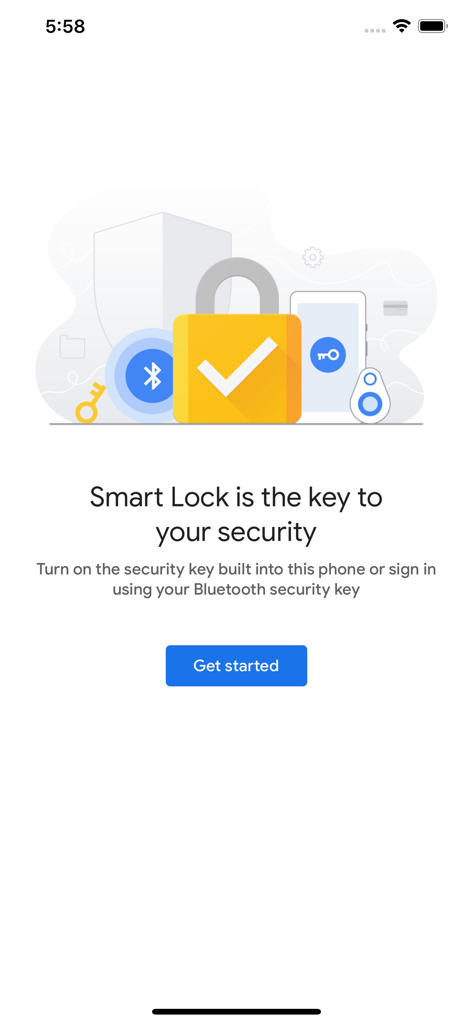
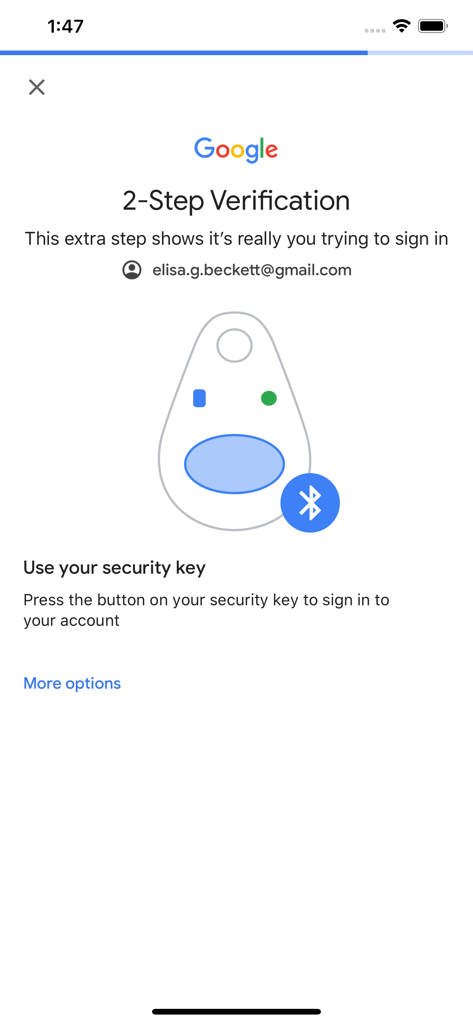
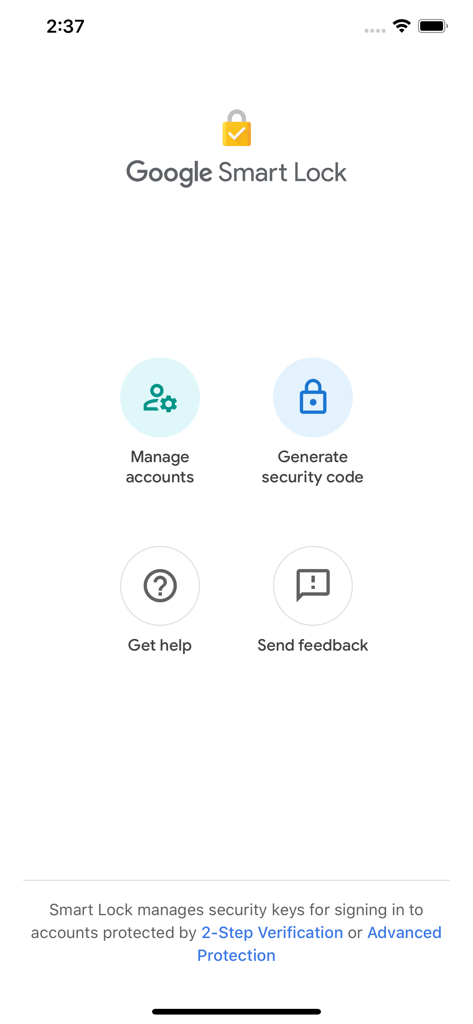
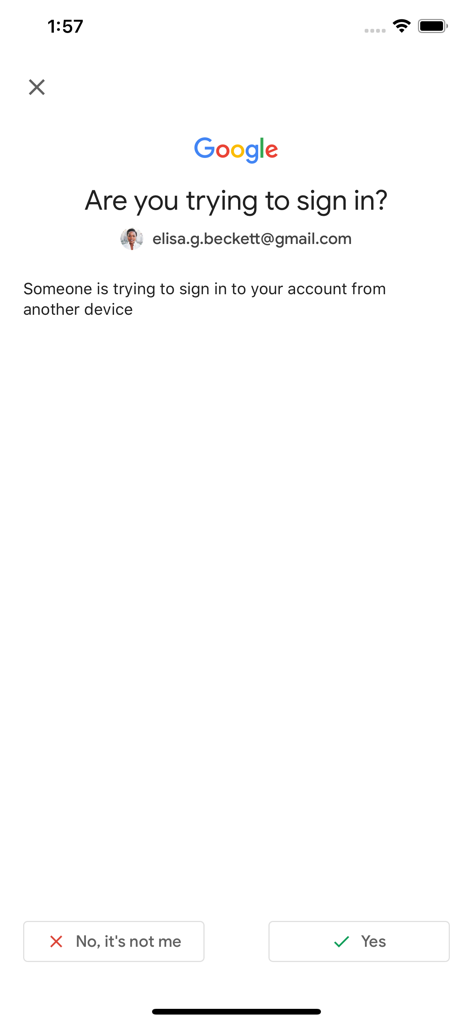
The tools that make this app stand out, trusted by 1M+ users.
Turn your iPhone into a physical security key, replacing vulnerable SMS codes with encrypted hardware authentication.
Verify your identity in seconds via Bluetooth. Speed up your workflow without compromising on elite-level account protection.
Specifically designed to support Google’s Advanced Protection Program for journalists, executives, and high-value targets.
Trusted by 1M+ people who love this app.
"I travel constantly for work and used to worry about account security in public spaces. Google Smart Lock turned my iPhone into a physical security key, so I no longer have to carry a separate dongle. It is seamless, fast, and gives me total peace of mind when accessing my work Drive from any device."
"As someone enrolled in Google's Advanced Protection Program, this app is a game-changer. It utilizes the hardware-level security of my iPhone to verify my identity via Bluetooth. It is the perfect bridge for those of us using Apple hardware within a Google-heavy professional environment."
Insights from user reviews.
Sentiment Score
Summary
This mobile app receives overwhelmingly negative feedback, primarily due to severe crashing issues that often prevent users from opening it, particularly after updating to iOS 18. Many users also experience persistent problems with login and authentication, including invalid codes and endless loops, alongside a general consensus that the app's core functionality is unreliable or ineffective. Further complaints highlight a poor user experience stemming from confusing instructions, unclear purpose, and inadequate user interface elements. While a small number of users report improved stability in the latest version and successful operation on iOS 18.3, these positive experiences are overshadowed by widespread reports of critical failures.
Common Themes
Everything you need to know about Google Smart Lock.
Description
Latest Version
1.15
Size
55.9 MB
First Released
Jan 11, 2017
Join the professionals securing their Google accounts with frictionless, hardware-backed protection. Secure your workspace without the need for extra dongles.
Everything you need to know about Google Smart Lock
Google Smart Lock is an application that allows users to utilize a Bluetooth security key or set up the security key built into their phone for account protection. It manages security keys for 2-Step Verification.
Google Smart Lock secures accounts by enabling the use of physical security keys for 2-Step Verification. It requires users to press a button on their security key to confirm sign-ins.
Google Smart Lock is compatible with Bluetooth security keys and the security key built into the user's phone. Both options provide robust authentication for Google accounts.
Yes, Google Smart Lock is used for 2-Step Verification. It specifically manages security keys for signing into accounts protected by 2-Step Verification or Advanced Protection.
Yes, Google Smart Lock provides a feature to generate security codes. This function is available directly within the application's interface, alongside managing linked accounts.
Apps with similar features and user experience

WatchGuard Technologies Inc.

MULTIFAKTOR, OOO

Acceptto Corporation

Tirender Wig

Aladdin R.D. ZAO

RSA Security

Fortinet, Inc

Closed Joint Stock Company"Trade House"Perekrestok

In-Webo Technologies