
RSA Authenticator (SecurID)



Streamline your workday with phishing-resistant authentication and biometric login. Trusted by the world's most regulated industries to protect your professional identity without the friction.
Publisher
Category
BusinessDownloads
9M+User Rating
Total Ratings
4K+Locales
11Discover the interface used by 9M+ users.
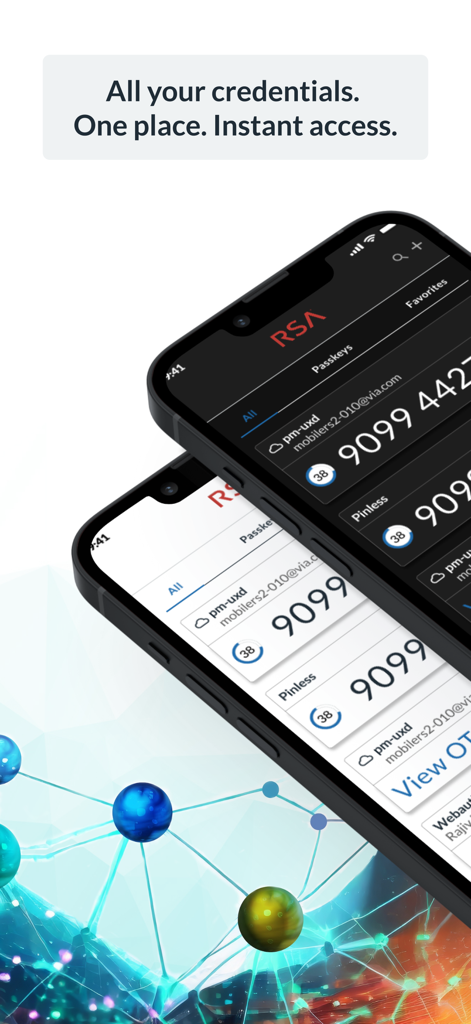
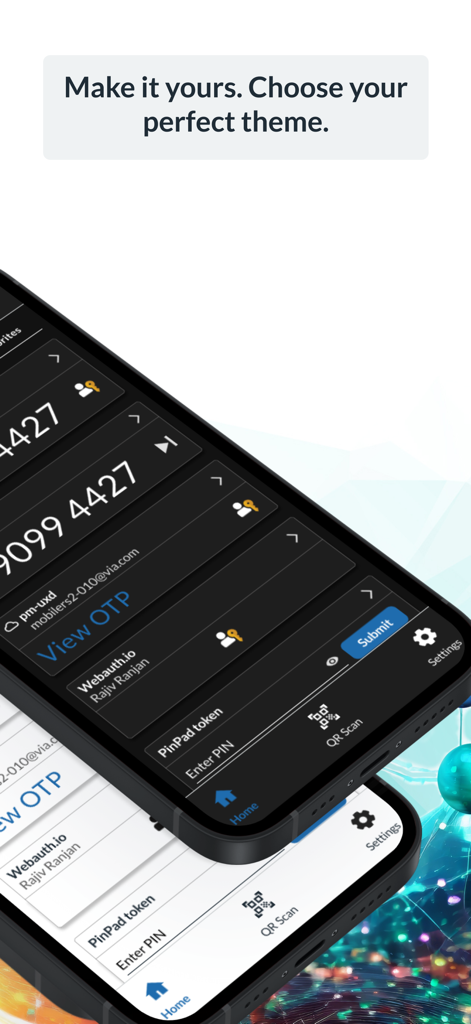
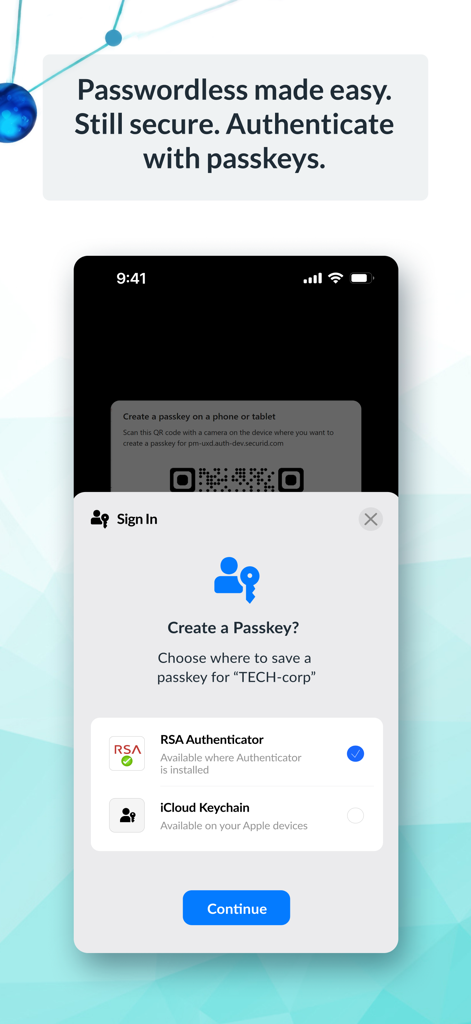
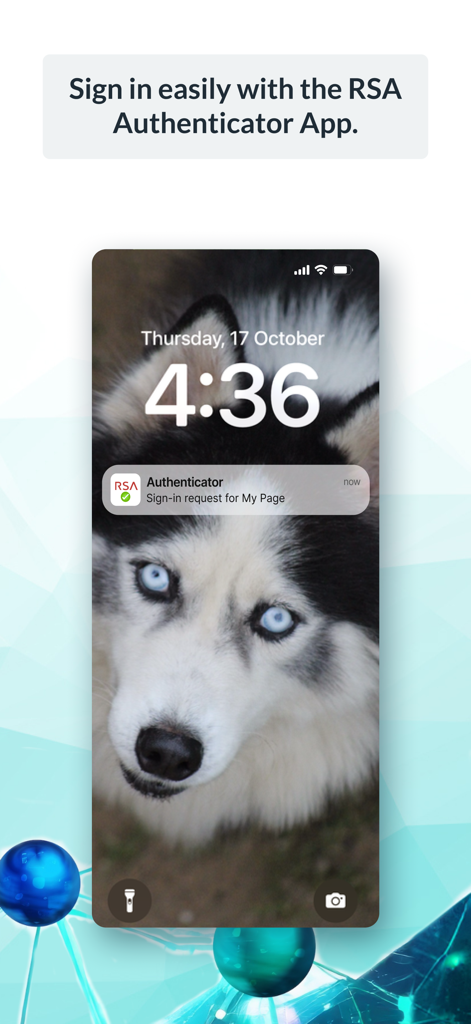
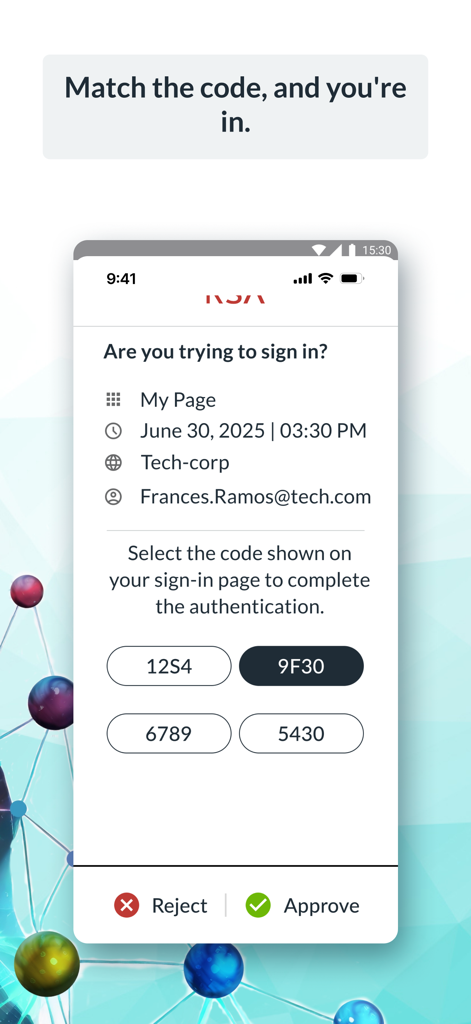
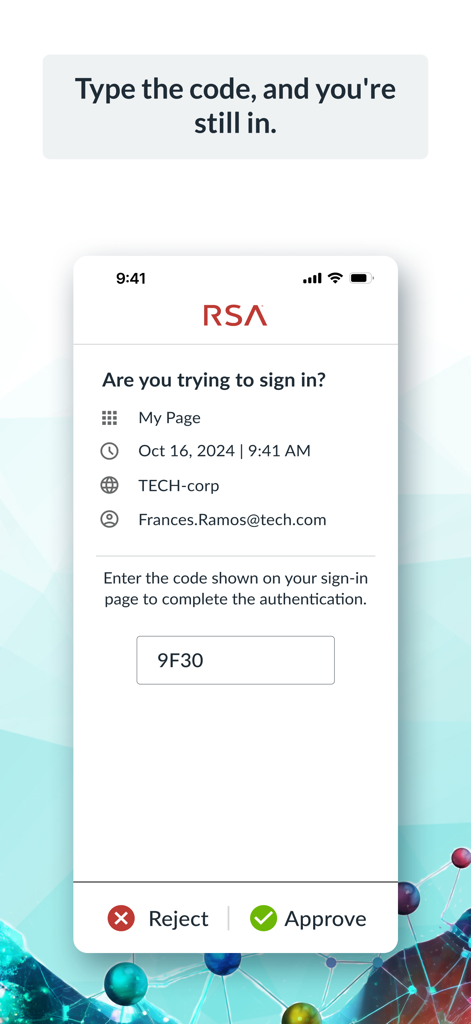
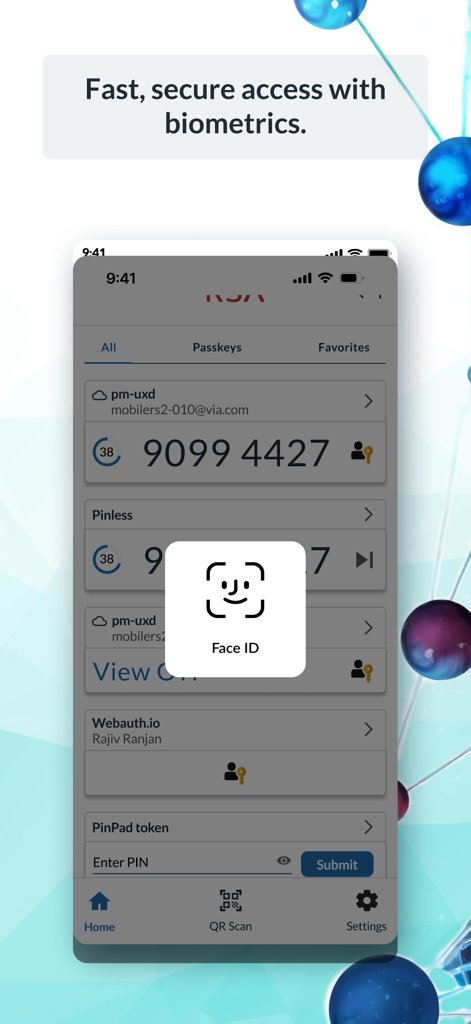
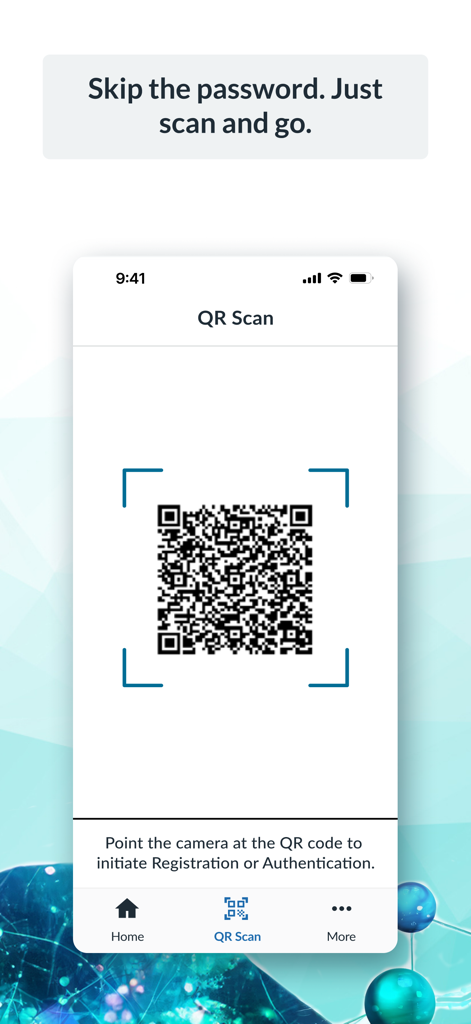
The tools that make this app stand out, trusted by 9M+ users.
Save time during your busy workday. Approve login requests instantly via push notifications and biometrics like FaceID or TouchID.
Eliminate security fatigue by going passwordless. Use device-bound passkeys for a faster, more secure way to access your corporate applications.
Built for the hybrid workforce, providing a rock-solid, secure bridge to VPNs and sensitive company data whether you are at home or in the office.
Trusted by 9M+ people who love this app.
"Transitioning from physical tokens to the RSA Authenticator has been a game-changer for my hybrid workflow. The push notifications and FaceID integration make logging into my corporate accounts seamless, even when I'm on the move. It is the perfect balance of enterprise-grade security and modern convenience."
"As someone who handles sensitive government contracts, I need an authentication tool that is both phishing-resistant and fast. The move to device-bound passkeys in this update has significantly reduced login friction. It is reliable, intuitive, and exactly what I need to stay secure without slowing down."
Insights from user reviews.
Sentiment Score
Summary
The RSA mobile app receives largely negative feedback from users, primarily due to persistent technical issues. Many users report critical Face ID bugs where tokens disappear or require multiple attempts, alongside widespread display problems where passcodes are often obscured or don't fit the screen, especially with iOS display zoom settings. Additionally, users express frustration over general app instability, including blank screens, frequent crashes, and difficulties transferring tokens to new devices, which significantly impacts its reliability as an authenticator. While a few users praise its general security and ease of use for day-to-day operations, recent bug fixes for display issues are acknowledged by some, suggesting a limited improvement for certain problems.
Common Themes
Everything you need to know about RSA Authenticator (SecurID).
Description
Latest Version
4.6.1
Size
47.6 MB
First Released
Jun 8, 2009
Join millions of professionals using the RSA Authenticator for fast, frictionless, and phishing-resistant enterprise access. Get started now to simplify your digital identity.
Everything you need to know about RSA Authenticator (SecurID)
The RSA Authenticator App secures digital life and streamlines access for enterprises and highly regulated industries. It provides trusted authentication regardless of the environment, offering robust multi-factor options.
The RSA Authenticator App offers diverse MFA options. These include one-time passcodes (OTP), QR codes, code matching, push notifications, biometrics, and hardware authenticators for enhanced security and protection.
Yes, the RSA Authenticator App supports passwordless security through passkeys. Users authenticate with device-bound passkeys for fast, secure, and frictionless access, which reduces risks and boosts productivity.
No, the RSA Authenticator App is not available to everyone. Your company must be an RSA customer to use it. Users should contact their help desk administrator for registration information.
The RSA Authenticator app is an update to the existing SecurID 4.X app. It also serves as a replacement for the SecurID Authenticate 3.9.x app, consolidating authentication services.
Yes, the RSA Authenticator App offers biometric authentication. Users can utilize methods like Face ID for fast and secure access, enhancing the security of their stored credentials.
The RSA Authenticator App handles sign-in requests through push notifications. Users can then approve the sign-in by matching a code, typing a code, or using other verification methods presented in the app interface.
Yes, the RSA Authenticator App supports QR code authentication. Users can scan a QR code with their device's camera to initiate registration or complete an authentication process quickly and securely.
Apps with similar features and user experience

WatchGuard Technologies Inc.

MULTIFAKTOR, OOO

Acceptto Corporation

Tirender Wig

Aladdin R.D. ZAO

Google LLC

Fortinet, Inc

Closed Joint Stock Company"Trade House"Perekrestok

In-Webo Technologies
