
Head Model Studio - Art Study



The ultimate reference tool for digital artists. Study anatomy, control studio lighting, and master the planes of the face with professional 3D models designed for your iPad.
Publisher
Category
Graphics & DesignDownloads
743K+User Rating
Total Ratings
4K+Locales
10Discover the interface used by 743K+ users.
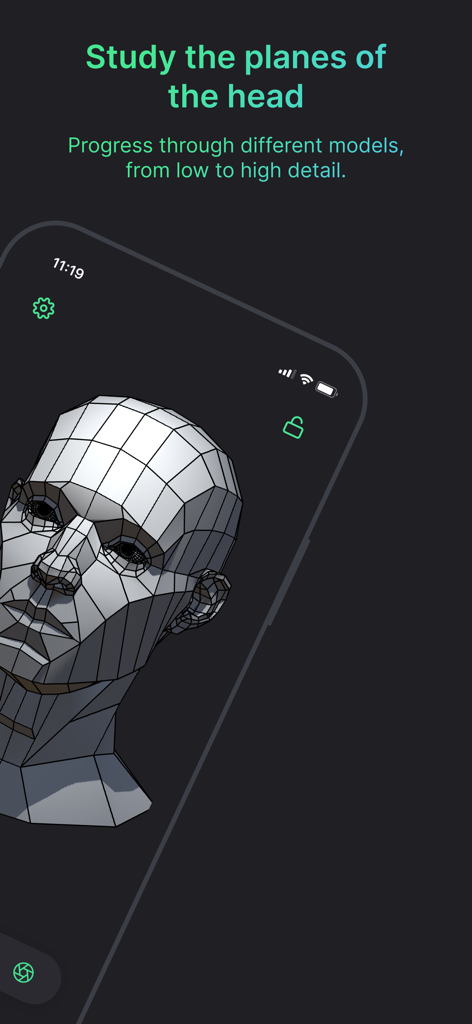
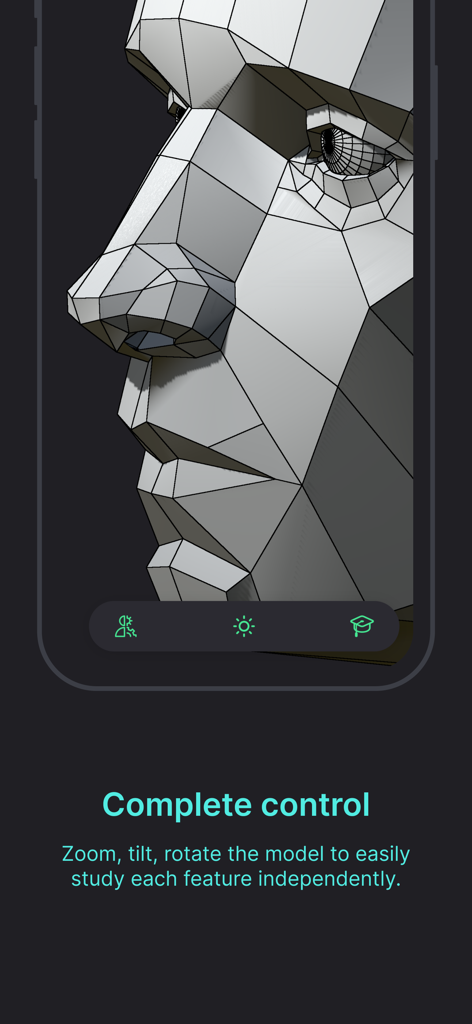
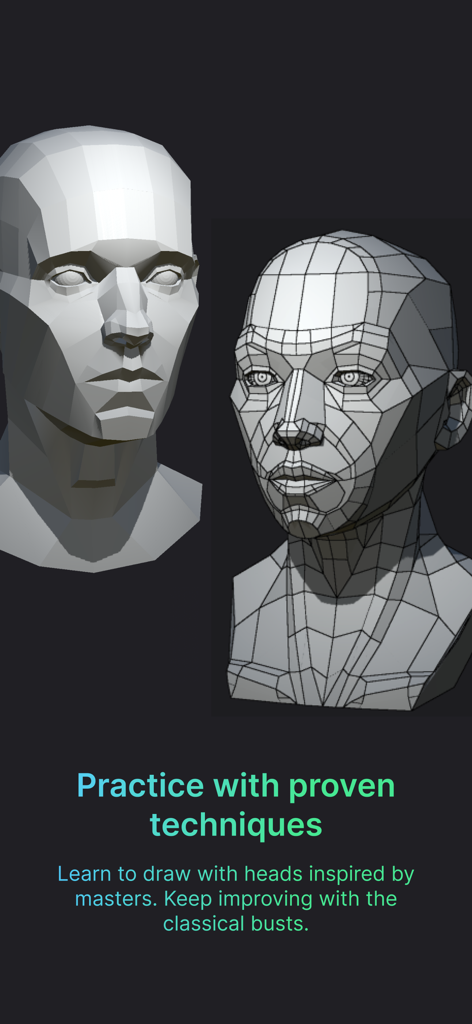
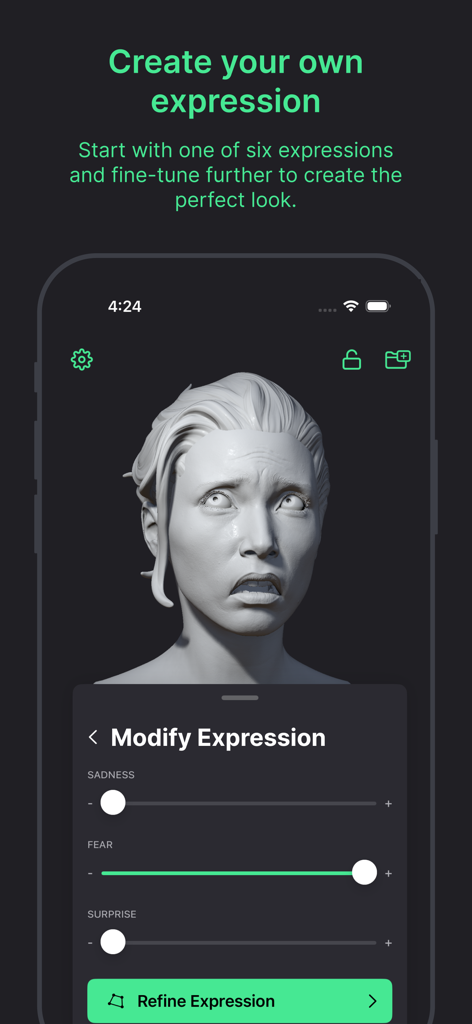
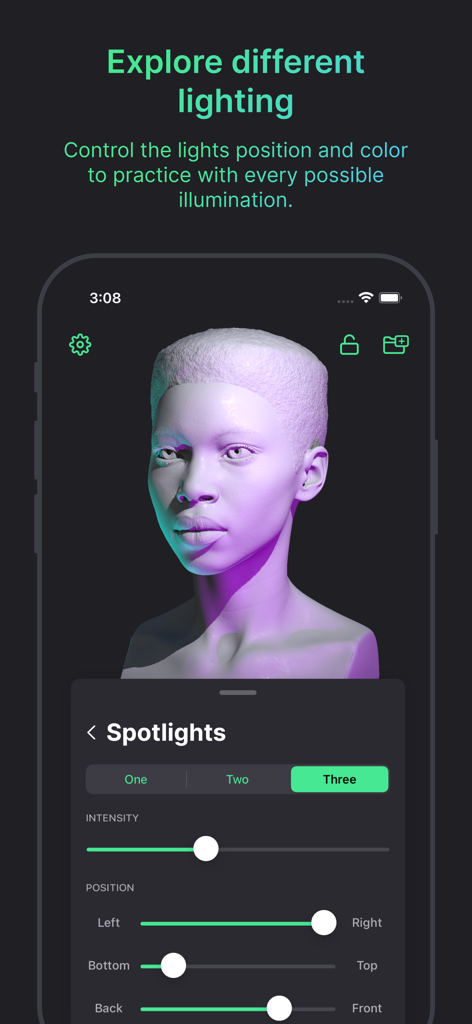
The tools that make this app stand out, trusted by 743K+ users.
Deconstruct the human face into simplified planes to master structure and volume using techniques inspired by the Asaro and Loomis methods.
Manipulate multiple spotlights and HDR environments to understand how light interacts with skin tones and creates dramatic shadows.
The ultimate companion for your iPad and Apple Pencil, designed to function as a professional secondary-screen reference while you draw.
Trusted by 743K+ people who love this app.
"As a professional concept artist, finding the right lighting reference used to take forever. Head Model Studio changed everything. I can set up custom rim lights and rotate the model to any angle in seconds. It has become an essential part of my daily character design workflow."
"This app is like having a portable Asaro head in my pocket. It helped me finally understand the planes of the face and how light interacts with form. The simplified geometry models are perfect for practicing the Loomis method. My portrait sketches have never looked better!"
Everything you need to know about Head Model Studio - Art Study.
Description
Latest Version
2.16.1
Size
2.1 GB
First Released
Aug 11, 2020
Join over 743,000 artists and take your sketches to the next level with the ultimate 3D reference tool for iPad and iPhone.
Everything you need to know about Head Model Studio - Art Study
Head Model Studio is an iOS/iPadOS application designed for artists to learn and study faces in detail. It provides 3D models and tools to enhance portrait drawing skills by understanding facial planes.
Head Model Studio offers 25 different 3D models, including 2 free ones. These models range from simple to detailed, and include 5 classical models, inspired by master methodologies for artistic study.
Yes, Head Model Studio provides complete lighting control. Users can choose realistic environmental lighting (sunrise, midday, sunset) or switch to Studio Lighting with multiple spotlights, adjustable colors, angles, and intensity.
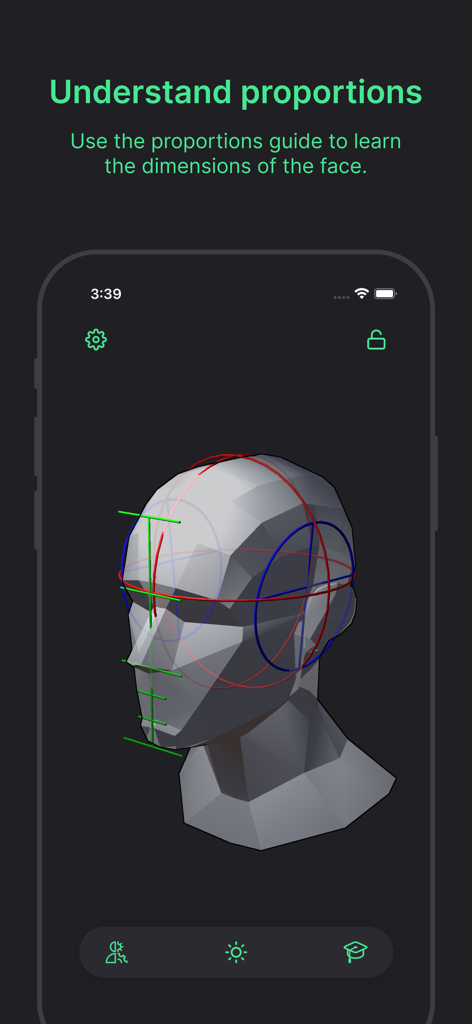
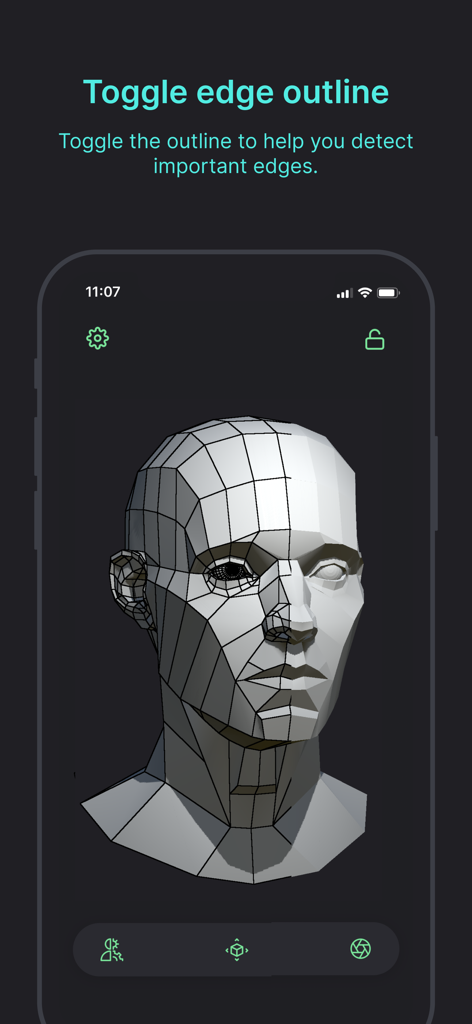
Head Model Studio assists practice through pre-made scenes, customizable rendering like edge outlines, and the ability to modify facial features and expressions. It also includes proportion guides to help understand face dimensions.
Head Model Studio provides a couple of free models for initial use. Premium access to the remaining models is available through either a Lifetime purchase option or a Yearly non-recurring subscription.
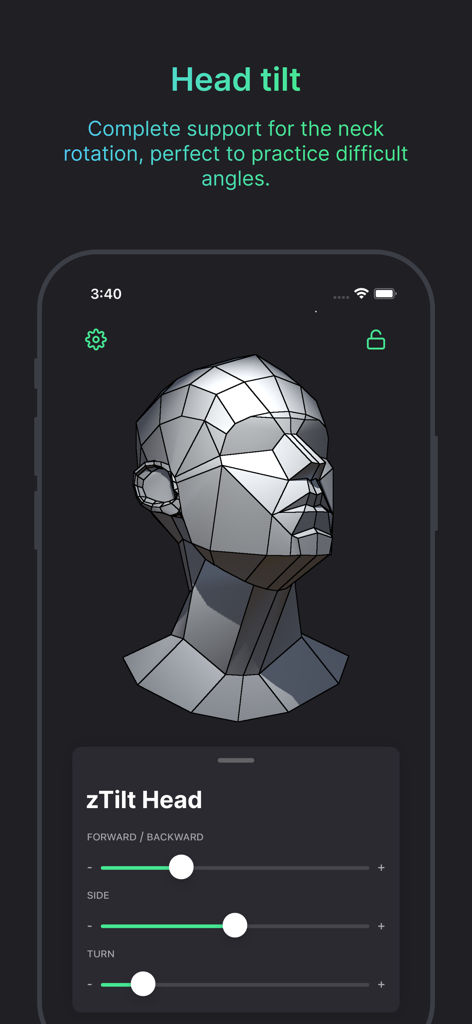
Yes, Head Model Studio provides complete control over 3D models. Users can zoom, tilt, and rotate models to study each part independently. It also features full support for head tilt and neck rotation.
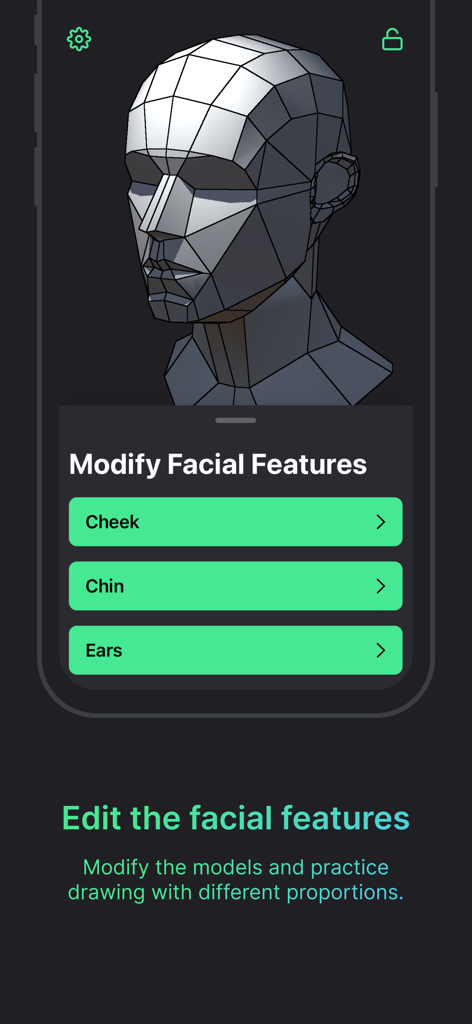
Yes, Head Model Studio allows users to modify facial features such as cheeks, chin, and ears. Users can also create expressions by selecting from six base expressions and fine-tuning them with sliders.
Apps with similar features and user experience
Scott McKie

Ghostwheel LLC

MYTIforge

UNSH VOF

Wombat Studio, Inc.

shawn ogle

shawn ogle

Kazuaki Matsuda

Park Kiyoung