
클래스카드



Join over 2.3 million students and teachers using the proven 3-step memorization system designed for academic excellence and language fluency.
Publisher
Category
EducationDownloads
2M+User Rating
Total Ratings
23K+Locales
2Discover the interface used by 2M+ users.
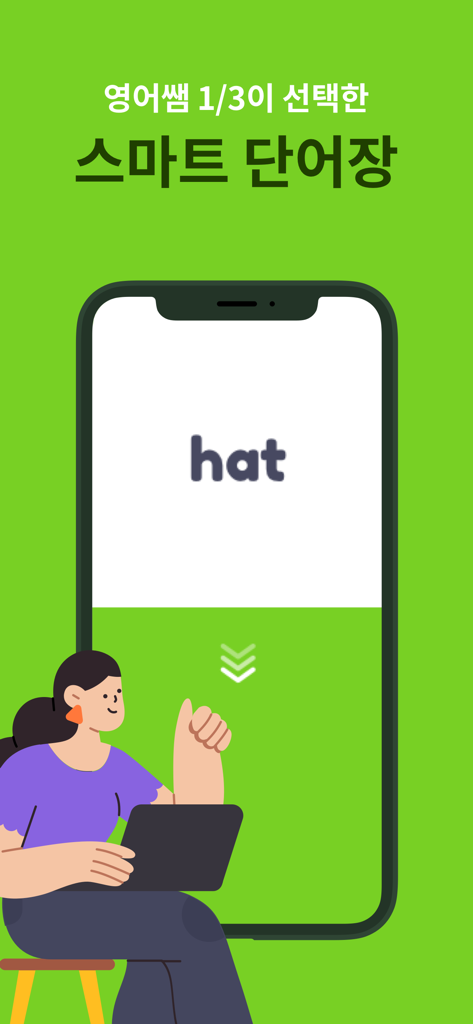
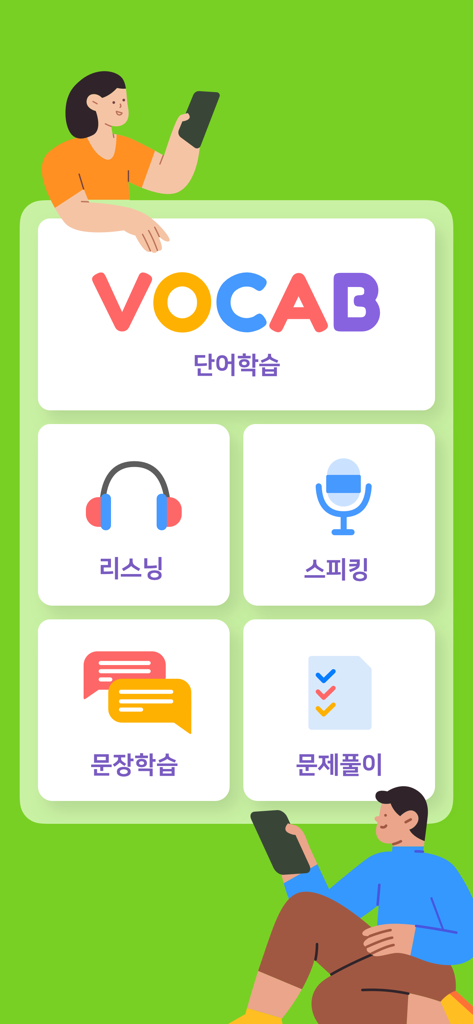
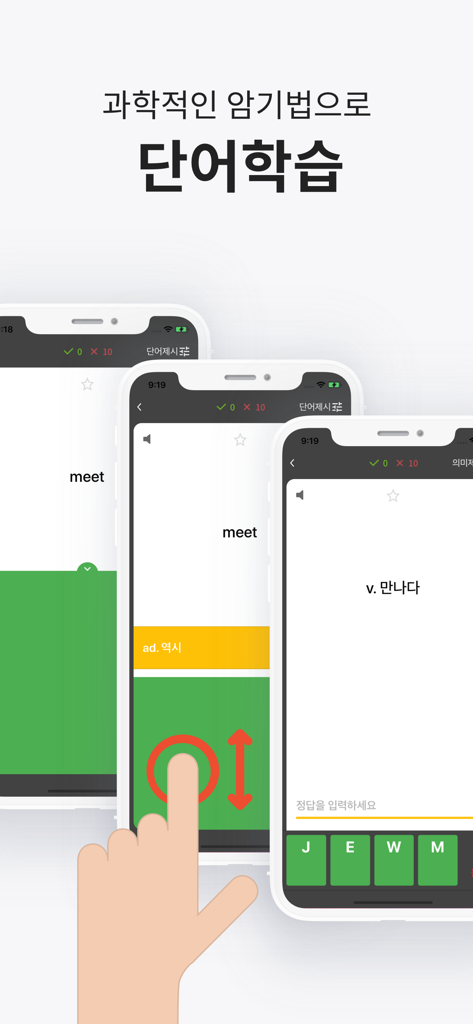
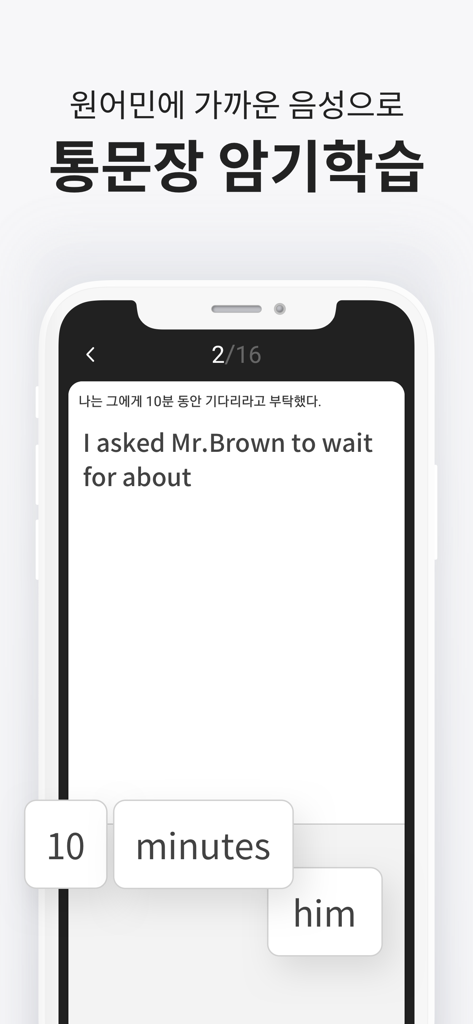
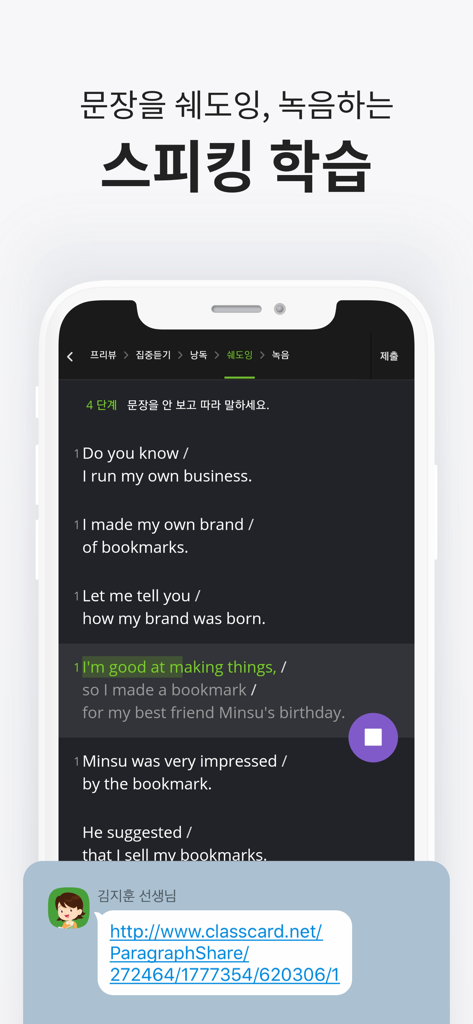
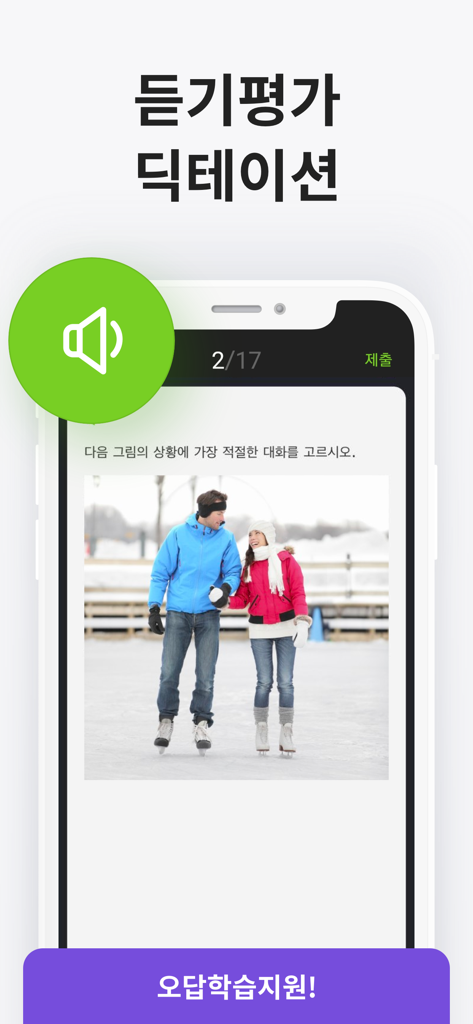
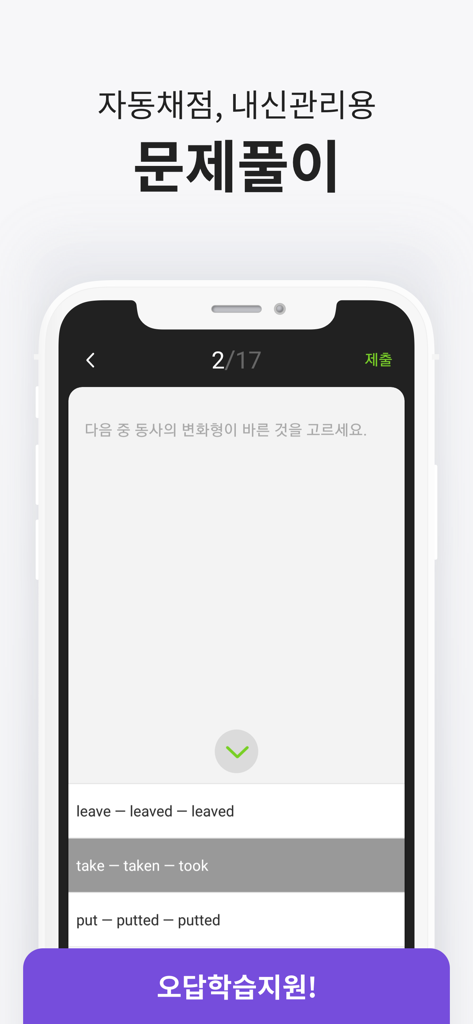
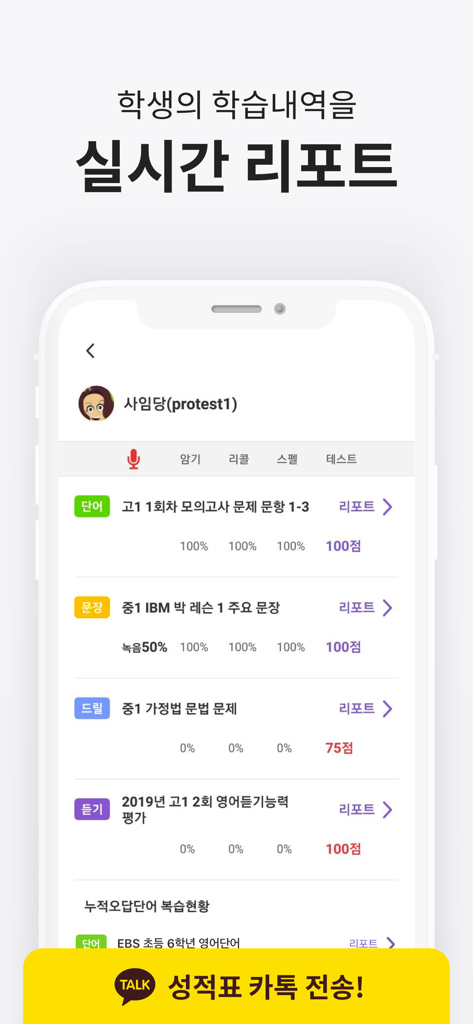
The tools that make this app stand out, trusted by 2M+ users.
Go beyond simple memorization with our proven recognition-recall-production system that ensures long-term retention of every word.
Stay accountable with instant test results and learning reports that sync directly with your teachers or heritage school curriculum.
Access over 700 official textbook sets from top publishers, allowing you to study the exact materials used in South Korean classrooms.
Trusted by 2M+ people who love this app.
"The 3-step learning system is incredibly efficient for my study routine. I used to struggle with memorizing thousands of words for my exams, but ClassCard makes it feel scientific and manageable. The offline mode is perfect for studying during my commute on the subway without worrying about my data plan!"
"Teaching Korean in the US is challenging, but ClassCard helps me keep my students accountable. The real-time reports and official textbook sets allow me to focus on teaching rather than managing word lists. My students actually enjoy the competitive 'test' mode, and I've seen a huge improvement in their retention."
Everything you need to know about 클래스카드.
Description
Latest Version
1.0.497
Size
86.9 MB
First Released
Jan 18, 2017
Join 2.3 million students and 110,000 teachers using the proven 3-step method to ace every test. Download ClassCard now and start studying smarter.
Everything you need to know about 클래스카드
ClassCard is a smart vocabulary application utilized by 1/3 of English teachers and 2.3 million students in Korea. It provides effective vocabulary and sentence memorization learning for both teachers and students.
ClassCard provides teachers with scientific 3-step learning, 700 free official textbook vocabulary sets, automatic tests, real-time student reports, speaking, listening, dictation, and convenient KakaoTalk result sharing.
Yes, ClassCard offers free official vocabulary sets from 700 textbooks published by top Korean publishers like NE Neungryul and Woongjin, integrated for teacher and student use.
Yes, ClassCard features an automated test function. Students can take these tests from home, and teachers receive real-time results via reports.
Teachers monitor student performance through real-time learning records and test result reports. These reports provide comprehensive insights into student progress and can be shared via KakaoTalk.
ClassCard provides students with scientific memorization, word/sentence speaking, practice problems, listening exercises, and dictation learning. They can also challenge themselves with tests after learning sets.
Yes, ClassCard offers an offline learning mode. Once a vocabulary set is downloaded, students can use the app without an internet connection, saving on data charges.
Users contact ClassCard customer support through the in-app 'Menu-Contact Customer Center' for quick service. Additional inquiries are directed to the company email: service@classcard.net.
Apps with similar features and user experience
Lehrerkolleg LK GmbH
XUE HAI SHI BEI EDUCATION TECHNOLOGY CO., LTD.

Quizizz Inc

Loquiz OU

Promethean Ltd.
Kahoot ASA

Guangzhou Shirui Electronics Co., Ltd.

Polished Play LLC

Learny Land S.L.