
Lark Music: Offline Player,Mp3



The smarter way to enjoy your music and videos without the subscription. Import your files for offline playback, background audio, and picture-in-picture—no data needed.
Publisher
Category
UtilitiesDownloads
2M+User Rating
Total Ratings
48K+Locales
7Discover the interface used by 2M+ users.
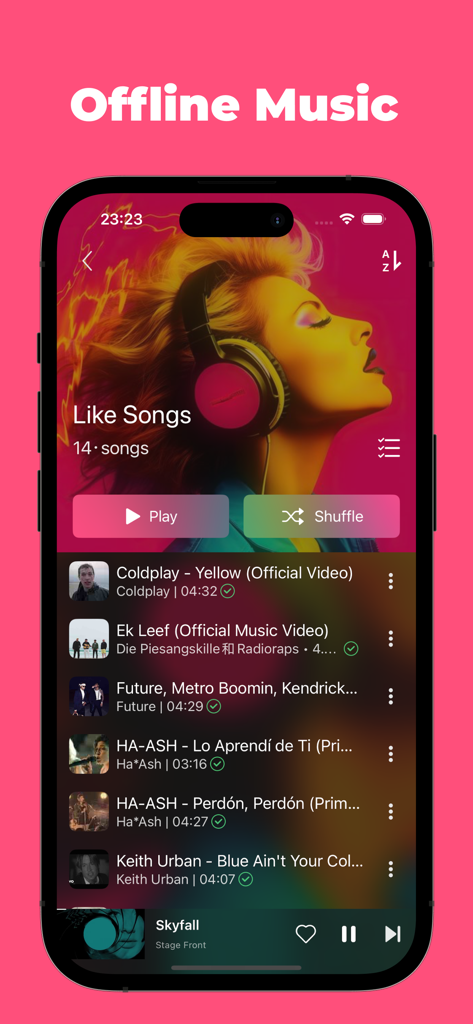
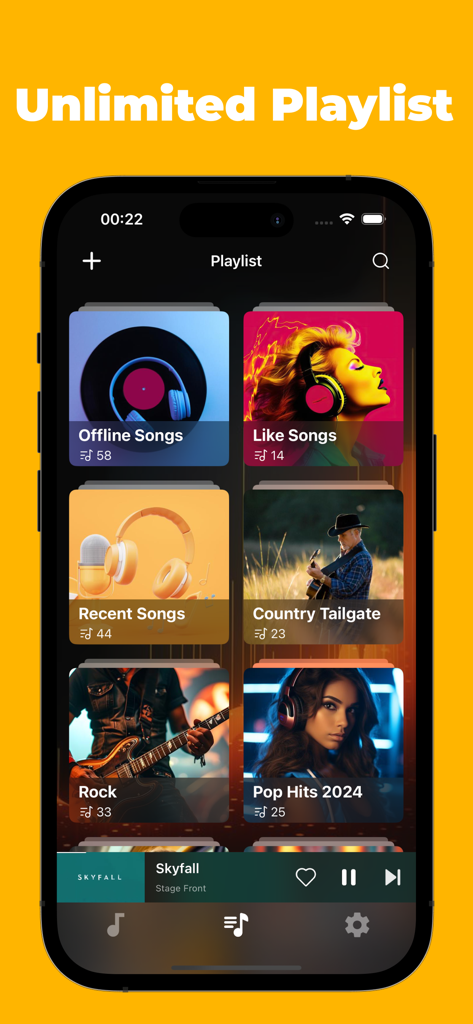
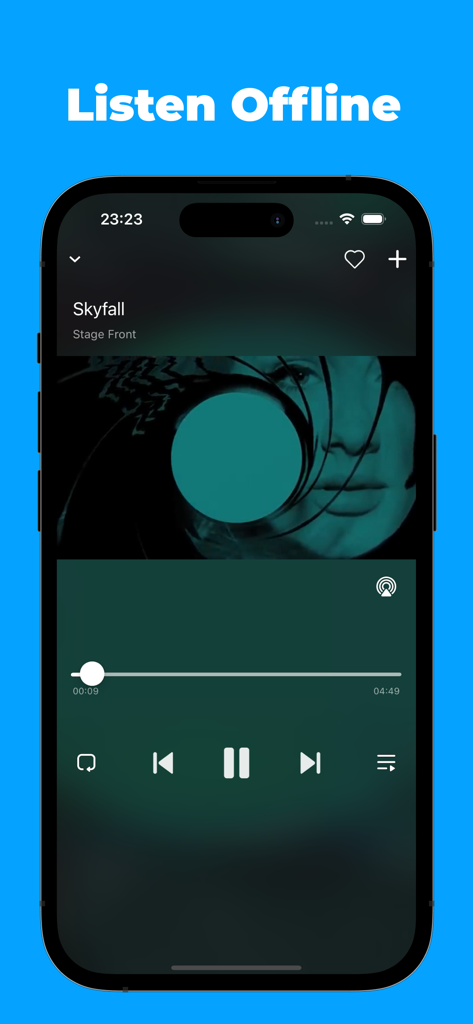
The tools that make this app stand out, trusted by 2M+ users.
Easily bring in audio and video from your files or cloud storage to build a library that is yours forever, no signal required.
Listen with your screen locked or use Picture-in-Picture to multitask. Enjoy the premium playback experience without the subscription fatigue.
Tailor your listening by adjusting playback speeds and creating unlimited playlists. It is the utility player that adapts to your daily vibe.
Trusted by 2M+ people who love this app.
"As a student on a tight budget, I couldn't justify paying for YouTube Premium just to get background play. Lark Music is a total game-changer. I can import my favorite video sets and listen while I'm on the subway without any signal or ads. The UI is super intuitive and it saves me so much battery compared to streaming."
"I have a ton of niche remixes and live mixtapes that aren't available on Spotify. This app is the perfect solution for managing my personal library. The import process is seamless, and being able to adjust the playback speed and use picture-in-picture while I'm multitasking is exactly what I needed. Highly recommend for any real music lover."
Everything you need to know about Lark Music: Offline Player,Mp3.
Description
Latest Version
1.4.4
Size
107.3 MB
First Released
Sep 29, 2023
Join over 2 million listeners who take full control of their media. Download Lark Music now to play your files offline, in the background, and completely data-free.
Everything you need to know about Lark Music: Offline Player,Mp3
Lark Music is an offline music player. It allows users to import audio and video, create unlimited customizable playlists, and enjoy features like adjustable playback speeds and background video playback.
Yes, Lark Music: Offline Player,Mp3 supports offline music playback. Users can import their audio and video content to listen without an internet connection.
Yes, Lark Music allows for the unlimited creation of customizable playlists. Users can organize their imported audio and video files into various personalized collections.
Lark Music offers picture-in-picture, background, and full-screen video playback. Users can import video content and use these versatile playback options.
The Lark Music Player Subscription costs $1.99 per month. Payment is charged directly to the user's iTunes account upon purchase confirmation.
Users manage their Lark Music Player Subscription by accessing Account Settings after purchase. Subscriptions automatically renew unless auto-renew is turned off at least 24 hours prior to the current period's end.
Yes, Lark Music allows users to choose different playback speeds for their audio and video content. This feature provides flexibility for the listening experience.
Yes, Lark Music provides free music playback. The app's description states that users can enjoy the best music playback without cost.
Apps with similar features and user experience

Aquila Space (Hong Kong) Company Limited

Firecore, LLC

Jatin Maniya

Devkrushna Infotech Private Limited

EVERAPPZ SL

GAME WORLD SAI GON COMPANY LIMITED

STRETFORD STUDIOS LIMITED

shinichi fukui

Kristian Sepp