
MX Player - Video Player



Break free from iOS restrictions. Play MKV, AVI, and more without conversion—complete with precision gesture controls, multi-track subtitles, and a secure app lock for your private library.
Publisher
Category
EntertainmentDownloads
1M+User Rating
Total Ratings
13K+Locales
1Discover the interface used by 1M+ users.
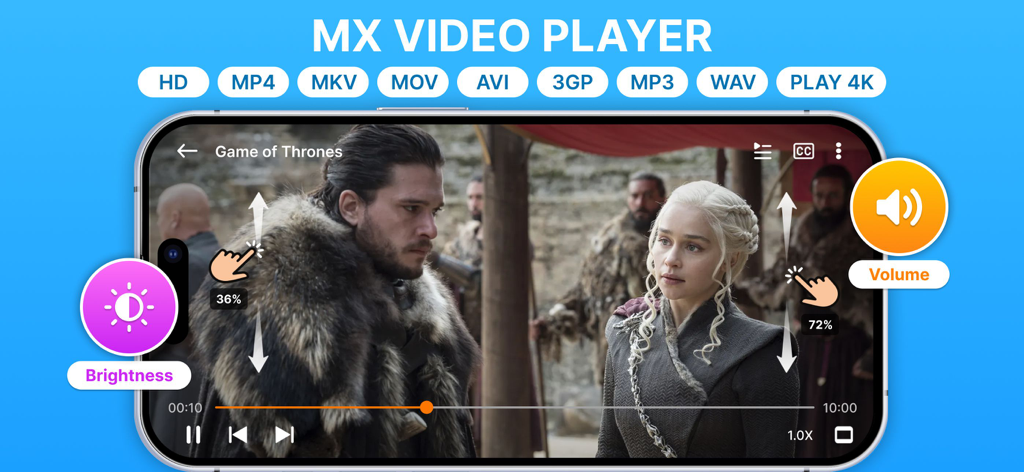
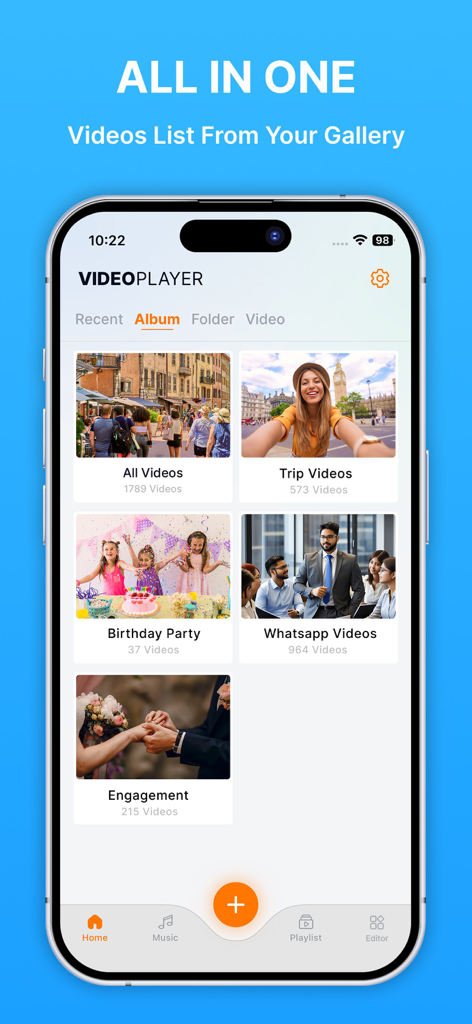
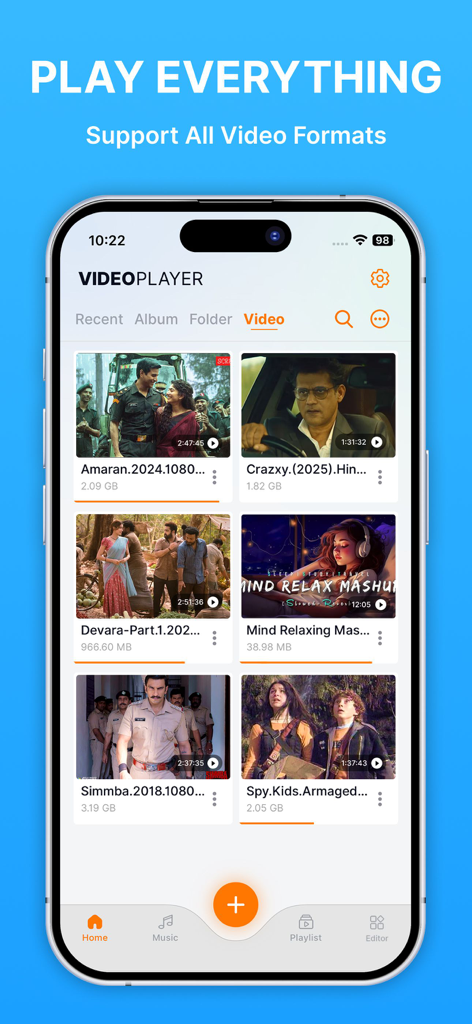
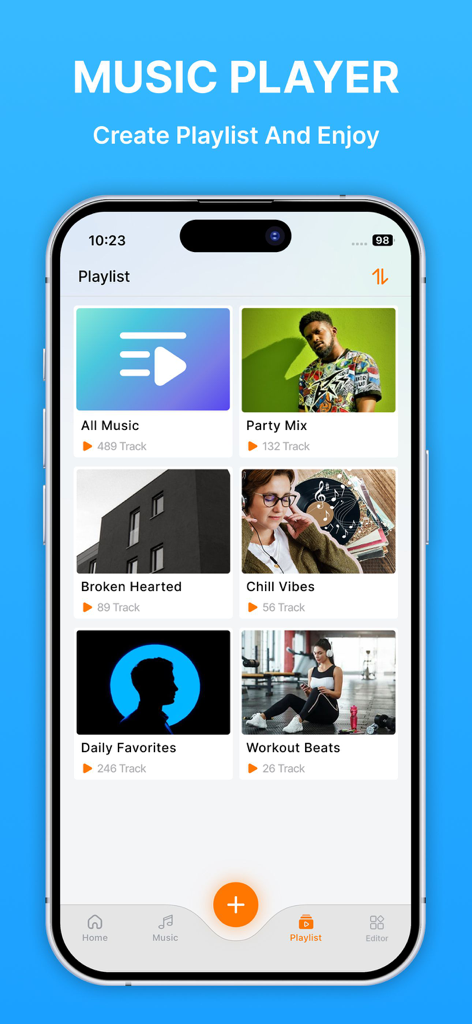
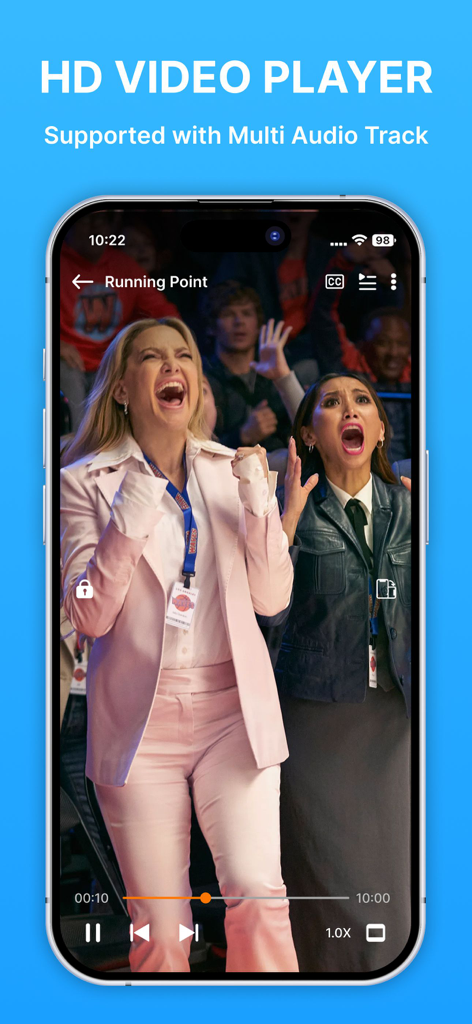
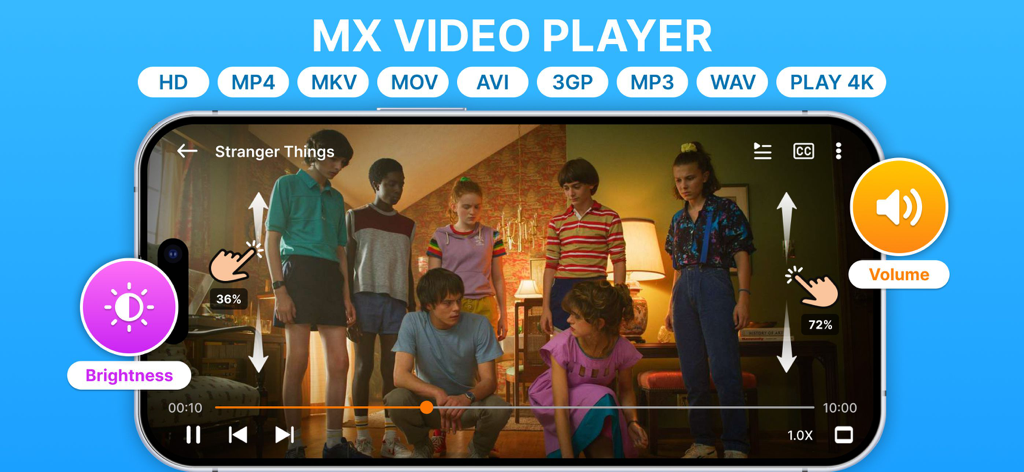

The tools that make this app stand out, trusted by 1M+ users.
No more transcoding. Play MKV, AVI, and MPEG files instantly without the 'unsupported format' headache of the native Photos app.
Take command with intuitive swipes. Effortlessly adjust brightness, volume, and playback speed for a premium viewing experience.
Keep your personal media private. Lock the entire application to ensure your video library stays secured and invisible to others.
Trusted by 1M+ people who love this app.
"As a frequent traveler who spends hours on flights, this app is an absolute game-changer. I can finally watch my entire MKV and AVI movie library without the hassle of converting files. The gesture controls for volume and brightness are incredibly intuitive, making it the most user-friendly player I have used on iOS."
"The privacy features are exactly what I was looking for. Being able to lock the app gives me peace of mind, and the multi-track audio and subtitle support is perfect for my collection of foreign films. Syncing my files through iCloud Drive is seamless, making it my go-to media hub."
Everything you need to know about MX Player - Video Player.
Description
Latest Version
1.4.7
Size
87.6 MB
First Released
Jul 29, 2021
Join over 1 million power users enjoying every format, advanced gesture controls, and total privacy on the go. Get the ultimate player for your iPhone and iPad today.
Everything you need to know about MX Player - Video Player
MX Player - Video Player supports all video formats like MKV, AVI, MP4, 3GP, MPEG, and also HD and 4K. It also plays MP3 and WAV audio formats.
Yes, MX Player - Video Player allows file synchronization with your computer via iTunes and also iCloud Drive. Files transfer through the File Sharing option in iTunes.
A monthly subscription for MX Player - Video Player costs $3.99. An annual subscription is available for $12.99. Subscriptions remove ads and provide additional benefits.
Yes, MX Player - Video Player features support for multi-track audio and subtitles during video playback. This enhances the overall viewing and listening experience.
MX Player - Video Player uses gestures to control screen brightness and volume. Users can easily adjust these settings by swiping on the screen during video playback.
Yes, MX Player - Video Player functions as a music player. Users can create and manage playlists, which display the number of tracks within each one.
You can manage or cancel your MX Player - Video Player subscription through your iTunes account settings on the App Store after purchase. Auto-renewal can also be turned off there.
Yes, MX Player - Video Player can show and play all videos directly from your device's photo gallery. It categorizes videos into lists such as 'All Videos' and 'Whatsapp Videos'.
Yes, MX Player - Video Player includes a feature that allows users to capture screenshots directly from the video content playing within the application.
Yes, MX Player - Video Player is based on VLC for iOS Beta and is licensed under the GNU General Public License version 3 or later, indicating its open-source foundation.
Apps with similar features and user experience

Aquila Space (Hong Kong) Company Limited

志辉 黎

Firecore, LLC

Devkrushna Infotech Private Limited

EVERAPPZ SL

GAME WORLD SAI GON COMPANY LIMITED

STRETFORD STUDIOS LIMITED

shinichi fukui

Kristian Sepp