LastPass Authenticator

LastPass Authenticator

Download on App StoreDownload on Google Play
Spark by MWM logo
Logo of LastPass Authenticator

LastPass Authenticator: Effortless Security with One-Tap 2FA

Safeguard your digital life with seamless two-factor authentication. Experience the convenience of one-tap approvals and the peace of mind of secure cloud backups across all your devices.

Download on App StoreDownload on Google Play

Publisher

LastPass US LP

Category

Productivity

Downloads

1M+

User Rating

4.6/5

Total Ratings

53K+

Locales

7

Security at a Glance

Discover the interface used by 1M+ users.

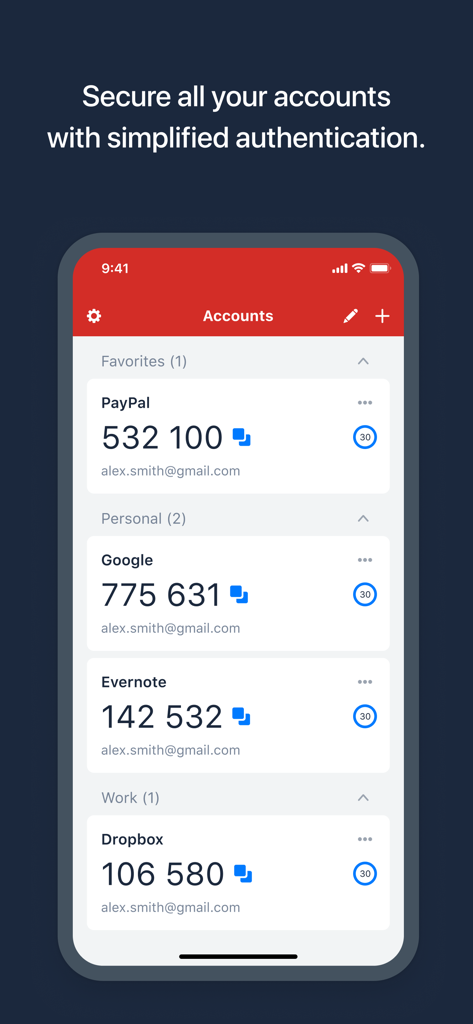
LastPass Authenticator interface showing 6 digit security codes for accounts like PayPal Google and Dropbox
LastPass Authenticator interface showing 6 digit security codes for accounts like PayPal Google and Dropbox

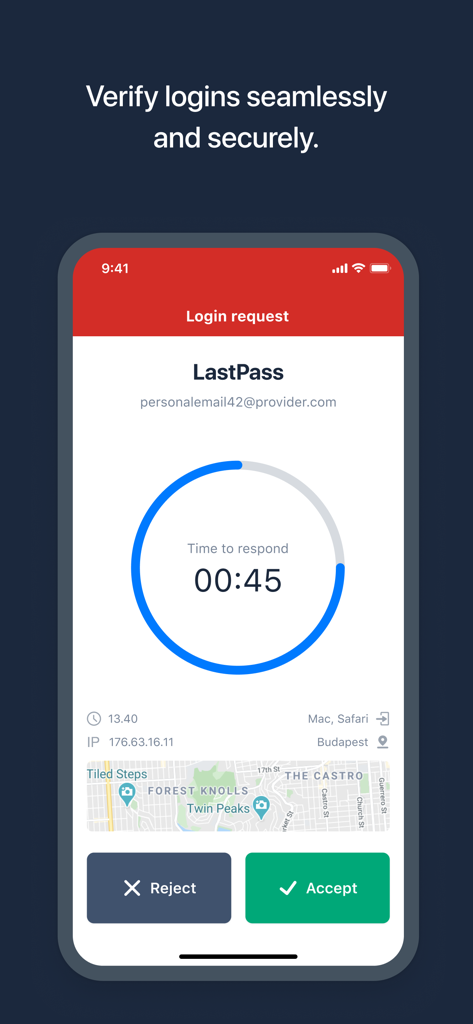
LastPass Authenticator app showing a secure login request with one tap accept or reject buttons

LastPass Authenticator app showing a secure login request with one tap accept or reject buttons

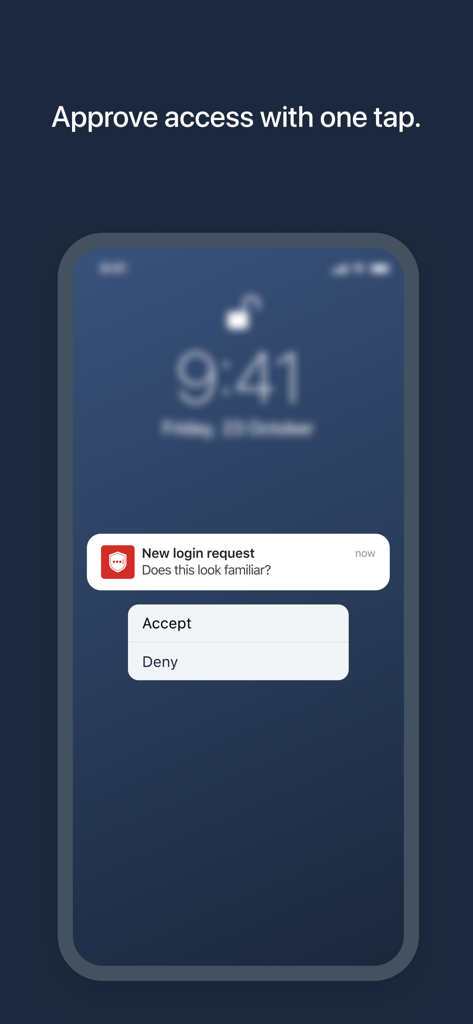
LastPass Authenticator push notification for one-tap login approval on a smartphone screen.

LastPass Authenticator push notification for one-tap login approval on a smartphone screen.

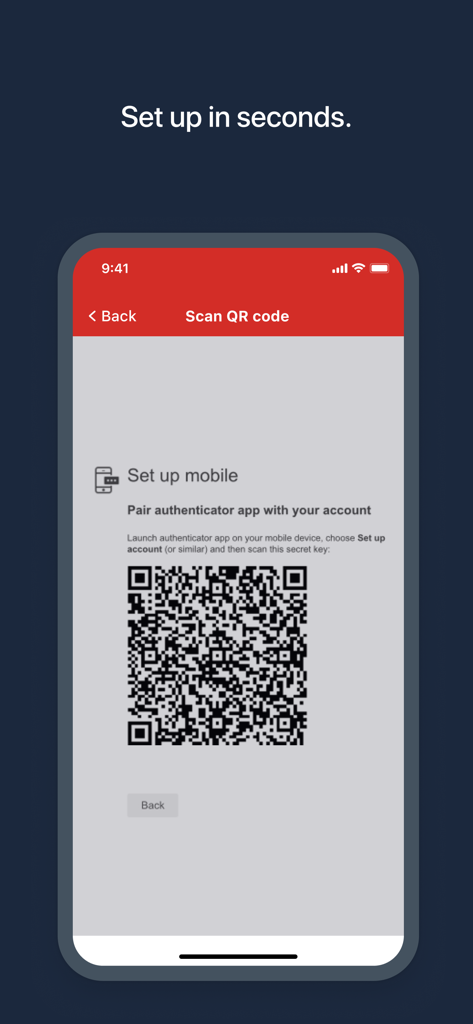
LastPass Authenticator app screen showing a QR code for quick account setup

LastPass Authenticator app screen showing a QR code for quick account setup

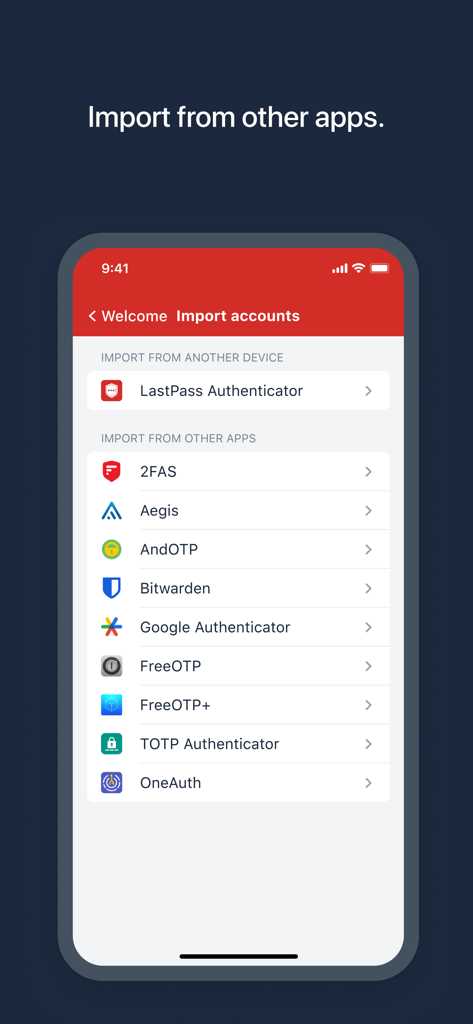
LastPass Authenticator screen showing options to import security accounts from other authentication apps

LastPass Authenticator screen showing options to import security accounts from other authentication apps

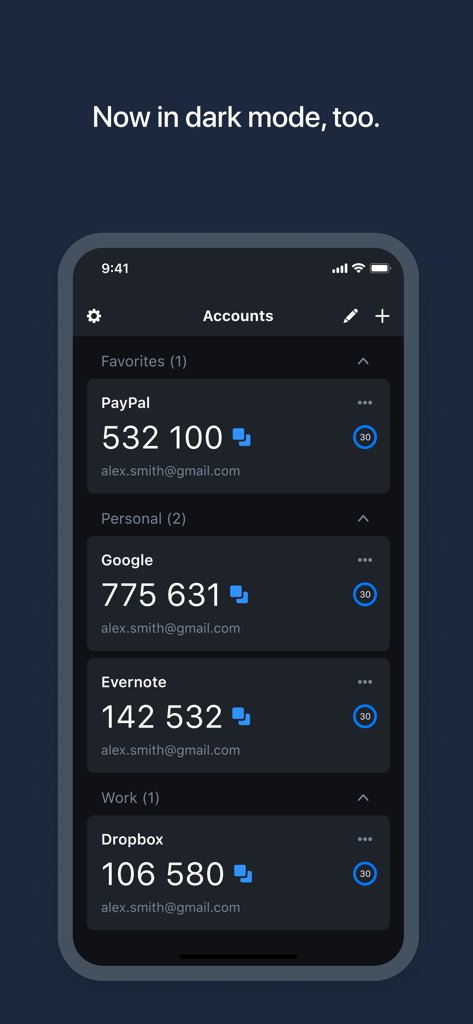
LastPass Authenticator app showing two-factor authentication codes for multiple accounts in dark mode.

LastPass Authenticator app showing two-factor authentication codes for multiple accounts in dark mode.

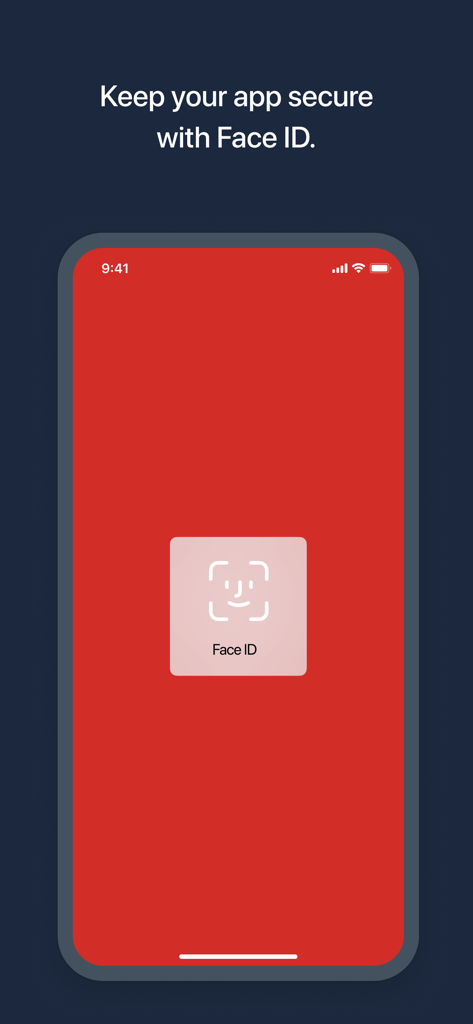
LastPass Authenticator mobile app screen showing Face ID biometric security authentication.

LastPass Authenticator mobile app screen showing Face ID biometric security authentication.

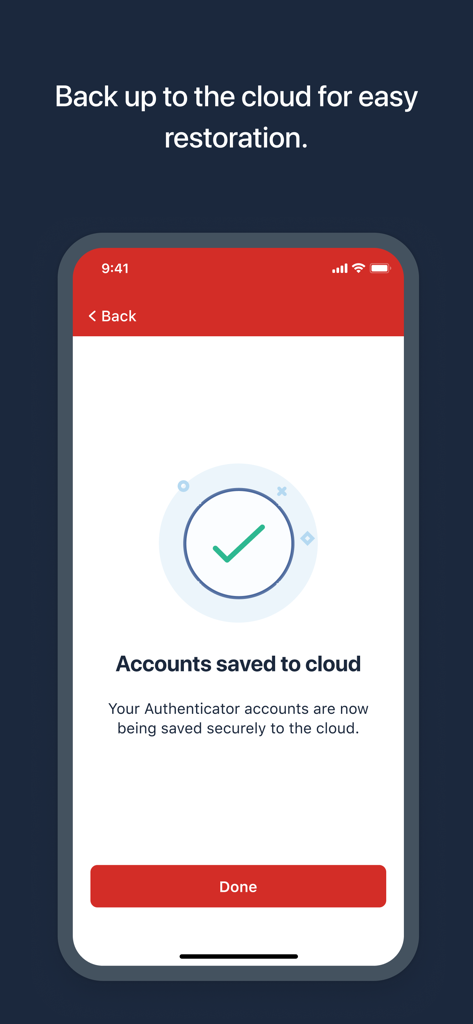
A smartphone screen showing that LastPass Authenticator accounts have been successfully saved to the cloud.

A smartphone screen showing that LastPass Authenticator accounts have been successfully saved to the cloud.

Pro-Grade Security Made Simple

The tools that make this app stand out, trusted by 1M+ users.

One-Tap Approval

Eliminate the friction of typing 6-digit codes. Verify your identity instantly with a single tap from your iPhone or Apple Watch.

☁️

Encrypted Cloud Backup

Never worry about being locked out. Securely back up your accounts to the cloud for easy restoration on any new or replacement device.

🛡️

Universal Compatibility

One app for your entire digital life. Works seamlessly with LastPass and any service supporting TOTP-based authentication like Google or Amazon.

Loved by users worldwide

Trusted by 1M+ people who love this app.

"

"As a remote marketing lead managing dozens of accounts, the one-tap push notification is a total lifesaver. I no longer have to manually type in codes while juggling meetings. It is the perfect balance of high-level security and total convenience for my daily workflow."

Sarah M., Digital Marketing Lead
"

"The encrypted cloud backup feature is what sets this apart. When I upgraded my iPhone, I was terrified of being locked out of my investment accounts, but the migration was seamless. It is reliable, supports all my devices, and gives me genuine peace of mind."

David R., Financial Analyst

About the app

Everything you need to know about LastPass Authenticator.

Description

LastPass Authenticator offers effortless two-factor authentication for your LastPass account and other supported apps. With one-tap verification and secure cloud backup, LastPass Authenticator gives you all the security, without any of the frustration. ADD MORE SECURITY Safeguard your LastPass account by requiring two-factor authentication codes when signing in. Two-factor authentication improves your digital security by protecting your account with an additional login step. Even if your password is compromised, your account can’t be accessed without the two-factor authentication code. You can even mark a device as “trusted”, so you won’t be prompted for codes on that device while your account remains protected by two-factor authentication. TURNING IT ON To turn on LastPass Authenticator for your LastPass account: 1. Download LastPass Authenticator to your mobile device. 2. Log in to LastPass on your computer and launch “Account Settings” from your vault. 3. In “Multifactor Options”, edit LastPass Authenticator and view the barcode. 4. Scan the barcode with the LastPass Authenticator app. 5. Set your preferences and save your changes. LastPass Authenticator can also be turned on for any service or app that supports Google Authenticator or TOTP-based two-factor authentication. LOGGING IN To login to your LastPass account or other supported vendor service: 1. Open the app to generate a 6-digit, 30-second code OR approve/deny an automated push notification 2. Alternatively, send SMS code 3. Enter the code into the login prompt on your device OR hit approve/deny request FEATURES - Generates 6-digit codes every 30 seconds - Push notifications for one-tap approval - Free encrypted backup to restore your tokens on a new/reinstalled device - Support for SMS codes - Automated set-up via QR code - Support for LastPass accounts - Support for other TOTP-compatible services and apps (including any that support Google Authenticator) - Add multiple accounts

Latest Version

2.25.0

Size

36.5 MB

First Released

Mar 16, 2016

Secure Your Digital World in a Single Tap

Join over 1 million professionals who simplify their security. Get the peace of mind that comes with effortless one-tap verification and secure cloud backups so you never lose access again.

Download on App StoreDownload on Google Play