
MacJack



No coins? No problem. Experience the fastest way to pay for snacks, coffee, and more at vending machines and kiosks using just your phone.
Publisher
Category
Food & DrinkDownloads
198K+User Rating
Total Ratings
100Locales
16Discover the interface used by 198K+ users.
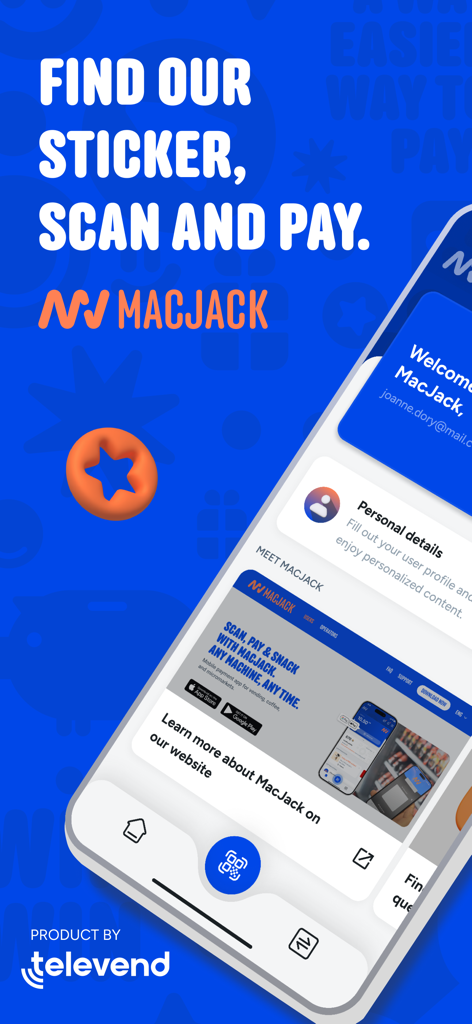
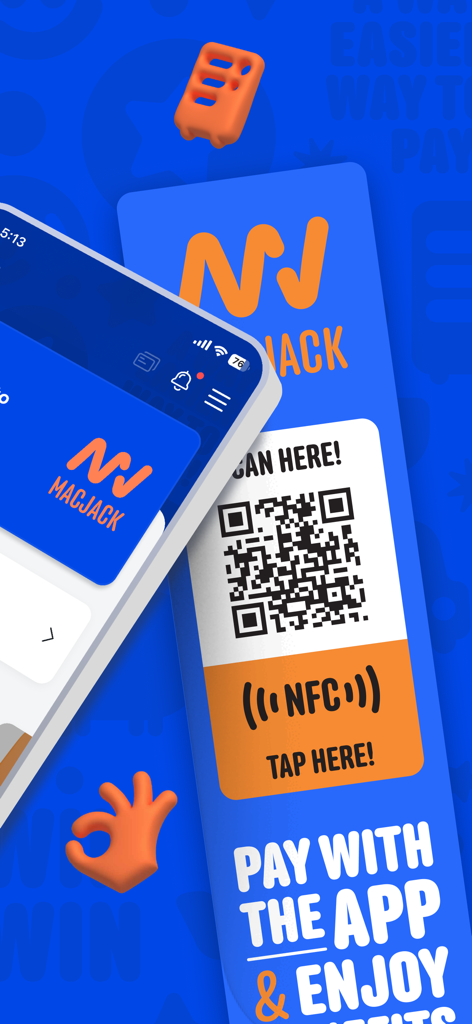
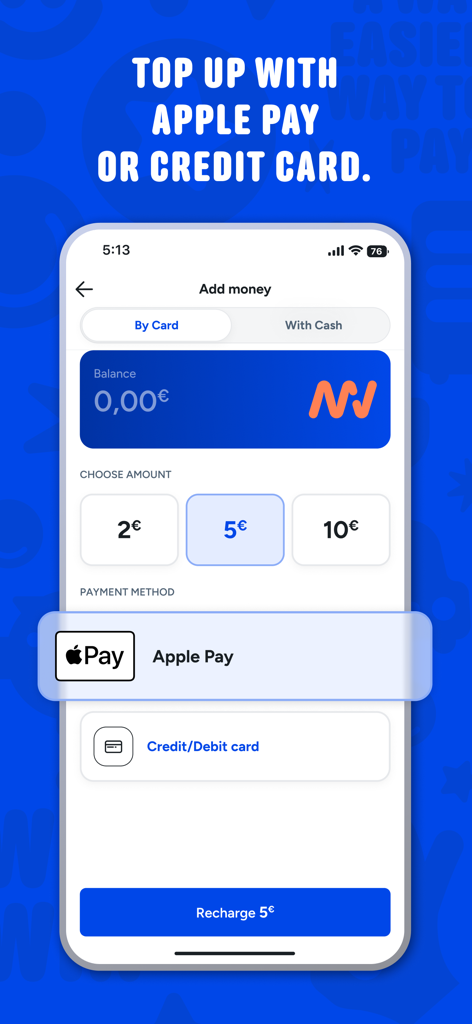
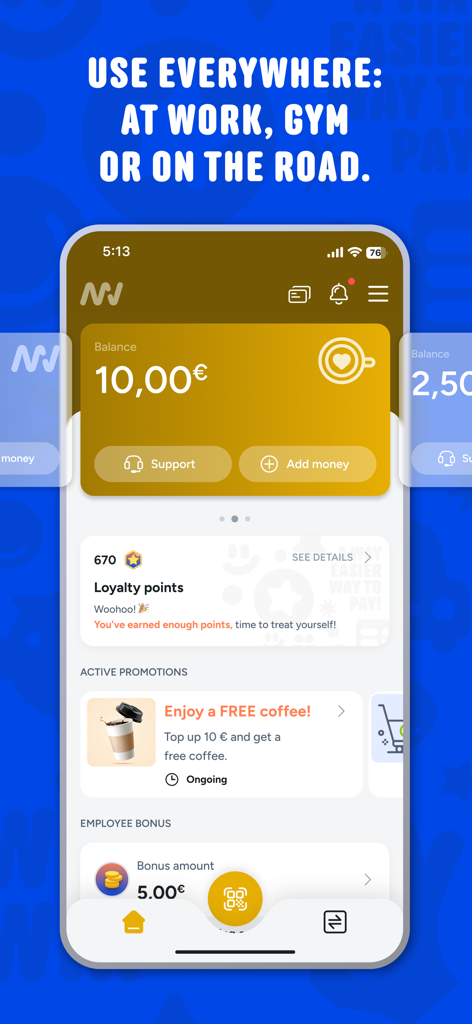
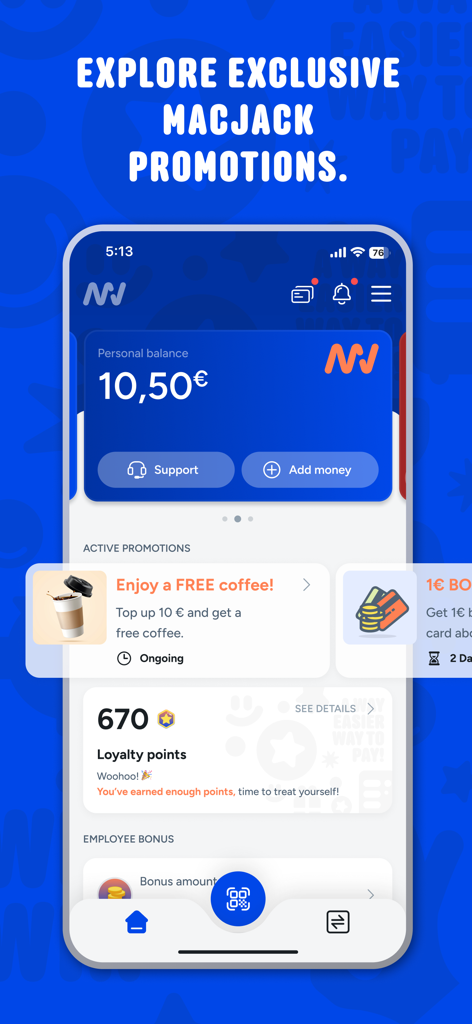
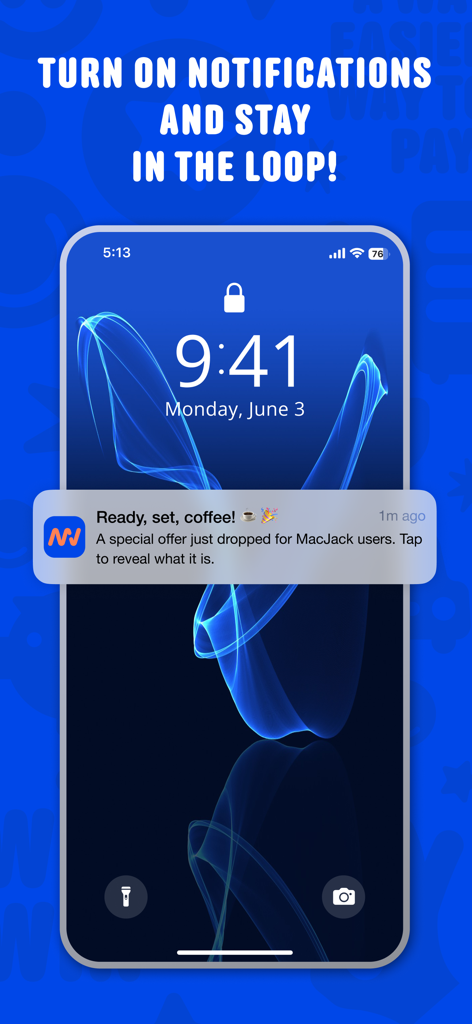
The tools that make this app stand out, trusted by 198K+ users.
Stop hunting for physical cash. Your phone is all you need to grab a snack, a coffee, or a photo booth session instantly.
Scan the QR code or use NFC on any MacJack sticker to pay in seconds. Perfect for students and pros moving at the speed of life.
Easily link your card and manage your balance in-app so you are always ready for that next post-workout shake or late-night study snack.
Trusted by 198K+ people who love this app.
"MacJack is a lifesaver for late-night study sessions at the library. I never carry cash anymore, so being able to just scan the QR code and grab a snack without hunting for quarters is a total game changer. It's fast, reliable, and exactly what I need when I'm in a rush between classes."
"I use MacJack every single morning at our office coffee station. It's so much more convenient than dealing with physical cards or coins. The NFC tap is super responsive, and topping up my balance takes seconds. It has definitely made my daily routine much smoother."
Everything you need to know about MacJack.
Description
Latest Version
4.0.4
Size
77.4 MB
First Released
Oct 19, 2017
Join over 198,000 users who have traded heavy coins for contactless convenience. Download the app now and turn your phone into your wallet for every vending machine, coffee station, and kiosk.
Everything you need to know about MacJack
To pay with MacJack, scan a QR code or tap an NFC sticker at a vending machine, coffee station, kiosk, or photo booth using your phone.
You can top up your MacJack balance using Apple Pay or a credit/debit card directly within the app. The app shows options for different amounts.
MacJack is accepted at vending machines, coffee stations, kiosks, and photo booths. It is designed for use in offices, gyms, and universities.
Yes, MacJack offers active promotions, such as free coffee, and users can earn loyalty points and employee bonuses through the app.
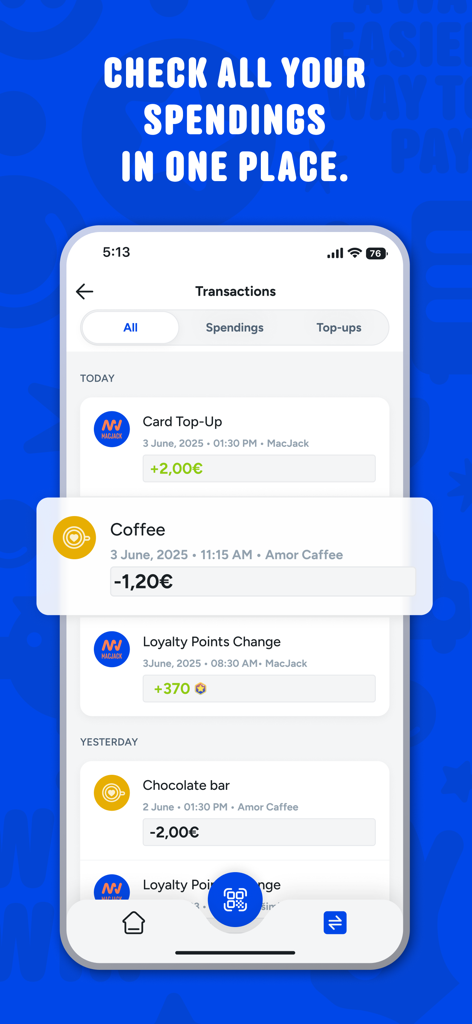
Yes, the MacJack app provides a "Transactions" section where users can check all their spendings, top-ups, and loyalty point changes in one place.
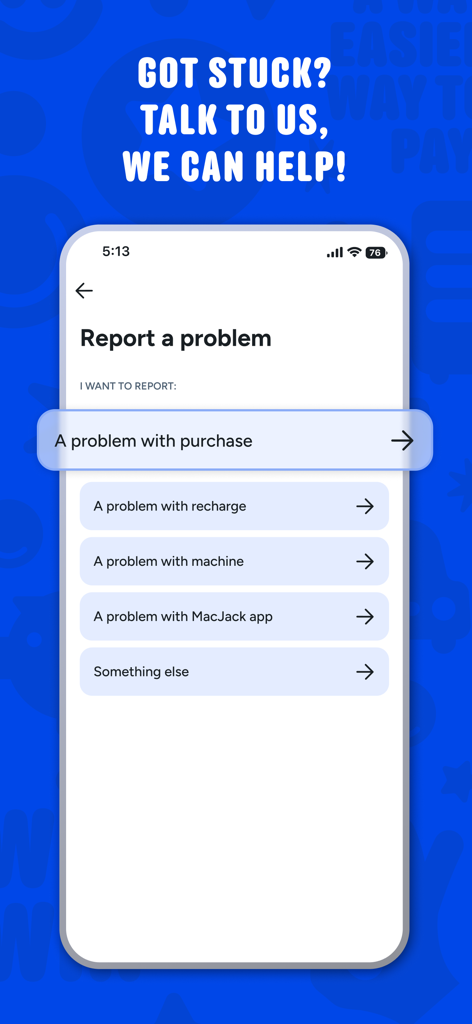
Users contact MacJack support by using the "Report a problem" feature within the app. Options include issues with purchase, recharge, machine, or the app itself.
Apps with similar features and user experience
Alliance Laundry Systems, LLC

NEXT INNOVATION INC.

LAUNDRY YOU PUBLIC COMPANY LIMITED

VM TECNOLOGIA LTDA

La Boite a Encas

PayRange Inc.

CSC ServiceWorks Holdings, INC.

Matipay S.r.l.

365 Retail Markets, LLC