Mail: Email, Cloud, Calendar

Mail: Email, Cloud, Calendar

Download on App Store
Spark by MWM logo
Logo of Mail: Email, Cloud, Calendar
Mail: The AI-Powered Hub for Your Email, Cloud, and Calendar

Stop the app-switching fatigue. Connect Gmail, Outlook, and Yahoo to a single unified workspace where neural networks summarize long threads and smart tools optimize your work-life balance.

Publisher

V Kontakte OOO

Category

Productivity

Downloads

27M+

User Rating

4.8/5

Total Ratings

2M+

Locales

23

A Glimpse of Total Control

Discover the interface used by 27M+ users.
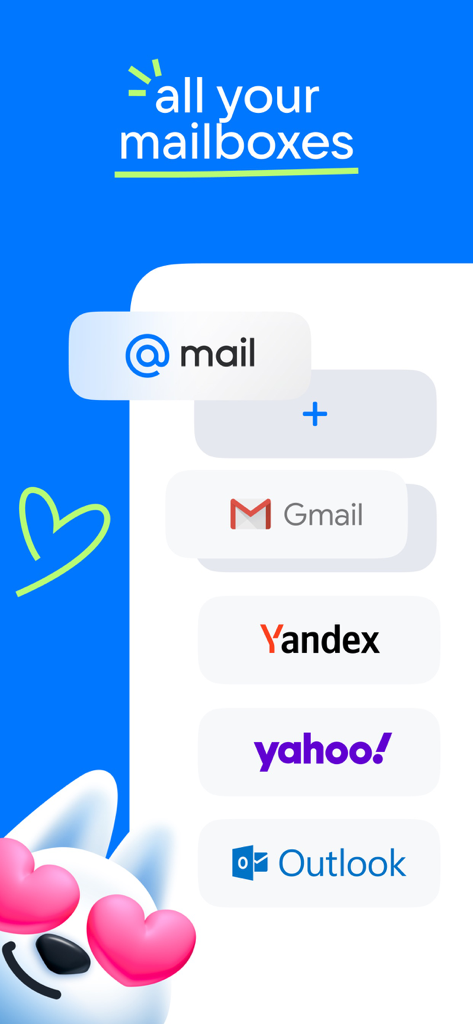
A graphic showing the integration of multiple email providers like Gmail and Outlook into one app

A graphic showing the integration of multiple email providers like Gmail and Outlook into one app

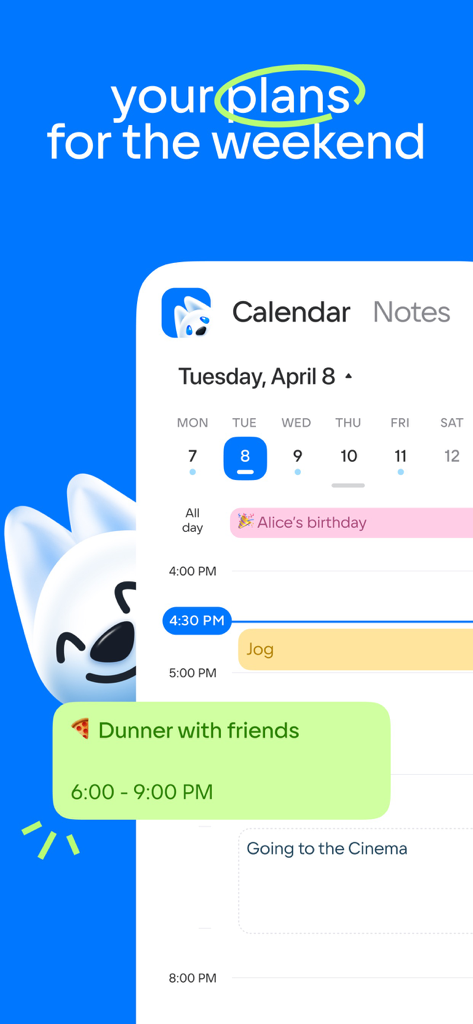
A calendar view in the Mail app showing a daily schedule with personal plans and events

A calendar view in the Mail app showing a daily schedule with personal plans and events

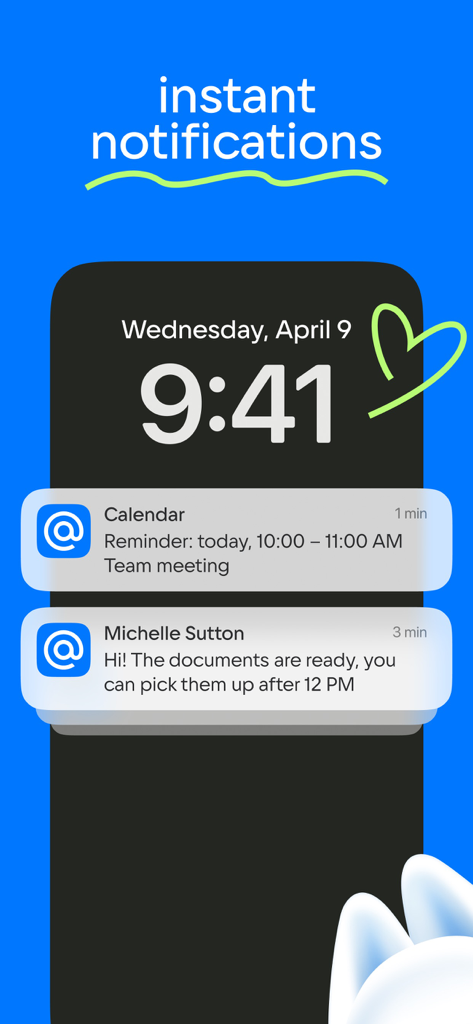
iPhone lock screen showing instant email and calendar notifications from the Mail app

iPhone lock screen showing instant email and calendar notifications from the Mail app

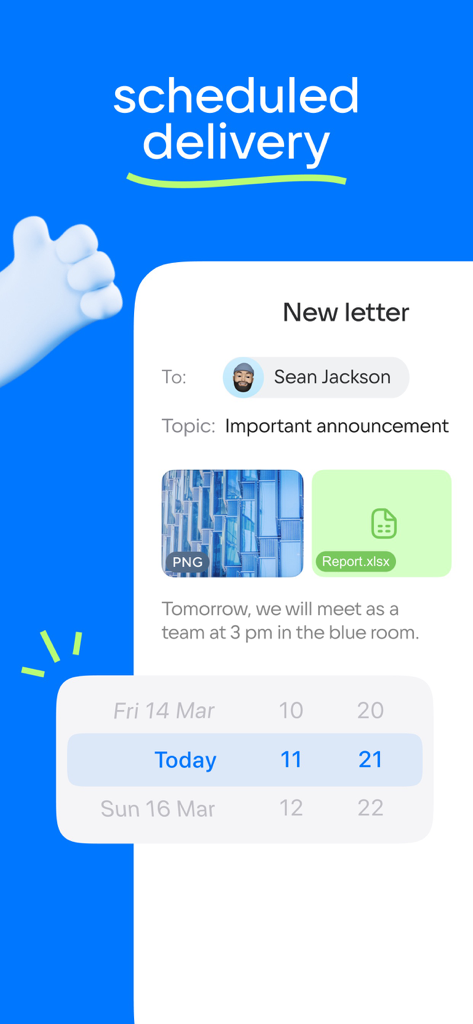
Interface for scheduling email delivery with a date and time picker in the Mail app.

Interface for scheduling email delivery with a date and time picker in the Mail app.

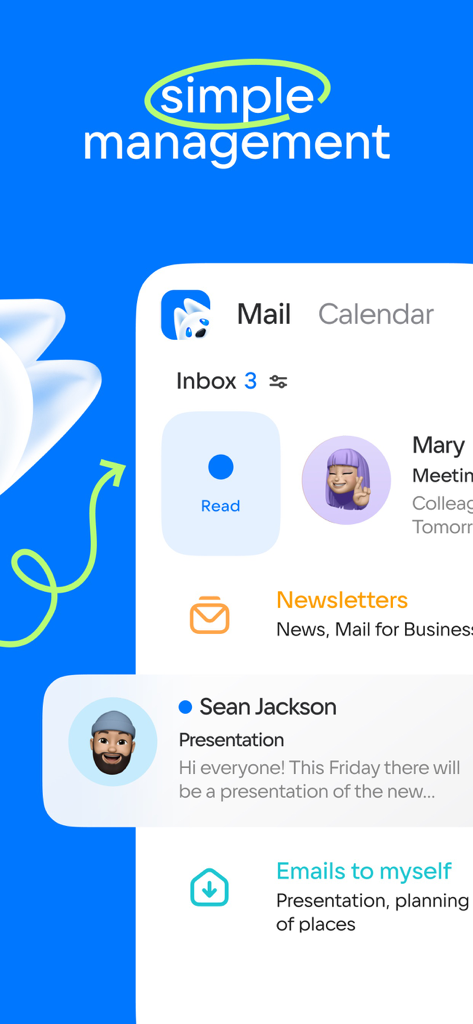
Mobile app interface showing email inbox and management features with tabs for mail and calendar

Mobile app interface showing email inbox and management features with tabs for mail and calendar

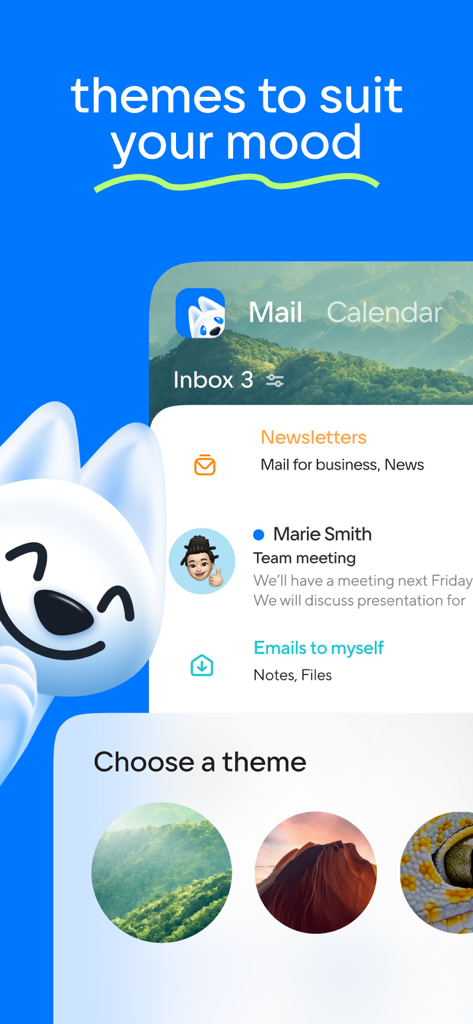
Screenshot of the Mail app showing customizable background themes like forests and canyons for the inbox

Screenshot of the Mail app showing customizable background themes like forests and canyons for the inbox

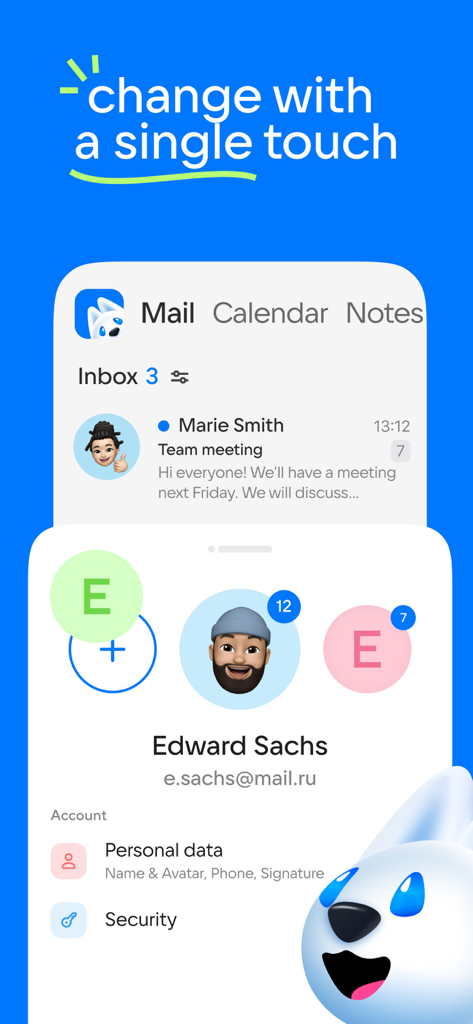
Interface of an email app showing multiple account profiles and switching options.

Interface of an email app showing multiple account profiles and switching options.

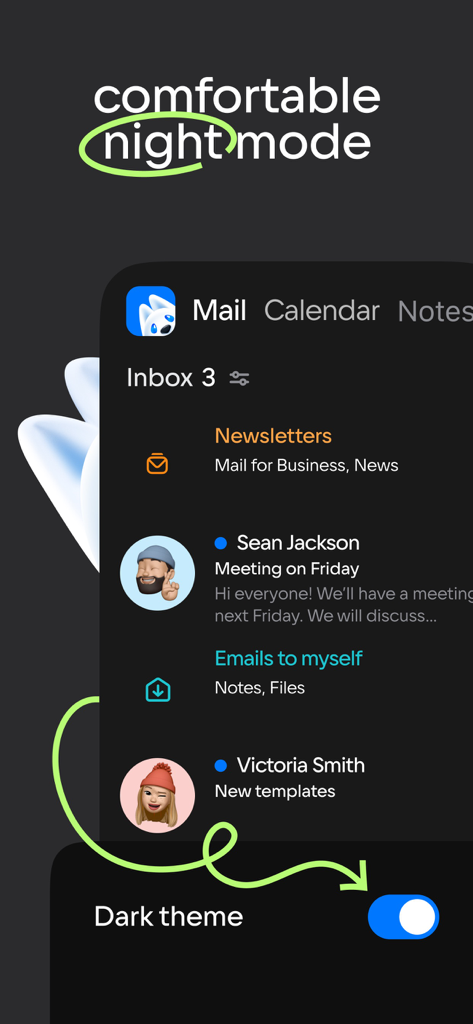
Email app interface showing comfortable night mode with dark theme enabled

Email app interface showing comfortable night mode with dark theme enabled

Master Your Day with AI-Powered Productivity

The tools that make this app stand out, trusted by 27M+ users.

🤖

AI-Driven Email Summaries

Stop drowning in long threads. Our neural network reads your emails and provides instant context summaries so you can act faster.

📥

One Inbox for Everything

Connect Gmail, Outlook, Yahoo, and more. Switch between all your professional and personal accounts with a single click.

🏝️

Strategic Vacation Planning

Maximize your time off with a smart calendar that calculates the best dates for your next holiday based on your salary and schedule.

Loved by users worldwide

Trusted by 27M+ people who love this app.

"

"Juggling four different email accounts for work and my side hustle used to be a nightmare. The AI summary feature is a game-changer—it distills long threads into exactly what I need to know in seconds. Finally, an app that actually respects my time and keeps my inbox zero goal realistic."

Elena Rodriguez
"

"The vacation planning tool in the calendar is pure genius; it helped me maximize my time off perfectly this year. Having my mail, cloud storage, and planner in one single app has cleared so much clutter from my home screen. It is truly the ultimate productivity hub for a busy professional."

David Sterling

About the app

Everything you need to know about Mail: Email, Cloud, Calendar.

Description

Mail is now more than just an email client. Mail is a set of services for a productive life and work. For you in a single application: fast Mail service, a convenient Calendar, Notes, Cloud for photos, Documents, Shopping, News. Add accounts from other email clients to your mail: Yandex.Mail, Microsoft Outlook, Gmail from Google, Hotmail, Rambler, Yahoo - and switch between them with one click. Brief summaries of long letters. Let the neural network in the Mail app read all your long emails and give you a quick summary of the context so you don't waste time. The best dates for holidays in the Calendar app. The calendar will tell you which month is best to take a vacation and which days are best to include in it. Select the "Year" tab and enter your salary. Manage new email notifications. Customize only the push notifications and messages you need in the Mail app: select the folders you care about and comfortable times to receive the notifications. Accounts of all mail clients in one application. Collect all your emails in one application - read incoming emails that come to you via Microsoft Outlook, Yahoo, Gmail from Google, Yandex.Mail, Hotmail, Rambler, and Zimbra in one click. Only the services you need in the Mail app. A fast email app with a neural network, a useful Calendar, which will remind you of meetings and plans and to calculate vacation for you, Notes, Weather, News, Cloud for storing photos, documents and scans. Bring order to your newsletters. Newsletters with app updates, news about services, and offers from stores are collected on one page - unsubscribe from any that are irrelevant and keep the ones are relevant. Translations into other languages. We have added a convenient email translator. Useful if you read foreign newsletters or send business mails abroad. Just open the email or write the text and select the language - a translation will appear instantly. Grouping letters by subject and address. The email client collects all emails into threads, and also automatically sorts newsletters, news, notifications from social networks, and personal emails into folders. A planner for your affairs. Work meetings, reminders of important dates, checklists, calls. A link to call is just one click away when you add a meeting to your work calendar. The cloud is a safe place for documents and photos. The Cloud service will save files from emails and find scans of documents. Upload all your photos and videos to the cloud to free up your smartphone memory. Use the dark background in the Mail application to make it easier on your eyes. Choose a bright interface for Mail and Cloud to work with during the day, and use a dark interface at night. Contacts from your address book and email clients in your application. Choose who to send a letter to and the Mail app will suggest contacts from your address book and all accounts in your emails. Quick actions with emails. Manage your emails in the app and in your browser: Mark a new email as important, move it to a new folder, delete it, or leave it unread. Add other email client accounts to the Mail app: Rambler, Gmail from Google, Yandex.Mail, Microsoft Outlook, Hotmail, Yahoo. A convenient offline mode for reading emails. The application will save your mails in the smartphone’s local storage so that you can read them without access to a network, such as when on a plane or in remote parts of nature. WRITE TO US We love to hear from you. Tell us what you think of the Mail app. Use the "Write to the developer" section or write a letter to mailapps@corp.mail.ru. A COUPLE MORE LINES Mail is a reliable email client and application that comes with all the services you need for work. Suitable for working with Mail, Yandex.Mail, Rambler, Gmail from Google, Yahoo, Hotmail, Microsoft Outlook and other services that support the IMAP, POP, and SMTP protocols.

Latest Version

15.70.0

Size

468.3 MB

First Released

Mar 29, 2012

Ready to Reach Inbox Zero with AI?

Join 27 million professionals consolidating their Gmail, Outlook, and Yahoo accounts into one powerful tool. Get neural network summaries, secure cloud storage, and smart scheduling today.

Download on App Store
FAQ

Frequently Asked Questions

Everything you need to know about Mail: Email, Cloud, Calendar

Does Mail: Email, Cloud, Calendar support multiple email accounts?

Yes, Mail: Email, Cloud, Calendar integrates accounts from various email clients like Yandex.Mail, Microsoft Outlook, Gmail, Hotmail, Rambler, Yahoo, and Zimbra, allowing users to manage them all in one application.

Does Mail: Email, Cloud, Calendar provide summaries of long emails?

Yes, the Mail app includes a neural network that provides brief summaries of long emails, helping users quickly grasp the context without reading the entire message.

Can the Calendar in Mail: Email, Cloud, Calendar help plan holidays?

Yes, the Calendar feature in Mail: Email, Cloud, Calendar helps users find the best dates for holidays. It suggests optimal months and days based on salary input.

Can I customize email notifications in Mail: Email, Cloud, Calendar?

Yes, Mail: Email, Cloud, Calendar allows users to customize new email notifications. They can select specific folders and comfortable times to receive push notifications.

What services are included in the Mail: Email, Cloud, Calendar application?

Mail: Email, Cloud, Calendar offers core services including a fast Mail service, a convenient Calendar, Notes, Cloud storage for photos and documents, Shopping, and News.

Does Mail: Email, Cloud, Calendar have an email translator?

Yes, Mail: Email, Cloud, Calendar includes a convenient email translator. Users can translate foreign newsletters or business emails instantly by opening or writing text and selecting the language.

How does Mail: Email, Cloud, Calendar manage newsletters?

Yes, Mail: Email, Cloud, Calendar collects newsletters on one page. Users can easily unsubscribe from irrelevant ones and manage their subscriptions directly within the app.

Does Mail: Email, Cloud, Calendar have a dark mode?

Yes, the Mail app offers a dark background option for comfortable viewing at night. Users can switch between bright and dark interfaces as desired.

Can I read emails offline using Mail: Email, Cloud, Calendar?

Yes, Mail: Email, Cloud, Calendar saves emails to local storage for offline reading. This feature allows users to access their mail without an internet connection, such as on a plane.