map:clock - World Map & Clock

map:clock - World Map & Clock

Download on App Store
Spark by MWM logo
Logo of map:clock - World Map & Clock

map:clock - World Map & Clock: Your Visual Dashboard for Global Time

Track world cities, day/night cycles, and sun positions at a glance. The perfect landscape-ready companion for your desk, designed for global professionals and digital nomads.

Download on App Store

Publisher

YUICHI KATO

Category

Utilities

Downloads

12K+

User Rating

4.4/5

Total Ratings

0

Locales

2

The World at a Glance

Discover the interface used by 12K+ users.
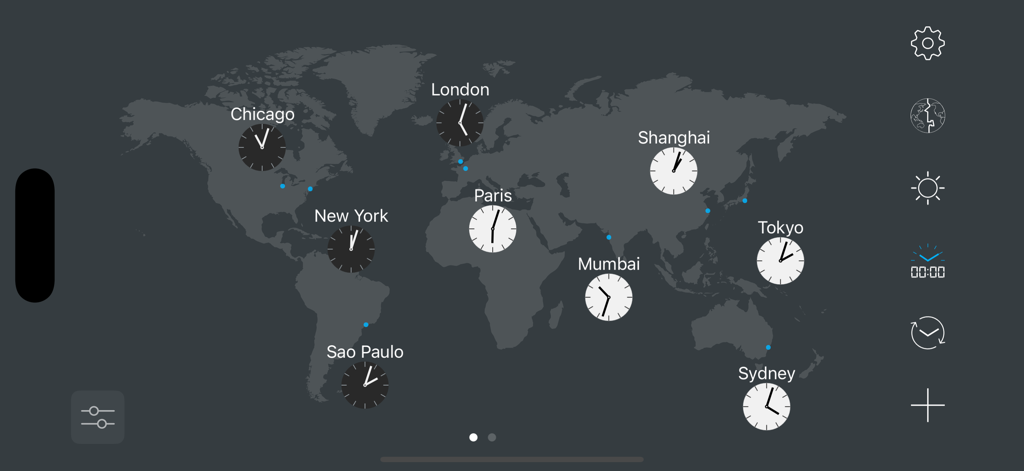
A world map interface displaying analog clocks for major global cities in landscape mode

A world map interface displaying analog clocks for major global cities in landscape mode

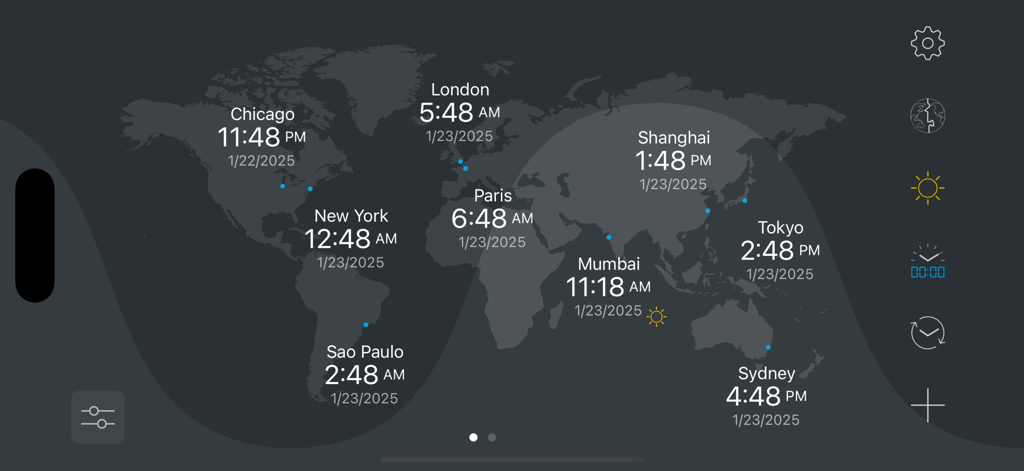
A world map interface displaying current local times for multiple global cities with visual day and night shadows

A world map interface displaying current local times for multiple global cities with visual day and night shadows

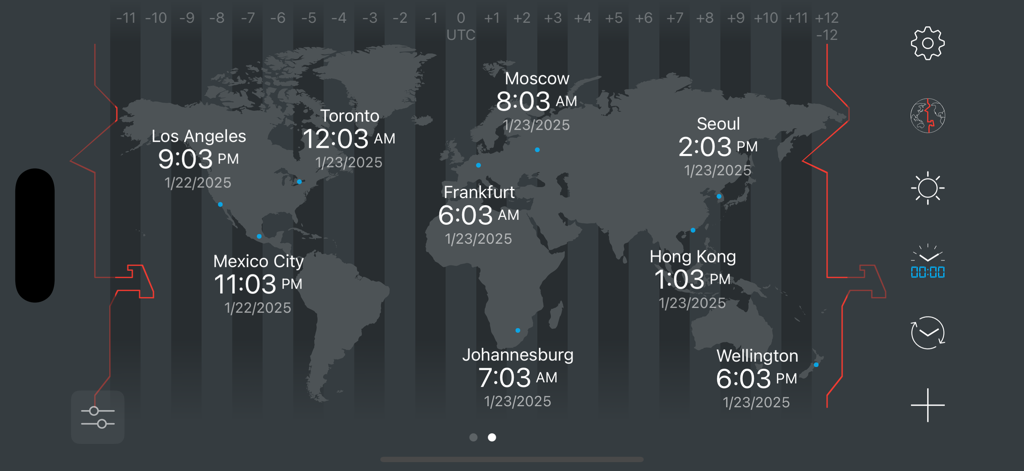
World map interface showing current times and dates for multiple global cities across different time zones

World map interface showing current times and dates for multiple global cities across different time zones

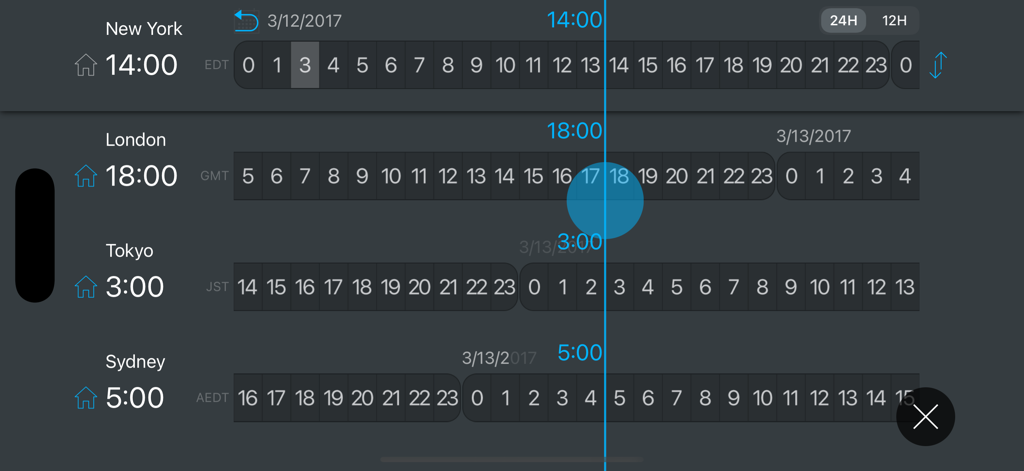
Time zone converter interface comparing times across New York London Tokyo and Sydney

Time zone converter interface comparing times across New York London Tokyo and Sydney

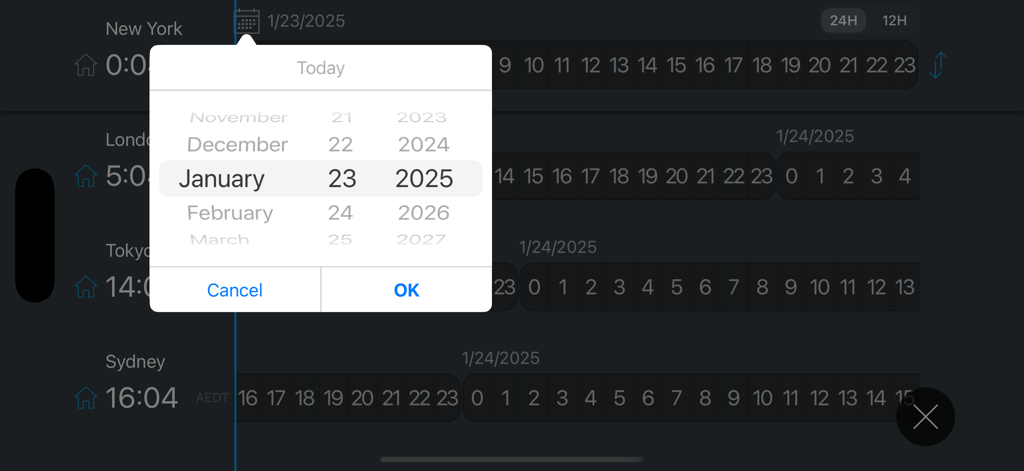
Date picker overlaying a world clock dashboard with multiple city time zones

Date picker overlaying a world clock dashboard with multiple city time zones

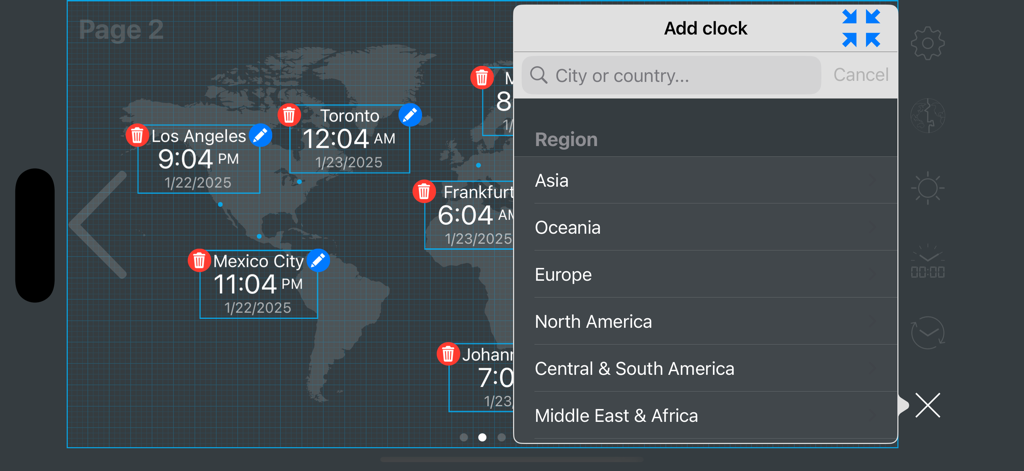
Interface of a world clock app showing multiple city times on a map with an add clock menu open.

Interface of a world clock app showing multiple city times on a map with an add clock menu open.

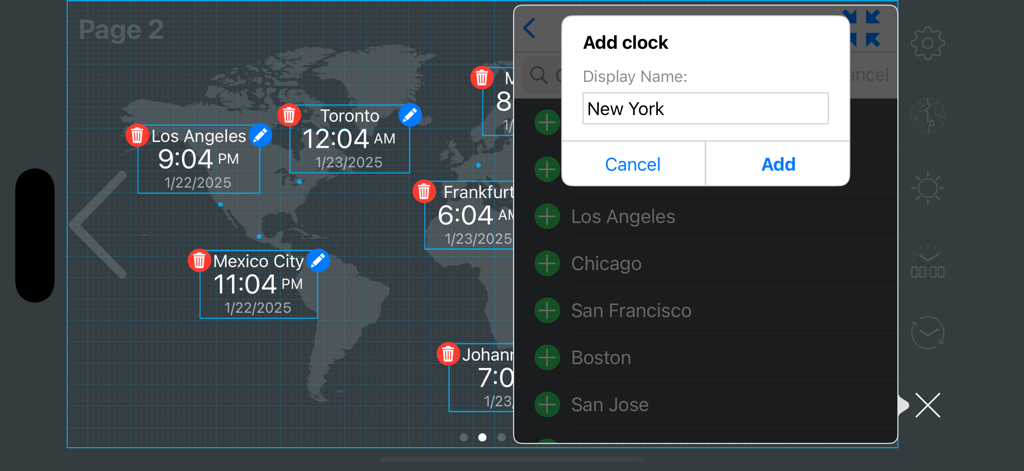
Adding a new city clock to the world map dashboard in landscape mode

Adding a new city clock to the world map dashboard in landscape mode

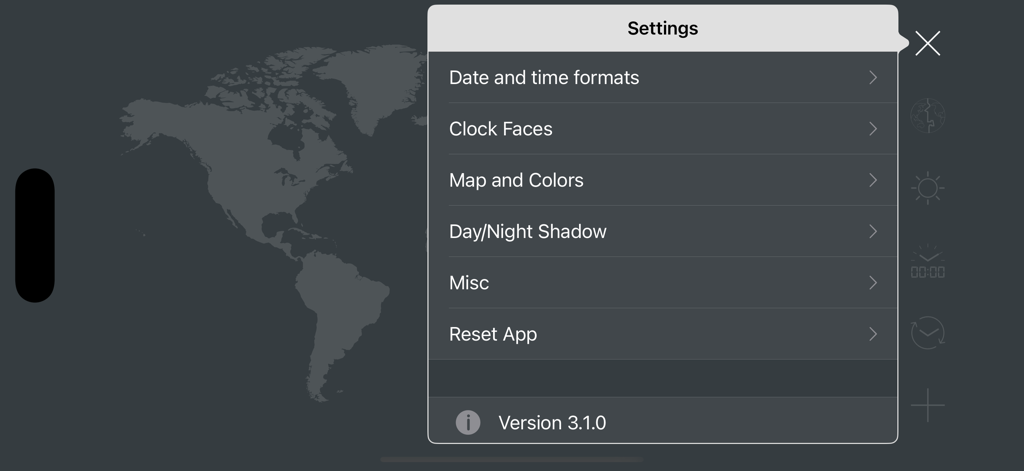
Settings menu of the map clock app showing options for time formats clock faces and map colors

Settings menu of the map clock app showing options for time formats clock faces and map colors

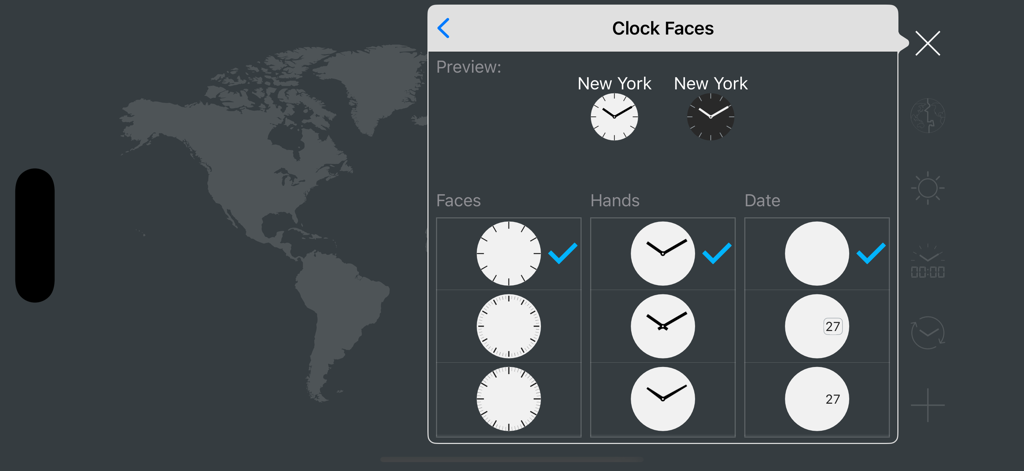
Clock faces customization menu showing options for clock faces hands and date display.

Clock faces customization menu showing options for clock faces hands and date display.

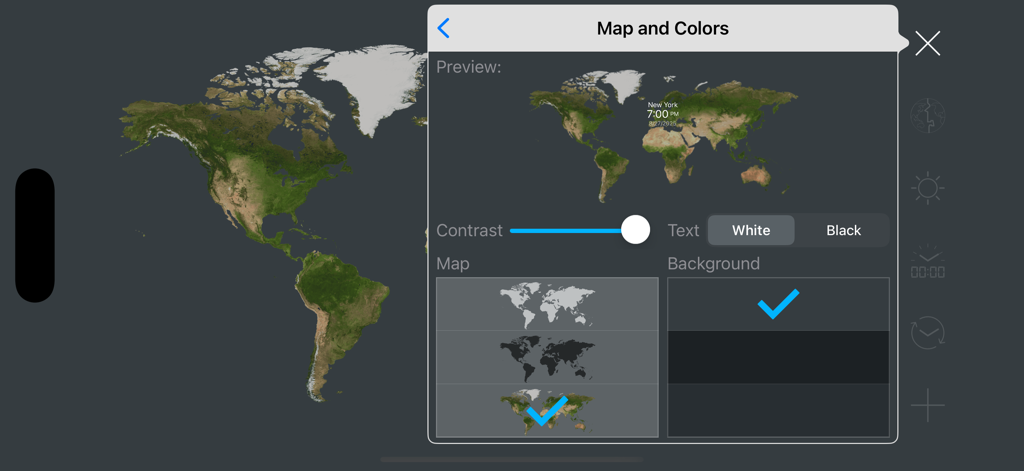
The Map and Colors settings menu in the map clock app showing customization options for contrast map style and background color

The Map and Colors settings menu in the map clock app showing customization options for contrast map style and background color

Master Your Global Timeline

The tools that make this app stand out, trusted by 12K+ users.

🌍

Real-Time Day & Night

Visualize the sun's path to know exactly when to call, message, or meet across time zones.

📊

Seamless Time Conversion

Plan ahead with a built-in converter that handles the International Date Line for error-free scheduling.

🖥️

Professional Desk Dashboard

A dedicated landscape interface designed to serve as a high-utility second screen for your workspace.

Loved by users worldwide

Trusted by 12K+ people who love this app.

"

"As a project manager coordinating teams across three continents, map:clock is an essential part of my desk setup. The visual day/night map allows me to see exactly who is online at a glance without doing any mental math. It's the perfect functional dashboard for my iPad."

David S.
"

"I love the clean interface and the sun position tracking. It is incredibly helpful for staying connected with my family back home while I am traveling. Being able to rename my favorite locations makes it feel personal and much more useful than a standard clock app."

Elena M.

About the app

Everything you need to know about map:clock - World Map & Clock.

Description

map:clock allows you to keep track of current time for major cities and time zones on a world map. The current time can be displayed on a world map along with day and night effects. - Visual world clock - Day and night world map with sun position - Time zone converter - The International Date Line can be displayed on the map - Add cities/locations to your Favorites (Rename locations as you like) - Quick and easy to use - Universal App (One purchase for all devices - iPhone and iPad) ■Note: This app work in landscape mode. No portrait mode. ---------------- Report a Problem --------------- If you have any problems, please sent me an email. [app@myindex.jp]

Latest Version

4.0.0

Size

7.7 MB

First Released

Jul 10, 2017

Master Your Global Schedule

Join thousands of professionals and travelers who visualize time like never before. Download map:clock today and stay perfectly synced across every time zone.

Download on App Store