MapXplorer: Map Radar Navigate

MapXplorer: Map Radar Navigate

Download on App StoreDownload on Google Play
Spark by MWM logo
Logo of MapXplorer: Map Radar Navigate

MapXplorer: Navigate Safely with Radar Alerts and Offline Maps

Avoid costly fines with real-time speed camera alerts, stay on track without a signal, and experience the future of driving with HUD display technology. Your all-in-one companion for smarter, stress-free journeys.

Publisher

GOLDLAB APPLICATIONS YAZILIM VE BILISIM ANONIM SIRKETI

Category

Navigation

Downloads

5M+

User Rating

4.6/5

Total Ratings

48K+

Locales

68

Precision at a Glance

Discover the interface used by 5M+ users.

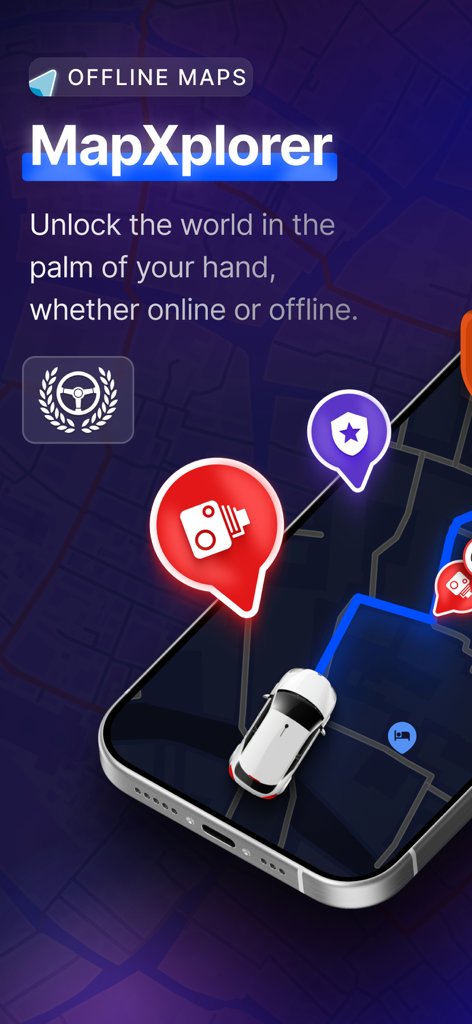
Smartphone screen displaying MapXplorer offline maps and radar navigation features.

Smartphone screen displaying MapXplorer offline maps and radar navigation features.

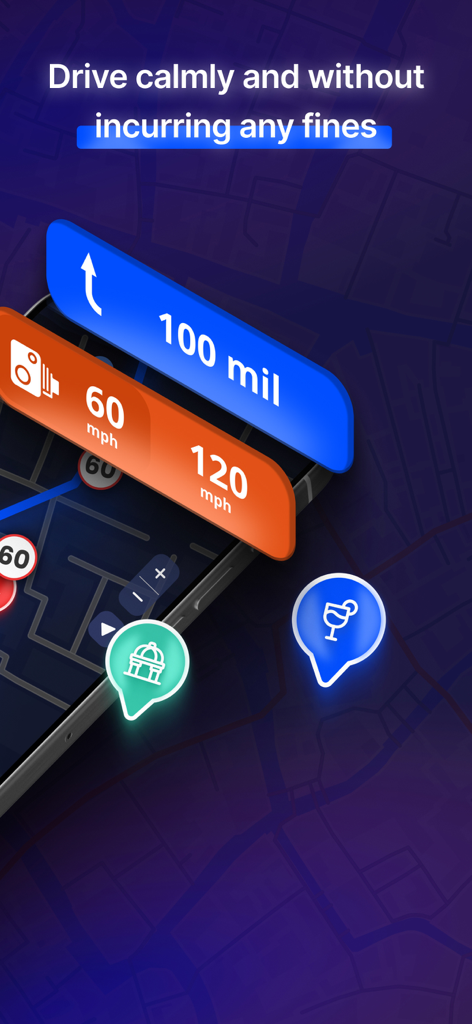
MapXplorer app interface showing navigation with speed limit alerts and radar detection to avoid fines.

MapXplorer app interface showing navigation with speed limit alerts and radar detection to avoid fines.

AI co-pilot selection screen in the MapXplorer navigation app

AI co-pilot selection screen in the MapXplorer navigation app

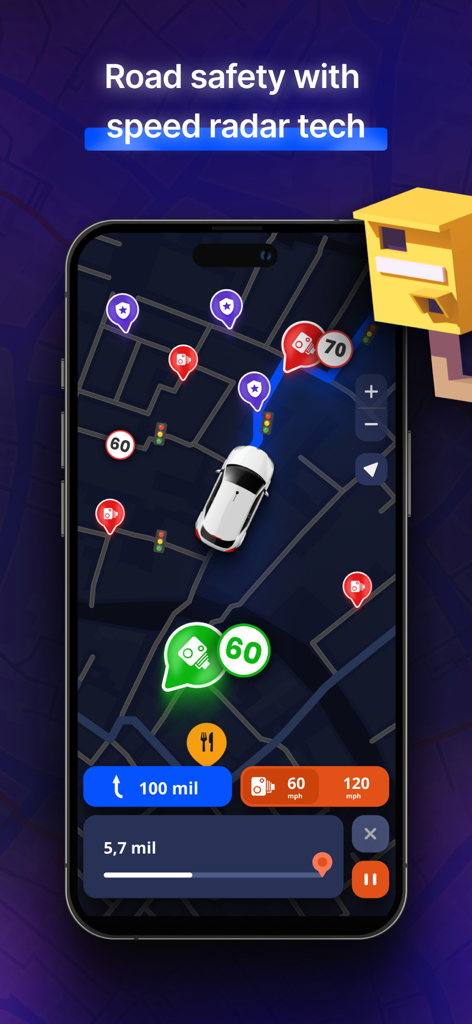
MapXplorer app interface showing real-time speed radar alerts and speed limit indicators on a navigation map

MapXplorer app interface showing real-time speed radar alerts and speed limit indicators on a navigation map

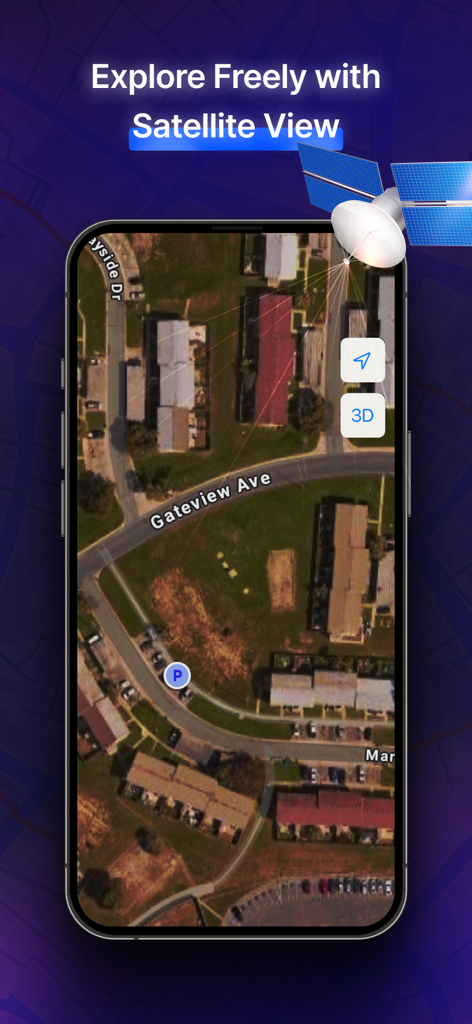
MapXplorer smartphone screen showing satellite map view with 3D navigation features

MapXplorer smartphone screen showing satellite map view with 3D navigation features

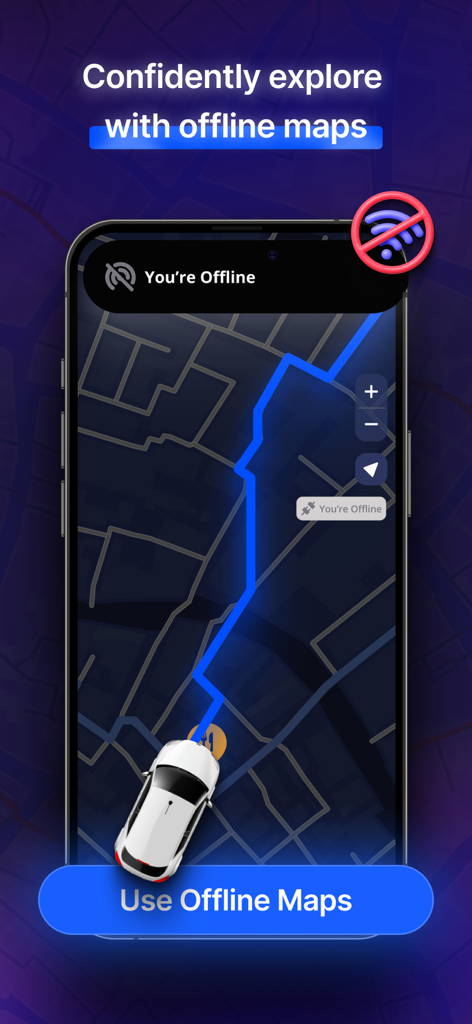
MapXplorer app interface showing the offline maps navigation feature with a car icon moving along a blue route

MapXplorer app interface showing the offline maps navigation feature with a car icon moving along a blue route

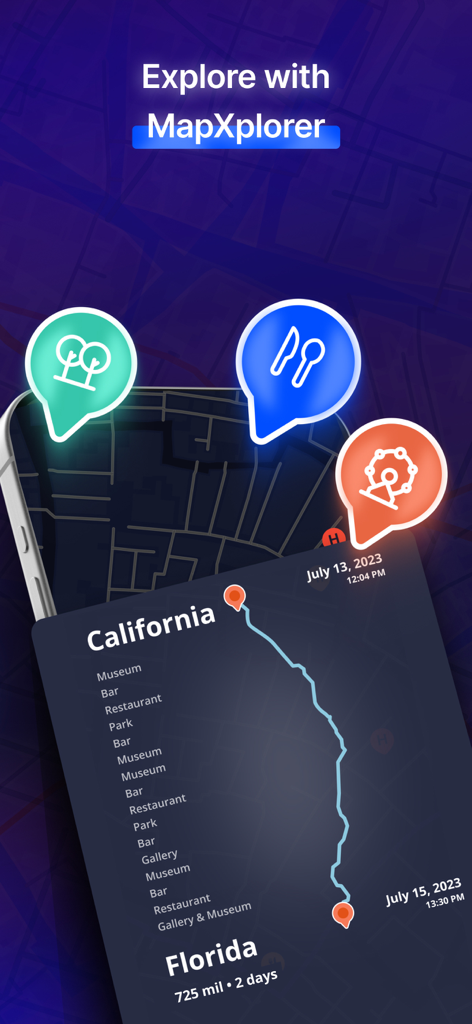
MapXplorer app showing a travel route from California to Florida with smart search icons for parks and restaurants

MapXplorer app showing a travel route from California to Florida with smart search icons for parks and restaurants

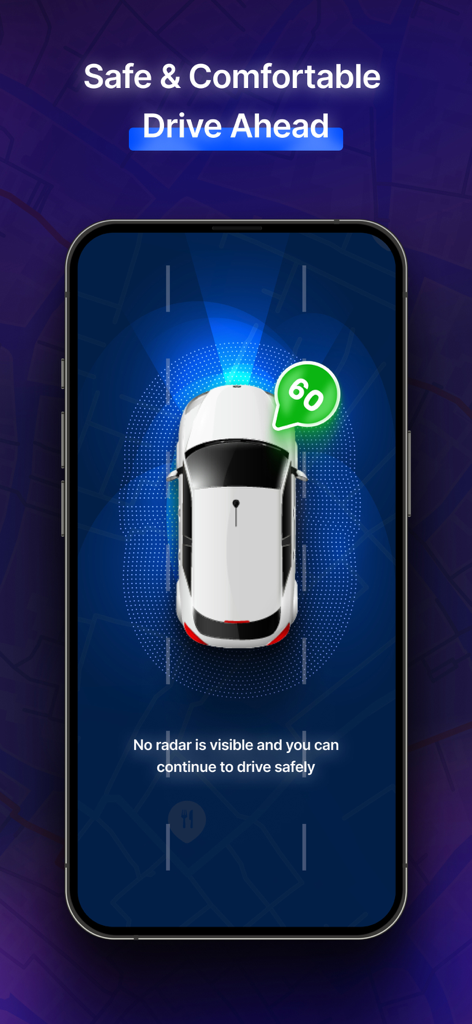
MapXplorer app interface showing a car with radar scanning and a 60 speed limit alert for safe driving

MapXplorer app interface showing a car with radar scanning and a 60 speed limit alert for safe driving

Drive with Total Confidence and Control

The tools that make this app stand out, trusted by 5M+ users.

🚔

Real-Time Radar Alerts

Avoid costly speeding fines and stressful surprises with instant notifications for radar zones and speed traps across the USA.

🗺️

Reliable Offline Navigation

Never worry about losing your signal again. Access detailed maps and stay on route even in remote areas and cellular dead zones.

🚘

Smart HUD Projection

Project your navigation and speed onto your windshield. Stay focused on the road with a high-tech display that enhances your safety.

Loved by users worldwide

Trusted by 5M+ people who love this app.

"

"MapXplorer has completely changed my daily commute into the city. The real-time radar alerts have saved me from at least three speeding tickets already, and the HUD feature makes my older car feel like a luxury tech suite. It is the most reliable co-pilot I have ever had."

Michael R.
"

"I spend my weekends exploring remote trails and national parks where cell service is non-existent. The offline maps are a lifesaver, and being able to find the nearest fuel or food without a signal gives me such peace of mind. Truly a must-have for any road trip enthusiast."

Sarah Jenkins

Review Analysis

Insights from user reviews.

Sentiment Score

24%
Negative

Summary

The app receives overwhelmingly negative feedback, primarily due to widespread complaints about misleading advertising, particularly regarding its 'free' status and the promised 3D viewing features which users report are absent or inaccurate. Many users express frustration with the high weekly subscription fees and unexpected charges, often after trial periods or attempted cancellations, leading to numerous refund and billing issues. Furthermore, the app's core functionality is heavily criticized, with reports of inaccurate navigation, outdated maps, and difficulty of use, causing many to deem it non-functional and inferior to other mapping solutions. Despite these issues, a small number of users offered general praise for the app, and one appreciated the developer's engagement with bug reports.

Common Themes

App Functionality & Accuracy(20)
Subscription Model & Pricing(19)
Misleading Advertisements(18)
Overall Positive Experience(10)
Refund & Billing Issues(9)

About the app

Everything you need to know about MapXplorer: Map Radar Navigate.

Description

Navigation-Radar: Safe and Easy Travel with Advanced Maps With Navigation-Radar, every journey becomes less stressful and more rewarding. Instead of worrying about wrong turns or poor signals, you enjoy confidence, safety, and freedom. The combination of map, navigation, and gps tools gives you control of your travel experience so you can focus on what matters most—getting there comfortably and on time. Travel Smarter, Save Time Avoid fines and stressful surprises with real-time alerts. The gps tracker, tracking devices, and hud display keep you informed of speed limits, radar zones, and hazards. This means fewer distractions, safer driving, and peace of mind on every route. Stay Connected Anywhere Don’t let a weak signal stop your adventure. With offline map support, you always have access to your planned route. Combined with organic map design, your navigation feels natural and reliable. The gps map camera helps you capture and review your journeys so you can always retrace your steps. Maximize Every Journey Find fuel, food, or hotels instantly with smart search. Save your favorite places, bookmark routes, and review your travel history through the gps tracker. Supported by tracking devices, hud integration, and layered organic map views, you travel with confidence knowing everything you need is at your fingertips. Your Benefit Navigation-Radar isn’t just about maps—it’s about giving you more freedom, safety, and efficiency. You save time, reduce stress, and enjoy complete control of your travels. With tools like the gps map camera, detailed maps, and precise navigation, your journeys become easier, smoother, and more enjoyable. Download Navigation-Radar today and take control of your travel. Get there faster, safer, and smarter. Your subscription automatically renews, ensuring you never miss a moment of enhanced app usage. However, you have the flexibility to manage your subscription settings and turn off auto-renewal at any time from your account preferences. Privacy Policy: https://www.goldlabtechnology.com/privacy-policy.html Terms of Use: https://www.goldlabtechnology.com/end-user-license-agreement/

Latest Version

2.1.14

Size

253.1 MB

First Released

Sep 6, 2023

Drive with Total Confidence

Join 5 million drivers avoiding expensive tickets and signal dead zones. Get MapXplorer now for real-time radar alerts and premium offline navigation.

Download on App StoreDownload on Google Play
FAQ

Frequently Asked Questions

Everything you need to know about MapXplorer: Map Radar Navigate
What is MapXplorer, also known as Navigation-Radar?

MapXplorer, also known as Navigation-Radar, is a travel application that provides advanced maps, navigation, and GPS tools. It focuses on safe, efficient, and stress-free journeys.

Does MapXplorer provide offline map functionality?

Yes, MapXplorer supports offline maps, ensuring continuous navigation even without a strong signal. This feature allows users to access planned routes anywhere.

How does MapXplorer help users avoid traffic fines?

MapXplorer helps avoid fines by providing real-time alerts for speed limits, radar zones, and hazards. Its GPS tracker and HUD display keep drivers informed.

Can users save favorite places and routes within MapXplorer?

Yes, MapXplorer allows users to save their favorite places and bookmark routes. This feature enables convenient re-access to important locations and travel paths.

What is the AI Co-pilot feature in MapXplorer?

MapXplorer includes an AI Co-pilot feature that powers safe and enjoyable journeys. Users can choose a personalized copilot within the application.

Does MapXplorer offer a satellite view for its maps?

Yes, MapXplorer offers a Satellite View feature, enabling users to explore maps with a detailed satellite perspective for enhanced geographic understanding.

How can I manage my MapXplorer subscription and auto-renewal?

Yes, you can manage your MapXplorer subscription settings. Users have the flexibility to turn off auto-renewal at any time from their account preferences.

Does MapXplorer include a GPS map camera feature?

MapXplorer provides access to a GPS map camera feature. This allows users to capture and review their journeys, providing a visual record of their travels.