
Microsoft Azure




Stay connected to your infrastructure with real-time alerts, critical metrics, and the power to take corrective action on-the-go. Manage your resources and maintain total control, even when you are away from your desk.
Publisher
Category
BusinessDownloads
1M+User Rating
Total Ratings
1000Locales
17Discover the interface used by 1M+ users.
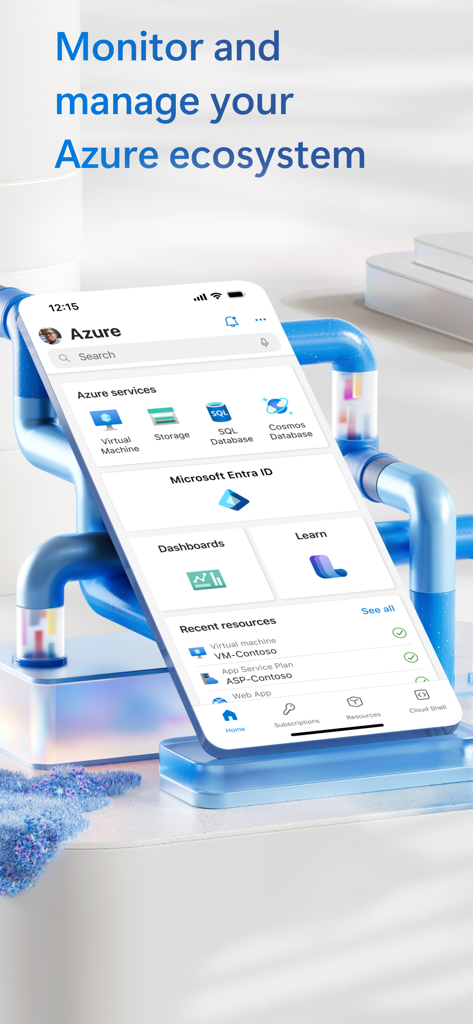
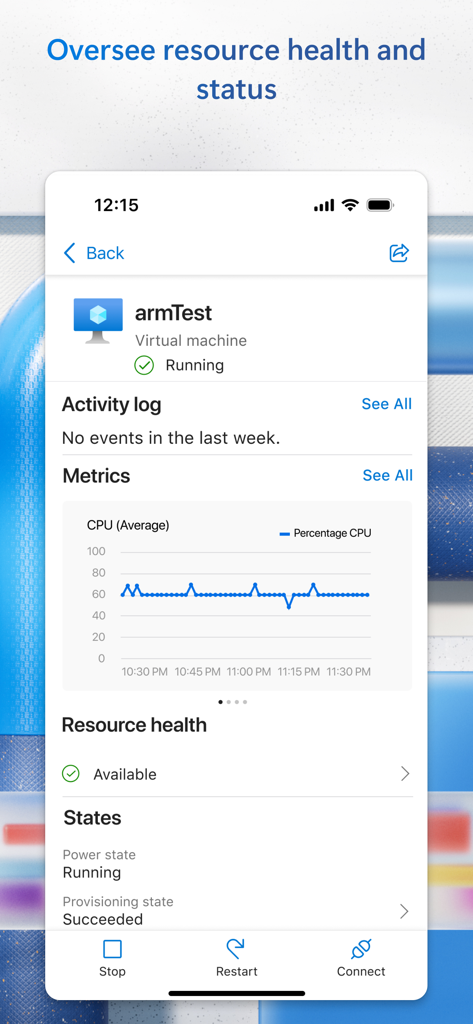
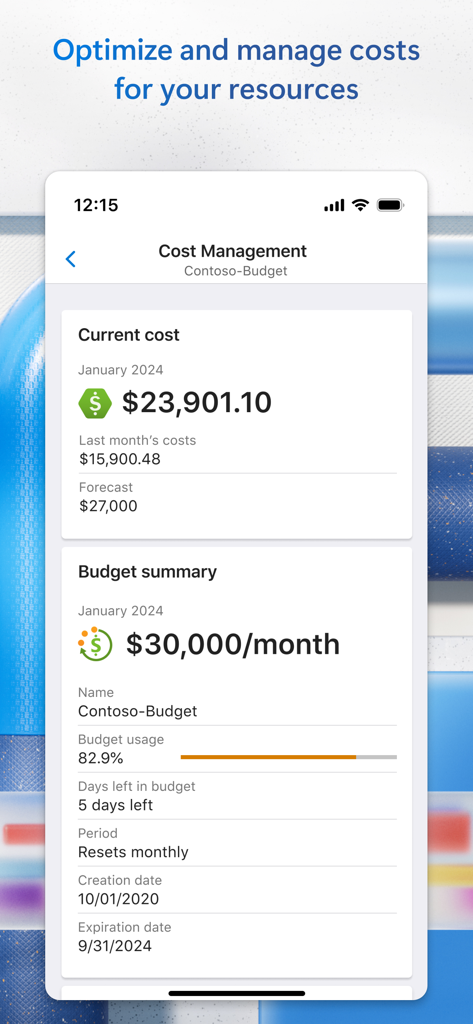
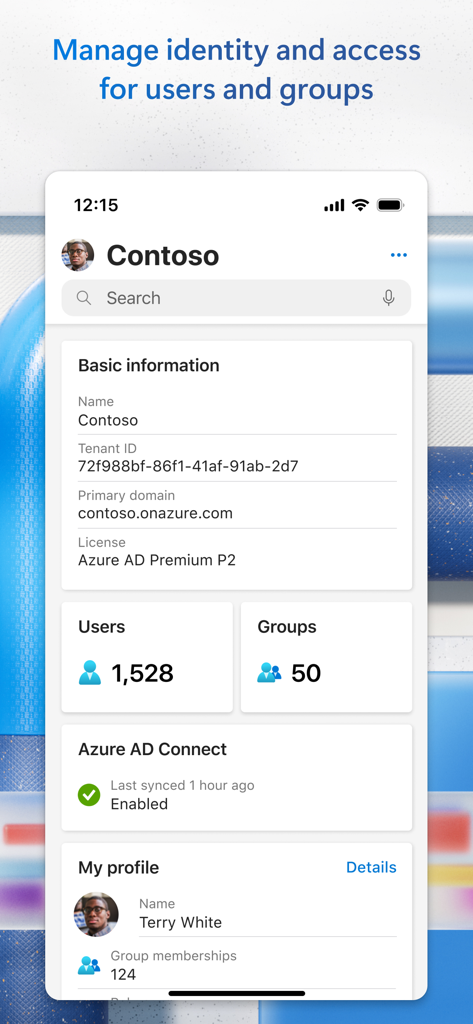
The tools that make this app stand out, trusted by 1M+ users.
Stay ahead of downtime with instant push notifications for resource health issues and performance spikes, ensuring you are the first to know when it matters most.
Execute critical actions in seconds. Start or stop VMs, manage web apps, and resolve outages directly from your phone without needing to find a Wi-Fi connection.
Maintain full visibility into your global infrastructure with live health metrics and cost monitoring to ensure peak performance and budget compliance.
Trusted by 1M+ people who love this app.
"A true lifesaver for on-call rotations. I was at a restaurant when I received a critical alert about a service spike. Instead of rushing home for my laptop, I restarted the App Service and scaled our resources directly from my phone. It turned a potential emergency into a two-minute fix."
"This app is my primary command center when I'm away from my desk. The ability to monitor real-time health metrics and manage cloud spend across all our subscriptions gives me incredible peace of mind. It is fast, intuitive, and essential for any IT leader managing enterprise-scale infrastructure."
Insights from user reviews.
Sentiment Score
Summary
The mobile app receives predominantly negative feedback from users. While some appreciate its sleek interface and ease of use for basic monitoring and management tasks, a significant number of reviews highlight critical issues. Users frequently report app crashes, especially after updates (e.g., versions 7.5.4 and 7.5.6) or when enabling features like Face ID. A common complaint is the app's very limited functionality compared to the web portal, leading many to deem it "useless" for managing complex Azure resources and preferring browser access.
Common Themes
Everything you need to know about Microsoft Azure.
Description
Latest Version
8.1.0
Size
110.6 MB
First Released
May 9, 2017
Join 1M+ professionals who maintain uptime from their pocket. Get real-time alerts and take instant corrective action on your resources—because your infrastructure doesn't wait for you to get back to your laptop.
Everything you need to know about Microsoft Azure
The Microsoft Azure app monitors and manages cloud resources on-the-go. It tracks status, critical metrics, provides alerts, and allows corrective actions like starting or stopping virtual machines.
The Microsoft Azure app enables users to manage virtual machines. It displays their running status, CPU usage metrics, and resource health. Users can directly stop, restart, or connect to VMs.
Yes, the Microsoft Azure app sends notifications and alerts. These inform users about important health issues concerning their cloud resources, ensuring they stay updated on critical metrics.
Yes, the Microsoft Azure app includes cost management features. It displays current costs, last month's expenses, future forecasts, and a budget summary with usage percentage for resources.
The Microsoft Azure app allows managing identities and access for users and groups. It shows tenant details, user and group counts, and the status of Azure AD Connect within the organization.
Yes, the Microsoft Azure app collects data to operate effectively, including personal information like the email address used for login. This data enhances user experience within the product.
No, the Microsoft Azure app does not share personal information with third-parties without user consent. It also does not use collected data for marketing purposes.
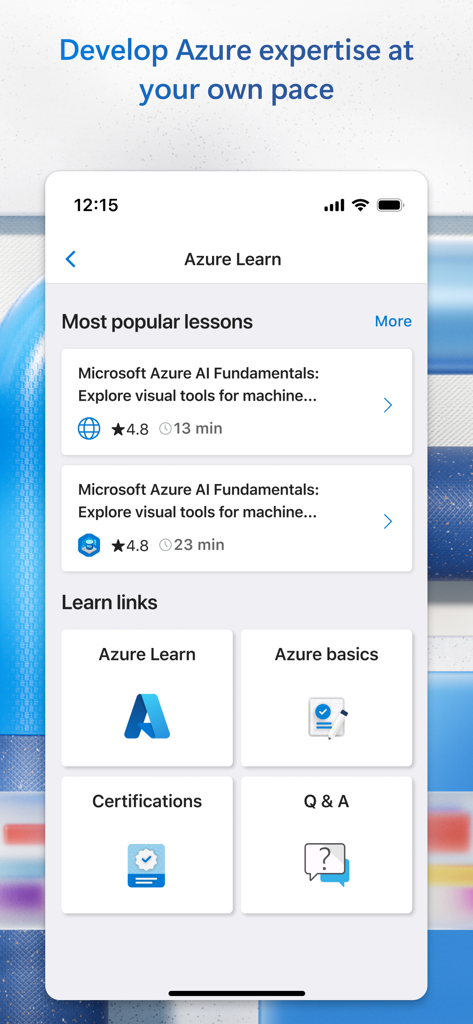
Yes, the Microsoft Azure app provides a dedicated "Learn" section. It offers access to popular lessons, Azure basics, certifications, and a Q&A section to develop Azure expertise.
Apps with similar features and user experience

Toast, Inc.

Tabby Technology LTD

TEC-IT Datenverarbeitung GmbH

salesforce.com

Microsoft Corporation

MISA JSC

AMZN Mobile LLC

Microsoft Corporation

Webstock Information Systems Co., Ltd.
