
Midea Air



Take total control of your climate, air quality, and energy efficiency. From personalized sleep curves to remote scheduling, your perfect home environment is just a tap away.
Publisher
Category
UtilitiesDownloads
1M+User Rating
Total Ratings
33K+Locales
19Discover the interface used by 1M+ users.
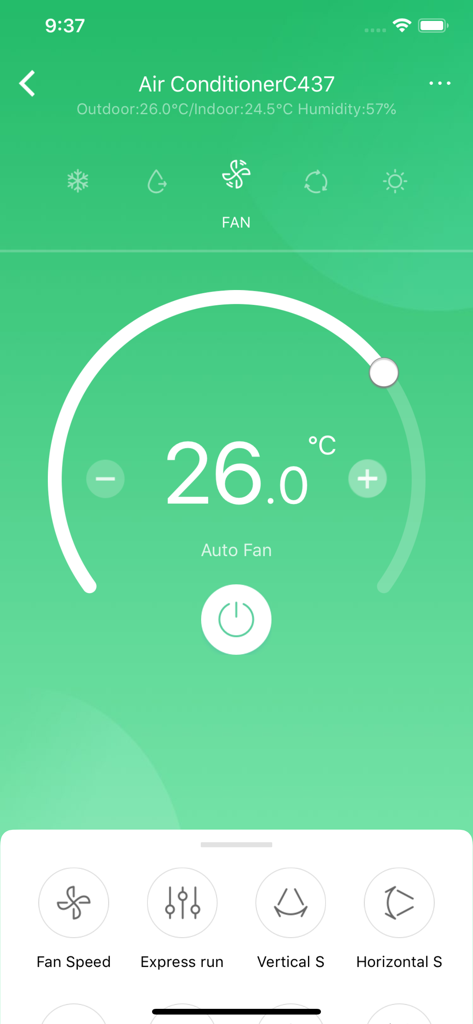
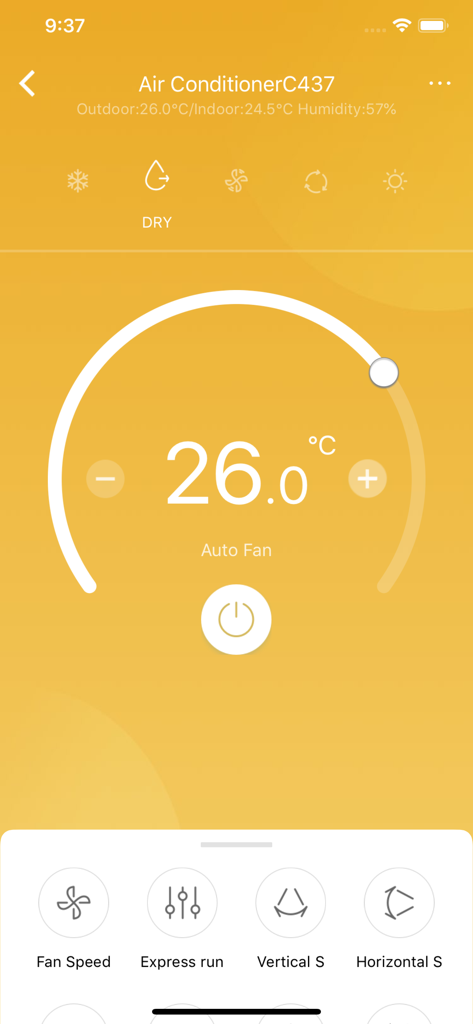
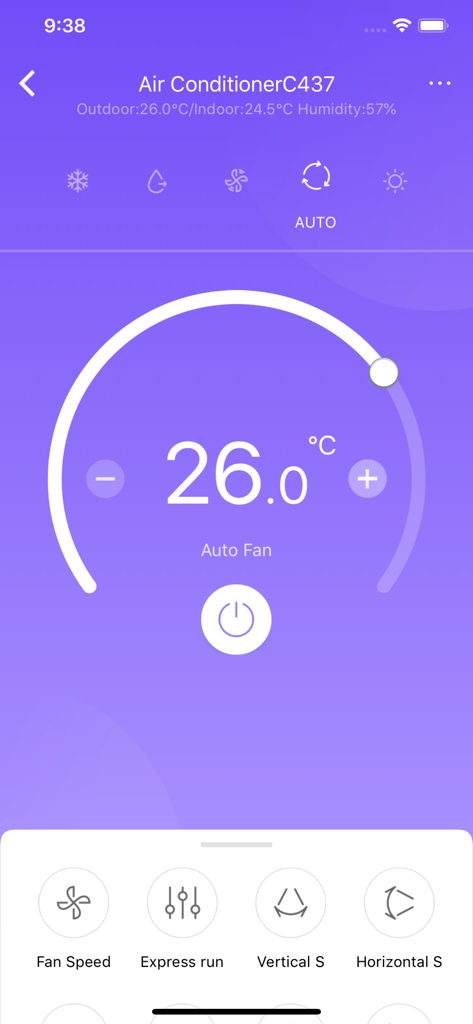
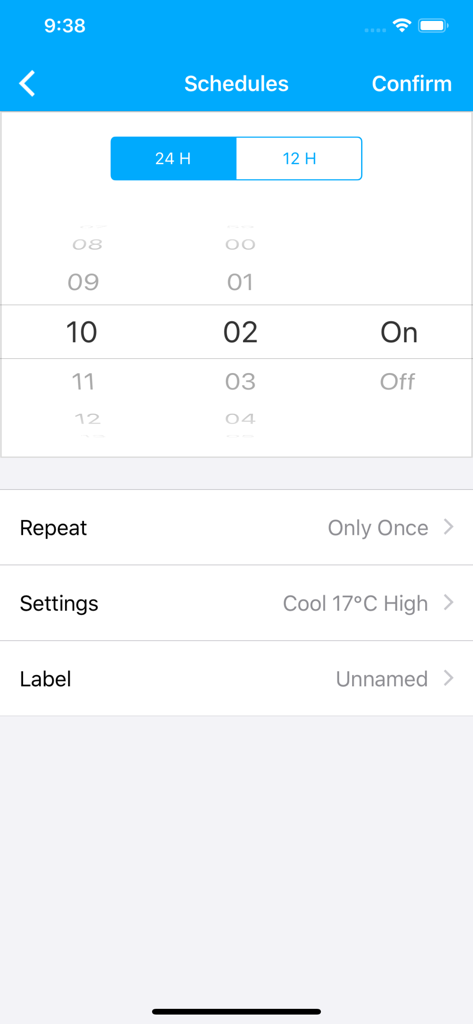
The tools that make this app stand out, trusted by 1M+ users.
Monitor and adjust your home's air quality and temperature from your phone, whether you're at the office or out for dinner.
Save on utility bills with smart scheduling and automation that eliminates energy waste while you are away or at work.
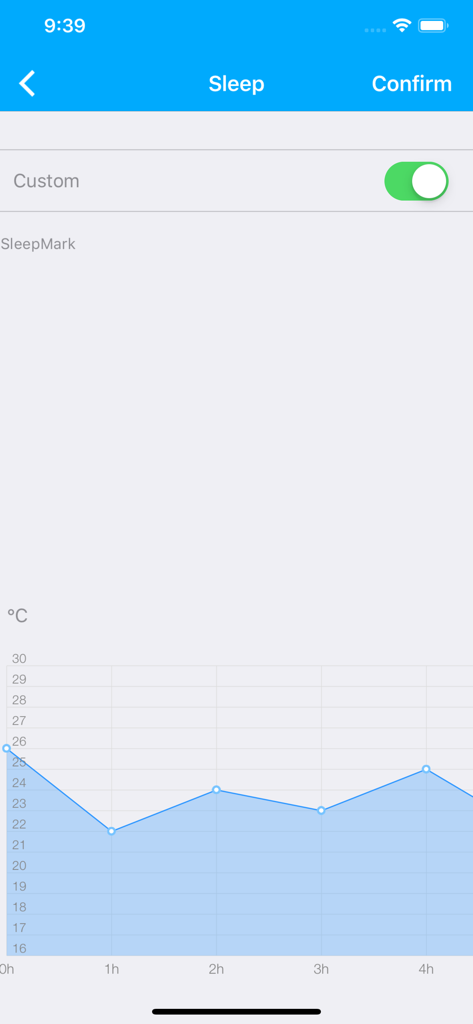
Optimize your rest with custom temperature cycles that adapt to your body's needs throughout the night for deeper sleep.
Trusted by 1M+ people who love this app.
"Being able to control my AC remotely is a lifesaver. I live in a humid area and turning the unit on 20 minutes before I get home makes a world of difference. It's also been great for keeping my dog comfortable while I'm at work without running the air all day. My electricity bill has never been lower!"
"The Sleep Curve feature is exactly what I needed. I'm very particular about my sleep environment and this app allows me to automate temperature changes throughout the night so I never wake up too hot or cold. It's intuitive, reliable, and integrates perfectly with my smart home setup."
Everything you need to know about Midea Air.
Description
Latest Version
5.19.0
Size
100.9 MB
First Released
Jul 14, 2015
Join over 1 million users who enjoy smarter energy savings, better sleep hygiene, and a perfectly cooled home—all from your smartphone.
Everything you need to know about Midea Air
Midea Air is an integrated app for controlling Midea air category products, compatible with new smart WiFi modules. It connects to an open cloud service for comprehensive smart home air management.
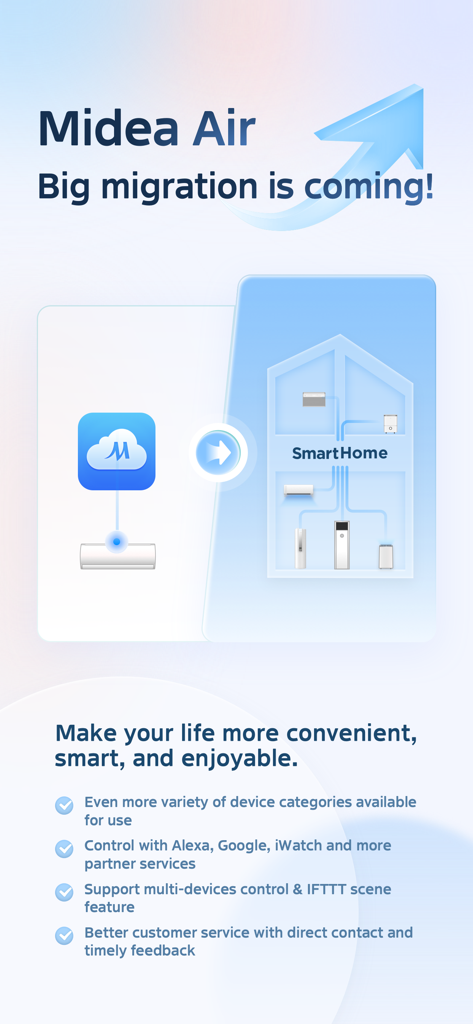
Yes, the Midea Air app supports multi-devices control for various Midea air category products. It also features IFTTT scene integration for automated control.
Yes, the Midea Air app offers remote control capabilities. Users can obtain and modify their home air quality from any location, ensuring comfort, efficiency, and safety.
The Midea Air app is compatible with Alexa, Google, and iWatch. It also integrates with other partner services, allowing control through various smart home ecosystems.
Yes, the Midea Air app includes a Time Scheduling feature. This allows users to automatically switch their Midea air products on or off at appointed times for convenience.
Yes, the Midea Air app features a Sleep Curve function. This enables users to customize temperature profiles over time, optimizing their comfortable sleep experience.
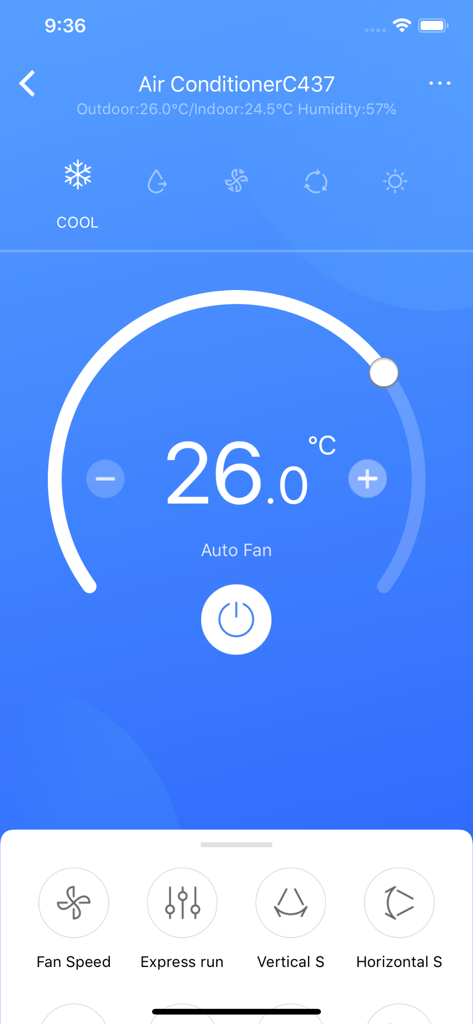
The Midea Air app provides several control modes for air conditioners, including Cool, Fan, Dry, and Auto. These modes are accessible through dedicated icons in the control interface.
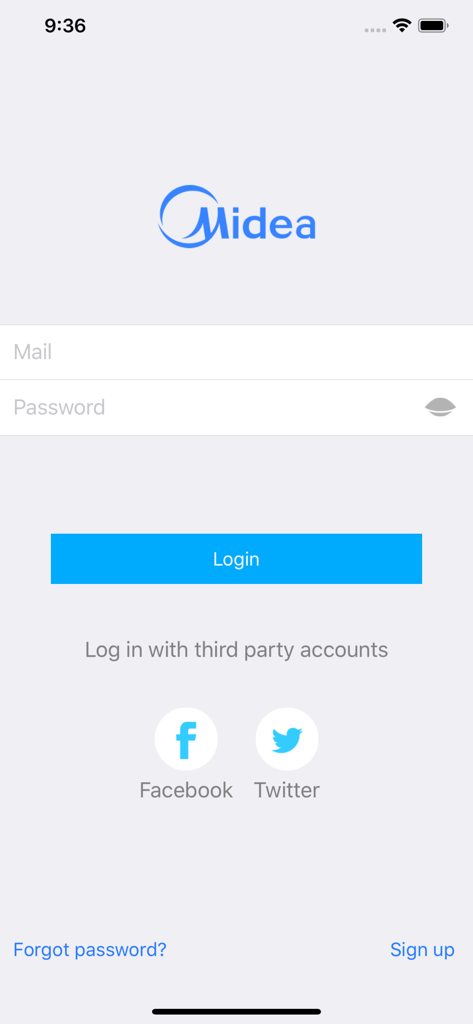
Users can log in to the Midea Air app using their email and password. Alternatively, the app supports third-party logins via Facebook and Twitter accounts for convenience.
Yes, the Midea Air app emphasizes better customer service. It provides options for direct contact and timely feedback to address user inquiries efficiently.
Apps with similar features and user experience

Beijing Xiaomi Co., Ltd

Space Exploration Technologies Corp.

Shanghai Lunkuo Technology Co., Ltd

HESUNG INNOVATION LIMITED

Securitas Direct

Automated Pet Care Products Inc.

Merkury Innovations LLC

ADT LLC

X-Sense USA LLC.
