
Mighty Flashcards



Built for high-stakes exams and complex subjects. Automate card creation with the Extractor tool, integrate rich multimedia, and optimize your retention with 10+ dynamic quiz modes designed for power users.
Publisher
Category
EducationDownloads
6K+User Rating
Total Ratings
100Locales
1Discover the interface used by 6K+ users.
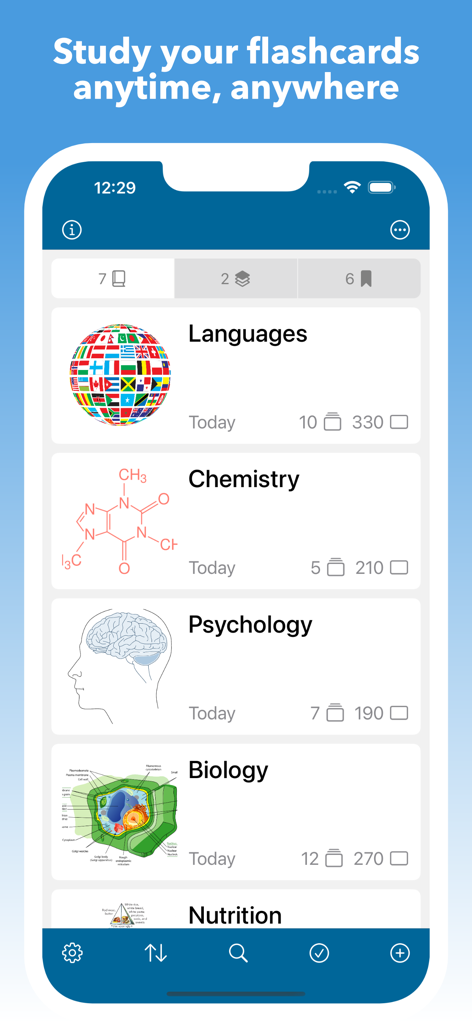
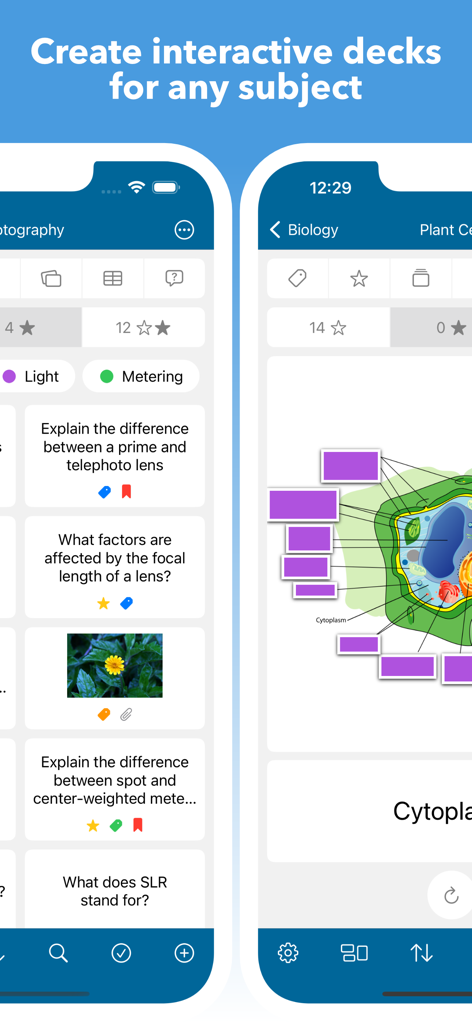
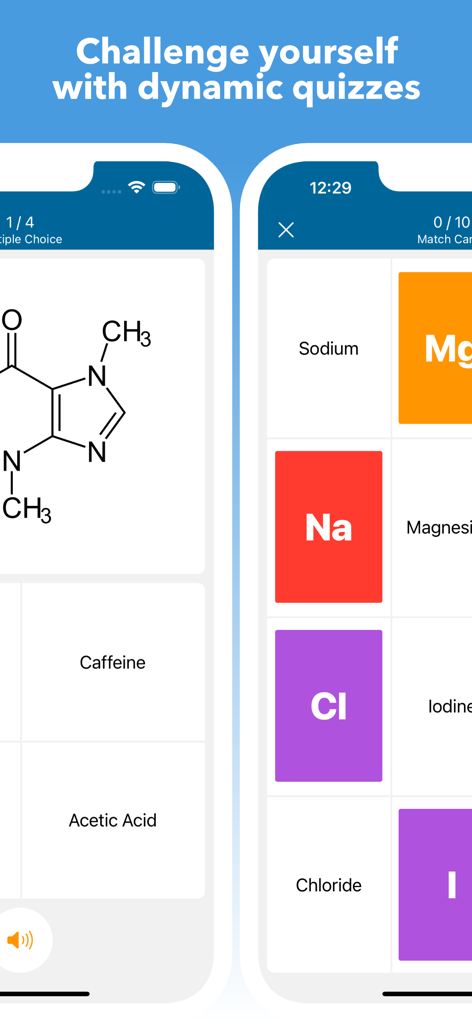
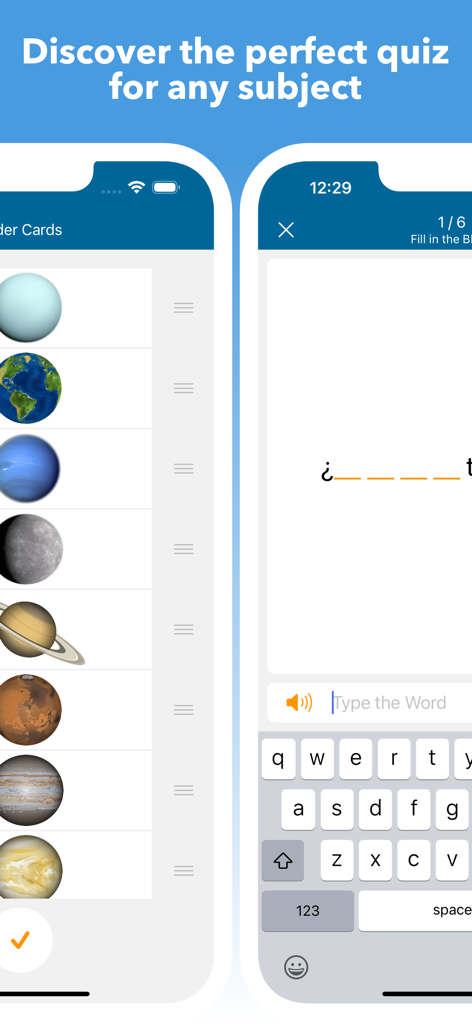
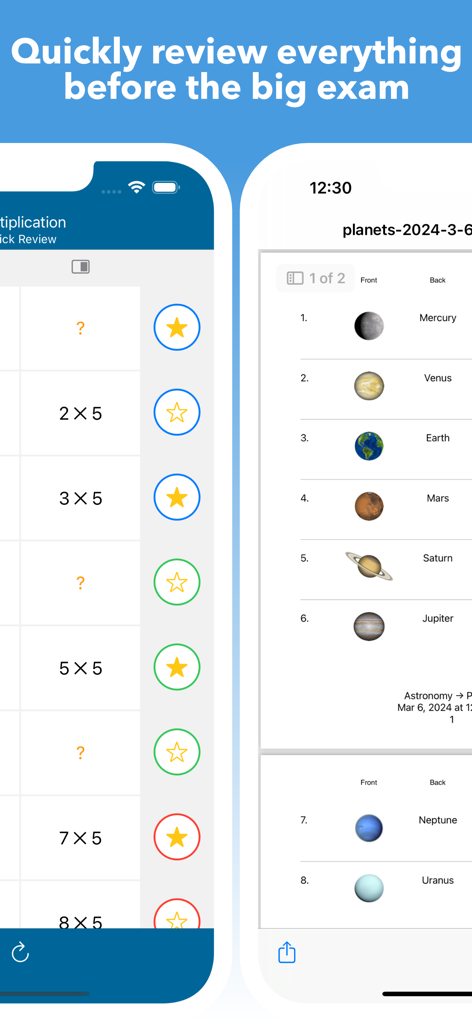
The tools that make this app stand out, trusted by 6K+ users.
Go beyond text. Turn anatomy charts, engineering diagrams, and complex maps into interactive quizzes using custom touch-hotspots and rich media.
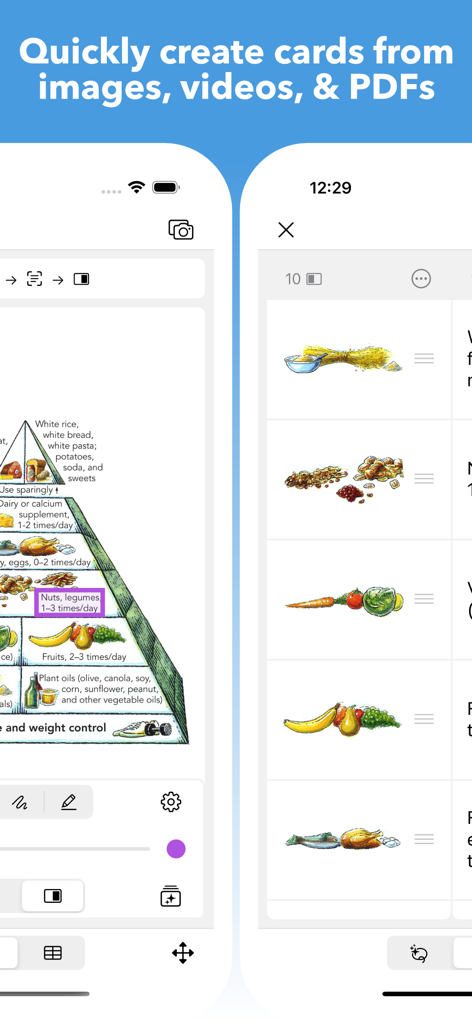
Stop wasting time on data entry. Use the built-in Extractor to instantly turn lecture PDFs, videos, and textbook images into study-ready cards.
Master any exam with 10+ dynamic quiz modes and an intelligent 'Smart Order' algorithm that prioritizes your weak spots for maximum efficiency.
Trusted by 6K+ people who love this app.
"As a medical student, the Visual Decks feature is a complete game-changer for learning anatomy. I can turn complex diagrams into interactive quizzes in seconds using the Extractor tool, saving me hours of manual data entry. It is easily the most powerful and professional-grade study app I have ever used on my iPad."
"I needed a robust system for the Bar Exam, and Mighty Flashcards delivered everything I was looking for. The Autoplay mode allows me to review my notes hands-free during my commute, and the Smart ordering ensures I focus exactly on my weak spots. The level of customization and external keyboard support makes it a true productivity beast."
Everything you need to know about Mighty Flashcards.
Description
Latest Version
8.1.0
Size
4.2 MB
First Released
Oct 5, 2015
Join the elite circle of medical, law, and language students who have traded basic tools for the most advanced study engine on iPad and iPhone. Take control of your mastery and start learning smarter.
Everything you need to know about Mighty Flashcards
Mighty Flashcards optimizes study sessions using a "Smart" order feature. This system adapts card presentation based on your active quiz performance and self-graded results.
Mighty Flashcards offers dynamic quizzes including spelling, multiple choice, fill in the blank, typing, matching, ordering, true or false, drawing, audio, tap the visual area, quick review, and self-graded.
Yes, Mighty Flashcards includes an 'Extractor' tool. This feature enables users to easily create cards directly from images, videos, and PDF files.
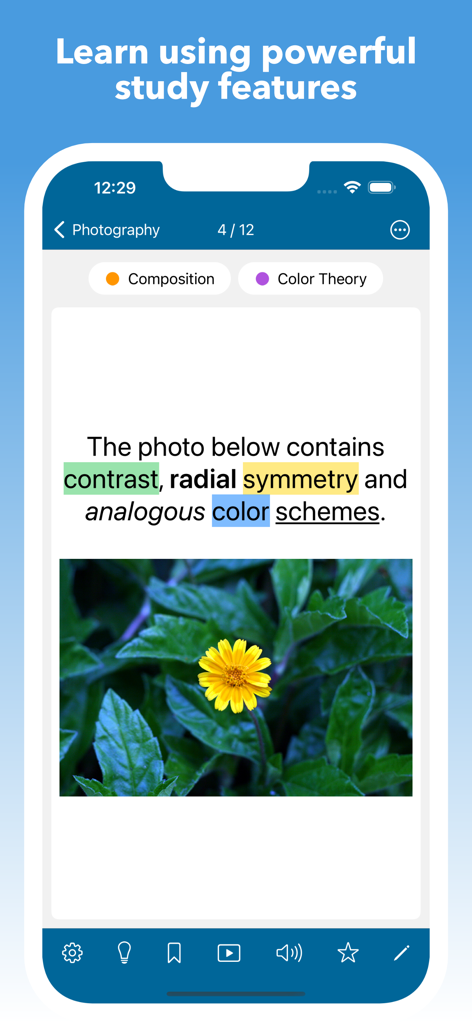
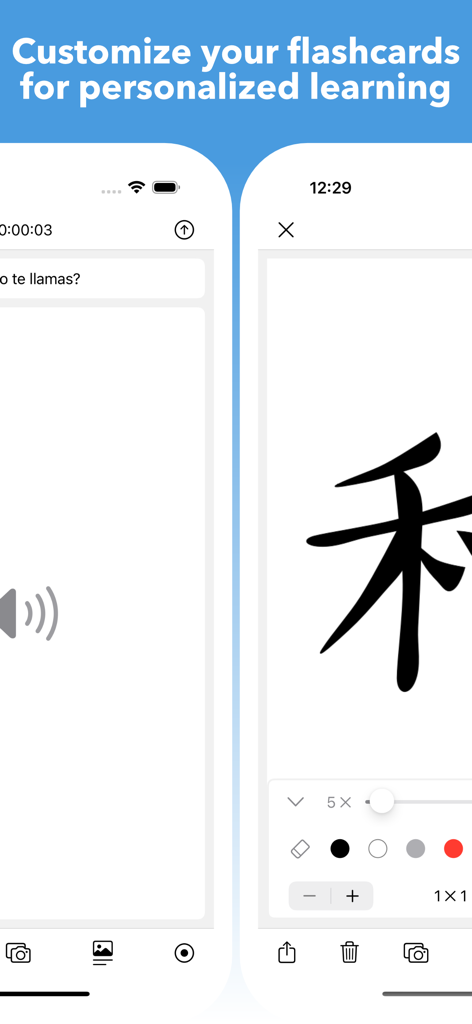
Yes, Mighty Flashcards supports rich media. Users can add text, images, audio, videos, drawings, links, lists, hints, and media captions directly to their flashcards for comprehensive learning.
Yes, Mighty Flashcards allows exporting subjects, decks, and cards. You can back up your data or share study guides with friends in formats like delimited text files, PDF, Mighty format, images, audio, and video.
Mighty Flashcards allows extensive quiz customization. Users can configure the number of questions, card side, card order, time limit, star filter, tags, answer options, autoplay settings, and choose to redo quizzes based on various criteria.
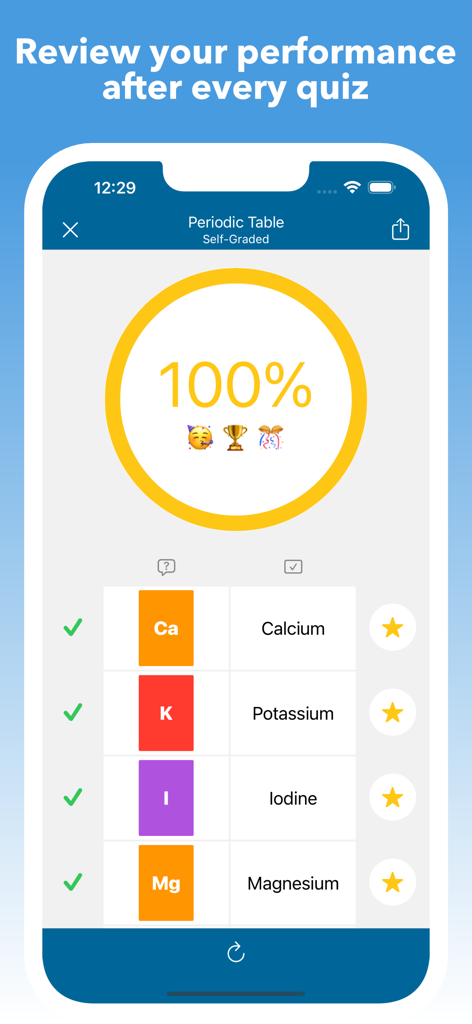
Yes, Mighty Flashcards tracks study performance. The app displays quiz results, such as a 100% score, and allows users to review individual card performance and progress after every quiz.
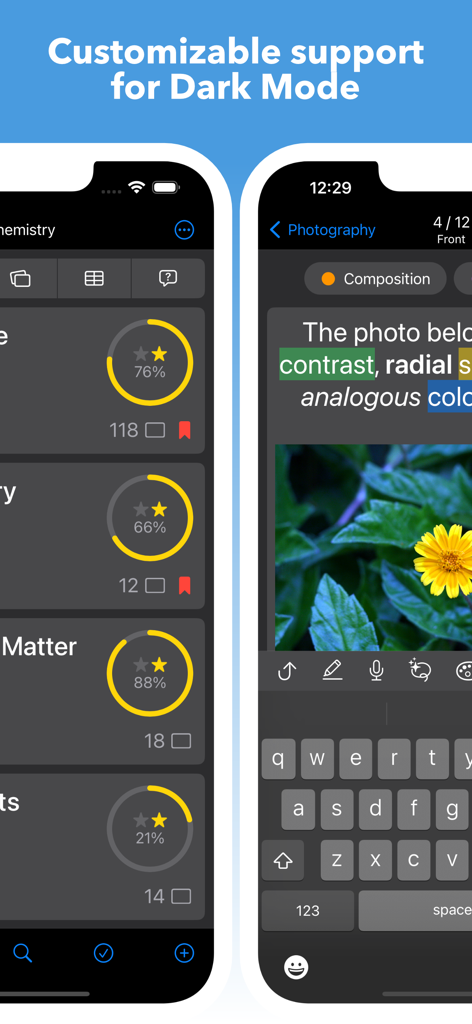
Yes, Mighty Flashcards provides customizable support for Dark Mode. This feature allows users to adjust the app's visual theme to their preference, enhancing comfort during study sessions.
Users can contact support for Mighty Flashcards via email. The designated support email address is mighty.flashcards@gmail.com for inquiries and assistance.
Yes, Mighty Flashcards transforms images into dynamic visual decks. Users can define custom touch areas on images, enabling interactive learning experiences directly within the app.
Top-ranked apps in the same category

Duolingo, Inc

DEEP FLOW SOFTWARE SERVICES - FZCO

Wuhan Jiakaobaodian Information Service Co., Ltd.

Toca Boca AB

Google LLC

Guangzhou Polar Future Culture Technology Co., Ltd

Student Information Consultation Service Co., Ltd.

GAUTHTECH PTE. LTD.

Aleksandr Ulitin