
Ministry Service Report



Seamlessly record your preaching hours and Bible studies, manage your monthly reports, and share your activity via WhatsApp or Excel with ease.
Publisher
Category
UtilitiesDownloads
500User Rating
Total Ratings
0Locales
1Discover the interface used by 500 users.
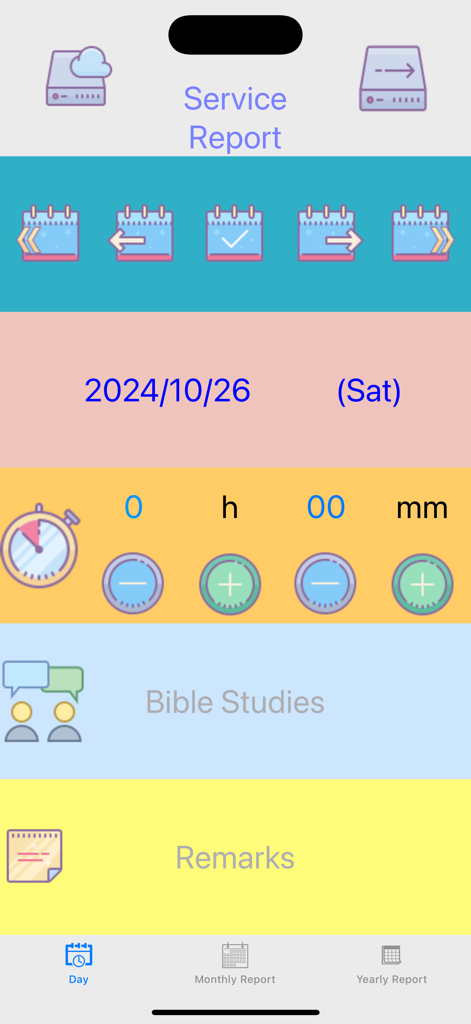
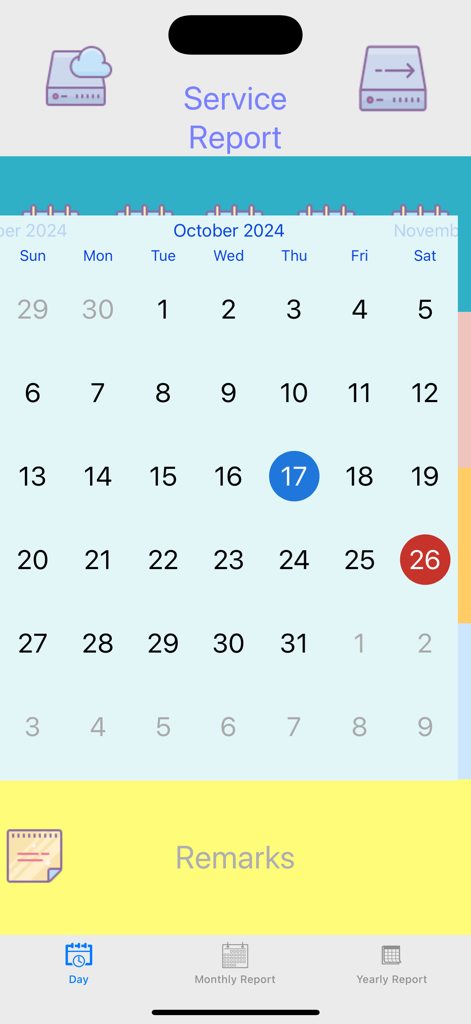

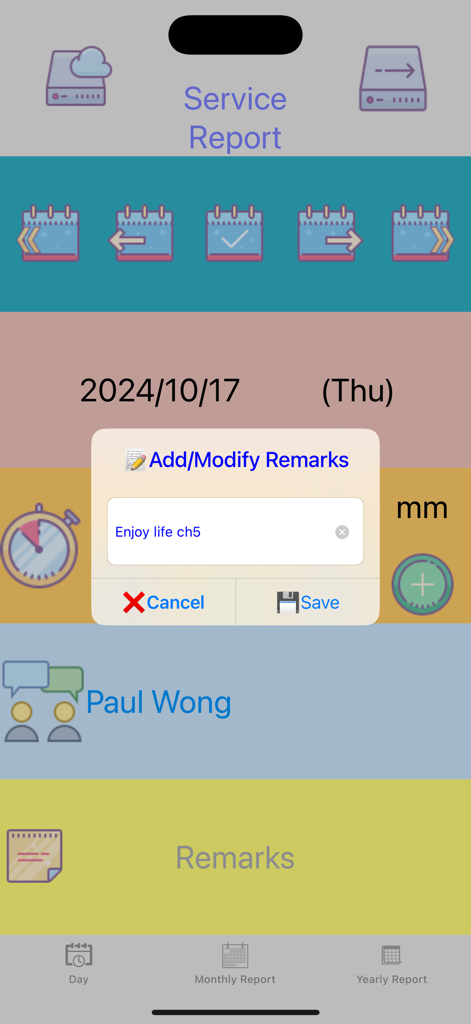
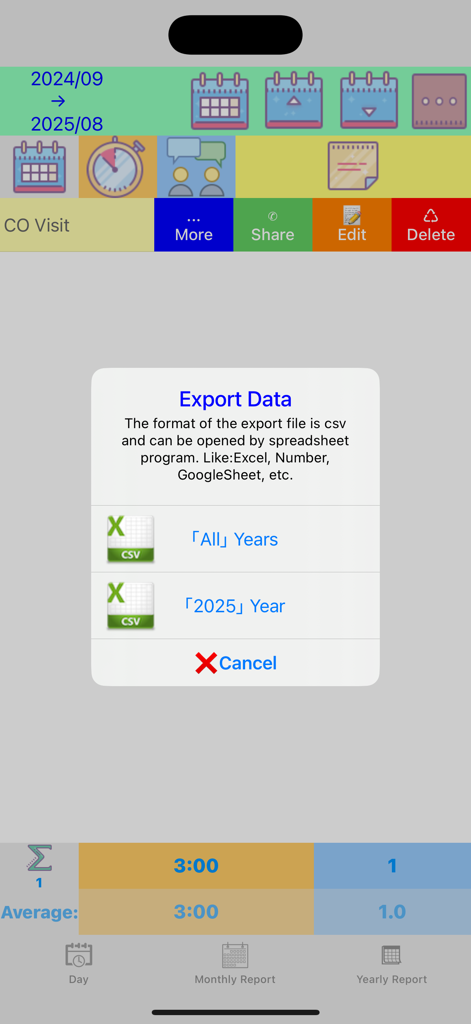
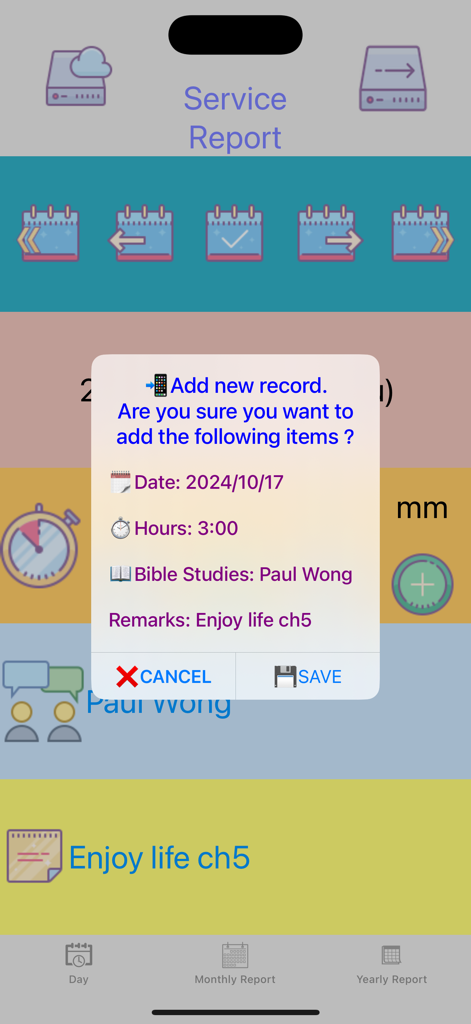
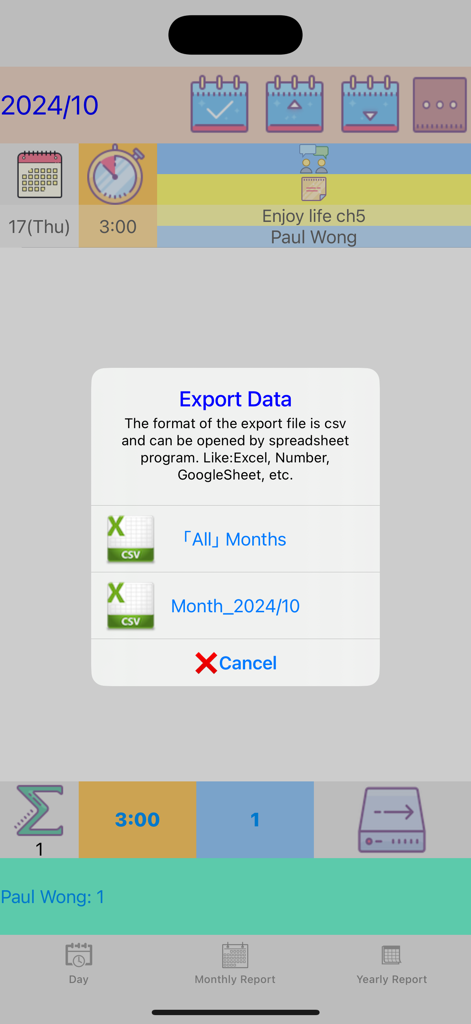
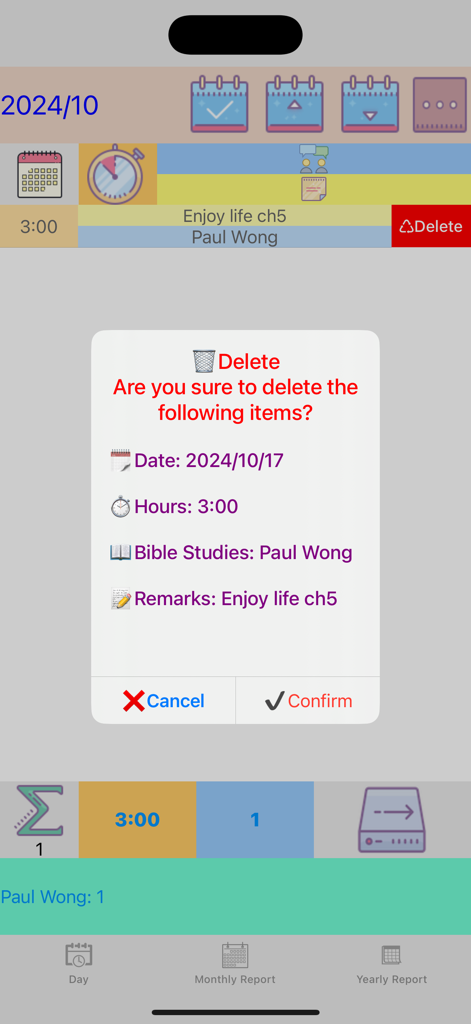
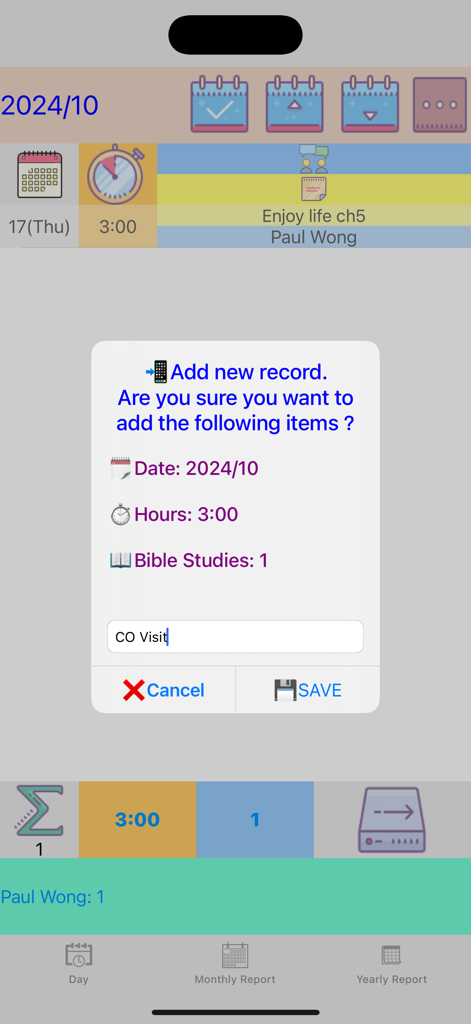
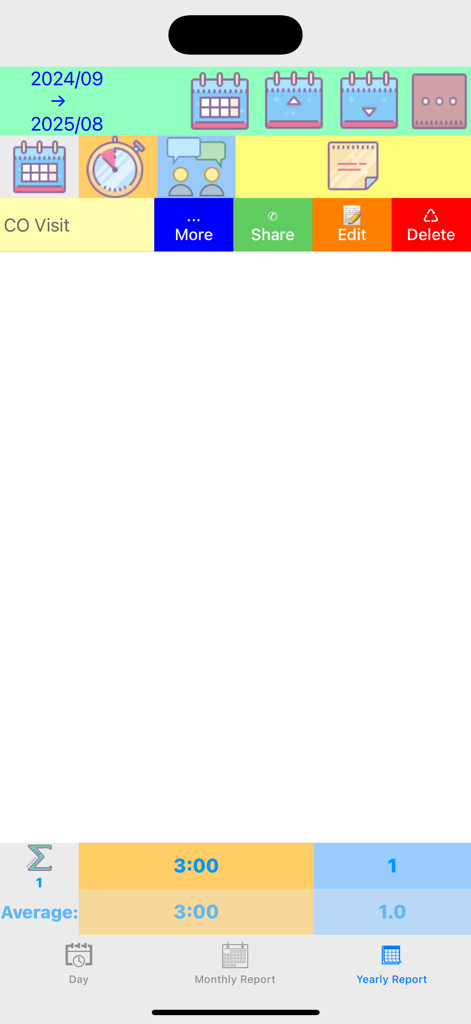
The tools that make this app stand out, trusted by 500 users.
Record your hours and Bible studies instantly. Never lose track of your progress and keep your records orderly and accurate.
Share your report directly to WhatsApp or export to Excel and Google Sheets to keep your overseer informed with zero friction.
Protect years of ministry history. Use Airdrop or Cloud to seamlessly restore your data when switching to a new iPhone or iPad.
Trusted by 500 people who love this app.
"This app has simplified my monthly reporting so much. As a regular pioneer, tracking my hours and Bible studies used to be a chore, but now I can log everything instantly and share my report via WhatsApp with my group overseer in seconds."
"The backup and restore features are a lifesaver. I recently upgraded my iPad and was able to move all my ministry records over seamlessly using Airdrop. It is the most reliable utility I have found for keeping my service organized."
Everything you need to know about Ministry Service Report.
Description
Latest Version
2.8
Size
3.7 MB
First Released
Aug 21, 2017
Join others who have simplified their monthly reporting. Track your hours and Bible studies with ease, and share your reports instantly via WhatsApp.
Everything you need to know about Ministry Service Report
The Ministry Service Report app provides an easy way to record preaching work, specifically tracking hours and Bible studies. It helps users manage their service records.
Ministry Service Report offers one-click backup and restore functionality for Monthly Report, Yearly Report, and Bible Student data. Users can transfer data via Airdrop or other methods.
Yes, Ministry Service Report exports data to popular spreadsheet programs like Excel, Numbers, and GoogleSheet. The export file format is CSV, allowing for further analysis.
Yes, Ministry Service Report supports sharing reports directly to WhatsApp on iPhone. This feature provides a convenient way to fill in and submit service reports.
"Monthly Report" within Ministry Service Report contains data recorded in the "Record" section. "Yearly Report" compiles data added from the "Monthly Report" for annual totals.
Ministry Service Report is intended for personal use. New users obtain the app by emailing huichiwing@me.com to request a redemption code for download.
Yes, Ministry Service Report allows users to add or modify remarks for individual daily records. A dedicated "Remarks" section captures additional notes for each entry.
Users record Bible studies within the Ministry Service Report app by navigating to the "Bible Studies" section on the main screen. They can add or manage individual students there.
Top-ranked apps in the same category

Google LLC

Google LLC

China Mobile Online Services Co., Ltd.

Google LLC

Servicos e Informacoes do Brasil

DEEP FLOW SOFTWARE SERVICES - FZCO

Servicos e Informacoes do Brasil

CHINA TELECOM Corporation Ltd.

Microsoft Corporation