MosaicEditor Video App



Effortlessly mask faces, license plates, and sensitive info with a simple touch. Track moving subjects perfectly so you can share your world safely on social media.
Publisher
Category
Photo & VideoDownloads
212K+User Rating
Total Ratings
3K+Locales
2Discover the interface used by 212K+ users.
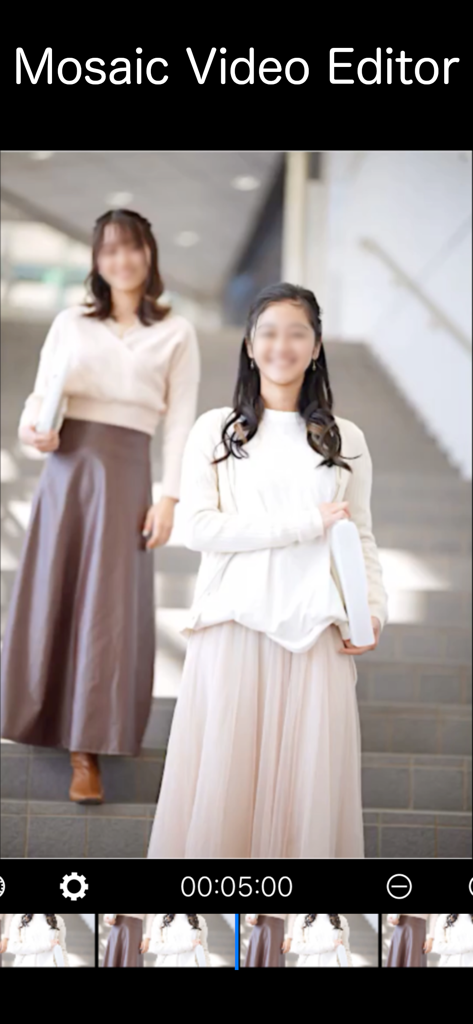
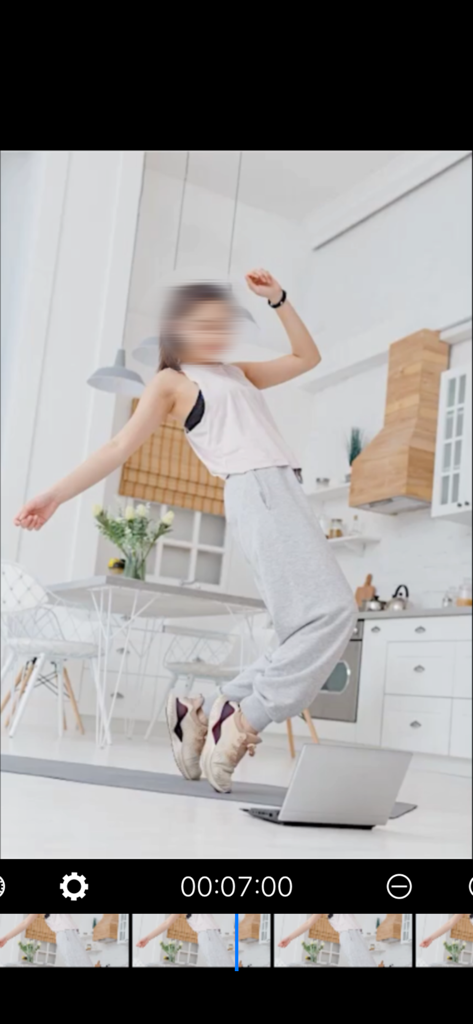
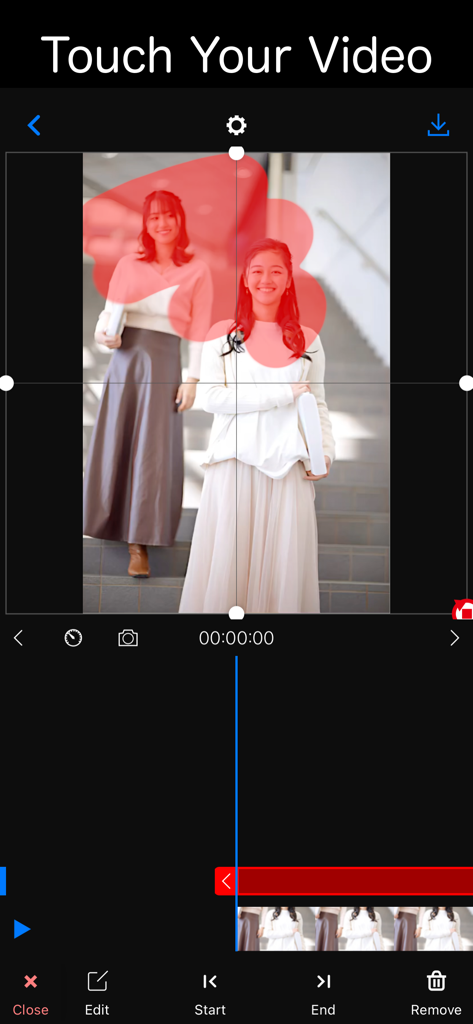
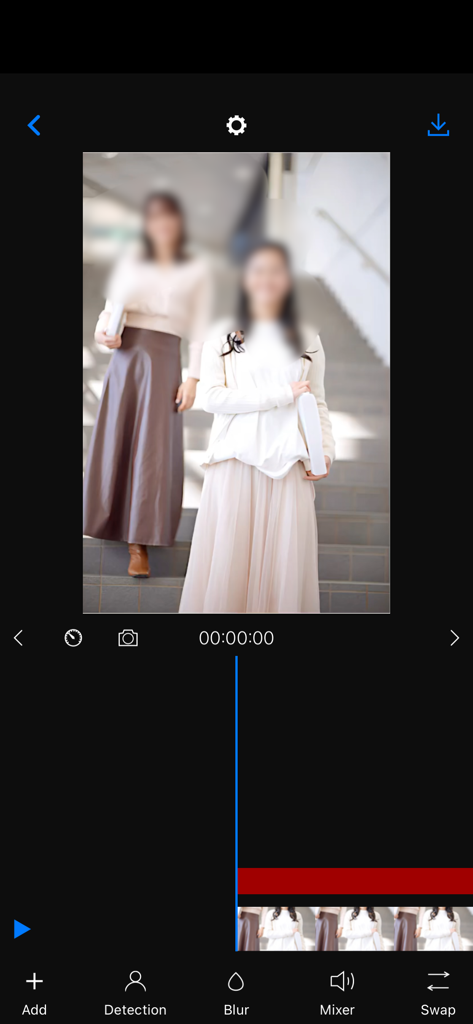
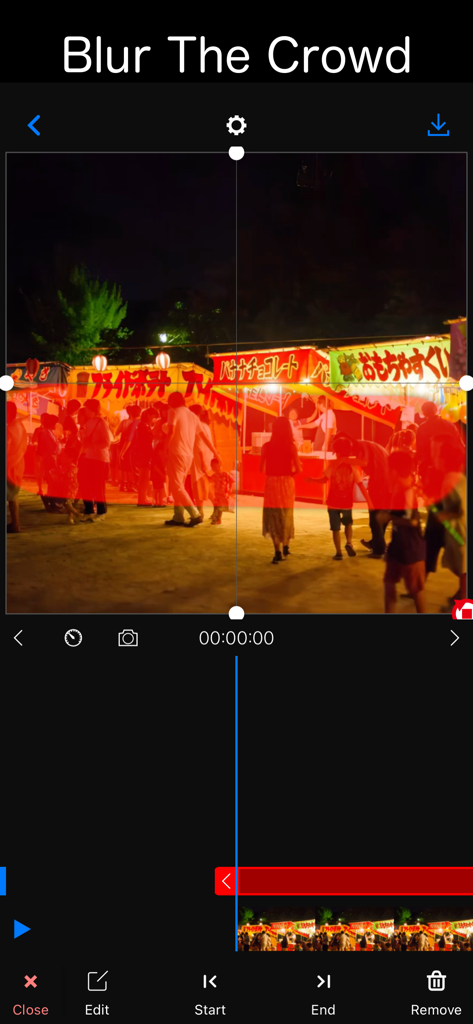
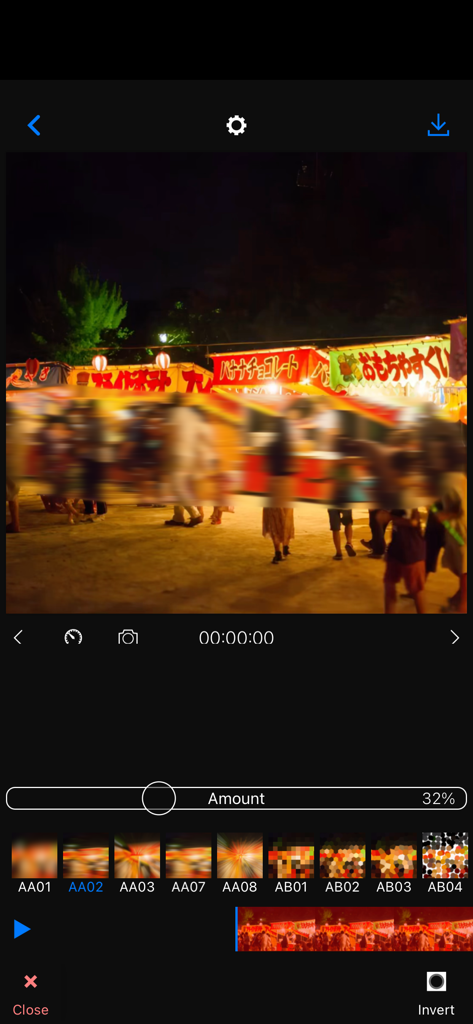
The tools that make this app stand out, trusted by 212K+ users.
Simply tap and touch the areas you want to hide. Our intuitive interface allows you to apply professional-grade mosaics in seconds.
Keep subjects hidden even when they move. Easily shift and adjust your masks to follow the action throughout your entire video.
Create multiple masks simultaneously to protect every child’s face or sensitive document in a single frame with total precision.
Trusted by 212K+ people who love this app.
"As a mom who loves sharing my kids' milestones on Instagram, I am always careful about other children's privacy. MosaicEditor is a lifesaver! It is so easy to just touch and blur faces in motion. It gives me total peace of mind before I hit post."
"I use this for my real estate walkthroughs to hide security panels and personal photos. The ability to move the mask with the subject is incredible for a mobile app. It saves me hours of editing on my desktop. A must-have utility for any professional."
Everything you need to know about MosaicEditor Video App.
Description
Latest Version
1.50.0
Size
29.2 MB
First Released
Jul 16, 2023
Join over 212,000 users who trust MosaicEditor to mask sensitive details in seconds. Secure your videos and share with total confidence.
Everything you need to know about MosaicEditor Video App
The MosaicEditor Video App is a video editing tool. It applies mosaic or blur effects to specific areas within videos, allowing users to adjust effect duration and position. Users can also create multiple masks and save their edited videos.
To add a mosaic or blur with the MosaicEditor Video App, first select a video. Then, tap the "+" button and touch the specific area where you want to apply the mosaic or blur effect.
Yes, you can adjust the timing of a mosaic effect in the MosaicEditor Video App. Users pull a label on the timeline to define when the mosaic starts and ends, providing precise control over its duration.
Yes, the MosaicEditor Video App allows users to trim, rotate, and flip videos as part of the editing process. These functions are available after video selection and before applying effects.
Yes, the MosaicEditor Video App supports creating multiple masking areas. Users can apply several masks and move them to track different subjects throughout the video, ensuring comprehensive coverage.
The final steps to save an edited video in the MosaicEditor Video App involve selecting your desired video size. Once confirmed, the application saves the completed video directly to your device's album.
Yes, the MosaicEditor Video App includes options for blurring crowds. Users can select and apply blur effects to large groups or specific areas within a video.
Yes, you can customize the blur style and intensity in the MosaicEditor Video App. The app offers an "Amount" slider to adjust intensity and provides various preset blur styles for selection.
Apps with similar features and user experience