MP3 Converter: Video to Audio

MP3 Converter: Video to Audio

Download on App Store
Spark by MWM logo
Logo of MP3 Converter: Video to Audio

MP3 Converter: Video to Audio – Extract High-Quality Sound Instantly

The fastest way to turn any web link, file, or screen recording into crystal-clear audio. Save storage, listen offline, and share your favorites seamlessly via AirDrop.

Publisher

Fitness Labs SRL

Category

Music

Downloads

1M+

User Rating

4.8/5

Total Ratings

25K+

Locales

1

The Magic in Action

Discover the interface used by 1M+ users.
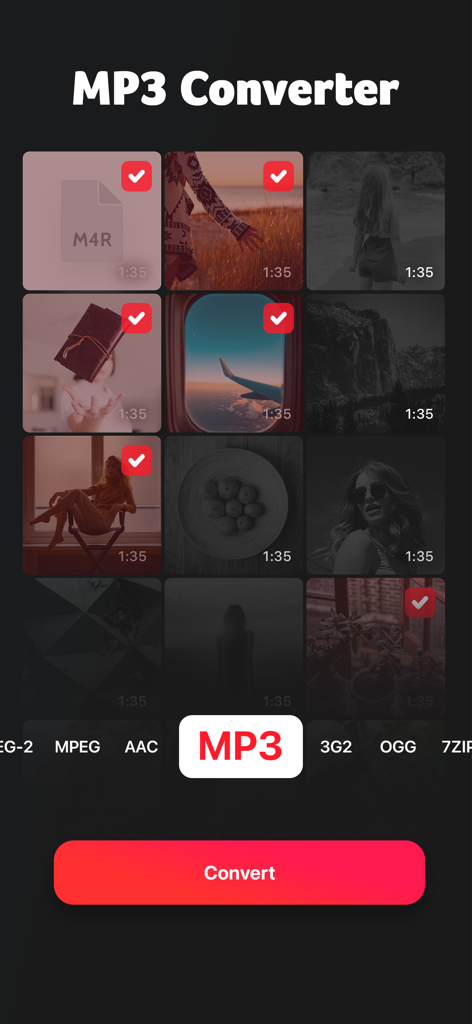
Interface of the MP3 Converter app showing selected videos and the option to convert them to MP3 format.

Interface of the MP3 Converter app showing selected videos and the option to convert them to MP3 format.

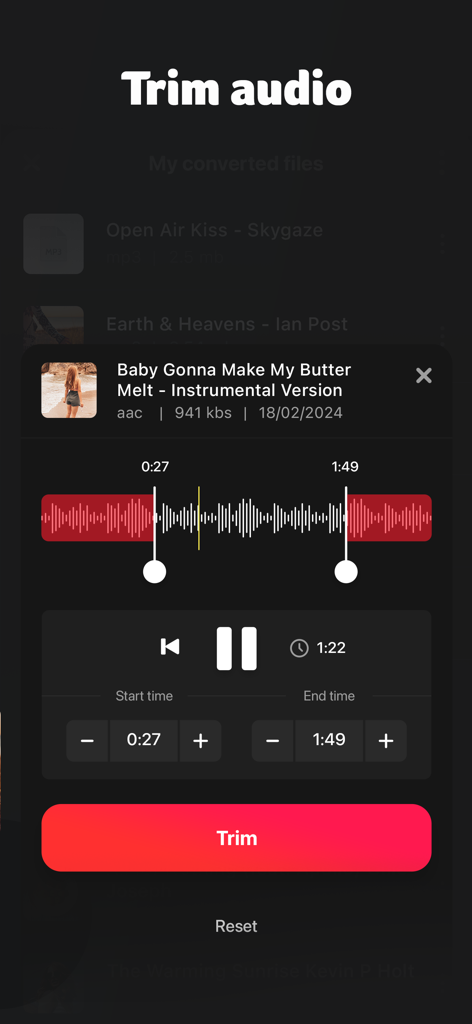
A screen showing the trim audio feature with an interactive waveform and time selection controls

A screen showing the trim audio feature with an interactive waveform and time selection controls

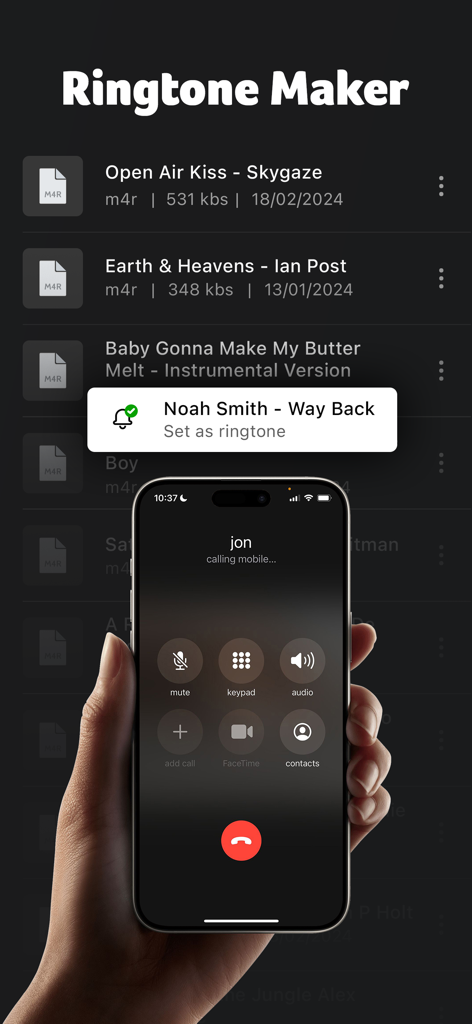
Ringtone maker interface on an iPhone displaying a list of audio files and an incoming call screen

Ringtone maker interface on an iPhone displaying a list of audio files and an incoming call screen

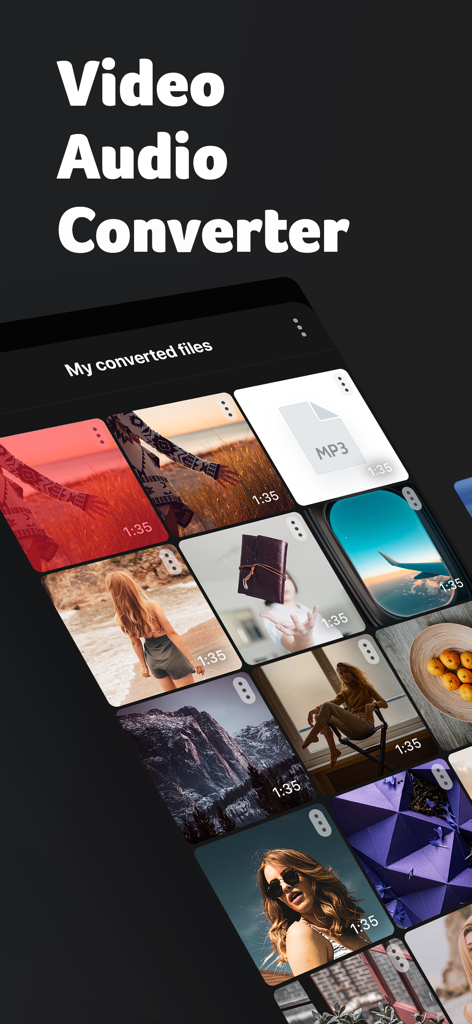
MP3 Converter app screen showing a collection of converted video and audio files

MP3 Converter app screen showing a collection of converted video and audio files

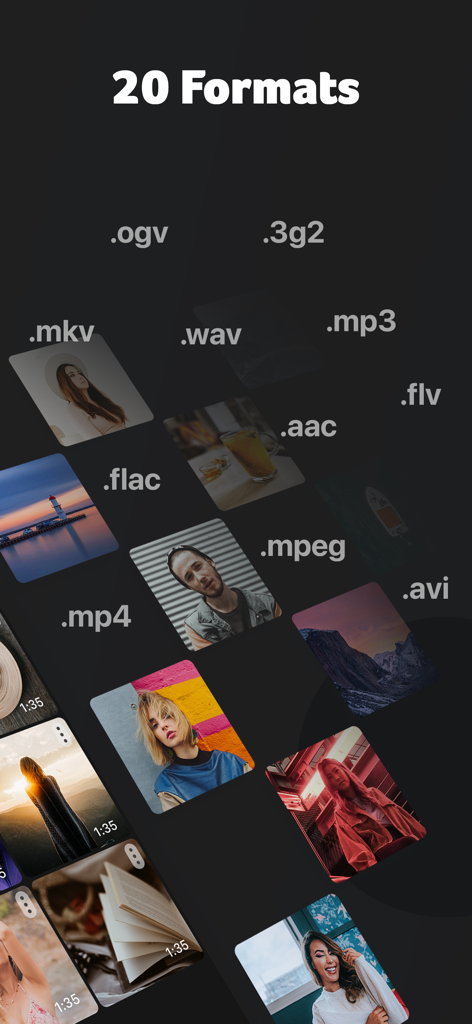
A display of 20 different video and audio file formats supported by the conversion app

A display of 20 different video and audio file formats supported by the conversion app

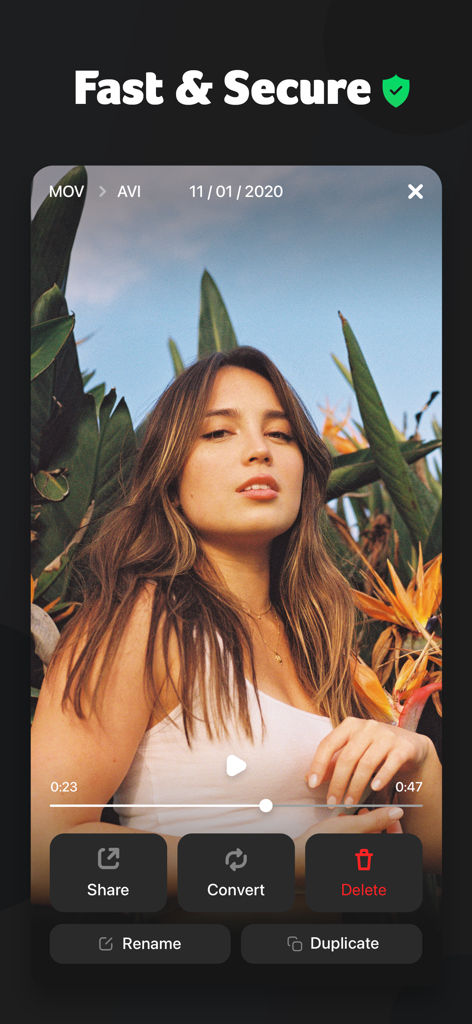
Interface of the MP3 Converter app showing options to share convert and delete a video file

Interface of the MP3 Converter app showing options to share convert and delete a video file

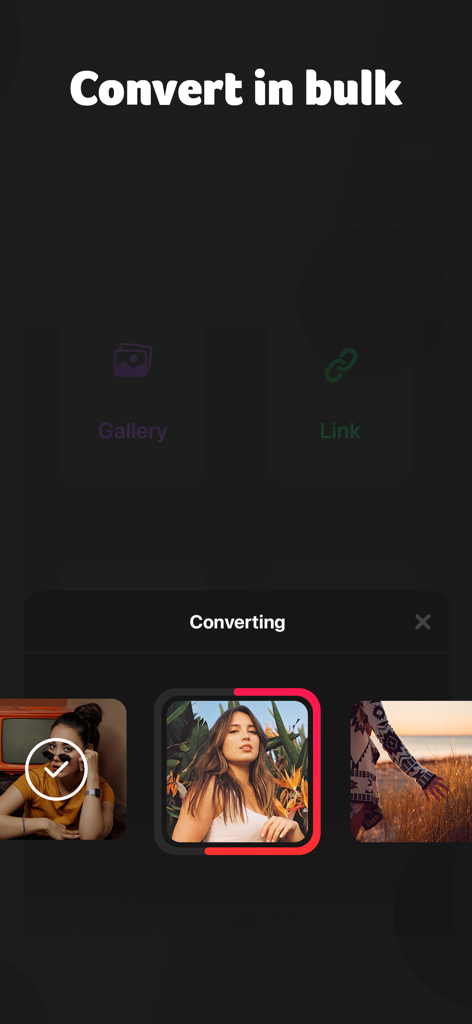
Interface of MP3 Converter app showing the bulk conversion feature with gallery and link import options

Interface of MP3 Converter app showing the bulk conversion feature with gallery and link import options

Turn Any Video into Pure Sound

The tools that make this app stand out, trusted by 1M+ users.

🔗

Convert from Web URLs

Grab audio from your favorite social platforms or websites just by pasting a link. No more tedious screen recording required.

📱

Seamless iOS Integration

Instantly share your tracks via AirDrop or save them to the Files app. Perfect for moving assets to your Mac for creative projects.

Pro Formats, Zero Hassle

Choose from MP3, FLAC, or WAV. Save massive storage space by converting bulky videos into lightweight, high-fidelity audio.

Loved by users worldwide

Trusted by 1M+ people who love this app.

"

"As an aspiring content creator, I'm constantly finding the perfect audio snippets in random videos. This app makes it incredibly easy to extract those sounds, convert them to high-quality WAV files, and AirDrop them to my Mac for editing. It has completely streamlined my workflow!"

Jordan K.
"

"I love listening to long video essays during my commute, but they take up way too much storage and data. This tool lets me convert my saved videos into MP3s in seconds, saving me tons of space on my iPhone. It's simple, fast, and exactly what I needed for my daily routine."

Elena M.

About the app

Everything you need to know about MP3 Converter: Video to Audio.

Description

An easy way to convert videos from all the popular formats. Simple and free to use. Install now! 1.Open the app. 2.Select the videos you want to convert from a web url, your local photos or the files app. 3.Preview the videos and select the desired conversion format. 4.Magic happens. 5.You get all your files converted in just a few seconds. Store them in the app or share them with your Mac via Airdrop. We support the following output formats: MP3, MP4, 3G2, AAC, AVI, FLAC, WAV, FLC, M4A, MPEG, MKV, OGV, OGA ---- We currently offer two auto-renewing subscription options: $9.99/year or $1.99/week By subscribing you get unlimited file conversions.Payment will be charged to iTunes Account at confirmation of purchase. Your subscription will automatically renews unless auto-renew is turned off at least 24-hours before the end of the current period. Your account will be charged for renewal within 24-hours prior to the end of the current period. Subscriptions may be managed and auto-renewal may be turned off by going to the Account Settings after purchase. No cancellation of the current subscription is allowed during active subscription period. Any unused portion of a free trial period, if offered, will be forfeited when the user purchases a subscription to that publication, where applicable For the Terms of service and privacy policy, please check: http://braincake.net/conv_privacy.html http://braincake.net/conv_terms.html

Latest Version

1.1.9

Size

38.7 MB

First Released

Jul 26, 2021

Ready to Turn Your Favorite Videos Into Audio?

Join over 1 million creators and music lovers extracting high-quality MP3s in seconds. Download now and start building your ultimate sound library.

Download on App Store
FAQ

Frequently Asked Questions

Everything you need to know about MP3 Converter: Video to Audio

How does MP3 Converter: Video to Audio work?

The MP3 Converter app allows users to select videos from web URLs, local photos, or the files app. Users preview videos, select a desired conversion format, and then convert them quickly.

What output formats does MP3 Converter: Video to Audio support?

MP3 Converter supports MP3, MP4, 3G2, AAC, AVI, FLAC, WAV, FLC, M4A, MPEG, MKV, OGV, and OGA output formats for video conversion.

Is the MP3 Converter app free to use?

The MP3 Converter app is initially simple and free to use for basic functions. Unlimited file conversions require an auto-renewing subscription.

What are the subscription options for MP3 Converter: Video to Audio?

MP3 Converter offers two auto-renewing subscription options: $9.99 per year or $1.99 per week, both providing unlimited file conversions.

Can users manage their MP3 Converter subscriptions?

Yes, users can manage their MP3 Converter subscriptions and turn off auto-renewal by accessing Account Settings after purchase.

Does MP3 Converter: Video to Audio include a ringtone maker?

Yes, the MP3 Converter app includes a Ringtone Maker feature, allowing users to create and set custom ringtones from converted audio files.

How can users import videos into MP3 Converter for conversion?

Users can select videos for conversion from a web URL, their local photos library, or directly from the files app.

Can the MP3 Converter app convert multiple videos simultaneously?

Yes, the MP3 Converter app supports converting multiple videos in bulk. Users select several files for conversion at once.

Where can users find the privacy policy for MP3 Converter?

The privacy policy for MP3 Converter: Video to Audio is available at http://braincake.net/conv_privacy.html.