
Music Editor Cut MP3 Converter



From viral TikTok sounds to custom ringtones, master your audio with millisecond precision. Join 2M+ creators who cut, mix, and convert video to MP3 effortlessly on the go.
Publisher
Category
MusicDownloads
2M+User Rating
Total Ratings
33K+Locales
23Discover the interface used by 2M+ users.
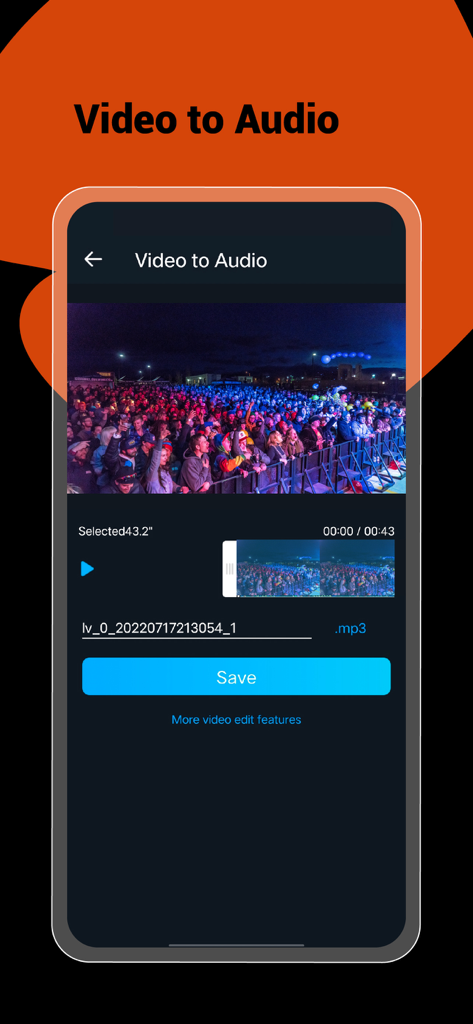
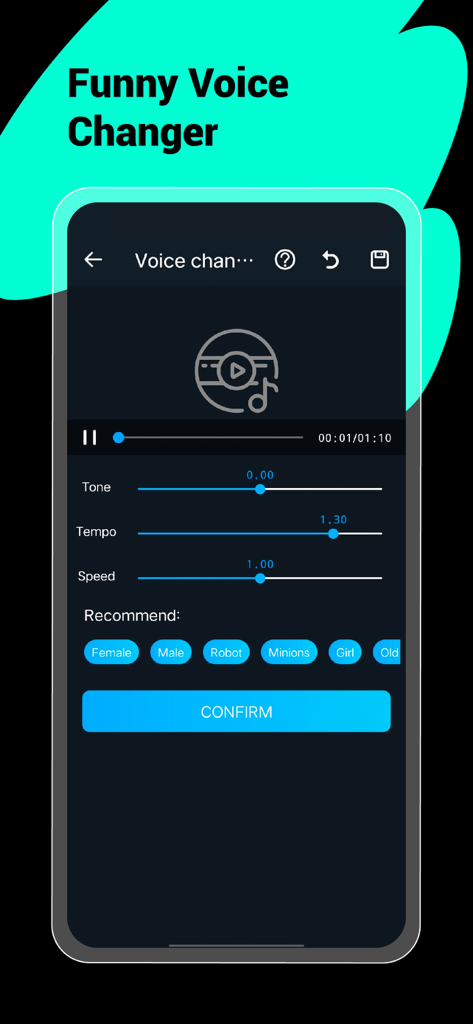
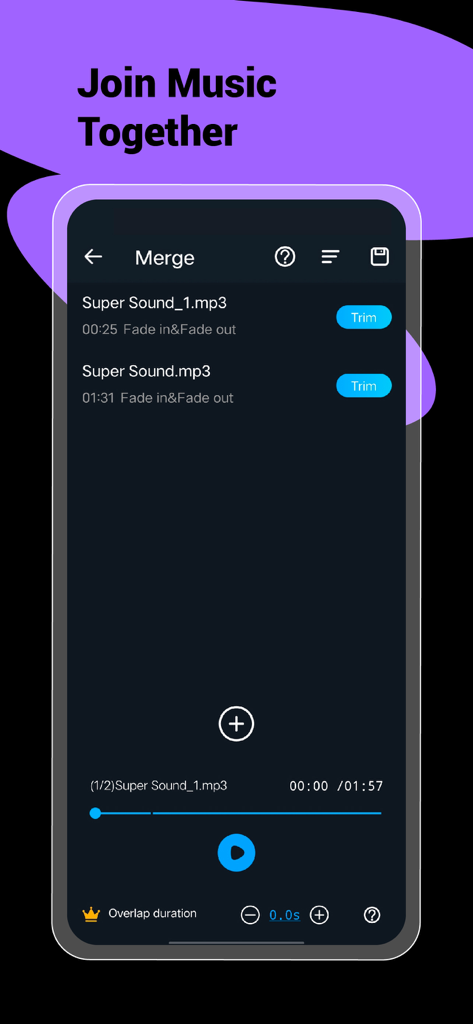
The tools that make this app stand out, trusted by 2M+ users.
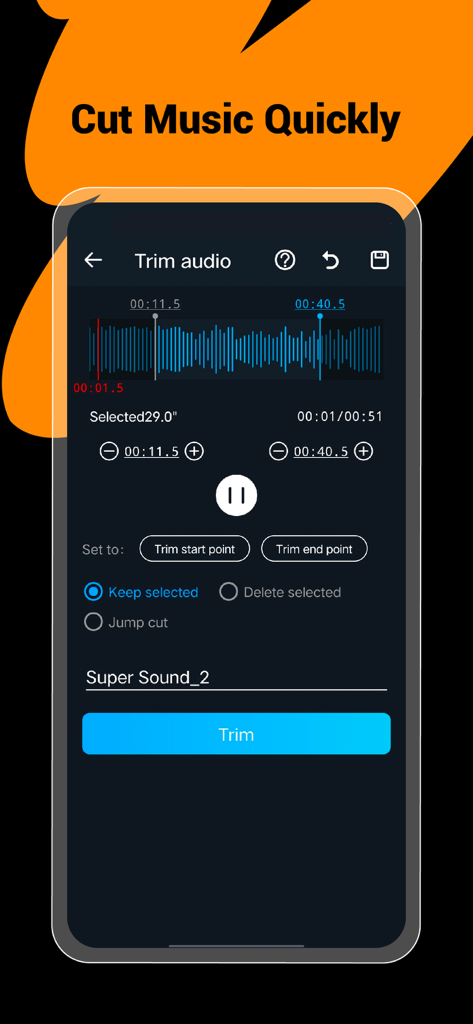
Cut audio with millisecond precision to create custom ringtones or extract the best part of any track in a single tap.
Found a sound you love on social media? Convert any video into high-quality audio instantly to repurpose for your own content.
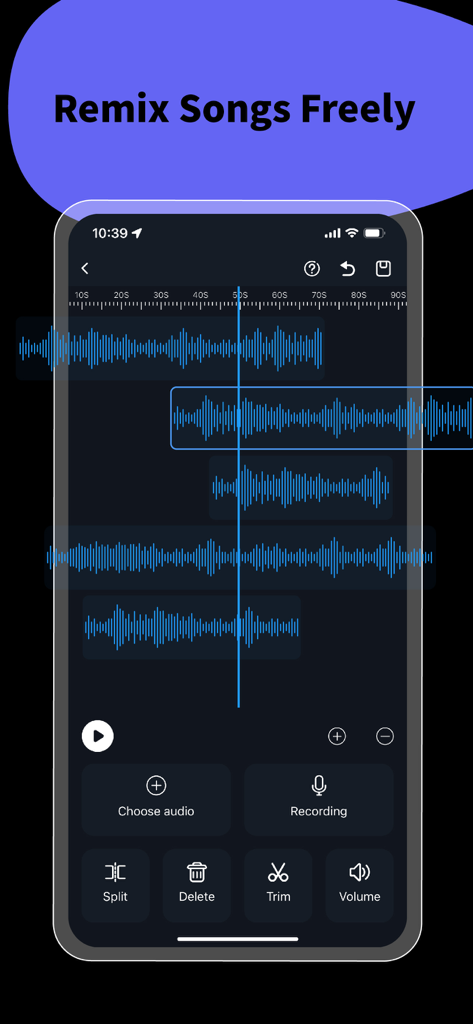
Transform your voice with fun filters or layer multiple tracks with ease. The ultimate toolkit for creators and social media influencers.
Trusted by 2M+ people who love this app.
"As a full-time content creator, this app is a lifesaver for my workflow. I can grab audio from any video, cut it to the exact millisecond, and mix tracks right on my phone. It is basically a professional studio in my pocket without the steep learning curve of desktop software."
"I was looking for a simple way to create custom ringtones and convert some old recordings to MP3. Not only did this app make it incredibly easy, but the batch editing feature saved me hours of work. The audio quality remains crystal clear even after compression."
Everything you need to know about Music Editor Cut MP3 Converter.
Description
Latest Version
1.4.29
Size
304.8 MB
First Released
Jan 31, 2023
Join over 2 million creators using the all-in-one mobile studio to cut, mix, and convert sounds with professional precision in just one click.
Everything you need to know about Music Editor Cut MP3 Converter
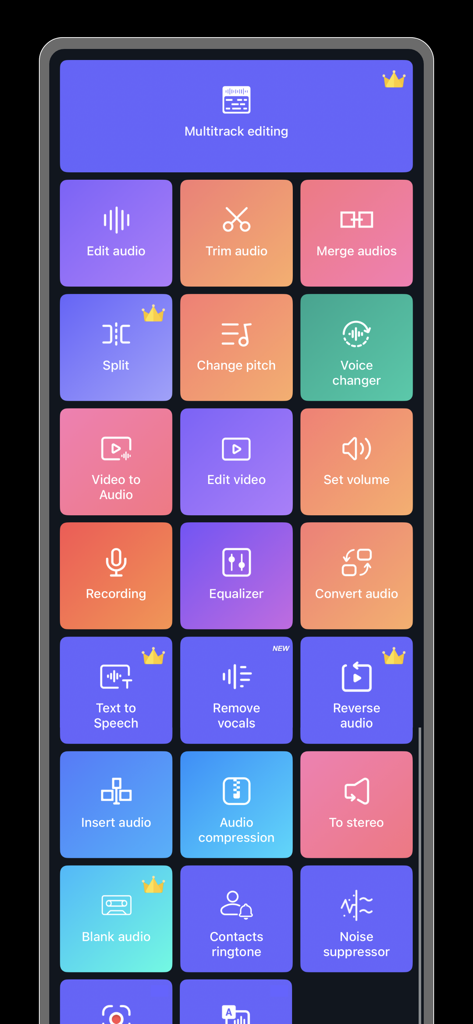
Music Editor Cut MP3 Converter, also known as Super Sound, is a powerful audio editor. It supports functions like audio editing, cutting, splicing, mixing, format conversion, and voice changing to create music and ringtones.
Yes, Music Editor Cut MP3 Converter converts video files to audio. This feature allows users to extract audio from videos and listen to them as desired.
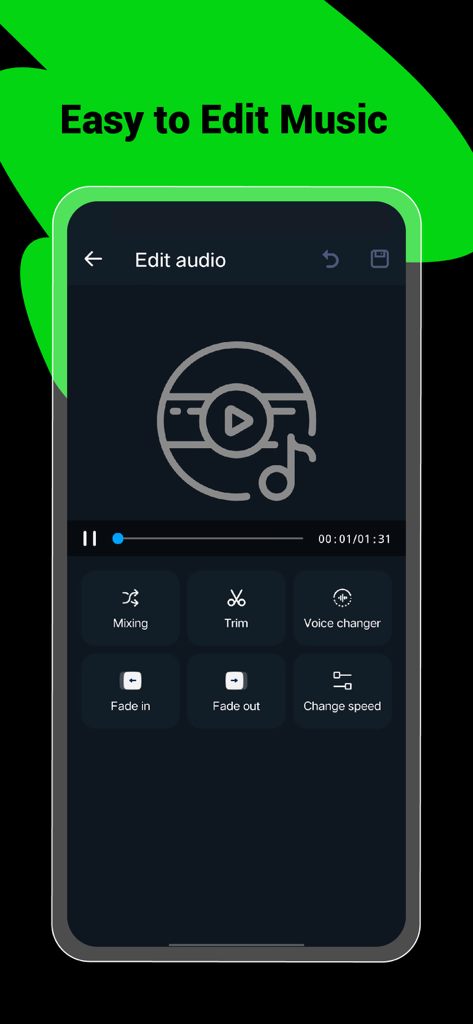
Yes, Music Editor Cut MP3 Converter offers a voice changer. Users can alter their voice to male, elderly, or robot, and customize tone, pitch, and speed for creative effects.
Music Editor Cut MP3 Converter provides audio mixing, fade in/out effects, volume adjustment, tone and tempo changes, and audio speed modification for comprehensive editing.
Music Editor Cut MP3 Converter enables precise audio cutting in milliseconds. Users can perform multiple cuts, save specific segments, or choose to keep or delete selected audio parts.
Yes, Music Editor Cut MP3 Converter supports splicing, which combines two or more audio files into a single track. This creates combined songs or audio compositions.
Music Editor Cut MP3 Converter supports various audio formats for conversion, including MP3, AAC, WAV, FLAC, M4A, and AMR, ensuring broad compatibility.
Yes, Music Editor Cut MP3 Converter operates on an auto-renewable subscription model. It offers both monthly and yearly subscription durations for users.
You can cancel your Music Editor Cut MP3 Converter auto-renewal subscription through your iPhone account settings. Cancellation must occur at least 24 hours before the current period ends.
Yes, Music Editor Cut MP3 Converter includes an equalizer feature. This allows users to apply various sound effects to customize their audio output.
Yes, Music Editor Cut MP3 Converter supports multitrack editing. This feature, indicated by a crown icon, allows users to layer and mix multiple audio streams simultaneously.
Yes, Music Editor Cut MP3 Converter enables users to create ringtones. You can set your edited audio files as personalized ringtones directly within the app.
Recent additions to the Music Editor Cut MP3 Converter app include 'Remove vocals' and 'Noise suppressor,' marked as new features in the main interface.
Apps with similar features and user experience

苏娟 陈

Shenzhen Chuangyuan Huaqi technology Co., LTD

Appflow Software - FZCO

BUD TECHNOLOGIES, PTE. LTD.

TOWER OF HANOI SOFTWARE COMPANY LIMITED

Oleksandr Pylaiev

迪刚 宋

Ion Danilov

TwinBit Ltd