
MyCareLink Heart™



Gain peace of mind with automatic remote monitoring for your Medtronic heart device. Securely send health data to your doctor through your smartphone, giving you the freedom to travel and live your life with confidence.
Publisher
Category
MedicalDownloads
476K+User Rating
Total Ratings
1K+Locales
16Discover the interface used by 476K+ users.
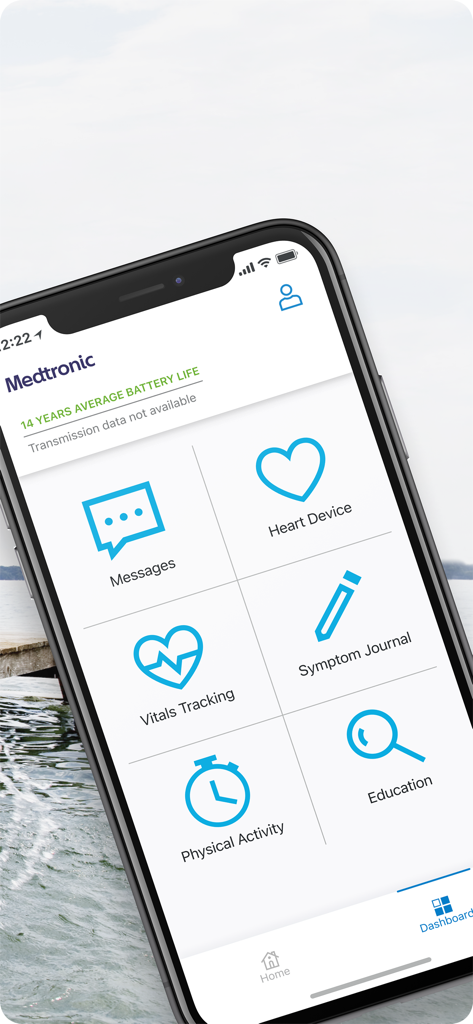
The tools that make this app stand out, trusted by 476K+ users.
No manual steps required. Your device securely sends vital information to your doctor automatically, keeping your clinic informed without the effort.
Take your peace of mind with you. Whether visiting family or traveling, your remote monitoring works wherever cellular or Wi-Fi is available.
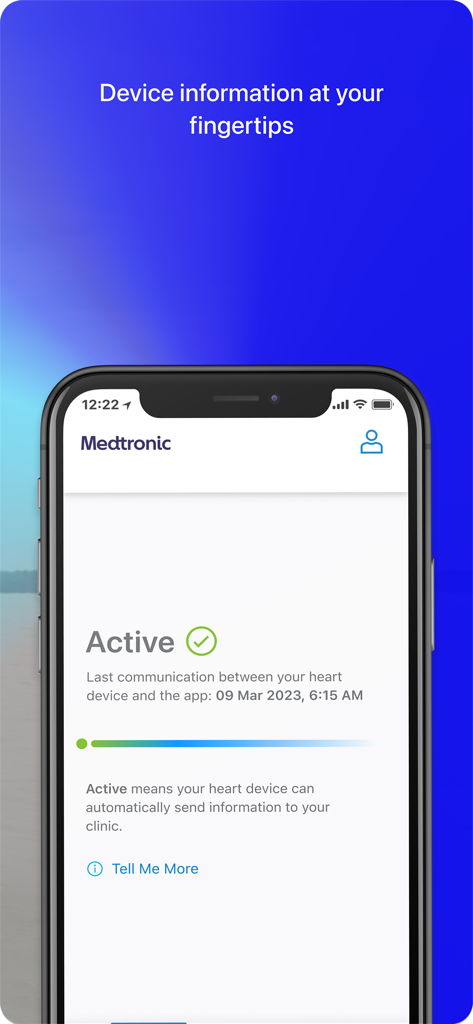
Easily confirm your device is connected and view your transmission history for daily reassurance that your heart health is being monitored.
Trusted by 476K+ people who love this app.
"Since I started using the MyCareLink Heart app, I’ve been able to travel across the country to visit my grandkids without worrying about missing a heart check-up. The Bluetooth sync is seamless, and it gives me so much peace of mind knowing my clinic receives my data automatically while I'm on the road."
"Living in a rural area made frequent clinic visits a real challenge for me. This app has been a complete lifesaver. It is very easy to use, even for someone who isn't a tech expert, and I love seeing the confirmation that my device is connected and my health data is sent safely to my doctor."
Everything you need to know about MyCareLink Heart™.
Description
Latest Version
4.3.1
Size
267.1 MB
First Released
Jul 30, 2018
Download the MyCareLink Heart™ app today for automatic, secure heart device monitoring and the peace of mind you deserve.
Everything you need to know about MyCareLink Heart™
The MyCareLink Heart™ app enables patients with compatible Medtronic heart devices and Bluetooth® wireless telemetry to perform remote monitoring. It automatically sends heart device data to their clinic via the Medtronic CareLink™ network.
Yes, patients with Medtronic heart devices featuring Bluetooth® wireless telemetry can use the MyCareLink Heart™ app. Users must first confirm enrollment in the Medtronic CareLink™ network with their doctor to get started.
The MyCareLink Heart™ app uses Bluetooth® wireless telemetry to connect to your heart device. It automatically transmits information to your clinic through the Medtronic CareLink™ network when cellular or Wi-Fi is available.
Yes, the MyCareLink Heart™ app has specific phone or tablet and operating system (OS) version requirements. These requirements may change over time, potentially requiring device or OS updates for data transfer functionality.
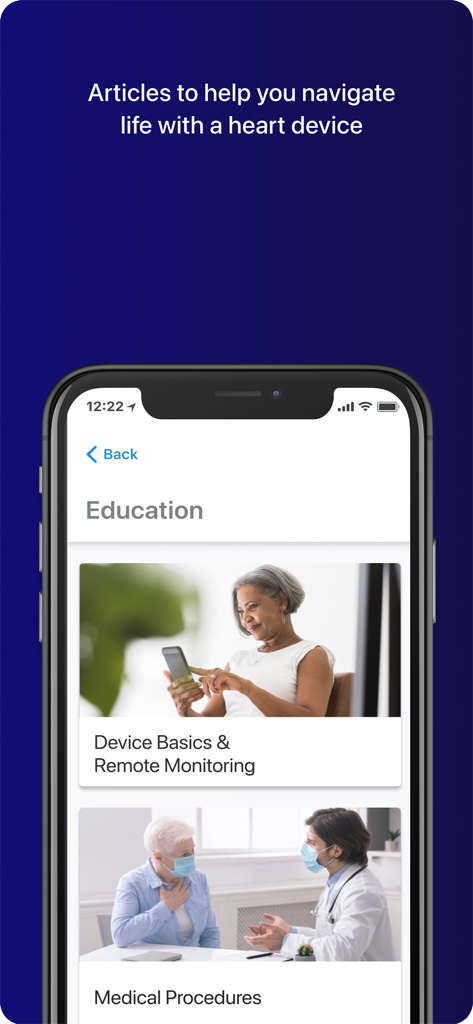
The MyCareLink Heart™ app offers features such as Messages, Heart Device details, Vitals Tracking, Symptom Journal, Physical Activity monitoring, and Education. It also displays the average battery life of the device.
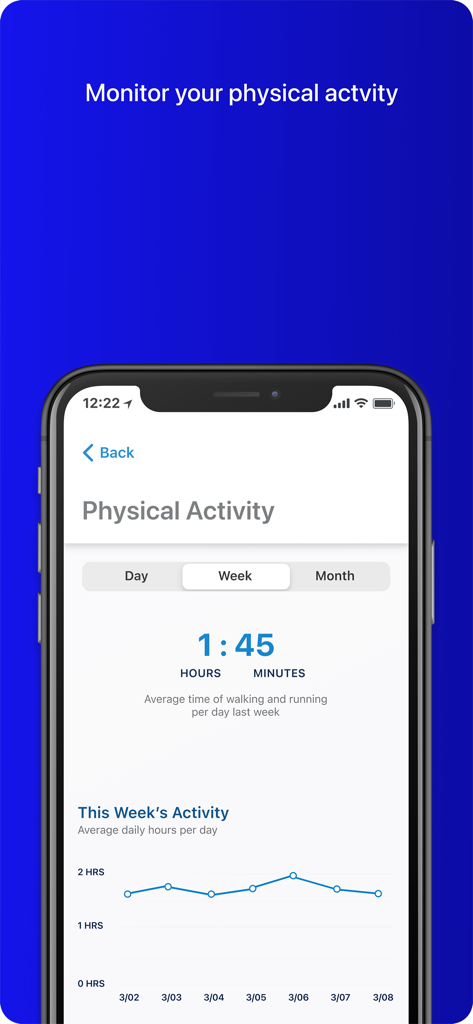
Yes, the MyCareLink Heart™ app allows users to monitor their physical activity. It tracks the average daily time spent walking and running, with data viewable by day, week, or month.
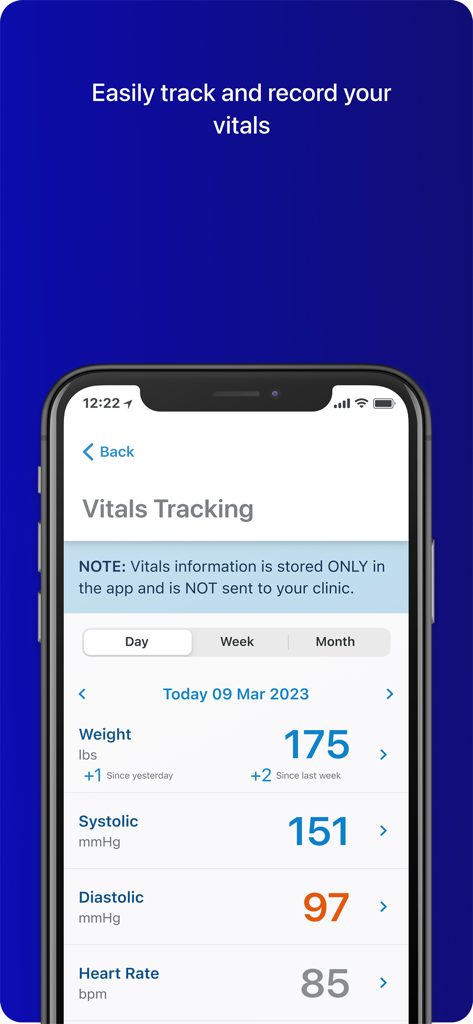
No, vitals information such as weight, systolic/diastolic blood pressure, or heart rate, tracked within the MyCareLink Heart™ app, is stored only within the app and is not sent to your clinic.
The MyCareLink Heart™ app actively communicates with the heart device to automatically send information to the clinic. The app clearly displays the date and time of the last successful communication.
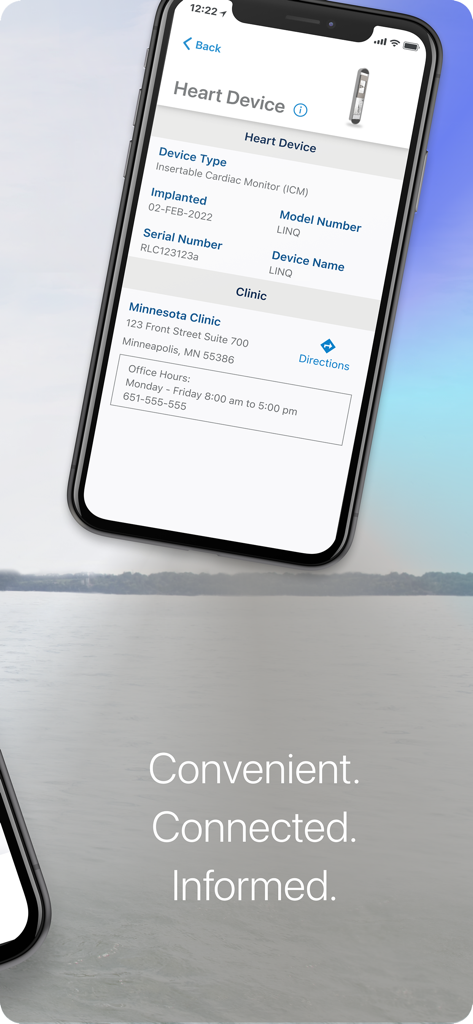
The MyCareLink Heart™ app displays essential information about your implanted heart device. This includes the device type (e.g., Insertable Cardiac Monitor), model number, serial number, and the implantation date.
Apps with similar features and user experience

Accredo Health Group, Inc

Galderma Laboratories, L.P.

RESMED LTD.

Humana Inc.

ADAPTHEALTH CORP

Lincare Holdings Inc.

CVS Pharmacy

Alcon Vision, LLC

Trice Imaging, Inc.
