
NDI Capture: Screen Sharing



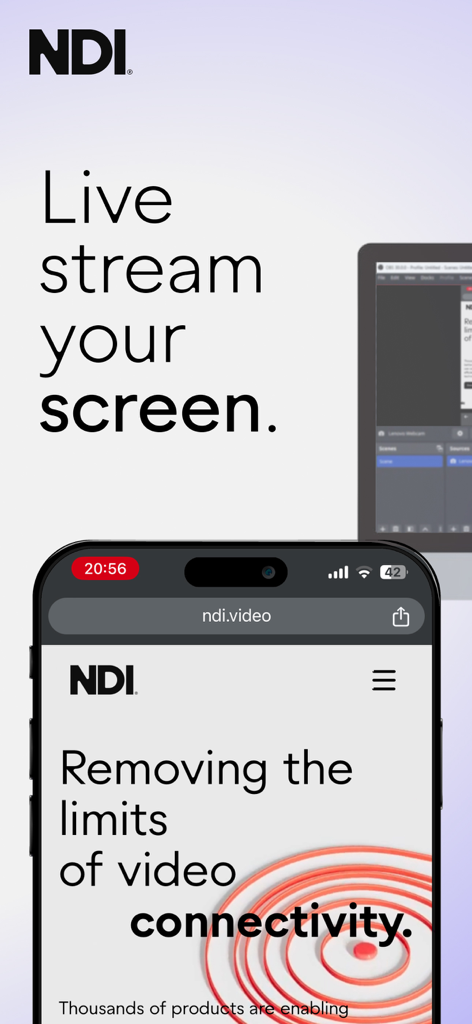
Seamlessly integrate your iPhone or iPad into your production workflow. Stream high-quality video directly to OBS, vMix, and TriCaster with official NDI® technology and advanced network configuration.
Publisher
Category
Photo & VideoDownloads
219K+User Rating
Total Ratings
100Locales
7Discover the interface used by 219K+ users.
The tools that make this app stand out, trusted by 219K+ users.
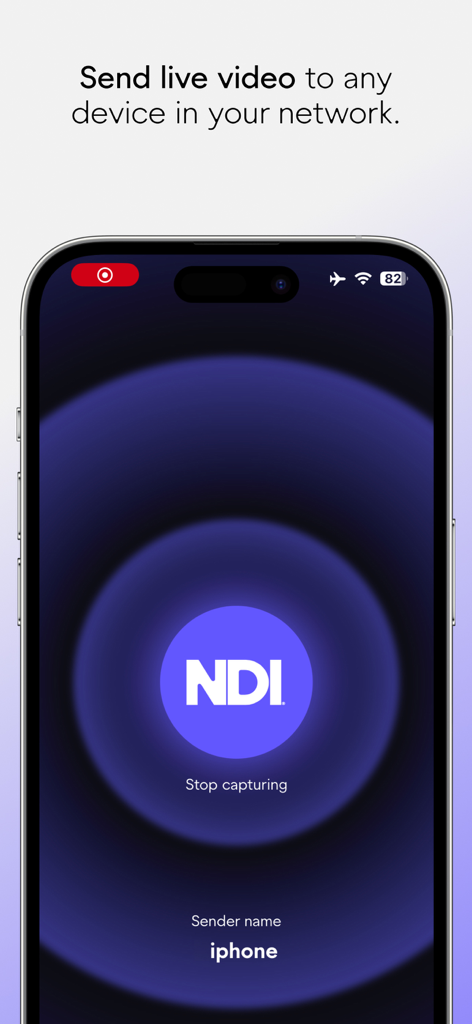
Stream your mobile screen in near real-time. The official NDI protocol ensures the lag-free performance required for gaming and live production.
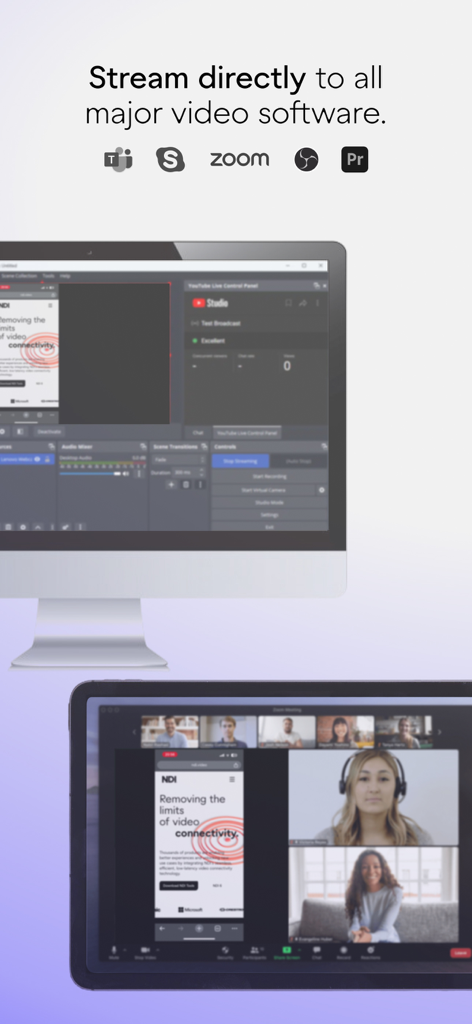
Connect instantly to OBS, vMix, or TriCaster. Turn your device into a wireless high-definition source without expensive capture cards.
Take command with NDI Grouping, personalized sender names, and custom transport protocols for complex production environments.
Trusted by 219K+ people who love this app.
"NDI Capture is a total game-changer for my mobile gaming streams. I used to struggle with laggy capture cards and messy cables, but now I can beam my iPhone screen directly into OBS with zero noticeable latency. The interface is clean and it works flawlessly every time."
"As an AV technical director, I need tools that just work. This app provides the most stable wireless screen sharing I've found for our live event broadcasts. The ability to customize NDI groups and transport protocols makes managing multiple feeds on our network incredibly simple and professional."
Everything you need to know about NDI Capture: Screen Sharing.
Description
Latest Version
1.9
Size
5.6 MB
First Released
Mar 24, 2020
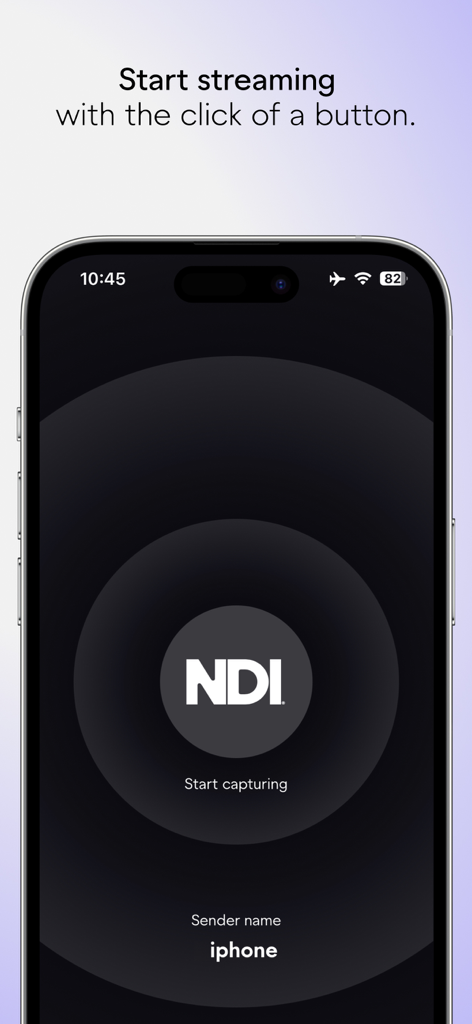
Download the official NDI Capture app and join 200,000+ creators who turn their iPhone into a high-performance, low-latency broadcast source with just one tap.
Top-ranked apps in the same category

BYTEDANCE PTE. LTD.

Instagram, Inc.

Google LLC

Canva Pty Ltd

Snap, Inc.

Beijing Kwai Technology Co., Ltd.

Instagram, Inc.

Xiamen Meitu Technology Co., Ltd.

Google LLC