NDI Monitor

NDI Monitor

Download on App Store
Spark by MWM logo
Logo of NDI Monitor

NDI Monitor: Professional IP Video Monitoring for Live Production

Turn your iPad or iPhone into a high-performance portable confidence monitor. Seamlessly access NDI and HX2/3 streams across subnets with pro features like autocue flip and 9x16 vertical support.

Publisher

Mark Gilbert

Category

Photo & Video

Downloads

142K+

User Rating

2.8/5

Total Ratings

100

Locales

1

Professional Monitoring Anywhere

Discover the interface used by 142K+ users.
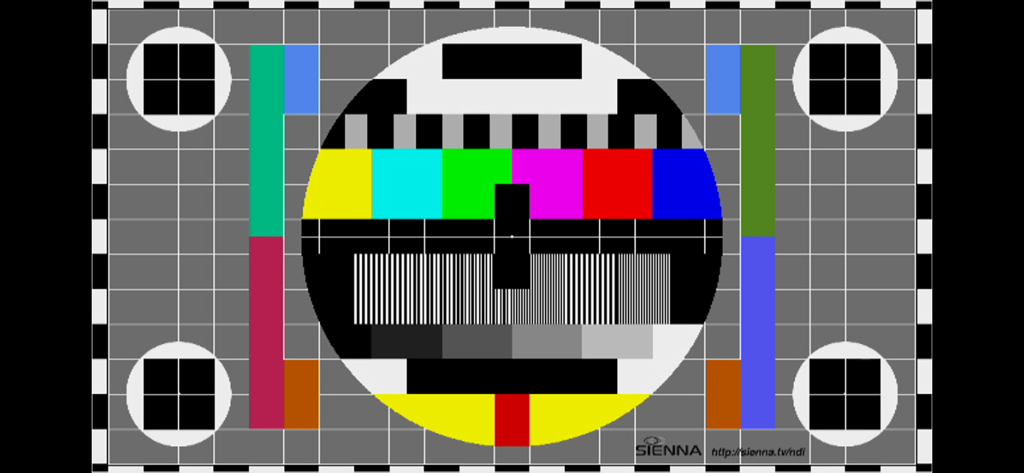
A professional video test pattern for broadcast calibration

A professional video test pattern for broadcast calibration

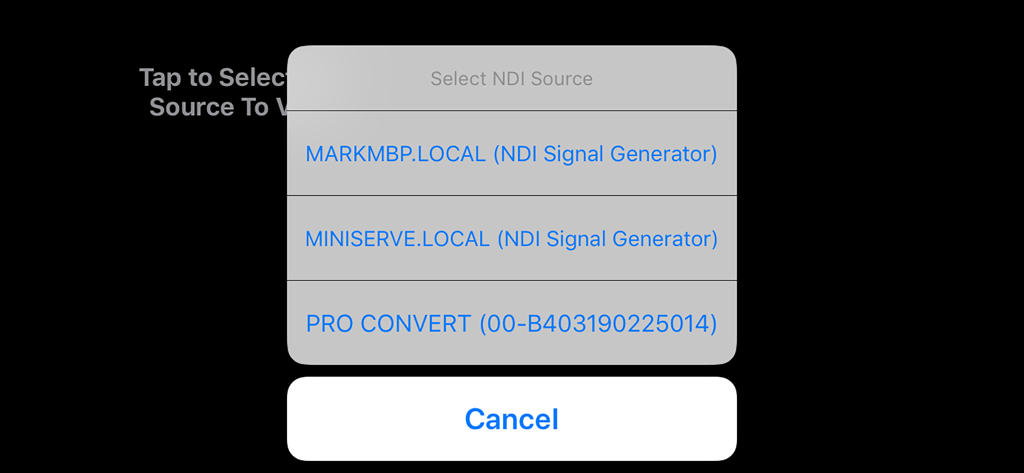
Interface of the NDI Monitor app showing a popup menu to select available NDI video sources on the local network.

Interface of the NDI Monitor app showing a popup menu to select available NDI video sources on the local network.

Professional Monitoring in Your Pocket

The tools that make this app stand out, trusted by 142K+ users.

📺

Portable Confidence Monitoring

Ditch the heavy cables. Access high-resolution NDI sources across local subnets and remote IPs to monitor your production anywhere on the studio floor.

🤳

Native 9x16 Vertical Support

Stay ahead of social media trends. Monitor portrait-mode streams natively for TikTok and Instagram production workflows with full resolution control.

🔄

Pro Teleprompter & Autocue

Maximize your hardware utility. Use the integrated video flip feature to transform any iPad into a professional teleprompter via your existing NDI network.

Loved by users worldwide

Trusted by 142K+ people who love this app.

"

"As a live stream producer, mobility on set is everything. This app transforms my iPad Pro into a high-quality reference monitor without the clutter of SDI cables. The native 9x16 support is a total game-changer for our vertical social media broadcasts, allowing me to monitor remote feeds with professional precision."

David Miller, Freelance Broadcast Engineer
"

"NDI Monitor has become a staple in our corporate studio workflow. The video flip feature for autocue makes setting up teleprompters over our IP network incredibly simple. It is a robust, professional tool that handles HX3 streams perfectly, providing our team with the flexibility we need during complex live events."

Sarah Chen, Media Production Director

About the app

Everything you need to know about NDI Monitor.

Description

Professional NDI Monitor from global IP Video leaders Sienna. NDI sources on your local subnet are presented in a pop up menu to select, when you tap on the screen. If you enter additional 'NDI Access' IP Addresses from other subnets into the system prefs panel for NDI Monitor, those NDI sources may also be accessed. Includes support for NDI Discovery server (see app settings), resolution control, video flip for autocue and control of NDI network Protocol for reliability. A preference allows 9x16 streams to be shown in portrait mode for social media production workflows. Notes: A very stable WIFI connection, or a wired ethernet connection are required for smooth playback of NDI Streams. Using a directional WIFI antenna and using the sweet spot of your wifi can help. If you experience glitching of audio or dropped video frames, the problem is very likely a wifi connection which is insufficiently stable to support smooth NDI video to iOS - in this case please try a wired ethernet to lightning adaptor. You should not expect perfect performance when selecting Hi Resolution NDI - which is offered as an experimental mode for users with very fast devices, on very fast, clean network connections. In some cases you may see great results in hi res. There are preferences in the System Settings app for NDI Monitor to setup application options. You can also use the app NDI Scanner as a stream selector - it will open NDI Monitor when you click on a selected stream. You can also now set the NDI Device name, required for multi device operations with iOS17 NB. This app does not support NDI | HX1 format streams - only NDI full bandwidth format or NDI HX2/3 Set the "NDI Device Name" in the app settings if you are using multiple devices on the same network - to give them unique names.

Latest Version

6.02

Size

7.6 MB

First Released

May 1, 2019

Take Command of Your NDI Workflow Anywhere

Join thousands of broadcast professionals using Sienna’s industry-leading monitor for mobile confidence feeds, vertical social media production, and professional autocue.

Download on App Store