
OBS Controller



The minimalist mobile remote for creators and professionals. Control your scenes, toggle sources, and manage audio effortlessly from your iPhone or iPad—no expensive hardware required.
Publisher
Category
Photo & VideoDownloads
31K+User Rating
Total Ratings
100Locales
1Discover the interface used by 31K+ users.
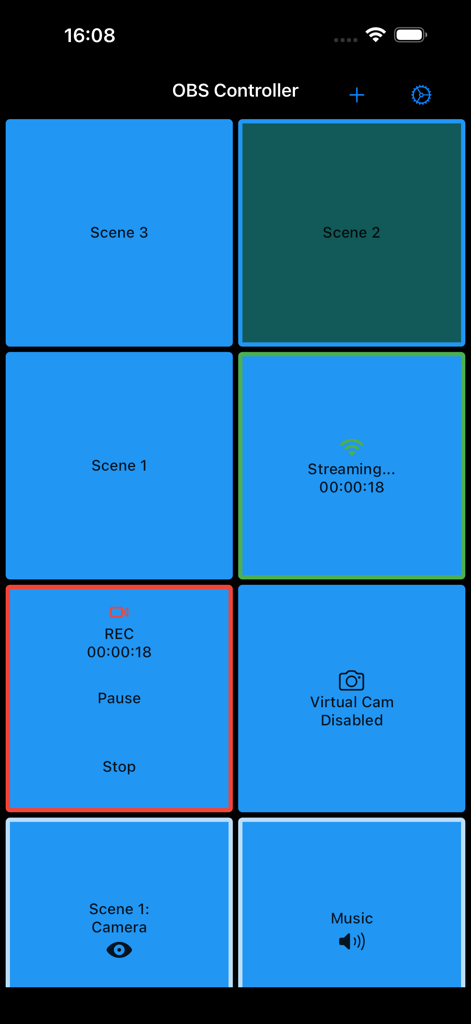
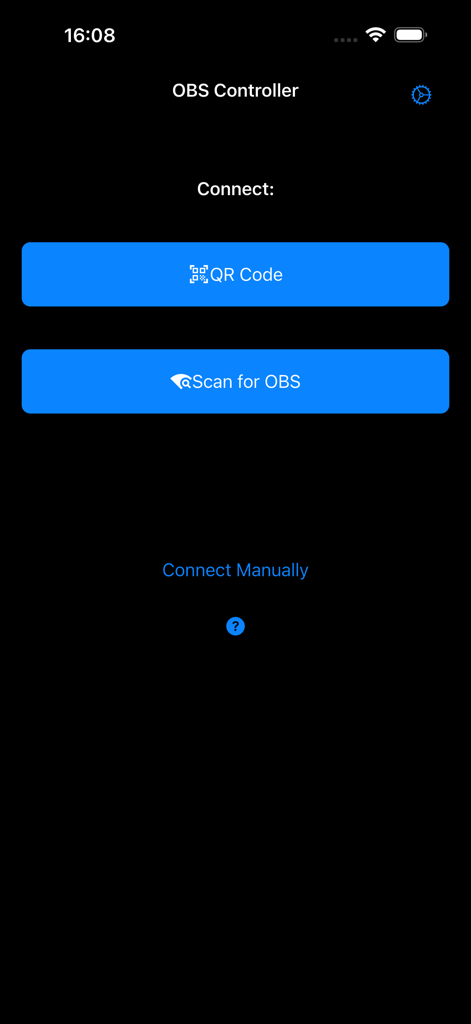
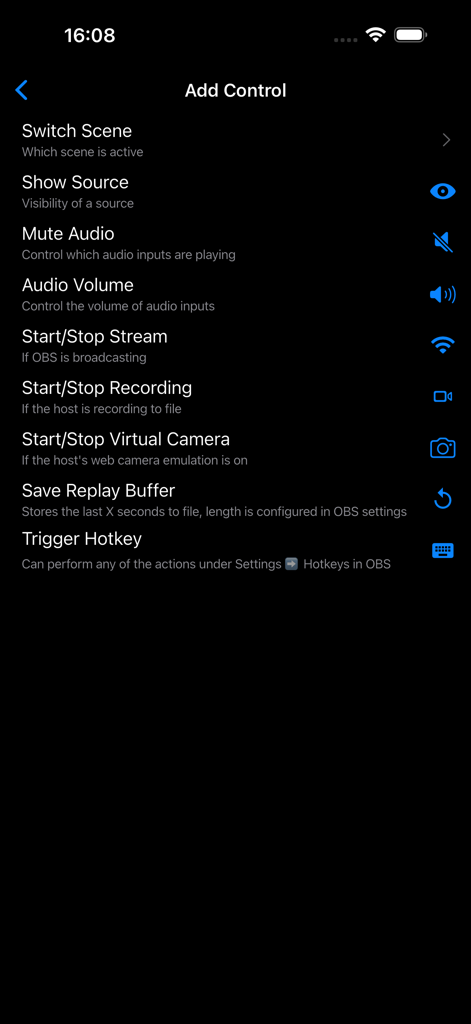
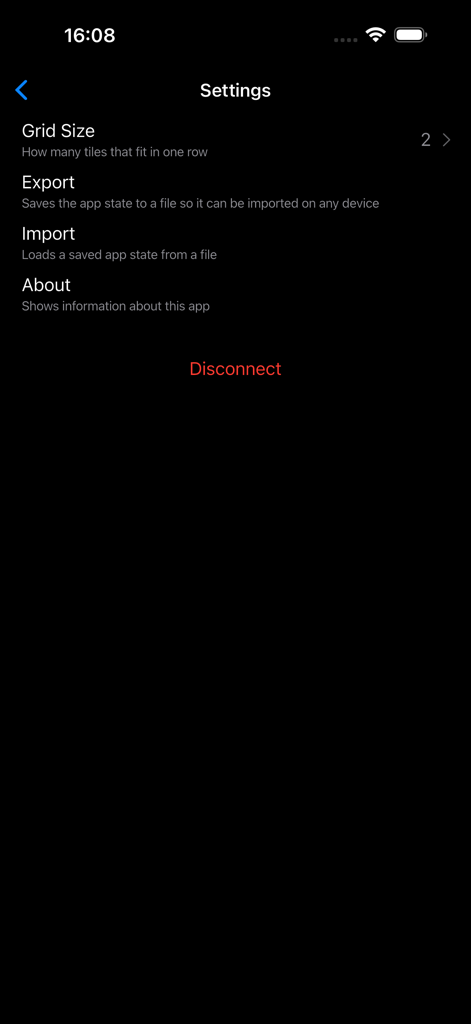
The tools that make this app stand out, trusted by 31K+ users.
Transition between gameplay, 'Just Chatting', and overlays instantly. Stop alt-tabbing and keep your focus on your audience while your mobile device handles the heavy lifting.
Mute your mic, trigger alerts, or hide specific scene elements with a single tap. Complete control over your broadcast's production value right at your fingertips.
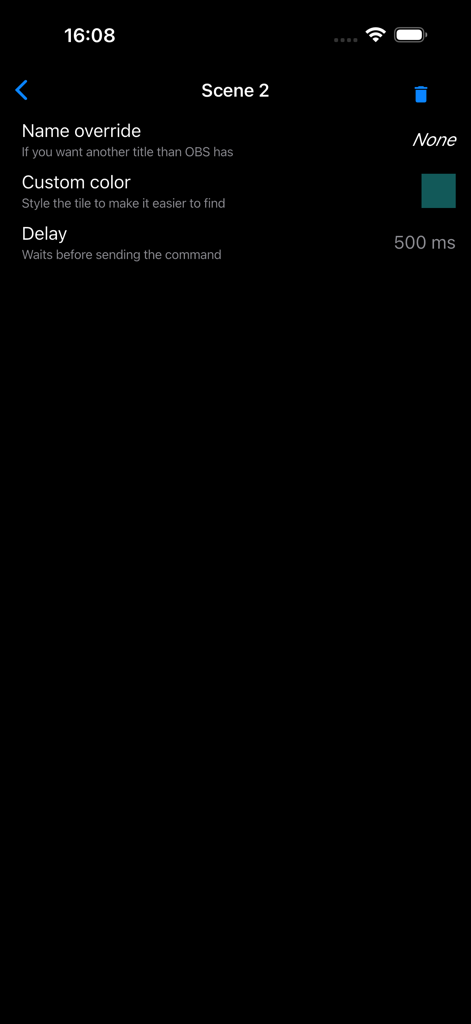
Eliminate amateur transitions. Configure custom command delays to perfectly align your scene switches with your camera's natural lag for a flawless, high-end broadcast look.
Trusted by 31K+ people who love this app.
"As an aspiring streamer on a budget, I couldn't justify $150 for a physical macro pad. This app is a total game-changer. It transformed my iPhone into a professional control center, allowing me to switch scenes and mute my mic instantly without ever having to Alt-Tab out of my game. The interface is clean, and the latency is non-existent."
"I use OBS Virtual Camera for all my remote workshops, and this app has made my presentations so much smoother. The ability to configure a command delay is brilliant—it keeps my scene transitions perfectly synced with my camera feed. It’s simple, reliable, and honestly feels more intuitive than the complex remote apps I’ve tried before."
Everything you need to know about OBS Controller.
Description
Latest Version
0.11.0
Size
28.8 MB
First Released
Feb 16, 2021
Join 30,000+ creators who've ditched the expensive hardware for a simpler way to switch scenes. Download OBS Controller and take command of your broadcast today.
Everything you need to know about OBS Controller
The OBS Controller app connects to OBS via QR code, by scanning for OBS, or through manual connection. OBS v28 and later work out of the box; earlier versions require the obs-websocket plugin.
The OBS Controller app allows users to switch scenes, control streams, recordings, and virtual camera output. It also hides unwanted scenes, shows/hides scene elements, and mutes audio sources.
Yes, OBS Controller directly controls your stream, recording, and virtual camera output. It provides specific controls to start/stop broadcasting, recording, and virtual camera functions.
Yes, the OBS Controller app can mute individual audio sources and control audio input volume. This functionality is available directly within the app's control interface.
Yes, OBS Controller allows users to configure a delay for commands. This feature helps synchronize scene switches with camera delays or other timed events within OBS.
The OBS Controller app includes 'Export' and 'Import' functions. Users can export the app's state to a file and import it on any device to save and load their configurations.
Yes, OBS Controller enables users to hide specific scenes that they do not want to accidentally switch to. This improves workflow and prevents unintended scene changes.
For OBS versions prior to v28, the OBS Controller app requires the obs-websocket plugin to be installed. This plugin enables the necessary remote control functionality.
Yes, OBS Controller allows users to customize scene tiles. Customization options include name override and custom color selection to make specific tiles easier to find.
Top-ranked apps in the same category

BYTEDANCE PTE. LTD.

Instagram, Inc.

Google LLC

Canva Pty Ltd

Snap, Inc.

Beijing Kwai Technology Co., Ltd.

Instagram, Inc.

Xiamen Meitu Technology Co., Ltd.

Google LLC